Introduction
This manual provides comprehensive instructions for the safe and efficient use of your Westek Wireless Remote Control Receiver Fob. This device allows you to wirelessly control indoor appliances such as lamps, stereos, and other household electronics from a distance of up to 100 feet. Please read this manual thoroughly before installation and operation.
Product Overview
The Westek Wireless Remote Control Receiver Fob system consists of two main components: a plug-in receiver and a handheld remote control fob.

Figure 1: Components of the Wireless RF Control System. This image highlights the 3-prong receiver, the 3V wireless remote fob, the LED indicator light on the receiver, and the keychain loop on the remote.
Key Features:
- Wireless Control: Operate devices from up to 100 feet away.
- RF Signal: Radio frequency signal works through doors, walls, and around corners.
- Easy Installation: Simple plug-in setup.
- Versatile Use: Compatible with lamps, stereos, and various household appliances.
- Compact Design: Receiver and remote fob are designed for convenience.
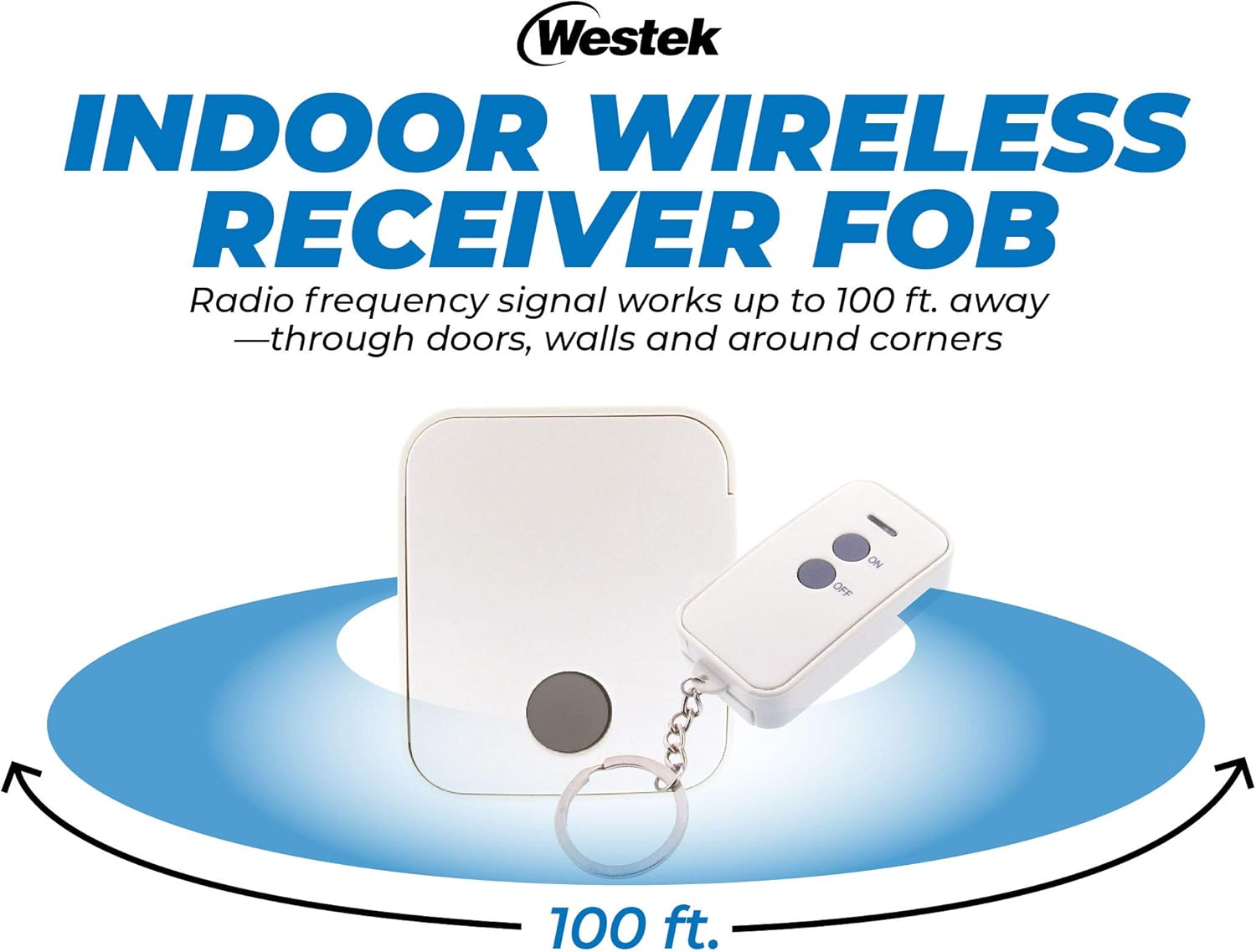
Figure 2: The wireless remote control system demonstrating its 100-foot signal range, capable of passing through obstacles like doors and walls.
Setup Instructions
Follow these simple steps to set up your Westek Wireless Remote Control Receiver Fob:
- Plug in the Device: Connect the appliance you wish to control (e.g., lamp, stereo) into the 3-prong grounded outlet on the Westek receiver.
- Plug in the Receiver: Insert the Westek receiver into a standard wall socket. Ensure the wall socket is easily accessible and provides stable power.
- Operate with Remote: Use the handheld remote control fob to turn the connected device ON or OFF.
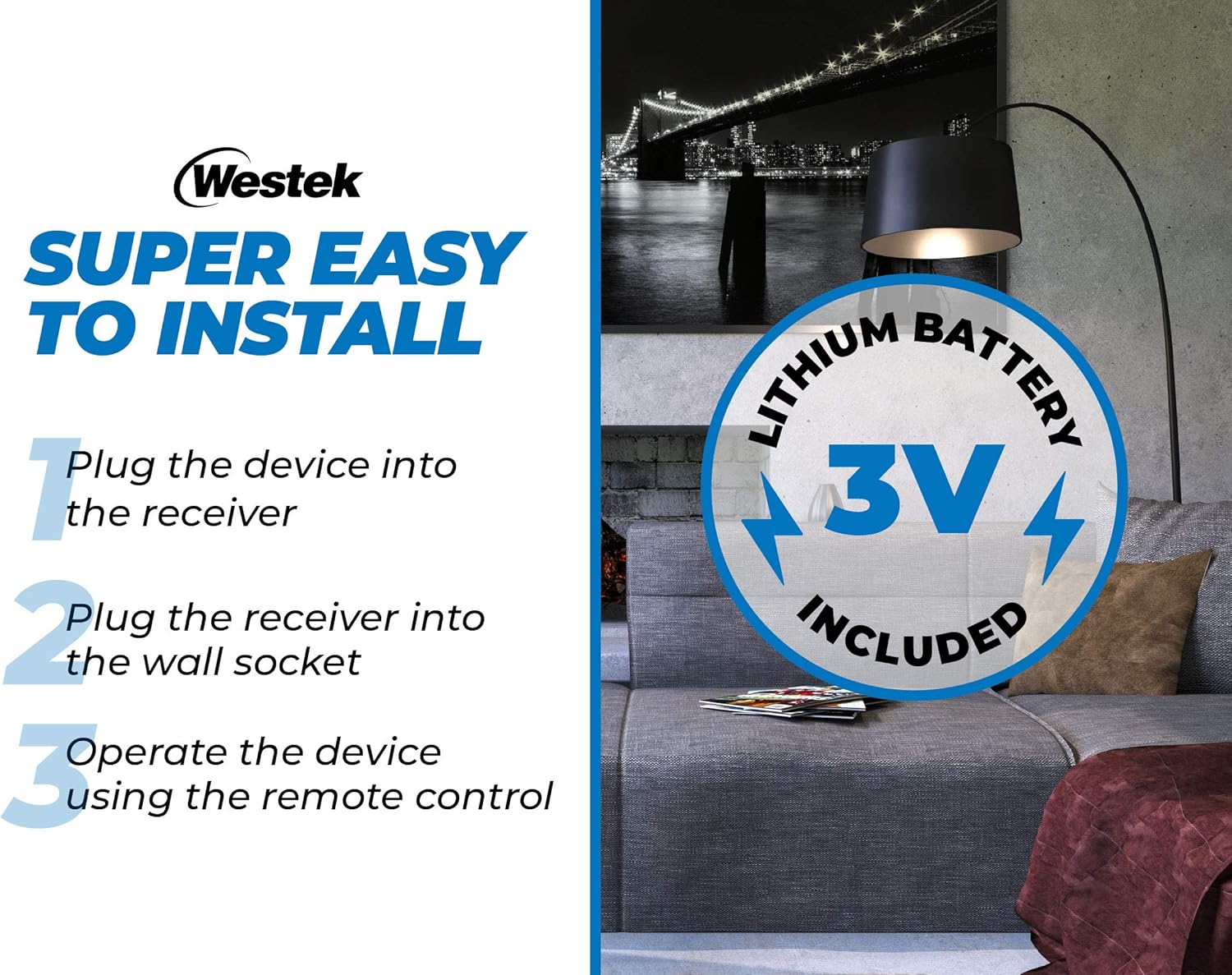
Figure 3: Visual guide for the quick and easy installation process. The remote fob includes a 3V lithium battery.
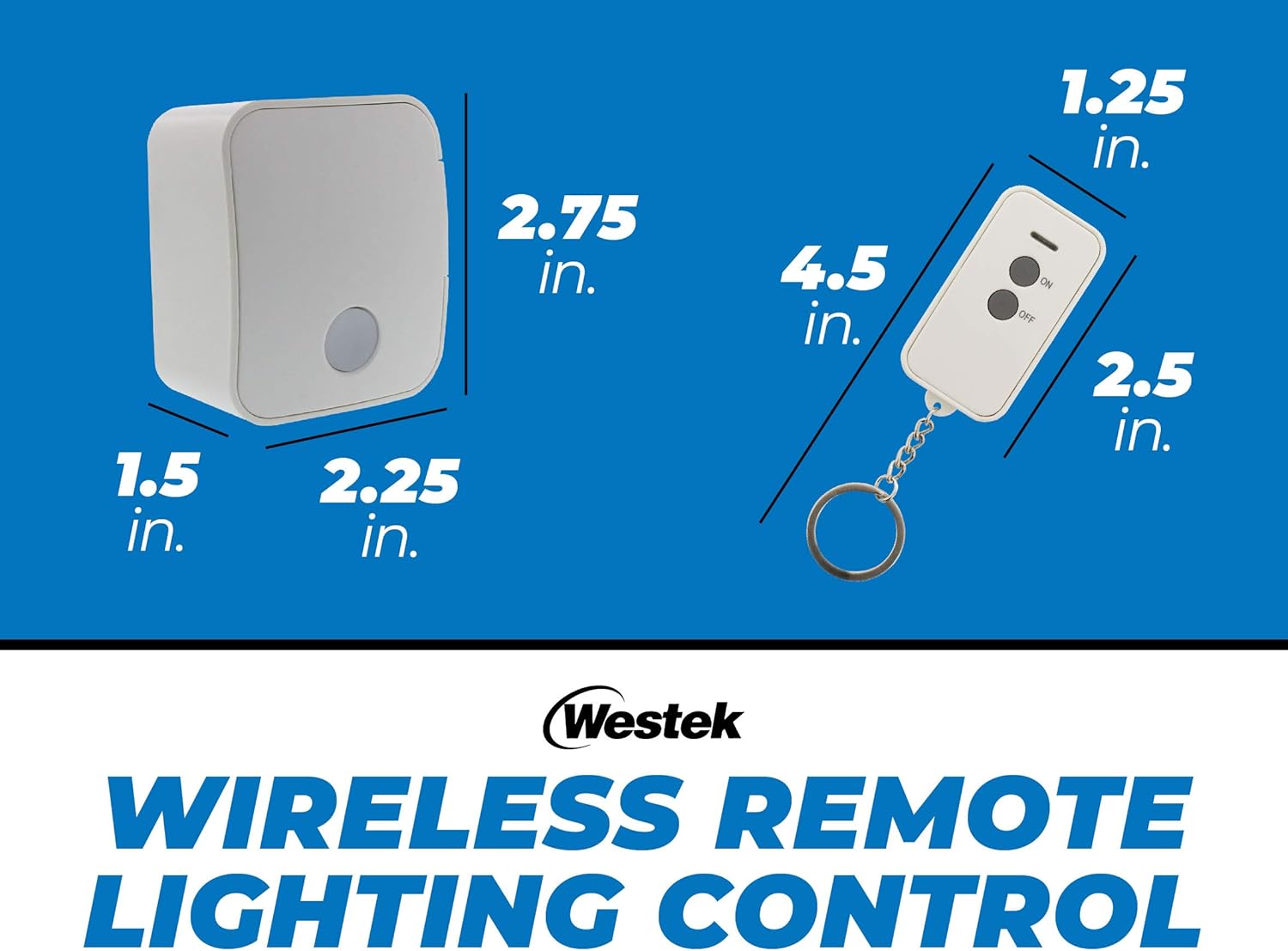
Figure 4: The receiver unit plugged into a standard wall outlet, showing its compact form factor that allows other plugs to be used in adjacent outlets.
Operating Instructions
Once the receiver is plugged into a wall outlet and your device is connected to the receiver, you can operate it using the remote control fob.
- Press the "ON" button on the remote fob to turn on the connected device.
- Press the "OFF" button on the remote fob to turn off the connected device.
- The LED indicator light on the receiver will illuminate when the connected device is ON.
- The remote control has an effective range of up to 100 feet, even through walls and around corners, thanks to its radio frequency (RF) signal.
Video Demonstration:
Video 1: A demonstration of the Westek Remote Control Light Switch for Indoor Devices, showing its functionality and ease of use.
Maintenance
To ensure optimal performance and longevity of your Westek Wireless Remote Control Receiver Fob, follow these maintenance guidelines:
- Cleaning: Wipe the receiver and remote fob with a soft, dry cloth. Do not use abrasive cleaners or solvents.
- Battery Replacement: The remote fob is powered by a 3V lithium battery. If the remote's range decreases or it stops responding, replace the battery. Refer to the remote's casing for specific battery type and replacement instructions.
- Storage: When not in use for extended periods, store the device in a cool, dry place away from direct sunlight and extreme temperatures.
Troubleshooting
If you encounter issues with your Westek Wireless Remote Control Receiver Fob, consult the following troubleshooting tips:
| Problem | Possible Cause | Solution |
|---|---|---|
| Device does not turn ON/OFF. |
|
|
| Remote range is reduced. |
|
|
| LED indicator on receiver does not light up. |
|
|
Specifications
| Feature | Detail |
|---|---|
| Model Number | 0021808509328 (RFK1606LC) |
| Brand | Westek |
| Operating Voltage | 3 Volts (for remote fob) |
| Control Method | Remote (Radio Frequency) |
| Connector Type | Plug-in, Wireless |
| Compatible Devices | Lamps, Stereos, Household Appliances |
| Wireless Range | Up to 100 feet |
| Receiver Dimensions (L x W x H) | Approximately 2.75 x 2.25 x 1.5 inches |
| Remote Fob Dimensions (L x W) | Approximately 4.5 x 1.25 inches |
| Circuit Type | 1-way |
| International Protection Rating | IP54 |
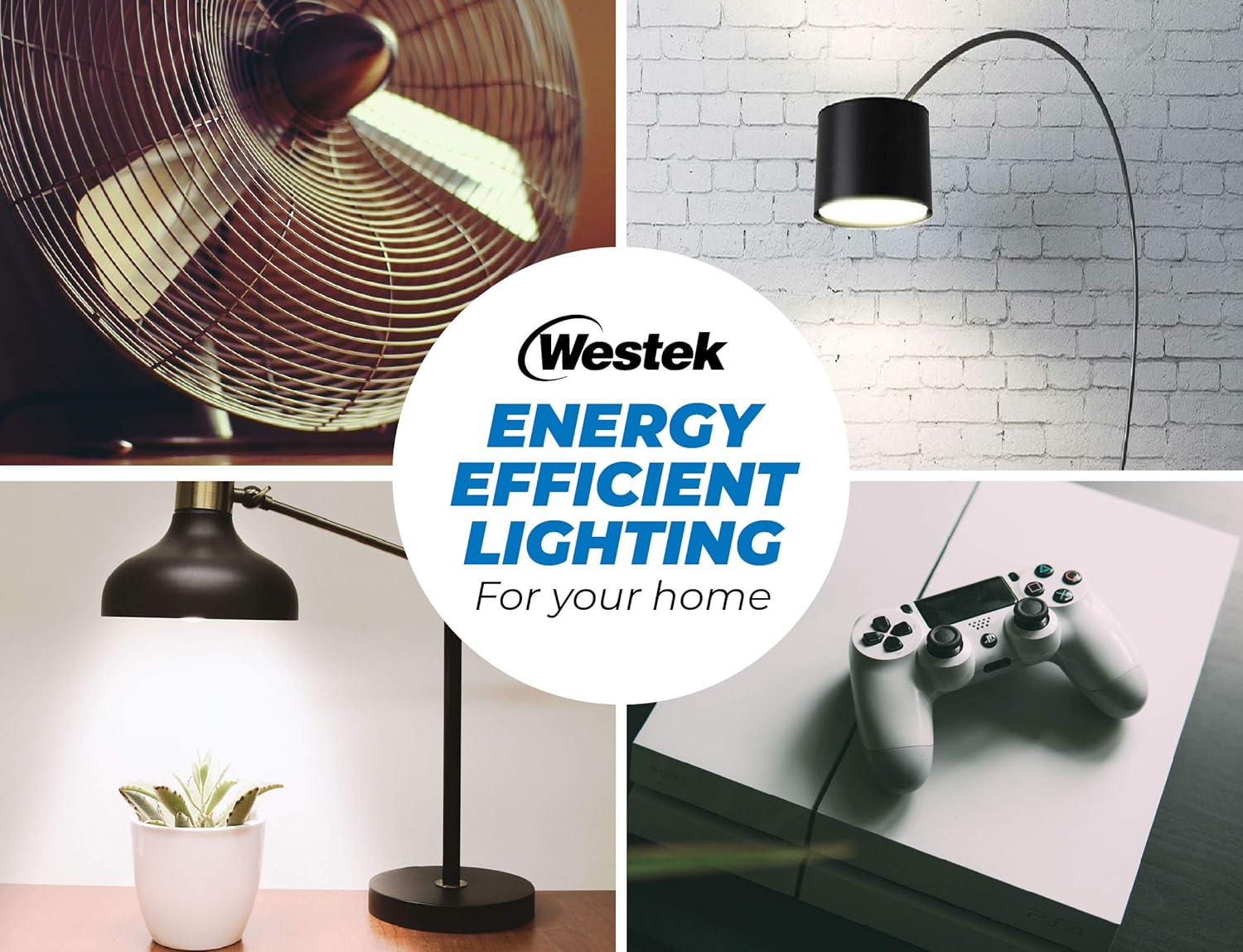
Figure 5: Dimensions of the Westek wireless receiver and remote control fob.
Warranty and Support
Limited Warranty:
Westek products are manufactured to high-quality standards. This product is covered by a limited warranty against defects in materials and workmanship for a period specified by the manufacturer. Please retain your proof of purchase for warranty claims. For specific warranty details, refer to the product packaging or contact Westek customer support.
Customer Support:
For technical assistance, troubleshooting not covered in this manual, or warranty inquiries, please contact Westek Customer Support:
- Website: Visit the Westek Store on Amazon
- Phone: Refer to product packaging for contact number (if available).
- Email: Refer to product packaging for email address (if available).


