
1. Introduction
Thank you for choosing the Maclean MCE158 Wireless Outdoor Socket Set. This product provides a convenient and safe solution for remotely controlling electrical appliances outdoors. With its IP44 protection rating, it is designed to withstand splashing water, making it suitable for various outdoor applications. The remote control allows you to switch up to four sockets on and off from a distance of up to 30 meters.
2. Safety Information
- Read all instructions carefully before use.
- Do not exceed the maximum load of 3600 W (16A). Overloading can cause damage to the device and pose a fire hazard.
- Ensure the socket is properly installed in a location protected from direct heavy rain or submersion, despite its IP44 rating.
- Do not open or attempt to repair the device yourself. Refer all servicing to qualified personnel.
- Keep the remote control and batteries out of reach of children.
- Dispose of batteries responsibly according to local regulations.
- Always disconnect power before cleaning or performing maintenance.
3. Package Contents
The package includes the following items:
- 1 x Wireless Remote Control
- 1 x Wireless Outdoor Socket (MCE158)
- 2 x AAA 1.5V Batteries (for remote control)
- 1 x Instruction Manual
4. Product Overview
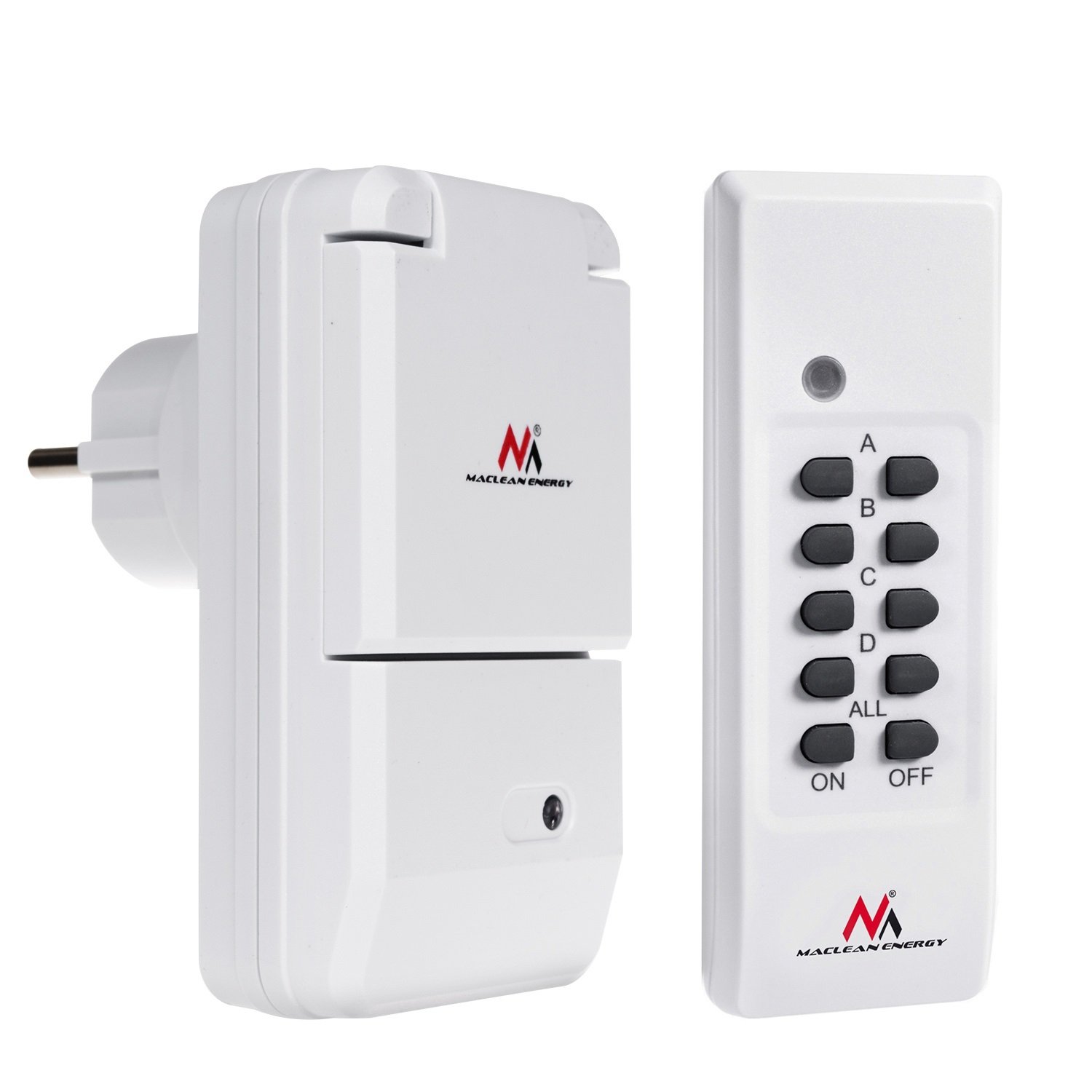
Figure 4.1: Maclean MCE158 Wireless Outdoor Socket with protective lid open.
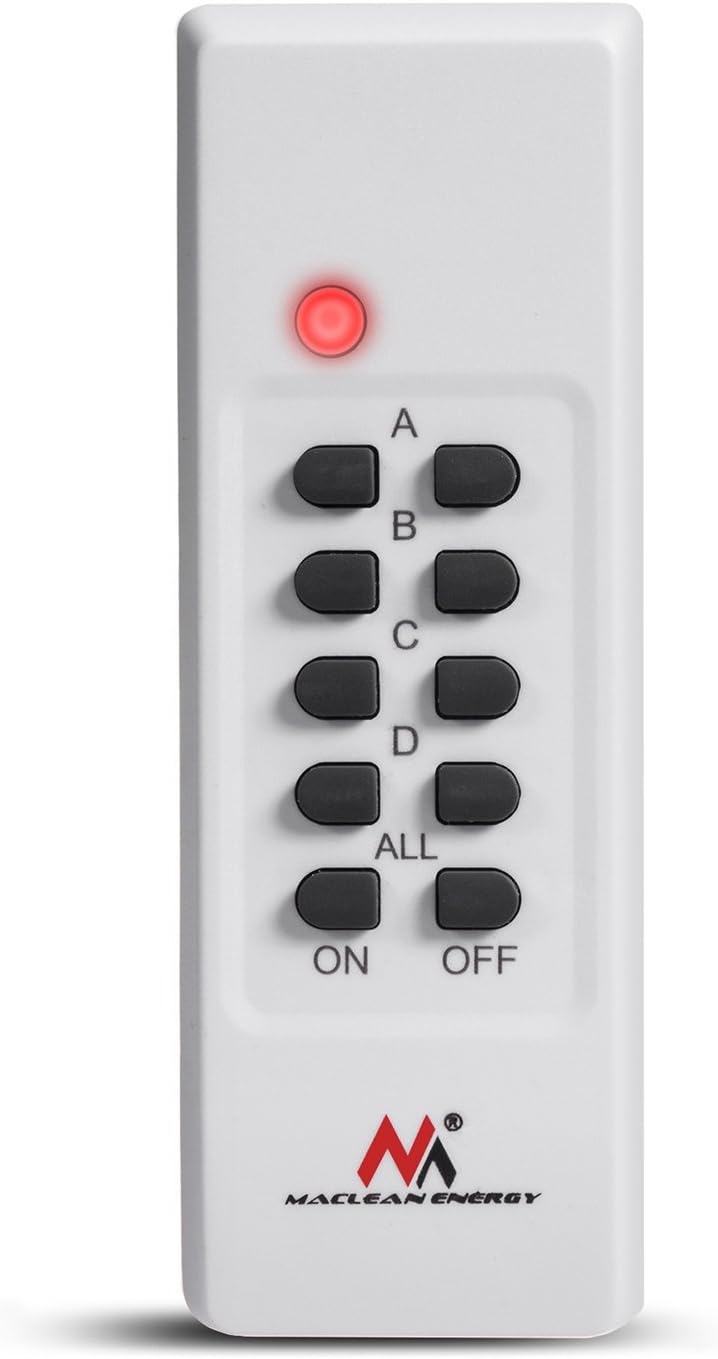
Figure 4.2: Remote control for the MCE158 wireless socket.
The Maclean MCE158 set consists of a wireless outdoor socket and a remote control. The socket features an IP44 rating for splash water protection and a hinged cover for added safety when not in use. The remote control has four channels (A, B, C, D) and master ON/OFF buttons to control multiple sockets or individual channels.
5. Setup
5.1. Installing Batteries in the Remote Control
- Locate the battery compartment on the back of the remote control.
- Slide open the battery cover.
- Insert two AAA 1.5V batteries, ensuring correct polarity (+/-).
- Close the battery cover securely.
5.2. Pairing the Socket with the Remote Control
- Plug the wireless outdoor socket into a standard 230V AC, 50Hz power outlet.
- The indicator light on the socket will flash, indicating it is in pairing mode.
- Within 5 seconds of plugging in the socket, press the desired channel button (A, B, C, or D) on the remote control, followed by the "ON" button for that channel.
- The indicator light on the socket will stop flashing and remain steadily lit or turn off, confirming successful pairing.
- To pair additional sockets (if purchased separately), repeat steps 1-4 for each socket, assigning a different channel (A, B, C, or D) to each.

Figure 5.1: Illustration of a person installing an electrical socket (for general reference).
5.3. Placement of the Outdoor Socket
Place the outdoor socket in a location where it is protected from direct heavy rain and extreme weather conditions. Ensure the hinged cover is always closed when the socket is not in use or when an appliance is plugged in to maintain its IP44 splash water protection.
6. Operating Instructions
6.1. Connecting an Appliance
Plug the electrical appliance you wish to control into the Maclean MCE158 outdoor socket. Ensure the appliance's power consumption does not exceed the maximum load of 3600 W (16A).
6.2. Using the Remote Control
- To turn on a specific socket: Press the corresponding channel button (A, B, C, or D) followed by the "ON" button for that channel.
- To turn off a specific socket: Press the corresponding channel button (A, B, C, or D) followed by the "OFF" button for that channel.
- To turn on all paired sockets simultaneously: Press the "ALL ON" button.
- To turn off all paired sockets simultaneously: Press the "ALL OFF" button.
The remote control has an operating range of approximately 30 meters in open areas. Obstacles such as walls or other electronic devices may reduce this range.
7. Maintenance
- Cleaning: Disconnect the socket from the power supply before cleaning. Use a soft, dry cloth to wipe the surfaces. Do not use abrasive cleaners or solvents.
- Battery Replacement: If the remote control's indicator light dims or the range decreases, replace the AAA batteries.
- Storage: When not in use for extended periods, store the socket and remote control in a dry, cool place away from direct sunlight.
8. Troubleshooting
| Problem | Possible Cause | Solution |
|---|---|---|
| Socket does not respond to remote. |
|
|
| Appliance connected to socket does not turn on. |
|
|
| Reduced remote control range. |
|
|
9. Specifications
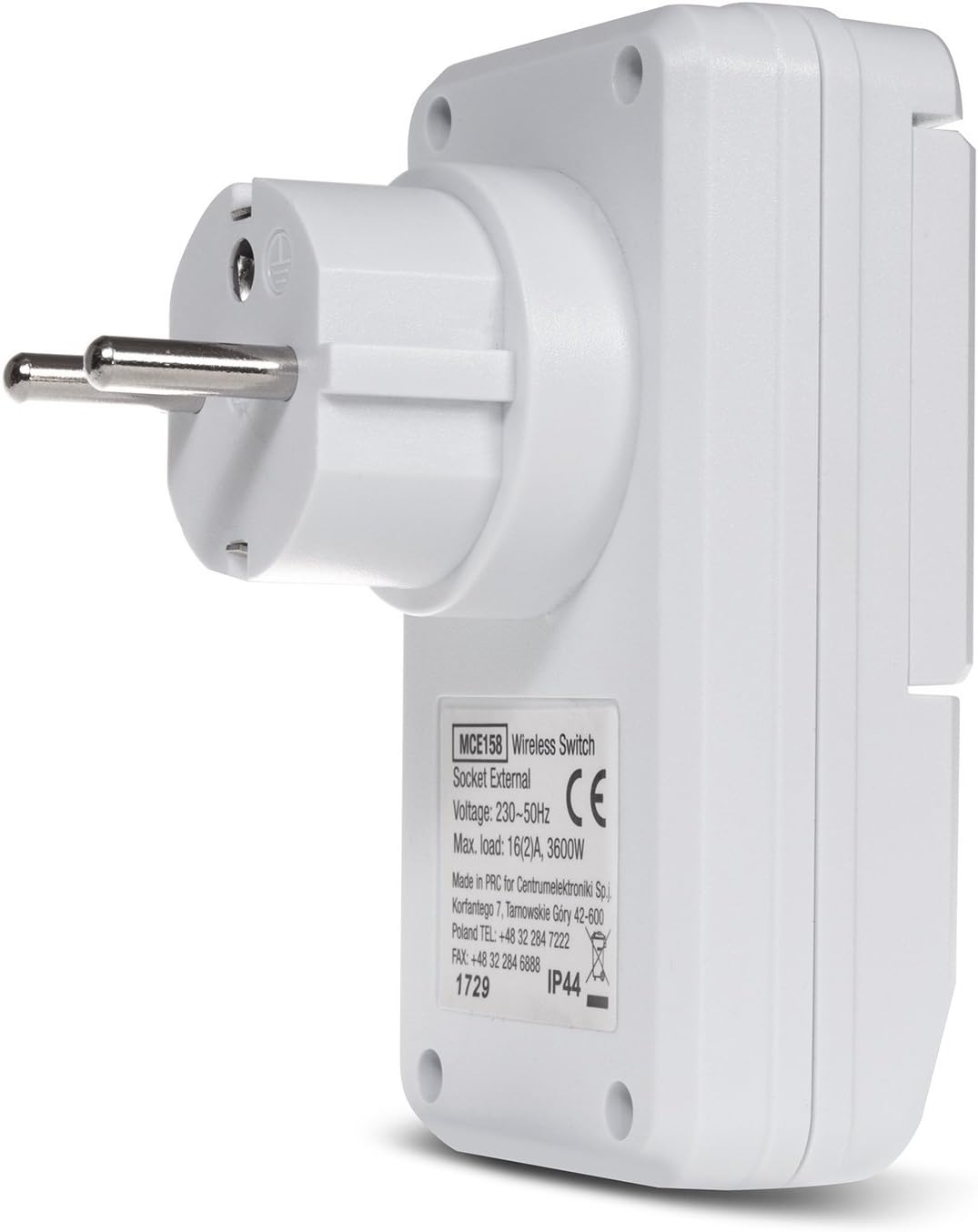
Figure 9.1: Product label with technical specifications.
| Feature | Detail |
|---|---|
| Model Number | MCE158 |
| Power Supply | 230 VAC, 50 Hz |
| Maximum Load | 16 (2) A, 3600 W |
| Frequency | 433.92 MHz |
| Remote Control Range | Approx. 30 meters (open area) |
| Remote Control Battery | 2 x AAA 1.5V |
| Protection Class | IP44 (Splash water protected) |
| Plug Type | Type C (French connection) |
10. Warranty and Support
This Maclean MCE158 Wireless Outdoor Socket Set comes with a standard manufacturer's warranty. Please refer to your purchase documentation for specific warranty terms and conditions. For technical support, troubleshooting assistance, or warranty claims, please contact your retailer or the manufacturer directly.
Manufacturer: Centrumelektroniki