
Anker Z2010011
Anker Zolo Liberty+ Total-Wireless Earphones Instruction Manual
Model: Z2010011
1. Introduction
The Zolo Liberty+ Total-Wireless Earphones offer a cable-free audio experience with advanced features. These earphones are designed with revolutionary graphene-augmented drivers for superior sound clarity and extended battery life. They incorporate adjustable ambient sound levels and smart AI integration for enhanced user interaction. The robust design ensures a secure fit and sweatproof performance, making them suitable for various activities.
2. What's in the Box
Please check the package contents to ensure all items are present:
- Zolo Liberty+ Total-Wireless Earphones
- Zolo Liberty+ Charging Case
- 4 x GripFit Jackets (various sizes)
- 3 x Ear Tips (various sizes)
- Micro-USB Cable
- User Manual
- Travel Pouch
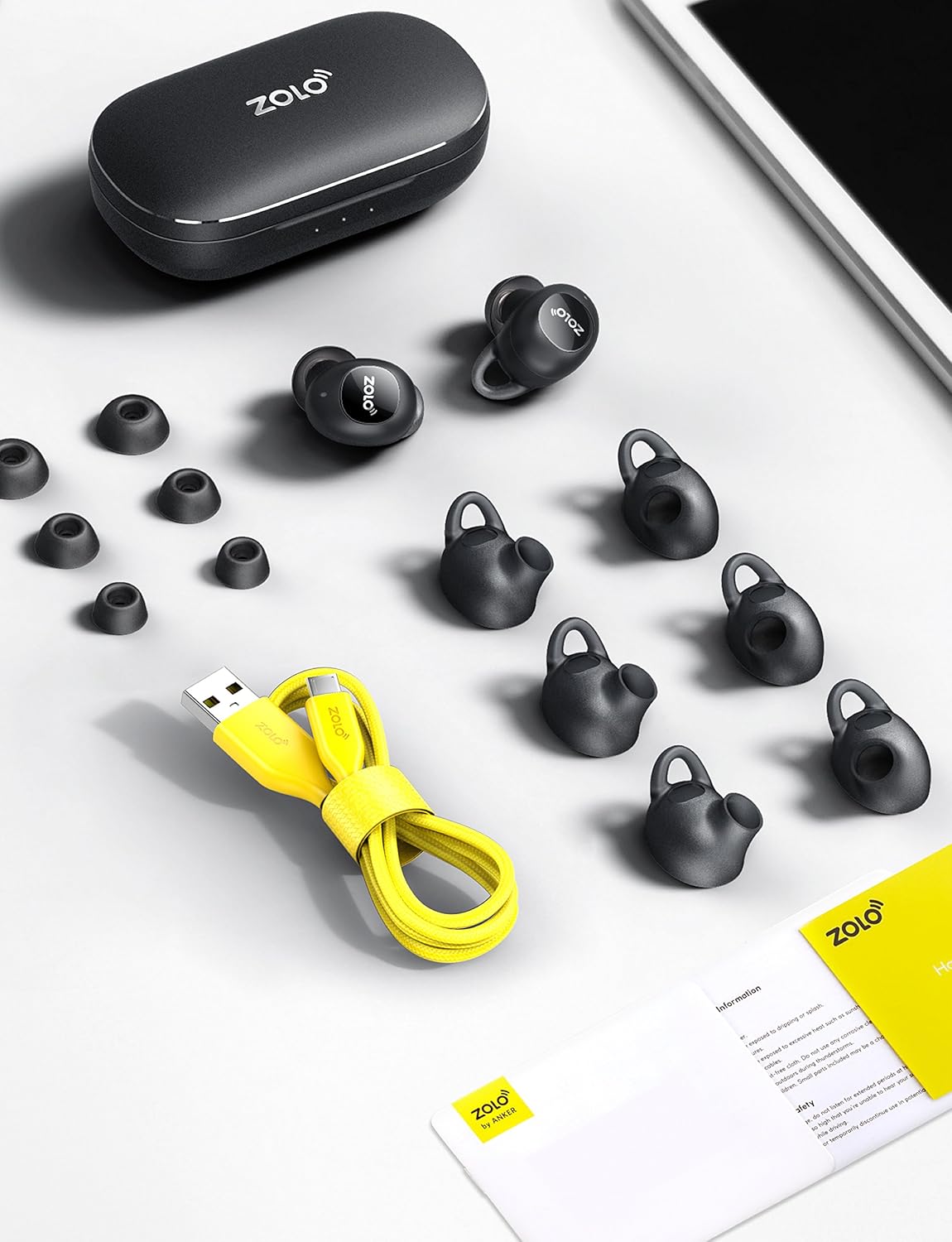
Image: All accessories included with the Zolo Liberty+ earphones, neatly arranged.
3. Setup
3.1. Charging the Earphones and Case
Before first use, fully charge the Zolo Liberty+ earphones and their charging case. Place the earphones into the charging case. The LED indicators on the case will show the charging status. A full charge provides approximately 3.5 hours of playtime, which can be extended to an impressive 48 hours with multiple recharges from the fully charged case.

Image: Zolo Liberty+ earphones in their charging case, illustrating the charging process.
3.2. Pairing with Your Device (PUSH AND GO™ Technology)
The Zolo Liberty+ features PUSH AND GO™ technology for quick and easy pairing:
- Initial Pairing: Remove both earphones from the charging case. They will automatically enter pairing mode.
- On your device (smartphone, tablet, etc.), open the Bluetooth settings.
- Select "Zolo Liberty+" from the list of available devices.
- Once connected, you will hear an audio confirmation.
- Automatic Reconnection: After the initial setup, the earphones will automatically connect to your last paired device when removed from the case. They will disconnect when returned to the case.
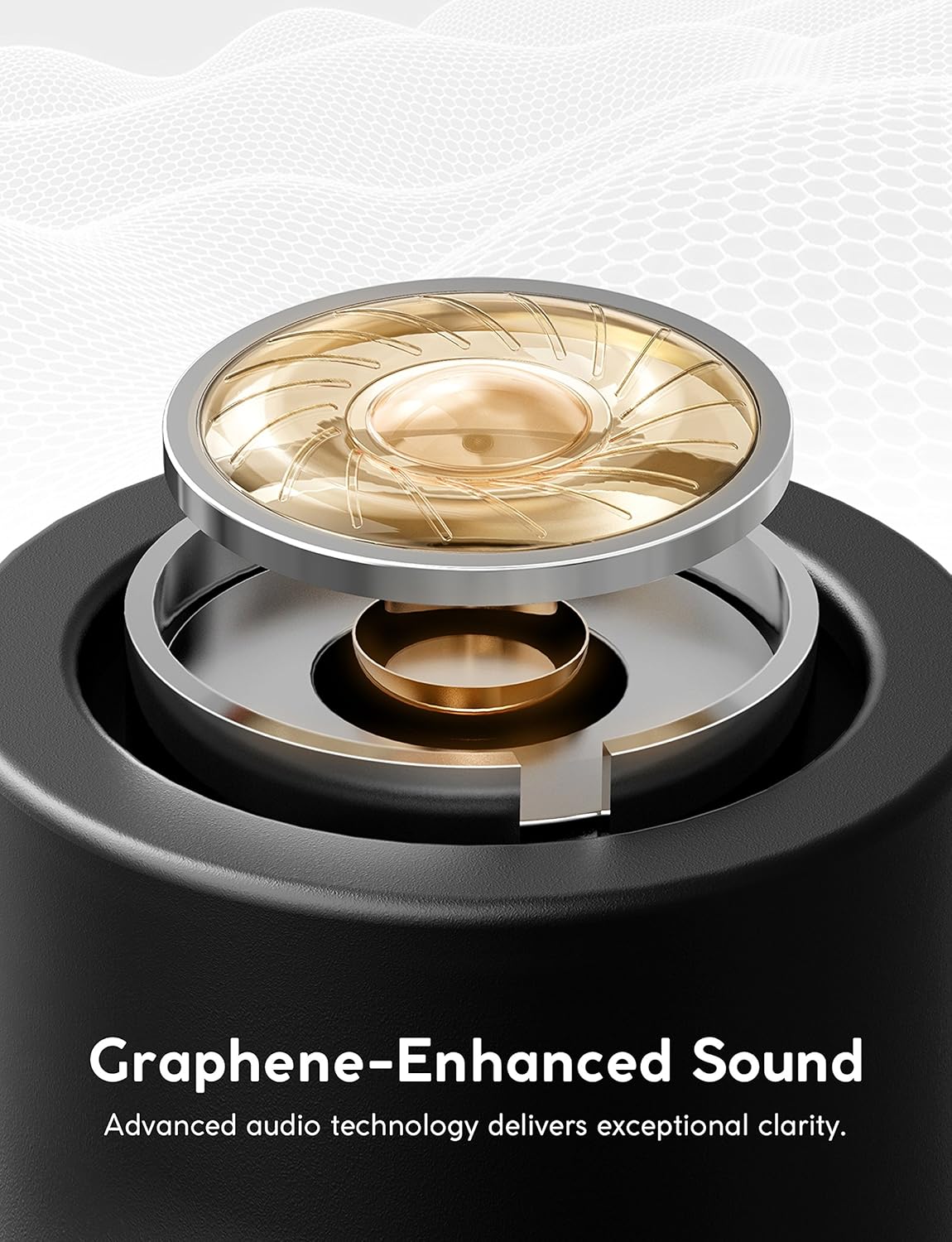
Image: A user interacting with the Zolo Liberty+ charging case and earphones, demonstrating the PUSH AND GO™ pairing process.
4. Operating Instructions
4.1. Graphene-Enhanced Sound
The Zolo Liberty+ earphones feature graphene-coated drivers. This advanced material allows for precision oscillation, delivering superior sound clarity and boosted treble. The rigid yet lightweight construction of the drivers contributes to breathtaking audio quality with deep bass and exceptional sound isolation.

Image: A close-up diagram of the graphene-enhanced driver, highlighting its advanced audio technology.
4.2. GripFit™ Technology for Secure Fit
GripFit™ technology ensures that the Liberty+ earphones fit comfortably and securely in your ear. To achieve the best fit, simply slide the earphone into your ear and gently turn to lock it into place. The included silky smooth liquid silicon Ear Tips and Grip Jackets in multiple sizes allow for personalized comfort and stability.
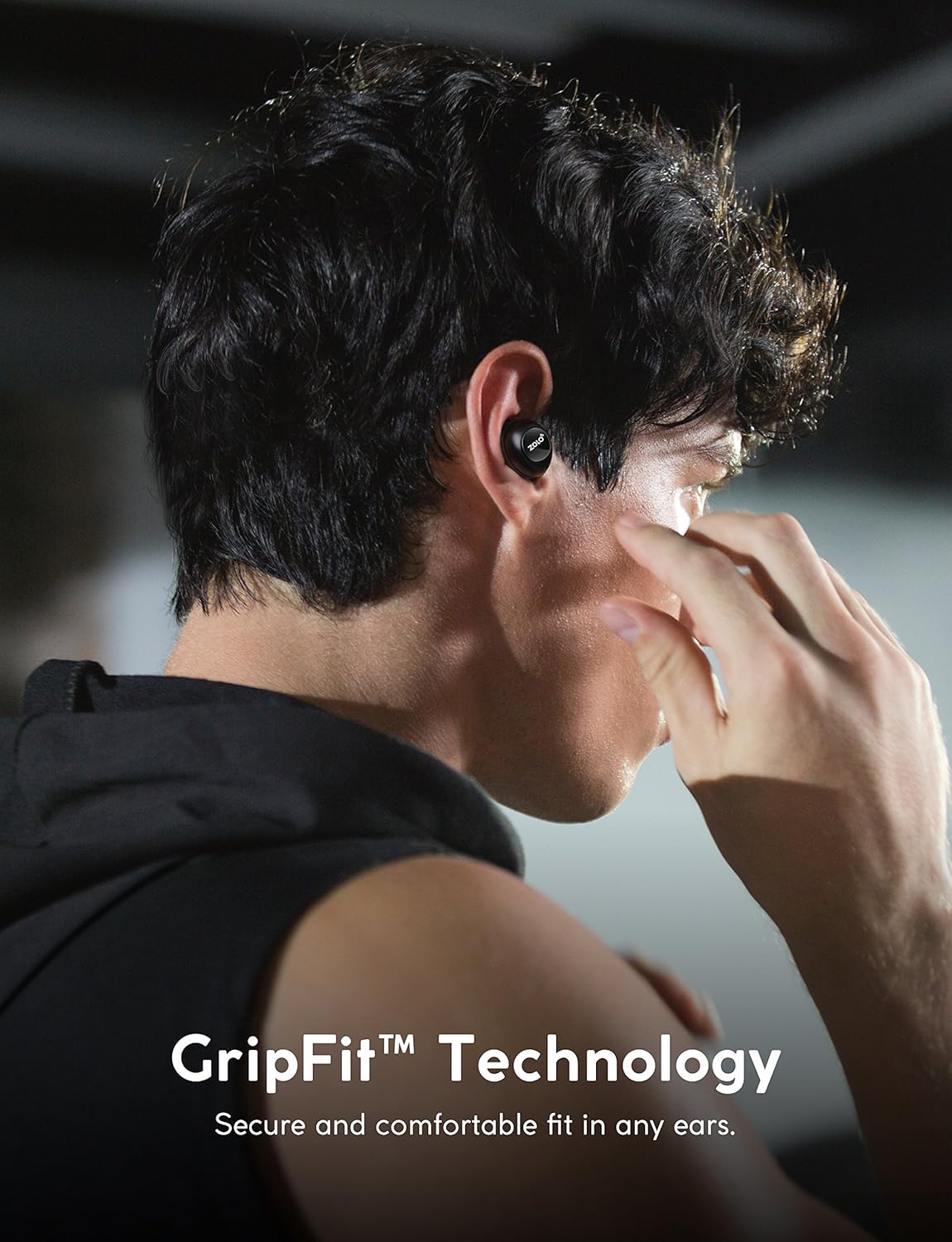
Image: A person wearing the Zolo Liberty+ earphones, illustrating the secure and comfortable fit provided by GripFit™ technology.
4.3. Toggle Audio Isolation / Smart AI Activation
With a single tap on the earphone, you can toggle sound isolation to either immerse yourself in your audio or allow ambient sounds to pass through for better awareness of your surroundings. This one-tap activation also allows you to activate your favorite AI Assistant (e.g., Siri, Google Assistant). The microphones are optimized for voice recognition, ensuring clear commands and quick responses.

Image: A user toggling the audio isolation feature, indicating the ability to switch between immersive sound and environmental awareness.
4.4. Sweatproof Design (IPX5 Rating)
The Zolo Liberty+ earphones feature an IPX5 water resistance rating. This means they are protected against low-pressure water jets from any direction, making them ideal for workouts and outdoor activities where sweat or light rain might be a factor. Ensure the earphones are dry before placing them back into the charging case.

Image: A person engaged in a strenuous activity, demonstrating the sweatproof nature of the Zolo Liberty+ earphones.
5. Maintenance
- Cleaning: Regularly clean the earphones and charging case with a soft, dry, lint-free cloth. Do not use harsh chemicals or abrasive materials.
- Ear Tips: Remove and clean the ear tips periodically with water and mild soap. Ensure they are completely dry before reattaching.
- Storage: When not in use, store the earphones in their charging case to protect them and keep them charged.
- Water Exposure: While sweatproof, avoid prolonged exposure to water. If they get wet, dry them thoroughly before charging or storing.
6. Troubleshooting
| Problem | Solution |
|---|---|
| Earphones do not turn on. | Ensure the earphones are charged. Place them in the charging case and check the LED indicators. |
| Earphones do not pair with my device. |
|
| Only one earphone is playing audio. |
|
| Poor sound quality or intermittent connection. |
|
7. Specifications
| Feature | Detail |
|---|---|
| Model Name | AK-Z2010011 |
| Connectivity Technology | Wireless (Bluetooth) |
| Bluetooth Version | 5.0 |
| Audio Driver Type | Dynamic Driver (Graphene-coated) |
| Audio Driver Size | 6 Millimeters |
| Battery Life (Earphones) | Up to 3.5 Hours |
| Total Playtime (with Charging Case) | Up to 48 Hours |
| Charging Time (Case) | 3.5 Hours |
| Water Resistance Level | IPX5 (Sweatproof) |
| Control Method | Touch |
| Special Features | Microphone Included, Voice Activated, Sound Isolation |
| Item Weight | 9.6 ounces (total package) |
| UPC | 848061057294 |
8. Warranty and Support
For warranty information, technical support, or customer service inquiries, please refer to the official Anker (Zolo) website or contact their customer support directly. Keep your proof of purchase for warranty claims.
You can often find additional resources, FAQs, and contact details on the manufacturer's official support pages.
Related documentsZ2010011


Ask a question about this manual
Ask about setup, troubleshooting, compatibility, parts, safety, or missing instructions. Manuals+ will review the question and use this page’s manual context to help answer it.