
AT&T CL82307
AT&T DECT 6.0 Expandable Cordless Phone with Answering System
Model: CL82307
Introduction
The AT&T CL82307 DECT 6.0 3-Handset Expandable Cordless Phone system offers advanced communication features for your home or office. Designed for clarity and convenience, this system includes a digital answering machine, smart call blocker, and caller ID announce capabilities. Its expandable design allows for up to 12 handsets, providing flexibility for various environments.

Image: The AT&T CL82307 cordless phone system, showing the main base unit with one handset and two additional charging cradles with handsets. The handsets feature a large display and keypad.
What's in the Box
Verify that all items are included in your package:
- 1 Base Unit
- 3 Cordless Handsets
- 2 Charging Cradles (for additional handsets)
- Power Adapters
- Telephone Line Cord
- Batteries (6 AAA batteries required, included)
- User's Manual (this document)
Setup
Follow these steps to set up your AT&T cordless phone system:
- Install Batteries: Open the battery compartment on each handset and insert the provided AAA batteries, ensuring correct polarity. Close the compartment.
- Charge Handsets: Place each handset in its respective charging cradle or the main base unit. Allow at least 11 hours for the batteries to fully charge before initial use.
- Connect Base Unit:
- Connect one end of the telephone line cord to the TEL LINE jack on the back of the base unit.
- Connect the other end of the telephone line cord to a telephone wall jack.
- Connect the small end of the power adapter to the POWER jack on the back of the base unit.
- Plug the large end of the power adapter into an electrical outlet not controlled by a wall switch.
- Connect Charging Cradles: For the additional handsets, connect the power adapter to each charging cradle and plug it into an electrical outlet.
- Set Date and Time: Once the handsets are charged, follow the on-screen prompts or refer to the "Settings" section to set the correct date and time.

Image: Rear view of the main base unit, illustrating the connection points for the telephone line cord and power adapter. This shows how to properly connect the unit to a phone jack and power source.
Operating Instructions
Making and Receiving Calls
- To Make a Call: Press the PHONE button, then dial the number.
- To Answer a Call: When the phone rings, press the PHONE button.
- To End a Call: Press the OFF button or place the handset back in the cradle.
Digital Answering System
The integrated digital answering system can record up to 22 minutes of messages, announcements, and memos.
- Playing Messages: Press the PLAY/STOP button on the base unit or access the "Play Messages" option from the handset menu.
- Recording an Announcement: Access the answering system menu on the handset or base and select the option to record your outgoing announcement.

Image: A detailed view of the base unit's answering system controls, including play/stop, skip, repeat, and volume buttons. This illustrates the physical controls for managing messages.
Smart Call Blocker
This feature automatically blocks robocalls and allows you to blacklist unwanted numbers.
- Blocking a Number: During a call or from the Caller ID log, press the CALL BLOCK button to add the number to the block list. The system can store up to 1,000 entries.
- Robocall Blocking: Robocalls are automatically blocked from ringing through.
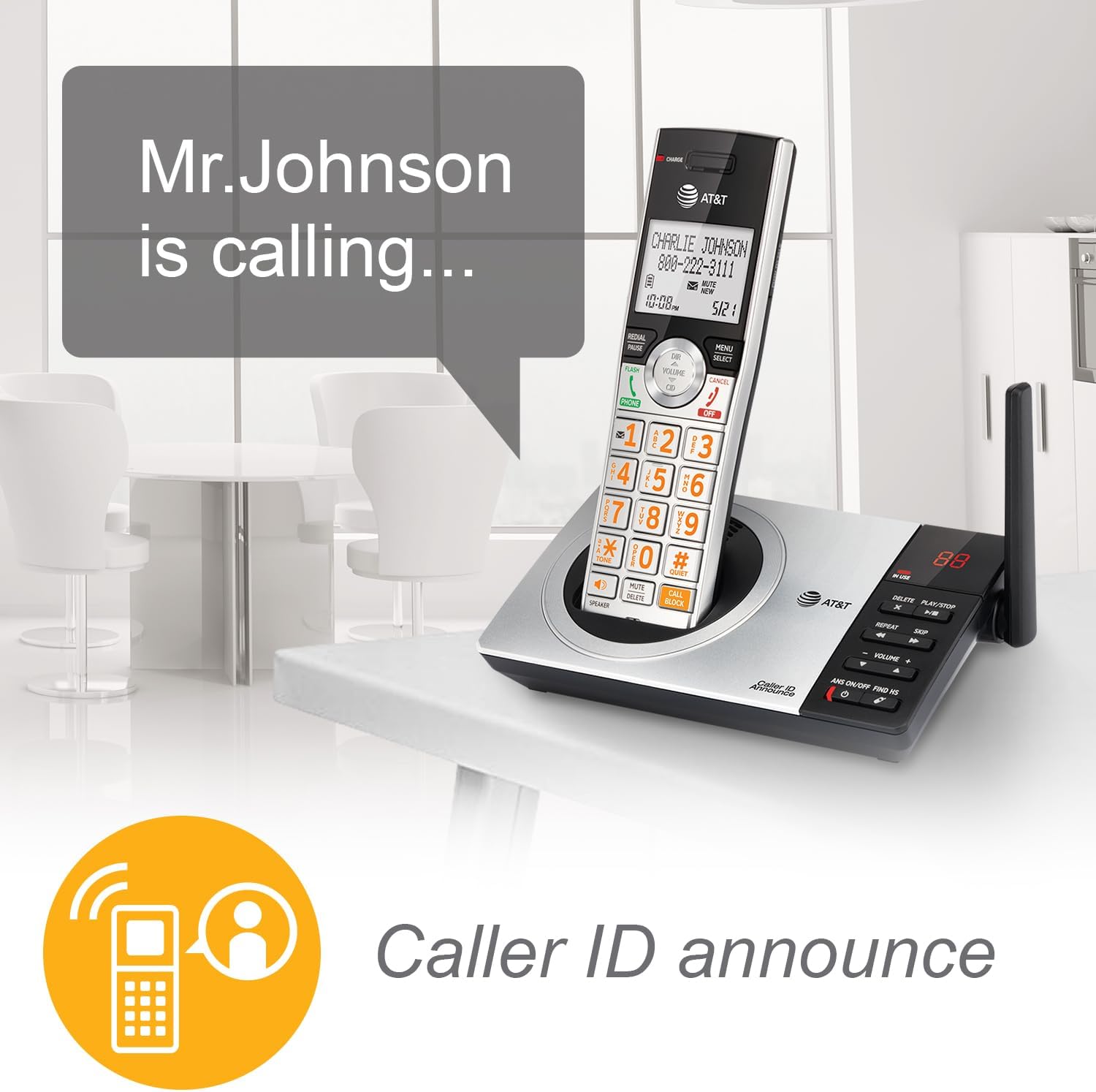
Image: A close-up of the handset keypad, emphasizing the dedicated "CALL BLOCK" button. This shows the ease of access for blocking unwanted calls.
Caller ID Announce
The handset announces the name of the caller, allowing you to screen calls without looking at the display.
- Enabling/Disabling: This feature can be toggled on or off through the handset's settings menu.

Image: The phone base unit with a visual representation of the Caller ID Announce feature, showing a speech bubble with "Mr. Johnson is calling..." next to the handset display.
Handset Speakerphone
Engage in hands-free conversations with the built-in full-duplex speakerphone on each handset.
- Activating Speakerphone: During a call, press the SPEAKER button to switch to speakerphone mode. Press again to return to handset mode.

Image: A woman using the handset's speakerphone feature while preparing food in a kitchen, demonstrating hands-free communication.
Intercom and Push-to-Talk
Communicate instantly between handsets or with the base unit.
- Intercom: Use the intercom feature to have private conversations between handsets.
- Push-to-Talk: Press and hold the PUSH TO TALK button on the side of the handset to broadcast a message to other handsets.

Image: A woman holding the handset, with a close-up highlighting the "PUSH TO TALK" button on the side, illustrating its location for quick communication.
Quiet Mode
Temporarily silence all ringers on the base unit and all handsets for a set period.
- Activating Quiet Mode: Access the settings menu on the handset or base and select "Quiet Mode" to set the desired duration.

Image: The handset keypad with the "#QUIET" button circled, accompanied by an image of a person meditating, visually representing the quiet mode feature.
Display and Keypad
The phone features a high-contrast backlit LCD and large, lighted keypad for easy visibility and dialing.
- Extra-Large Display: Provides clear readability of caller ID and menu options.
- Big Buttons: Facilitate easy and accurate dialing, especially in low-light conditions.

Image: A close-up view of the handset's extra-large display, showing clear caller ID information, emphasizing its readability.

Image: A close-up of the handset's keypad, highlighting the large, illuminated buttons for easy dialing in various lighting conditions.
HD Audio
Experience enhanced sound quality with HD audio and a customizable equalizer.
Image: A woman holding the handset, with graphic equalizer bars overlaid, illustrating the HD audio and customizable sound settings.
Maintenance
Battery Care
- Use only the supplied batteries or equivalent replacements.
- Do not dispose of batteries in a fire. They may explode.
- Do not open or mutilate the batteries. Released electrolyte is corrosive and may cause burns or injury to the eyes or skin.
- Charge the batteries for at least 11 hours before initial use.
Cleaning
- Clean the product with a soft, damp cloth. Do not use harsh cleaning agents or abrasive materials.
- Avoid getting water into any openings.
Troubleshooting
| Problem | Solution |
|---|---|
| No dial tone. |
|
| Handset does not charge. |
|
| Cannot hear caller or caller cannot hear me. |
|
| Answering system not recording messages. |
|
Specifications
- Product Dimensions: 6.3 x 7.26 x 3.96 inches
- Item Weight: 1 pounds (16 ounces)
- Model Number: CL82307
- Batteries: 6 AAA batteries required (included)
- Telephone Type: Cordless
- Material: Metal, Plastic
- Power Source: Corded Electric
- Answering System Type: Digital
- DECT Technology: 6.0
- Expandability: Up to 12 handsets
Warranty and Support
For warranty information and technical support, please refer to the official AT&T product documentation or visit the AT&T support website. Keep your purchase receipt as proof of purchase for warranty claims.
- User Manual (PDF): Download User Manual
- Installation Manual (PDF): Download Installation Manual
- AT&T Store: Visit the AT&T Store on Amazon
Related documentsCL82307


Ask a question about this manual
Ask about setup, troubleshooting, compatibility, parts, safety, or missing instructions. Manuals+ will review the question and use this page’s manual context to help answer it.