Introduction
The House of Marley Smile Jamaica Wireless earphones combine FSC Certified Wood and recyclable aluminum housings for a unique and sustainable design. Featuring a noise-isolating design and 9mm dynamic drivers, these earphones deliver rich and full sound. Designed for comfort and convenience, they offer Bluetooth connectivity and up to 8 hours of playtime.

Image: House of Marley Smile Jamaica Wireless Earphones, showcasing their design with wood accents and neckband.
What's in the Box
- Instruction Book
- Eartips (1xM, 2xM)
- Micro USB charging cable
- Protective Case
Setup
Charging Your Earphones
Before first use, fully charge your Smile Jamaica Wireless earphones. Connect the supplied Micro USB charging cable to the charging port on the neckband. Plug the other end into a USB power source (not included). The LED indicator will show charging status.

Image: Micro USB charging cable connected to the earphones, ready for charging.
Bluetooth Pairing
- Ensure the earphones are turned off.
- Press and hold the power button until the LED indicator flashes blue and red, indicating pairing mode.
- On your device (smartphone, tablet, etc.), enable Bluetooth and search for available devices.
- Select "Smile Jamaica Wireless" from the list.
- Once connected, the LED indicator will turn solid blue.
Optimal Fit
The Smile Jamaica Wireless earphones come with 2 sizes of eco-friendly REGRIND silicone ear tips. Experiment with different sizes to find the most comfortable and secure fit for optimal sound isolation and audio performance. The lightweight and flexible neckband is designed to rest comfortably around your collar.
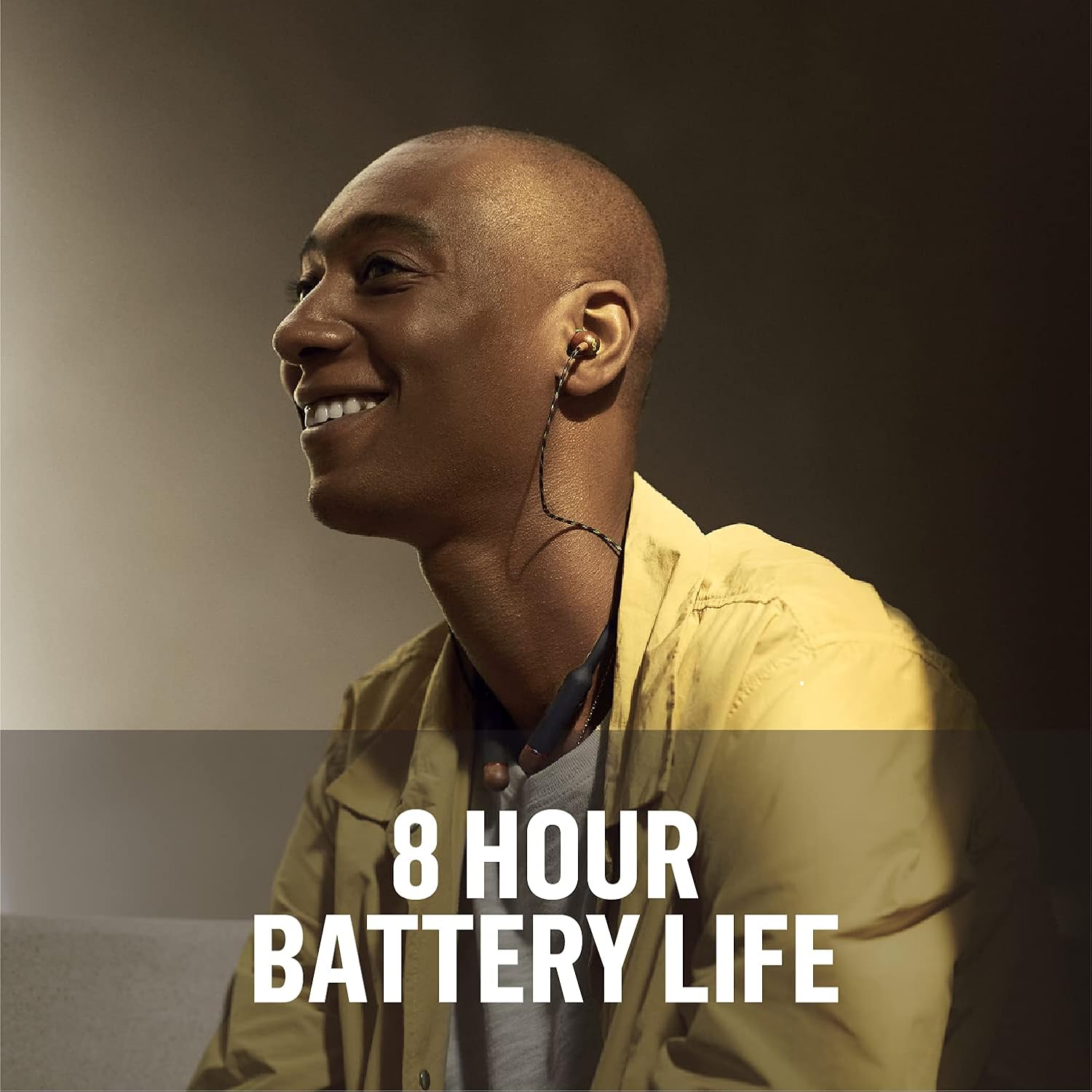
Image: A person wearing the Smile Jamaica Wireless earphones, demonstrating the comfortable and secure fit of the ear tips and neckband.
Operating Your Earphones
3-Button Controls
The neckband features intuitive 3-button controls for managing your audio and calls:
- Volume Up (+): Press to increase volume.
- Volume Down (-): Press to decrease volume.
- Multi-function Button (Center):
- Press once to Play/Pause music.
- Press once to Answer/End calls.
- Press and hold to Power On/Off.
- Double-press for Next Track.
- Triple-press for Previous Track.

Image: Detailed view of the 3-button controls on the neckband, highlighting the volume and multi-function buttons.
Making and Receiving Calls
The Smile Jamaica Wireless earphones include an onboard microphone for hands-free calling. Use the multi-function button to answer or end calls as described above.
Battery Life
Enjoy up to 8 hours of continuous playtime on a full charge, allowing for all-day listening. Actual battery life may vary based on volume level and audio content.

Image: A person enjoying music with the earphones, emphasizing the 8-hour battery life.
Maintenance and Care
To ensure the longevity of your Smile Jamaica Wireless earphones, follow these care guidelines:
- Clean the ear tips regularly with a soft, damp cloth.
- Wipe the neckband and earbud housings with a dry, soft cloth.
- Avoid exposing the earphones to extreme temperatures or direct sunlight for prolonged periods.
- While sweatproof with an IPX4 rating, avoid submerging the earphones in water.
- Store the earphones in the provided protective case when not in use to prevent tangling and damage.
Troubleshooting
| Problem | Solution |
|---|---|
| Earphones not turning on | Ensure the earphones are fully charged. Press and hold the power button for several seconds. |
| Cannot pair with device | Ensure earphones are in pairing mode (flashing blue/red LED). Turn off and on Bluetooth on your device. Move earphones closer to your device. |
| No sound or low volume | Check volume levels on both earphones and your device. Ensure earphones are properly connected. Try re-pairing. |
| Intermittent connection | Move closer to your device. Avoid obstacles between earphones and device. Ensure no other strong wireless signals are interfering. |
| Microphone not working | Ensure the earphones are selected as the audio input device on your phone. Check for any obstructions near the microphone. |
Technical Specifications
| Feature | Detail |
|---|---|
| Model Name | Smile Jamaica |
| Connectivity Technology | Bluetooth |
| Wireless Communication Technology | Bluetooth |
| Control Type | Volume Control, Touch |
| Item Weight | 0.15 Kilograms (5.1 ounces) |
| Water Resistance Level | Water Resistant (IPX4) |
| Frequency Range | 20 Hz - 20,000 Hz |
| Battery Life | 8 Hours |
| Audio Driver Type | Dynamic Driver |
| Bluetooth Version | 5.0 |
| Noise Control | Sound Isolation |
| Material | Kunststof, Hout (FSC Certified Wood) |
| Product Dimensions | 8 x 6 x 1.38 inches |
Warranty and Support
House of Marley products are manufactured with a commitment to quality. For detailed warranty information and customer support, please refer to the warranty card included in your product packaging or visit the official House of Marley website. You can also find FAQs and additional support resources online.
For direct assistance, please contact House of Marley customer service through their official channels.


