
Introduction
The Panasonic SC-UX102E-K is a compact mini audio system designed to deliver powerful and clear sound. Featuring a 2-way speaker system with 13 cm woofers, it offers versatile audio playback options including CD, CD-R/RW, Bluetooth, USB, DAB/DAB+ radio, FM radio with RDS, and an AUX input. This manual provides essential information for the proper setup, operation, and maintenance of your system.
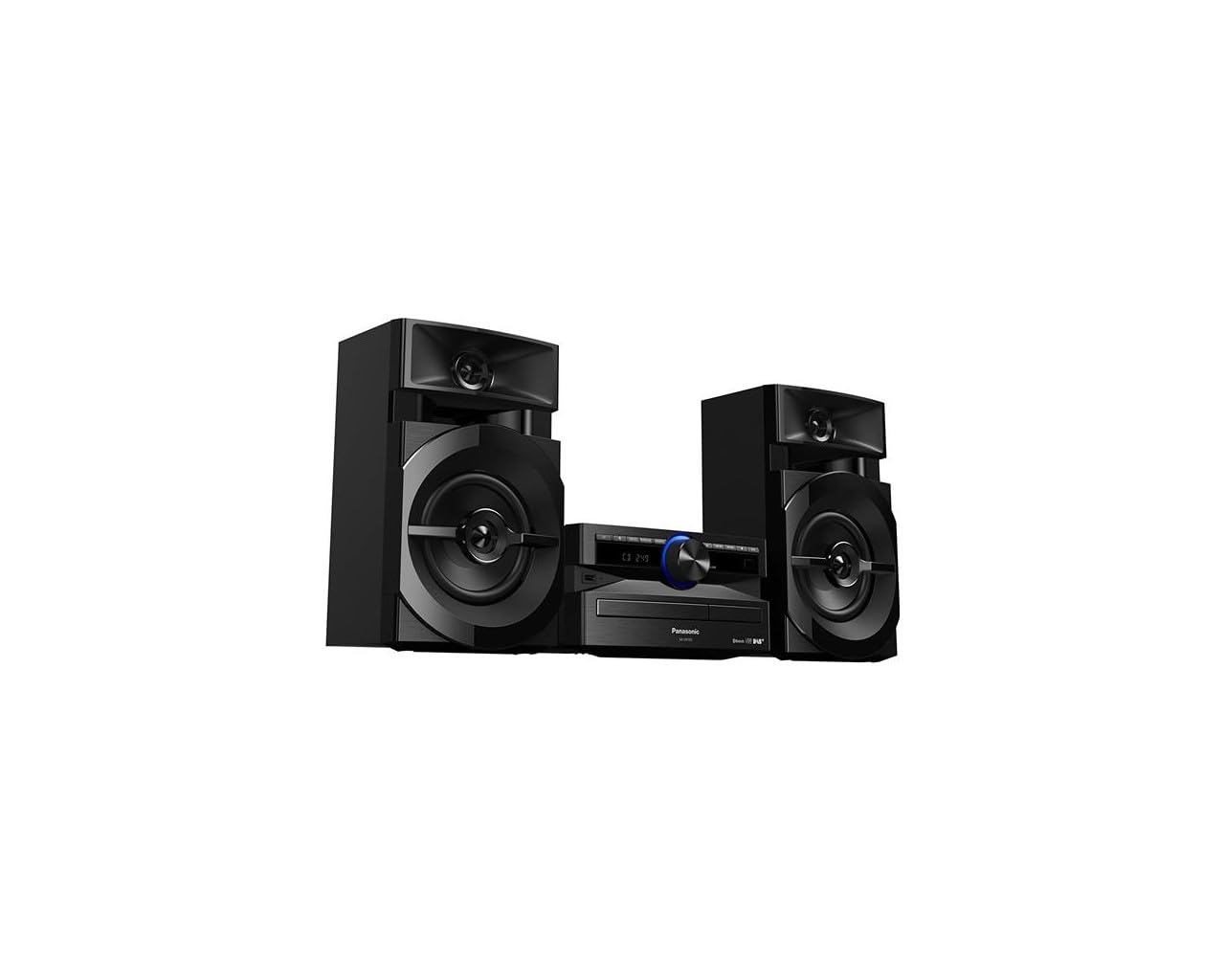
Image: The Panasonic SC-UX102E-K Mini System, featuring the central unit and two speakers.
Safety Information
Please read all safety instructions carefully before using this product. Keep this manual for future reference.
- Power Source: Connect the unit only to the specified power supply.
- Ventilation: Ensure adequate ventilation around the unit. Do not block ventilation openings.
- Water and Moisture: Do not expose the unit to rain, moisture, or dripping/splashing liquids.
- Heat: Keep the unit away from heat sources such as radiators, heat registers, stoves, or other apparatus that produce heat.
- Servicing: Do not attempt to service this product yourself. Refer all servicing to qualified service personnel.
Setup
1. Unpacking
Carefully remove all components from the packaging. Ensure all accessories are present: main unit, two speakers, remote control, power cord, and FM/DAB antenna.
2. Speaker Connection
Connect the speaker wires to the corresponding terminals on the main unit and speakers. Ensure correct polarity (+ to + and - to -) for optimal sound quality. The left speaker connects to the LEFT terminals, and the right speaker to the RIGHT terminals.
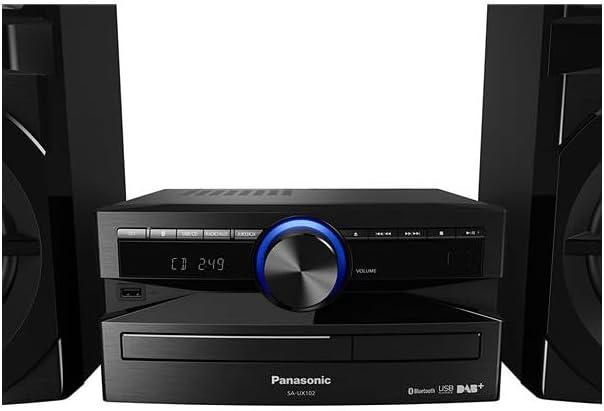
Image: Rear view of the main unit, illustrating speaker wire connections.
3. Antenna Connection
Connect the supplied FM/DAB antenna to the antenna terminal on the rear of the main unit. Extend the antenna fully and position it for best reception.
4. Power Connection
Plug the power cord into the AC IN terminal on the main unit, then plug the other end into a wall outlet.
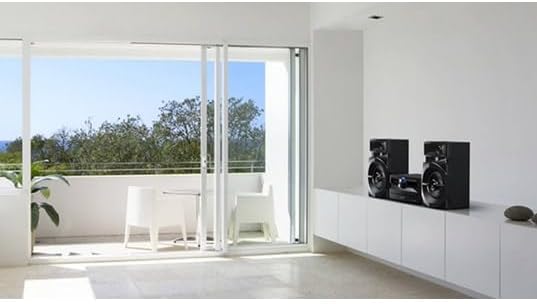
Image: The Panasonic SC-UX102E-K Mini System positioned in a living space.
Operating Instructions
1. Basic Operation
- Power On/Off: Press the [POWER] button on the unit or remote control.
- Volume Control: Rotate the [VOLUME] knob or use the [VOL +/-] buttons on the remote.
- Source Selection: Press the [FUNCTION] button repeatedly to cycle through CD, Bluetooth, USB, DAB/DAB+, FM, and AUX.

Image: Front panel of the main unit, showing the display and control buttons.
2. CD Playback
- Press [FUNCTION] to select the CD source.
- Press the [OPEN/CLOSE] button to open the CD tray.
- Place a CD with the label side up and close the tray.
- Playback will start automatically. Use [PLAY/PAUSE], [SKIP], and [STOP] buttons for control.
3. Bluetooth Connection
- Press [FUNCTION] to select the Bluetooth source. The display will show "PAIRING".
- On your Bluetooth device (smartphone, tablet), enable Bluetooth and search for available devices.
- Select "SC-UX102E-K" from the list. Once connected, the display will show "CONNECTED".
- Play audio from your device.
4. USB Playback
- Insert a USB device into the USB port on the front of the unit.
- Press [FUNCTION] to select the USB source.
- The unit will automatically detect and begin playing supported audio files (e.g., MP3, WAV).
- Use the [SKIP] buttons to navigate tracks or folders.
5. DAB/DAB+ Radio
- Press [FUNCTION] to select the DAB source.
- The unit will perform an auto-scan for available DAB/DAB+ stations upon first use.
- Use the [TUNING] buttons to select a station.
- To save a station as a preset, press and hold a numbered preset button until the display confirms.
6. FM Radio
- Press [FUNCTION] to select the FM source.
- Auto Tuning: Press and hold the [TUNING] buttons to automatically search for the next available station.
- Manual Tuning: Press the [TUNING] buttons briefly to adjust the frequency step by step.
- To save a station as a preset, press and hold a numbered preset button until the display confirms.
7. AUX Input
- Connect an external audio device (e.g., MP3 player, PC) to the AUX IN jack on the main unit using a 3.5mm audio cable.
- Press [FUNCTION] to select the AUX source.
- Play audio from your connected device.
Maintenance
1. Cleaning the Unit
Wipe the exterior of the unit with a soft, dry cloth. Do not use abrasive cleaners, waxes, or solvents as they can damage the finish.
2. Cleaning the CD Lens
If CD playback becomes erratic, use a commercially available CD lens cleaner to clean the lens. Follow the instructions provided with the cleaner.
Troubleshooting
| Problem | Possible Cause | Solution |
|---|---|---|
| No power | Power cord not connected securely. | Check power cord connection to the unit and wall outlet. |
| No sound | Volume is too low or muted. Speaker wires are incorrectly connected. | Increase volume. Check speaker wire connections and polarity. |
| Bluetooth pairing fails | Bluetooth device is too far or not in pairing mode. | Ensure device is within 10 meters. Put the unit in pairing mode and retry. |
| USB device not recognized (NO DEVICE) | USB device is not formatted correctly or unsupported. | Ensure USB device is formatted to FAT16 or FAT32. Try a different USB device. |
| Poor radio reception | Antenna is not properly positioned or connected. Interference from other devices. | Adjust antenna position. Move the unit away from other electronic devices. |
| CD playback skips or stops | CD is dirty or scratched. CD lens is dirty. | Clean the CD. Use a CD lens cleaner. |
Specifications
- Brand: Panasonic
- Model Number: SC-UX102E-K
- Connectivity Technology: USB, Bluetooth
- Color: Black
- Speaker Type: Stereo, 2-way speakers with 13 cm woofers
- Item Dimensions (LxWxH): 22.7 x 25 x 13.2 cm (main unit)
- Power Source: Electric
- Compatible Devices: Smartphone, Tablet, MP3 Player, PC
- Power Output: 300 W (Total RMS, approximate)
- Supported Standards: CD-DA, CD-R/RW
- Audio Format Support: CD-DA, MP3, WAV (via USB)
- Number of Speakers: 2
- Audio Output Mode: Stereo
- Radio Tuner: DAB/DAB+, FM (30FM/15AM RDS presets)
- Weight: 3.7 Kilograms (main unit)
Warranty Information
This Panasonic product is covered by a standard manufacturer's warranty. The specific terms and duration of the warranty may vary by region. Please refer to the warranty card included with your product or visit the official Panasonic website for detailed information regarding warranty coverage and claims.
Customer Support
For technical assistance, troubleshooting beyond this manual, or service inquiries, please contact Panasonic customer support. You can find contact information, including phone numbers and online support resources, on the official Panasonic website for your region. Please have your model number (SC-UX102E-K) and serial number ready when contacting support.


