
Oransi OV200
Oransi OV200 Air Purifier User Manual
Model: OV200
Product Overview
The Oransi OV200 air purifier is designed to improve indoor air quality by effectively removing airborne particles and odors. Its compact and lightweight design makes it suitable for various rooms, including bedrooms, offices, and living rooms. The unit incorporates advanced filtration technology to ensure cleaner and fresher air.
Key Features
- Large Room Coverage: Effectively purifies air in rooms up to 400 sq. ft., ideal for various living spaces.
- Advanced Filtration: Features a HEPA filter for capturing dust, pollen, mold, and pet dander, and an activated carbon filter for odor removal.
- Quiet Operation: Designed for ultra-quiet performance, with noise levels as low as 30 dB, ensuring peaceful sleep.
- User-Friendly Controls: Equipped with electronic controls, a remote control, and an indicator for filter replacement.
- Energy Efficient: Operates at a low wattage of 60 watts, minimizing energy consumption.
- Safety Certified: ETL certified and approved by the California Air Resources Board, ensuring safe operation without ionizers or ozone.

Front view of the Oransi OV200 Air Purifier, showcasing its compact and modern design.
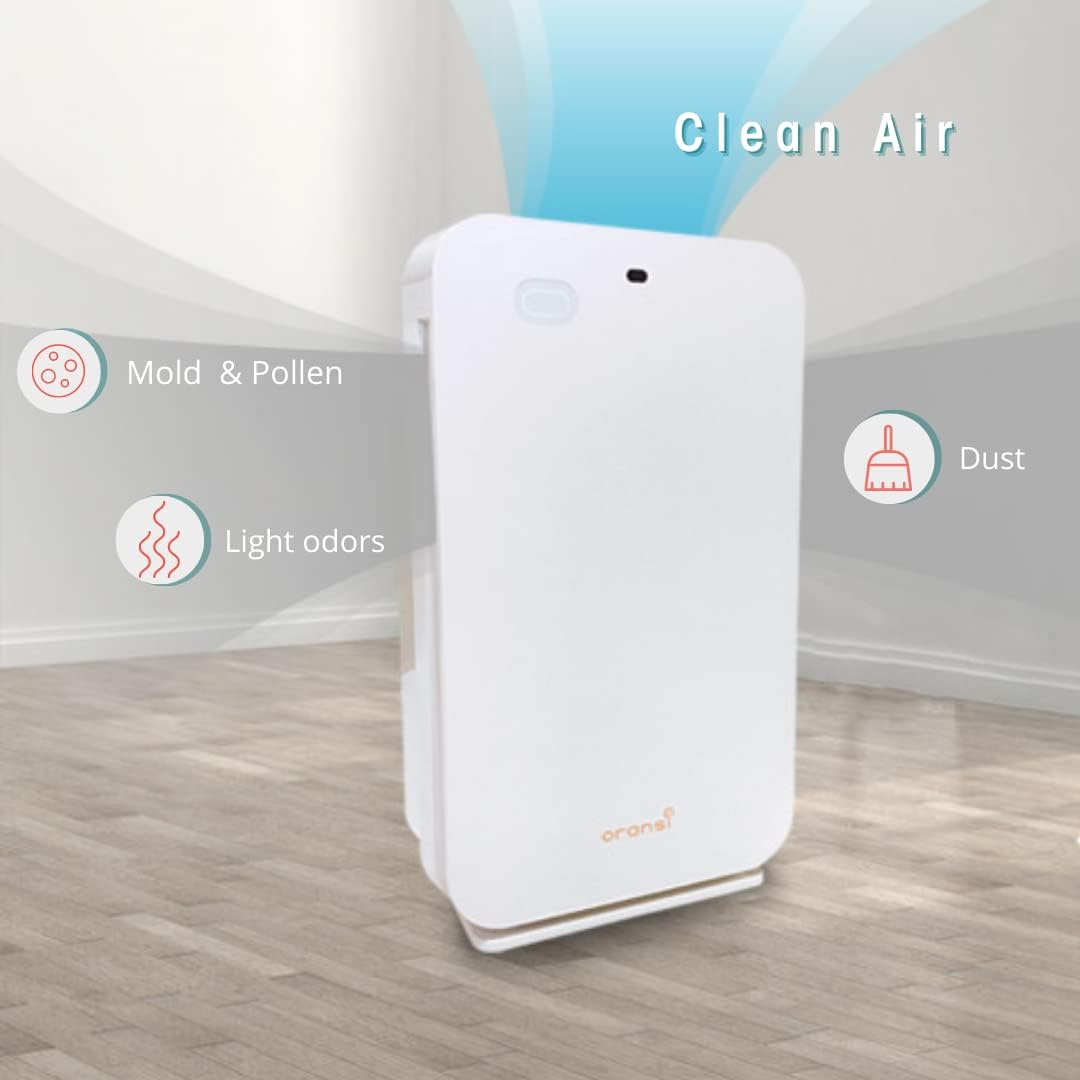
Visual representation of the Oransi OV200's ability to deliver clean air by removing mold, pollen, light odors, and dust.
Setup and Installation
Follow these steps to set up your Oransi OV200 Air Purifier for the first time:
- Unpack the Unit: Carefully remove the air purifier and all accessories from the packaging. Retain packaging for future storage or transport.
- Choose a Location: Place the unit on a firm, level surface. Ensure there is at least 6 inches (15 cm) of clear space around all sides of the air purifier for optimal airflow. Avoid placing it directly against walls or furniture.
- Check Filters: Before first use, ensure all protective packaging is removed from the filters and they are correctly installed inside the unit. Refer to the 'Filter Replacement' section for details on filter orientation.
- Connect Power: Plug the power cord securely into a standard electrical outlet.

Diagram illustrating the recommended coverage area of up to 400 sq. ft. and ideal placement locations such as bedrooms, offices, and living rooms.
Operating Instructions
Control Panel and Remote
The Oransi OV200 can be operated using the touch controls on the top panel of the unit or via the included remote control.

Visual representation of the control features including Timer settings (1, 2, 4, 8 hours), 3-speed fan control, Night Mode for quiet operation, and Child Lock function.
Power On/Off
Press the Power Button to turn the unit on or off.
Fan Speed Adjustment
Press the Fan Speed Button repeatedly to cycle through the 3 available fan speeds: Low, Medium, and High. Higher speeds provide faster air purification.
Night Mode
Activate Night Mode to reduce the fan speed to the quietest level and dim the display lights, ideal for undisturbed sleep.
Timer Function
Use the Timer Button to set the operational duration for 1, 2, 4, or 8 hours. The air purifier will automatically shut off once the set time has elapsed.
Child Lock
To prevent accidental changes to settings, press the Timer and Speed buttons simultaneously (or use the remote) to activate the Child Lock. Repeat the action to unlock.
Maintenance
Filter Replacement
The Oransi OV200 utilizes a multi-stage filtration system, including a pre-filter, HEPA filter, and activated carbon filter. Regular filter replacement is crucial for maintaining optimal air purification performance.

Detailed diagram illustrating the multi-stage filtration process, including the pre-filter, HEPA filter, and carbon filter, and the types of airborne particles they capture.
When to Replace Filters
The HEPA filter should be replaced every 6-12 months, depending on usage frequency and indoor air quality. The unit features a filter indicator light that will illuminate when it is time to replace the filters.
How to Replace Filters
- Turn off and unplug the air purifier from the power outlet.
- Locate and open the filter compartment cover.
- Carefully remove the old filters. Dispose of them according to local regulations.
- Insert the new filters, ensuring they are correctly oriented as indicated by arrows or labels on the filters and unit.
- Close the filter compartment cover securely.
- Plug in the unit. Reset the filter indicator by pressing and holding the appropriate button (refer to the full user manual for specific button details if needed).
Cleaning the Unit
Wipe the exterior surfaces of the air purifier with a soft, dry cloth. Do not use abrasive cleaners, solvents, or harsh chemicals, as these may damage the unit. Ensure no liquid enters the air intake or outlet vents.
Troubleshooting
If you encounter issues with your Oransi OV200 Air Purifier, consult the table below for common problems and their solutions.
| Problem | Possible Cause | Solution |
|---|---|---|
| Unit does not turn on | Not plugged in; Power outage; Power button not pressed | Ensure power cord is securely plugged into a working outlet; Check household circuit breaker; Press the power button firmly |
| Reduced airflow or purification | Clogged filters; Obstruction of air intake/outlet; Incorrect filter installation | Replace filters as indicated; Clear any obstructions around vents; Reinstall filters correctly |
| Unusual noise or vibration | Filter not installed correctly; Foreign object inside; Unit not on a stable surface | Reinstall filters properly; Turn off and unplug, then carefully inspect for and remove any foreign objects; Place unit on a flat, stable surface |
| Odor persists or is not removed | Carbon filter saturated; Room size exceeds coverage; Source of odor is continuous | Replace carbon filter; Ensure unit is appropriate for room size; Address the source of the odor |
For further assistance or issues not listed here, please refer to the full user manual or contact Oransi customer support.
Specifications
Detailed technical specifications for the Oransi OV200 Air Purifier:
| Feature | Detail |
|---|---|
| Model | OV200 |
| Dimensions (D x W x H) | 7"D x 15"W x 24"H |
| Weight | 10 pounds |
| Coverage Area | Up to 400 sq. ft. (CADR rated) |
| Noise Level | 24 dB (minimum) |
| Wattage | 60 watts |
| Filtration Type | HEPA and Activated Carbon |
| Controller Type | Electronic Controls, Remote Control |
| Certifications | ETL Certified, California Air Resources Board |
| Included Components | Air purifier, Remote control, User manual |
Warranty and Support
Warranty Information
The Oransi OV200 Air Purifier comes with a 10-year warranty. This warranty covers defects in materials and workmanship under normal use. For detailed warranty terms and conditions, including limitations and exclusions, please refer to the official Oransi website or the full user manual.
Customer Support
For technical assistance, troubleshooting not covered in this manual, or warranty claims, please contact Oransi customer support. You can find contact information and additional resources on the official Oransi Store Page.
A comprehensive user manual in PDF format is also available for download for more detailed instructions and information: Download User Manual (PDF).
Related documentsOV200


Ask a question about this manual
Ask about setup, troubleshooting, compatibility, parts, safety, or missing instructions. Manuals+ will review the question and use this page’s manual context to help answer it.