
1. Introduction and Product Overview
The ORACAL 651 Permanent Vinyl is a high-quality, calendared vinyl designed for indoor and outdoor lettering, marking, and decoration. With a thickness of 2.5 mil, it is a durable and long-lasting material suitable for various crafting needs.
This vinyl features a clear, solvent-based, permanent adhesive, ensuring strong adherence to hard, smooth surfaces. The release liner is an 84# custom silicone-coated paper with special characteristics that facilitate excellent weeding and release.
It is compatible with popular vinyl cutters such as Silhouette and Cricut, allowing users to create custom designs for a wide range of applications including walls, windows, doors, cars, cups, and more.

Image 1.1: A roll of ORACAL 651 Permanent Vinyl in Matte Black.
2. Setup and Preparation
Proper preparation is crucial for successful vinyl application. Follow these steps to prepare your ORACAL 651 vinyl for cutting:
- Unroll and Measure: Carefully unroll the desired length of vinyl from the roll. The ORACAL 651 Matte Black vinyl comes in a 12-inch by 6-foot roll.
- Cut to Size: Use a craft knife or scissors to cut the vinyl to the approximate size needed for your project. Ensure the cut piece is slightly larger than your design.
- Place on Cutting Mat: Place the vinyl, liner side down, onto a clean cutting mat. Smooth out any bubbles or wrinkles to ensure a flat surface for cutting.
- Load into Machine: Load the cutting mat with the vinyl into your electronic cutting machine (e.g., Cricut, Silhouette).
Video 2.1: This video demonstrates the process of placing ORACAL 651 vinyl onto a cutting mat and loading it into a cutting machine, followed by the weeding process.
3. Operating Instructions
Once the vinyl is prepared and loaded, proceed with the cutting, weeding, and application steps:
- Cutting Your Design:
- Adjust your cutting machine's settings according to the recommended settings for ORACAL 651 permanent vinyl. Typically, a medium pressure setting is appropriate.
- Ensure your blade is sharp and clean for precise cuts.
- Initiate the cutting process from your machine's software.
- Weeding the Vinyl:
- After cutting, carefully remove the excess vinyl from around your design. This process is known as weeding.
- The 84# release liner of ORACAL 651 is designed for easy weeding, allowing for smooth removal of unwanted vinyl pieces.
- Use a weeding tool to remove small intricate pieces.
- Applying the Vinyl:
- Once weeded, apply transfer tape over your design. Rub firmly to ensure the vinyl adheres to the transfer tape.
- Carefully peel the transfer tape, bringing the vinyl design with it, away from the liner.
- Position the design onto your clean, dry, and smooth target surface.
- Rub the design firmly onto the surface using a squeegee or a credit card to ensure good adhesion and remove air bubbles.
- Slowly peel back the transfer tape at a 45-degree angle, leaving the vinyl design on the surface.
Video 3.1: This video provides a detailed review of ORACAL 651 vinyl, highlighting its ease of use for cutting and weeding, and showing the product's backing with grid lines.
Video 3.2: A short demonstration of the weeding process for ORACAL 651 vinyl, showcasing its ease of use.
4. Maintenance
To ensure the longevity of your ORACAL 651 vinyl applications and unused material:
- Cleaning Applied Vinyl: For designs applied to surfaces like cups or car windows, gently hand wash with mild soap and water. Avoid abrasive cleaners or scrubbing, and do not use dishwashers, as high heat can damage the adhesive.
- Storage of Unused Vinyl: Store unused vinyl rolls horizontally in a cool, dry place away from direct sunlight. Keeping them in their original packaging or a protective tube can prevent dust accumulation and damage to the edges.
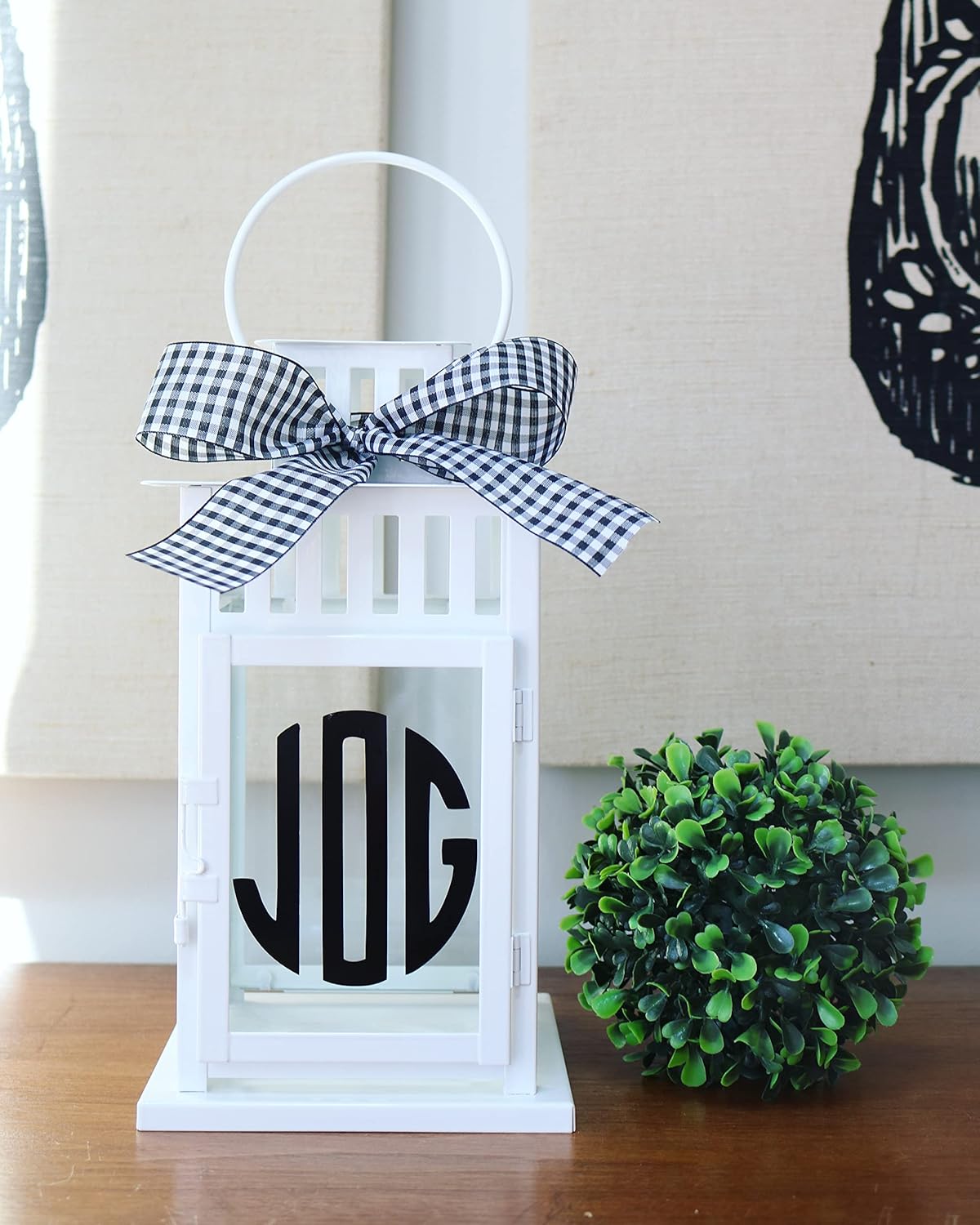
Image 4.1: An example of ORACAL 651 vinyl applied to a white lantern, demonstrating a finished craft project.

Image 4.2: A wine glass customized with ORACAL 651 vinyl, surrounded by decorative cookies.
5. Troubleshooting
Encountering issues during your crafting process? Here are some common problems and solutions:
- Vinyl Curling Excessively: If the vinyl roll is tightly wound, it may curl, making it difficult to lay flat on the cutting mat or apply transfer tape. To mitigate this, gently reverse roll the vinyl before use, or secure the edges to the mat with painter's tape.
- Difficulty Weeding: If small details are tearing or not lifting cleanly during weeding, check your cutting machine's settings. Ensure the blade is sharp and the pressure setting is appropriate for permanent vinyl. A dull blade or incorrect pressure can lead to poor cuts and difficult weeding.
- Poor Adhesion to Surface: Ensure the application surface is thoroughly clean, dry, and smooth before applying the vinyl. Any dust, grease, or moisture can prevent the adhesive from bonding properly. Use rubbing alcohol to clean surfaces and allow them to dry completely.
- Sticker Residue on Vinyl: If a sticker or label is directly applied to the vinyl, it can leave a sticky residue or damage the vinyl upon removal. If possible, cut around the affected area. For minor residue, a gentle adhesive remover or rubbing alcohol might help, but test on a small, inconspicuous area first.

Image 5.1: A white metal bucket decorated with a custom vinyl design, showcasing another application idea.
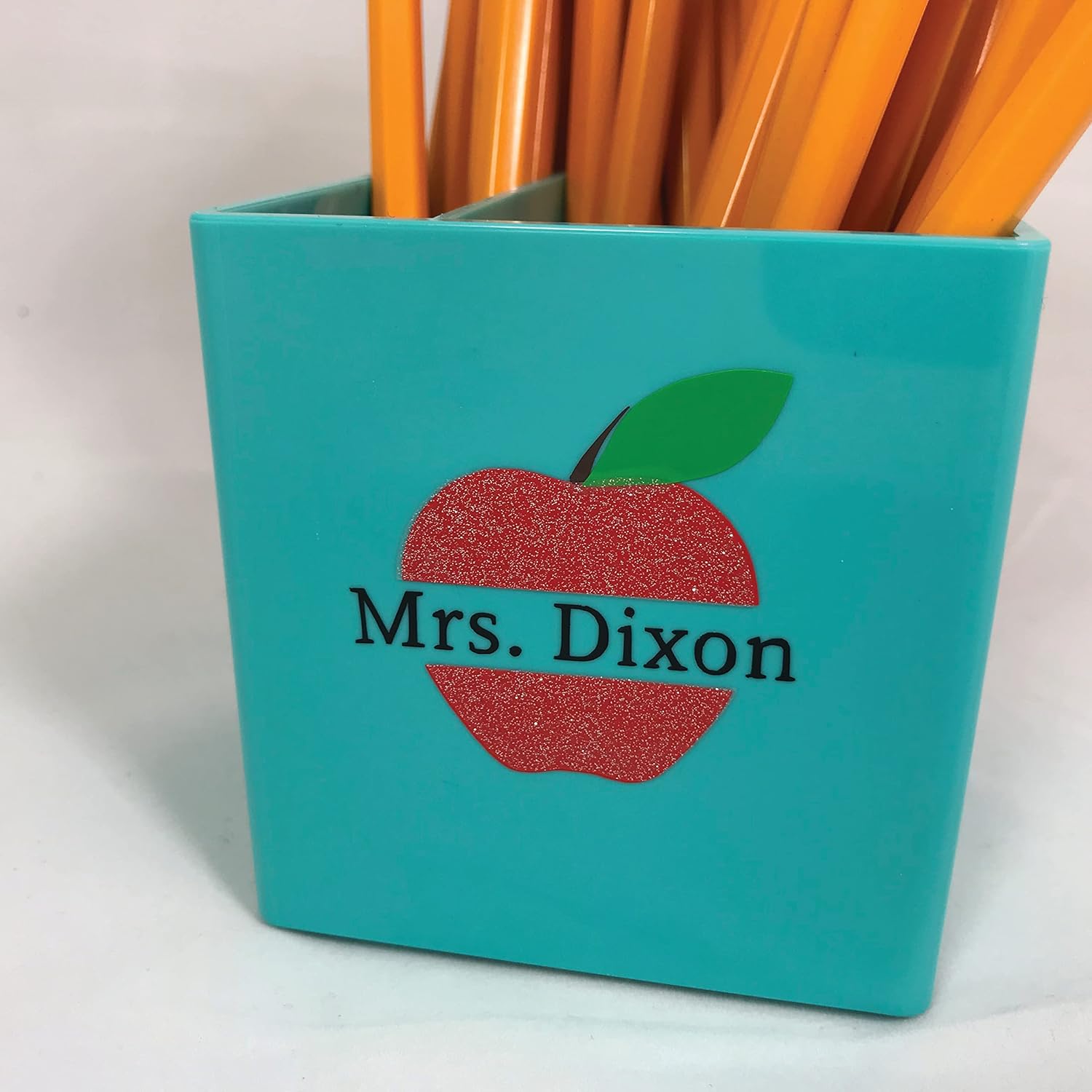
Image 5.2: A teal pencil holder personalized with an apple and name design using ORACAL 651 vinyl.
6. Specifications
| Feature | Detail |
|---|---|
| Brand | ORACAL |
| Model Number | 070M |
| Color | Matte Black |
| Material | Vinyl |
| Finish Type | Matte |
| Item Dimensions (L x W x H) | 12 x 72 x 2 inches |
| Size | 12” x 6ft |
| Special Feature | Permanent |
| Recommended Uses | Wall, hard smooth surfaces |
| Indoor/Outdoor Usage | Outdoor |
| Water Resistance Level | Waterproof |
| Reusability | Single Use |
| Item Weight | 2.4 ounces |
| Date First Available | November 19, 2016 |
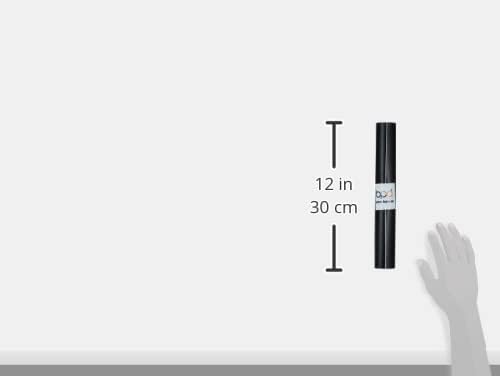
Image 6.1: Visual representation of the 12-inch width of the ORACAL 651 vinyl roll.
7. Warranty and Support
For specific warranty information regarding your ORACAL 651 Permanent Vinyl, please refer to the product packaging or contact the manufacturer directly. General support for crafting techniques and product usage can often be found through online crafting communities and official ORACAL resources.

Image 7.1: A wooden garden marker with a vinyl label, demonstrating outdoor application.

Image 7.2: A round wooden door hanger featuring a custom text design made with ORACAL 651 vinyl.