
Introduction
This manual provides detailed instructions for the safe and effective use of your Godox AD600B Witstro TTL All-in-One Outdoor Flash. Please read this manual thoroughly before operation to ensure proper function and to prevent damage to the product or injury to yourself.
Safety Information
- Do not disassemble or modify the flash unit. High voltage components are present.
- Keep the unit dry. Do not expose to rain or moisture.
- Avoid direct eye exposure to the flash.
- Use only the specified battery and charger.
- Keep out of reach of children.
Package Contents
Verify that all items are present in your package:
- Godox AD600B Flash Unit
- Witstro WB87 Battery Pack
- Charger and cable
- Plastic Protective cover
Product Overview
The Godox AD600B is a versatile TTL all-in-one outdoor flash designed for professional photography. It features a robust 2.4 GHz wireless system, high-speed sync capabilities, and a Bowens-type mount for broad accessory compatibility.
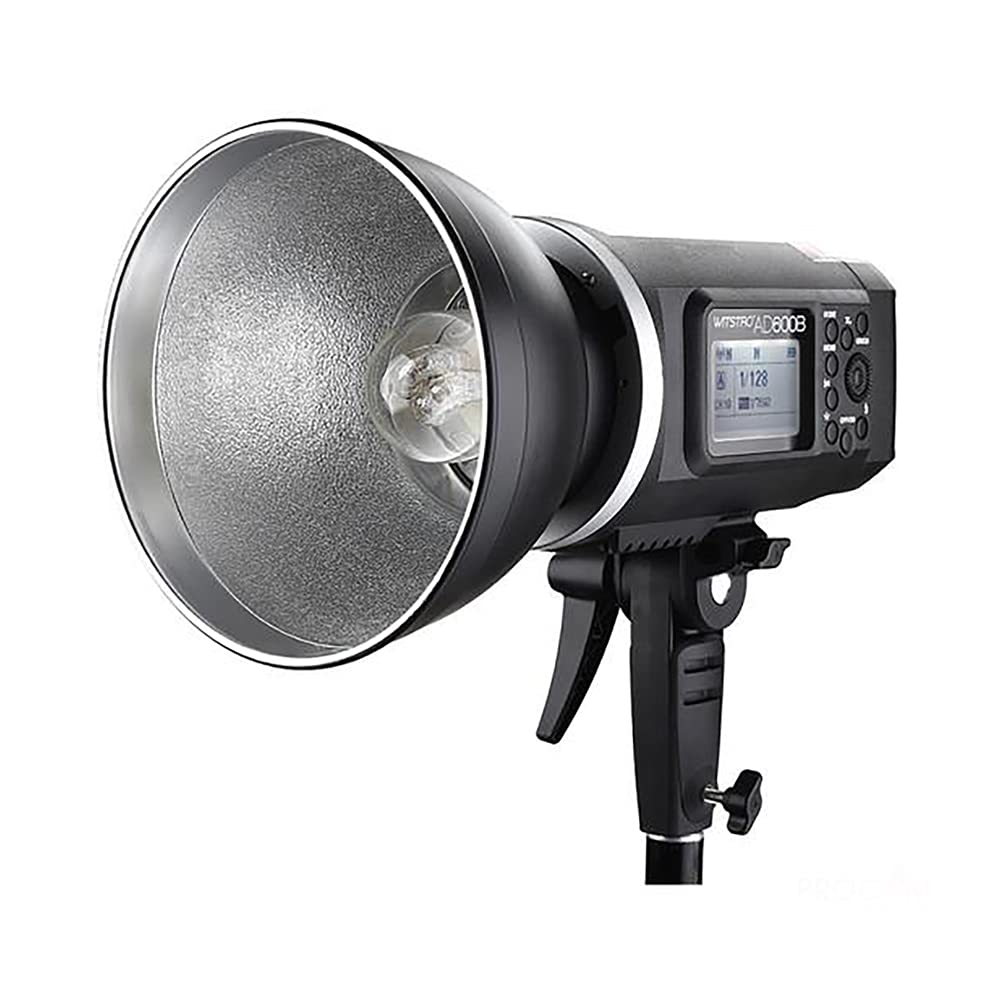
Image: The Godox AD600B flash unit with a standard reflector dish mounted, showcasing its robust design and control panel.
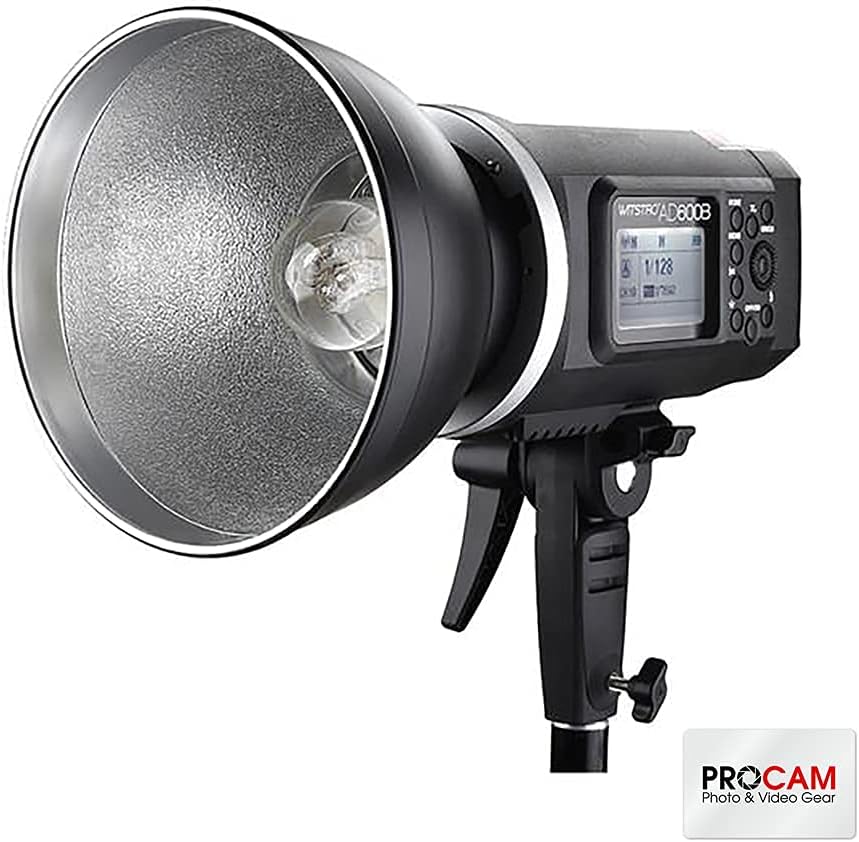
Image: A closer view of the Godox AD600B flash unit, highlighting the bare bulb and the detailed LCD control panel with various settings displayed.
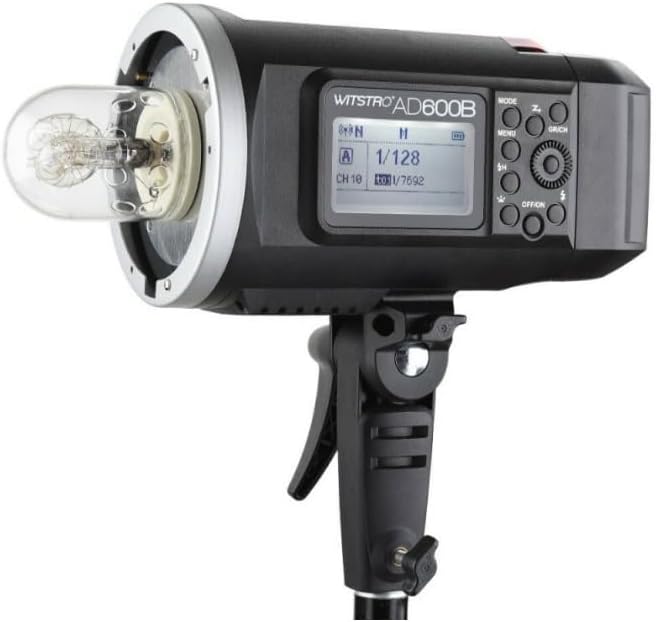
Image: Another perspective of the Godox AD600B flash, illustrating its mounting bracket and the overall compact design for outdoor use.
Setup
- Charging the Battery: Connect the provided charger to the Witstro WB87 Battery Pack and plug it into a power outlet. The charging indicator will show the status. Ensure the battery is fully charged before first use.
- Installing the Battery: Slide the charged WB87 battery pack into the battery compartment on the flash unit until it clicks securely into place.
- Mounting the Flash Head: The AD600B features a Bowens-type mount. Align your desired light modifier (e.g., reflector, softbox) with the mount and twist until it locks.
- Attaching to a Light Stand: Secure the flash unit's mounting bracket to a compatible light stand. Adjust the angle and tighten the locking knob.
Operating Instructions
Power On/Off
Press and hold the power button to turn the flash unit on or off. The LCD display will illuminate upon power-on.
Basic Controls
- Mode Button: Press to cycle through flash modes (e.g., TTL, Manual, Multi).
- Group/Channel Buttons: Use these to set the wireless group and channel for remote triggering.
- Dial: Rotate the dial to adjust flash power output in Manual mode or compensation in TTL mode.
- Test Button: Press to fire a test flash.
Wireless Triggering (2.4 GHz X System)
The AD600B integrates a 2.4 GHz wireless system. To use, ensure your Godox transmitter (sold separately) is set to the same channel and group as the AD600B. The flash can be triggered wirelessly at distances up to 262 feet (80 meters).
High-Speed Sync (HSS)
The flash supports High-Speed Sync (HSS) up to 1/8000 second. This feature allows you to use wider apertures in bright conditions or freeze fast-moving subjects. Activate HSS via your camera's menu or compatible trigger.
Optical Slave Modes (S1/S2)
The AD600B can function as an optical slave. In S1 mode, it fires in response to the first flash from a master unit. In S2 mode, it ignores the pre-flash of a TTL system and fires on the main flash.
Maintenance
- Cleaning: Use a soft, dry cloth to clean the flash unit. For stubborn dirt, a slightly damp cloth can be used, followed by a dry cloth. Do not use solvents or abrasive cleaners.
- Storage: When not in use for extended periods, remove the battery pack and store the flash in a cool, dry place, away from direct sunlight and extreme temperatures.
- Battery Care: Recharge the battery periodically even if not in use to maintain its lifespan.
Troubleshooting
| Problem | Possible Cause | Solution |
|---|---|---|
| Flash does not fire. | Battery low or not installed correctly; unit not powered on; trigger not communicating. | Charge/reinstall battery; power on unit; check trigger settings (channel/group). |
| Inconsistent flash output. | Low battery; incorrect mode setting; environmental interference. | Recharge battery; verify flash mode (TTL/Manual); change wireless channel. |
| High-Speed Sync not working. | Camera or trigger not set to HSS; flash not in HSS compatible mode. | Enable HSS on camera/trigger; ensure flash supports HSS for current settings. |
Specifications
| Feature | Detail |
|---|---|
| Brand | GODOX |
| Model Number | AD 600B |
| Guide Number | 285' at ISO 100 |
| Wireless System | 2.4 GHz X System |
| Wireless Range | Up to 262' (80m) |
| High-Speed Sync | Up to 1/8000 second |
| Flash Durations | 1/220 to 1/10,000 second |
| Color Temperature | 5600K ± 200K |
| Mount Type | Bowens-type |
| Battery Type | 1 Lithium Ion battery (included) |
| Item Weight | 3000 Grams |
| Connectivity | Wired (3.5mm sync cord slot), Wireless (Optical Pulse) |
Warranty
The Godox AD600B Witstro TTL All-in-One Outdoor Flash comes with a limited 1-year manufacturer's warranty. This warranty covers defects in materials and workmanship under normal use. Please retain your proof of purchase for warranty claims. For specific terms and conditions, refer to the warranty card included with your product or contact Godox customer support.
Support
For technical assistance, troubleshooting beyond this manual, or warranty inquiries, please contact Godox customer support. Visit the official Godox website for the most up-to-date contact information and additional resources.
Note: Product specifications and features are subject to change without notice.


