
Introduction
This manual provides detailed instructions for the setup, operation, maintenance, and troubleshooting of your Pabobo Kid Sleep Alarm Clock, model KS0031. Please read this manual thoroughly before using the product to ensure proper function and safety.
The Pabobo Kid Sleep Alarm Clock is designed to help children learn to tell time and establish healthy sleep routines. It features both digital and analog time displays, a visual sleep/wake indicator, and customizable alarm sounds.
Safety Information
- Keep the device away from water and moisture.
- Do not expose to extreme temperatures or direct sunlight.
- Use only the specified battery type. Ensure correct polarity when inserting batteries.
- Keep batteries out of reach of small children.
- Do not attempt to disassemble or repair the device yourself. Contact support if issues arise.
- This product is intended for indoor use only.
Product Overview
The Pabobo Kid Sleep Alarm Clock combines an analog clock, a digital display, and a visual sleep/wake indicator to assist children in understanding time and sleep cycles.

Figure 1: Front view of the Pabobo Kid Sleep Alarm Clock.
Key Features:
- Dual Time Display: Features both an analog clock face and a digital time display for easy learning.
- Sleep Trainer: A visual indicator (sleeping child / awake child) helps children understand when it's time to sleep and when it's okay to wake up.
- Progressive Alarm: Three selectable alarm sounds (chirping birds, cuckoo, train) that increase in volume.
- Snooze Function: Press the large button on the top for a two-minute snooze and a temporary backlight.
- Night Light: A mini night light emits a reassuring glow.
Setup
1. Battery Installation
The clock operates on one battery, which is included. To install or replace the battery:
- Locate the battery compartment on the back of the clock.
- Open the battery compartment cover.
- Insert the battery, ensuring correct polarity (+/-).
- Close the battery compartment cover securely.

Figure 2: Rear view with battery compartment and controls.
2. Setting the Time
To set the current time on your alarm clock:
- Use the time setting knob (usually located on the back) to adjust the analog hands to the correct time.
- The digital display will synchronize or can be set separately using dedicated buttons (refer to specific button labels on the back, e.g., "SET" buttons).
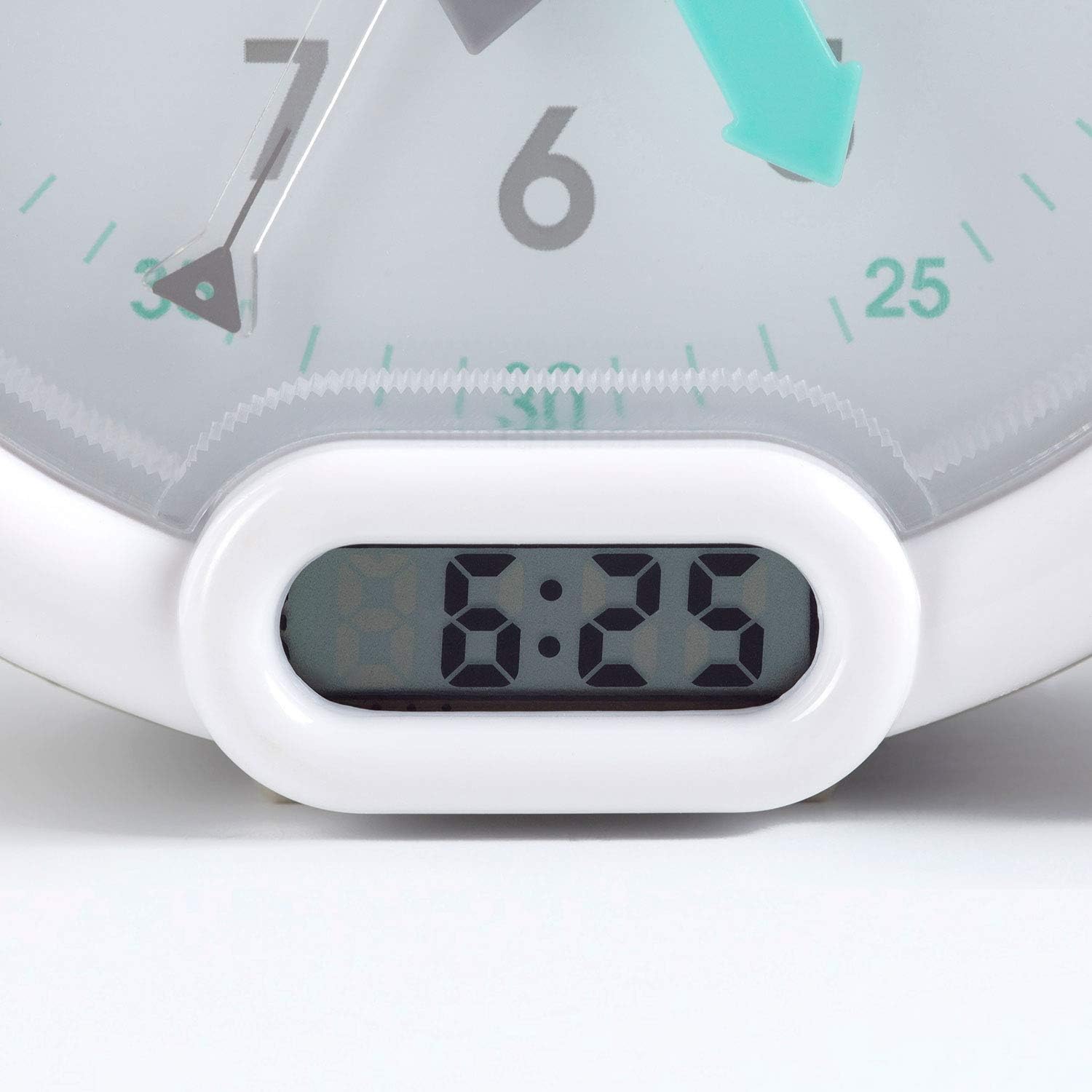
Figure 3: Digital time display.
Operating Instructions
1. Setting the Alarm
The alarm can be set to one of three sounds: chirping birds, cuckoo, or train. The alarm volume increases progressively.
- Locate the alarm setting controls on the back of the clock.
- Adjust the alarm time using the designated knob or buttons.
- Select your preferred alarm sound using the sound selection switch.
- Ensure the alarm is activated (ON position).
2. Using the Sleep Trainer
The sleep trainer feature visually indicates when it's time to sleep and when it's time to wake up.
- Sleeping Child Lit: When the image of the sleeping child is lit, it indicates that children should remain in bed and continue sleeping.
- Awake Child Lit: When the image of the awake child is lit, it signals that it is time to wake up.

Figure 4: Sleep indicator (sleeping child).

Figure 5: Awake indicator (awake child).
The sleep/wake times for this indicator are typically set independently from the alarm time, using specific controls on the back of the clock.
3. Snooze and Backlight Function
Press the large button on the top of the clock to activate the snooze function for two minutes. This button also provides a short glowing light, allowing the child to see the time during the night.

Figure 6: Clock with backlight activated.
Maintenance
- Cleaning: Wipe the clock with a soft, dry cloth. Do not use abrasive cleaners or solvents.
- Battery Replacement: Replace the battery when the display dims or the alarm function becomes unreliable. Dispose of used batteries responsibly.
- Storage: If storing the clock for an extended period, remove the battery to prevent leakage.
Troubleshooting
| Problem | Possible Cause | Solution |
|---|---|---|
| Clock not turning on / display blank. | Dead or incorrectly installed battery. | Check battery polarity. Replace battery. |
| Alarm not sounding. | Alarm not set or turned off. Low battery. | Ensure alarm is set and activated. Replace battery. |
| Sleep/wake indicator not changing. | Incorrect sleep/wake time settings. | Verify and adjust the sleep/wake indicator settings. |
| Clock makes clicking noise. | Mechanical movement noise (common for analog clocks). | This may be normal for the analog mechanism. If excessively loud or new, contact support. |
Specifications
| Brand: | Pabobo |
| Model Number: | KS0031 |
| Color: | Gray |
| Display Type: | Analog, Digital |
| Product Dimensions: | 6.3"W x 5.12"H |
| Power Source: | Battery Powered (1 battery included) |
| Material: | Plastic |
| Mounting Type: | Desktop Mount |
| Item Weight: | 14.1 ounces (0.88 Pounds) |
| Special Feature: | Adjustable, Backlit, Sleep Trainer |
Warranty Information
This Pabobo Kid Sleep Alarm Clock comes with a Lifetime Warranty. For details regarding warranty claims and coverage, please refer to the official Pabobo website or contact customer support.
Customer Support
If you encounter any issues or have questions not covered in this manual, please contact Pabobo customer support for assistance.
- Online Support: Visit the official Pabobo website for FAQs and contact options.
- Email: [Insert Pabobo Support Email Here, if available]
- Phone: [Insert Pabobo Support Phone Number Here, if available]
Please have your model number (KS0031) and purchase information ready when contacting support.


