
Introduction
Welcome to your Ozeri Pronto Digital Multifunction Kitchen Scale. This manual provides essential instructions for the proper setup, operation, and maintenance of your new scale. Please read this guide thoroughly before using the device to ensure optimal performance and longevity.

Image: The Ozeri Pronto Digital Kitchen Scale, green base with a silver weighing platform, displaying '0.00 oz' on its LCD screen, with fresh parsley on top.
Safety Information
- Keep the scale out of reach of children.
- Do not immerse the scale in water or other liquids. Clean with a damp cloth only.
- Always use the scale on a hard, flat, and stable surface to ensure accurate readings.
- Do not overload the scale beyond its maximum capacity of 11.24 lbs (5100 grams).
- Avoid exposing the scale to extreme temperatures or direct sunlight.
Package Contents
- 1 x Ozeri Pronto Digital Multifunction Kitchen Scale (Model ZK14-L)
- 2 x AAA Batteries
- 1 x User Manual
Product Features
- High-precision sensor technology for accurate measurements.
- Large weighing platform to accommodate various bowls and food items.
- Multiple unit conversions: grams (g), pounds (lbs), pounds:ounces (lbs:oz), ounces (oz), milliliters (ml), and kilograms (kg).
- Convenient Tare function to subtract container weight.
- Audible and tactile click confirmations for button presses.
- Large LCD display for easy readability.
- Programmable automatic power-off feature (2-5 minutes).
- Easy-access battery compartment.
Setup
1. Battery Installation
- Locate the battery compartment on the underside of the scale.
- Open the battery compartment cover.
- Insert the 2 AAA batteries, ensuring correct polarity (+/-) as indicated inside the compartment.
- Close the battery compartment cover securely.
2. Placement
Place the Ozeri Pronto scale on a hard, flat, and stable surface. Uneven surfaces or soft materials like carpets can affect measurement accuracy.
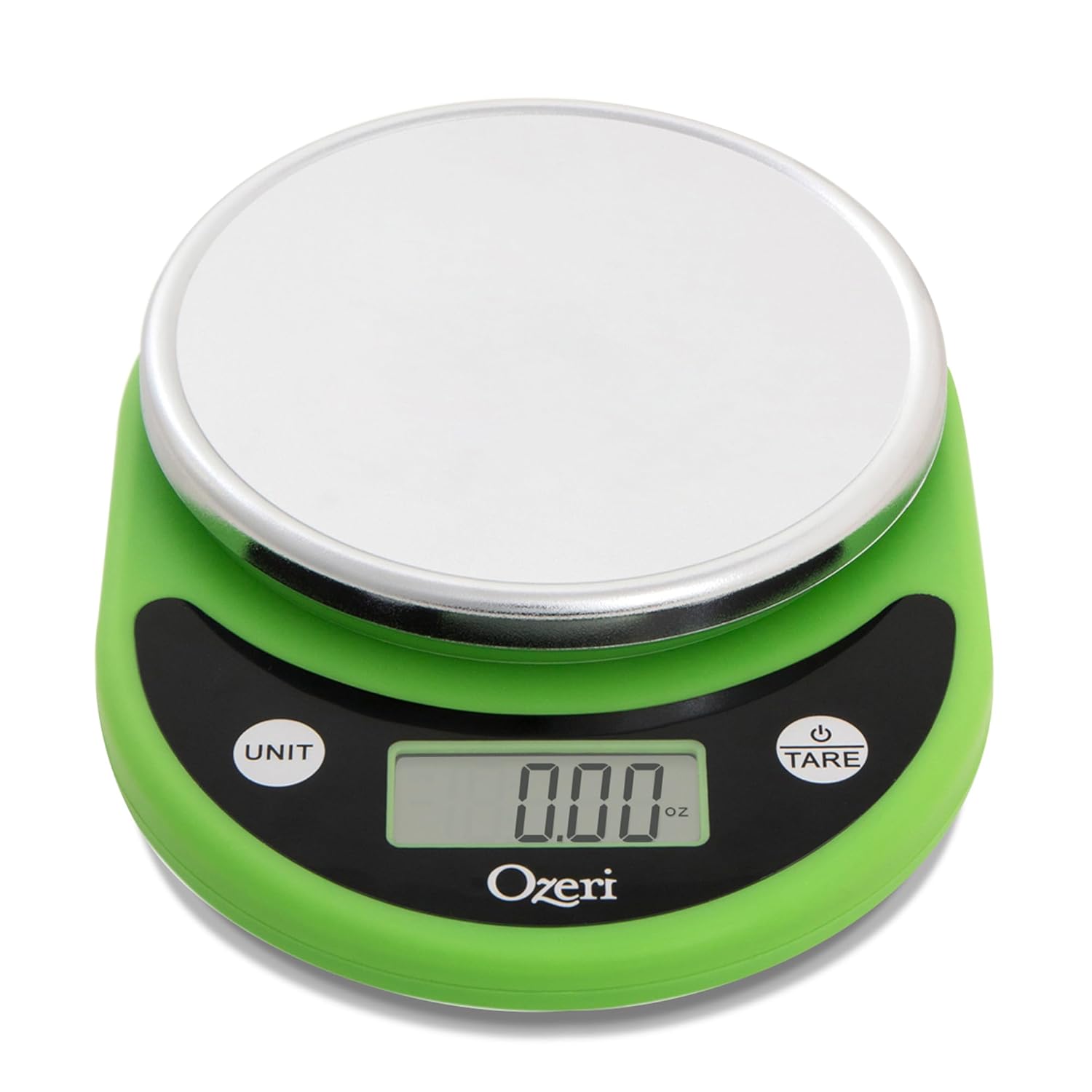
Image: An empty Ozeri Pronto Digital Kitchen Scale, green base with a silver weighing platform, displaying '0.00 oz' on its LCD screen.
Operating Instructions
1. Power On/Off
- To turn on: Press the TARE button. The display will show '8888' then '0.00'.
- To turn off: Press and hold the TARE button for approximately 2-3 seconds. The scale will also automatically power off after 2-5 minutes of inactivity to conserve battery life.
2. Unit Conversion
Press the UNIT button to cycle through the available measurement units. The scale supports grams (g), pounds (lbs), pounds:ounces (lbs:oz), ounces (oz), milliliters (ml), and kilograms (kg).

Image: A close-up of the Ozeri Pronto Digital Kitchen Scale's display, illustrating the various unit options (ml, oz, g, lb:oz, lb) that can be selected using the 'UNIT' button.
3. Tare Function
The Tare function allows you to subtract the weight of a container, so you can measure only the ingredients.
- Place an empty container on the weighing platform.
- Press the TARE button. The display will reset to '0.00'.
- Add your ingredients to the container. The display will show the net weight of the ingredients.
4. Weighing Items
- Ensure the scale is powered on and displaying '0.00'.
- Place the item(s) directly onto the weighing platform or into a tared container.
- Read the weight displayed on the LCD screen.
Maintenance and Care
- Clean the scale with a soft, damp cloth. Do not use abrasive cleaners or chemical agents.
- Do not immerse the scale in water or place it under running water.
- Store the scale in a dry, cool place away from direct heat sources or extreme humidity.
- If the scale will not be used for an extended period, remove the batteries to prevent leakage and potential damage.
Troubleshooting
| Problem | Possible Cause | Solution |
|---|---|---|
| Display shows "Lo" or "Err" | Low battery power. | Replace the 2 AAA batteries. |
| Inaccurate readings |
|
|
| Scale does not turn on | Batteries are incorrectly installed or depleted. | Check battery installation for correct polarity. Replace batteries if necessary. |
Specifications
- Model: ZK14-L
- Capacity: Up to 11.24 lbs (5100 grams)
- Graduation: 0.04 oz (1 gram)
- Measurement Units: g, lbs, lbs:oz, oz, ml, kg
- Power Source: 2 x AAA batteries (included)
- Product Dimensions: 20.96 x 15.24 x 4.45 cm
- Manufacturer: Ozeri
Warranty and Support
For detailed warranty information or technical support, please visit the official Ozeri website or contact Ozeri customer service directly. Please have your model number (ZK14-L) available when seeking support.


