
MI 4A
MI Redmi 4A User Manual
Model: 4A | Brand: MI
Introduction
This user manual provides comprehensive instructions for the MI Redmi 4A smartphone. It covers essential information regarding device setup, operation, maintenance, and troubleshooting to ensure optimal performance and user experience. Please read this manual carefully before using your device.
Device Overview
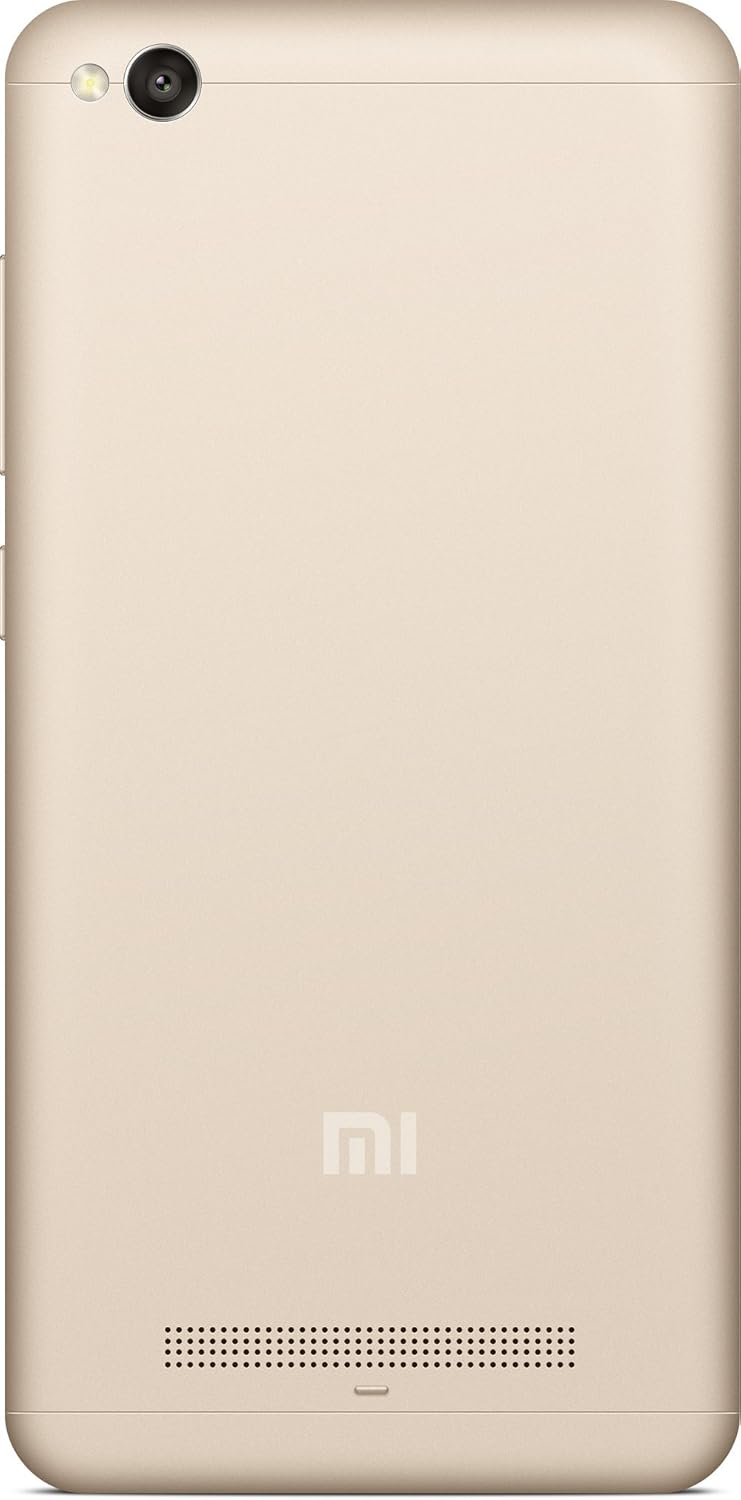
The MI Redmi 4A is a compact and lightweight smartphone designed for everyday use. It features a touchscreen display, front and rear cameras, and essential connectivity options.



Setup Guide
1. Unboxing and Initial Charge
Carefully remove the MI Redmi 4A and all accessories from the packaging. Before first use, it is recommended to fully charge the device using the provided charger and USB cable.
- Connect the USB cable to the phone's charging port.
- Connect the other end of the USB cable to the power adapter.
- Plug the power adapter into a wall outlet.
- The charging indicator will appear on the screen.
2. Inserting SIM Card and MicroSD Card
The MI Redmi 4A supports dual SIM cards and a microSD card for expandable storage.
- Locate the SIM tray on the left side of the device (refer to Figure 4).
- Insert the SIM ejector tool into the small hole on the SIM tray to open it.
- Place your Nano-SIM card(s) and/or microSD card into the designated slots on the tray, ensuring correct orientation.
- Gently push the tray back into the phone until it clicks into place.
3. Powering On and Initial Configuration
To power on your device for the first time:
- Press and hold the Power button (located on the right side, refer to Figure 3) until the MI logo appears.
- Follow the on-screen prompts to select your language, region, connect to Wi-Fi, and set up your Google account.
Operating Instructions
Basic Navigation
- Touchscreen: Interact with the device by tapping, swiping, pinching, and spreading on the display.
- Home Button: Returns to the home screen.
- Recents Button: Displays recently opened applications.
- Back Button: Returns to the previous screen.
- Volume Buttons: Adjust media volume, call volume, and notification volume.
- Power Button: Press to turn the screen on/off, press and hold to power off or restart.
Camera Usage
The MI Redmi 4A is equipped with a 13MP primary camera and a front camera.
- Open the Camera application from the home screen or app drawer.
- Switch between front and rear cameras using the camera switch icon.
- Tap on the screen to focus on a specific object.
- Press the shutter button to capture a photo.
- Explore various modes like Panorama, Manual, and Beautify for enhanced photography.
Connectivity
- Wi-Fi: Go to Settings > Wi-Fi to connect to available wireless networks.
- Bluetooth: Go to Settings > Bluetooth to pair with Bluetooth devices like headphones or speakers.
- USB: Connect the phone to a computer using a USB cable for file transfer or charging.
Maintenance
- Software Updates: Regularly check for system updates to ensure your device has the latest features and security patches. Go to Settings > About phone > System update.
- Cleaning: Use a soft, lint-free cloth to clean the screen and body of the phone. Avoid using harsh chemicals or abrasive materials.
- Battery Care: To prolong battery life, avoid extreme temperatures and do not let the battery drain completely before recharging frequently.
- Storage Management: Periodically clear cache, uninstall unused apps, and transfer large files to external storage or cloud services to free up internal memory.
Troubleshooting
| Problem | Possible Cause | Solution |
|---|---|---|
| Device not powering on | Low battery; System crash | Charge the device for at least 30 minutes. Press and hold the Power button for 10-15 seconds to force restart. |
| Apps crashing or freezing | Insufficient RAM; App conflict; Outdated app | Close background apps. Clear app cache (Settings > Apps > [App Name] > Storage > Clear cache). Update the app from Google Play Store. Restart the device. |
| Poor battery life | High screen brightness; Many background apps; Weak signal | Reduce screen brightness. Close unused apps. Enable battery saver mode. Check network signal strength. |
| Cannot connect to Wi-Fi | Incorrect password; Router issue; Wi-Fi module error | Verify Wi-Fi password. Restart your router. Toggle Wi-Fi off and on on the phone. Forget the network and reconnect. |
Specifications
| Feature | Detail |
|---|---|
| Model | MI Redmi 4A |
| Operating System | Android 9.0 |
| RAM | 2 GB |
| Internal Storage | 16 GB |
| CPU Model | Snapdragon |
| CPU Speed | 1.4 GHz |
| Display Technology | LCD |
| Resolution | 1280 x 720 |
| Primary Camera | 13 MP |
| Front Camera | Yes |
| Audio Jack | 3.5 mm |
| Connectivity | Bluetooth, Wi-Fi, USB, Cellular |
| GPS | AGPS |
| Color | Gold |
| Item Weight | 240 g |
| Package Dimensions | 14.8 x 8 x 3.6 cm |
| Date First Available | 13 May 2016 |
Warranty and Support
For warranty information and customer support, please refer to the official MI website or contact their authorized service centers. Keep your purchase receipt as proof of purchase for warranty claims.
Note: Specific warranty terms and conditions may vary by region and purchase date.
Related documents4A


Ask a question about this manual
Ask about setup, troubleshooting, compatibility, parts, safety, or missing instructions. Manuals+ will review the question and use this page’s manual context to help answer it.