
Transcend 64GB microSDHC Memory Card
Transcend 64GB microSDHC Memory Card User Manual
Model: 64GB microSDHC Memory Card with SD Adapter
1. Introduction
This manual provides essential information for the proper use, installation, and maintenance of your Transcend 64GB microSDHC Memory Card. This high-capacity memory card is designed for reliable data storage in compatible devices such as smartphones, digital cameras, and other portable electronics.

Image 1.1: The Transcend 64GB microSDHC Memory Card shown with its included SD adapter.
2. Setup and Installation
To begin using your Transcend 64GB microSDHC Memory Card, follow these steps:
- Identify the Card Slot: Locate the microSD card slot on your device (e.g., smartphone, tablet, camera). If your device uses a standard SD card slot, you will need to use the included SD adapter.
- Insert the microSD Card: Gently insert the microSD card into the designated slot. Ensure the gold contacts on the card face the correct direction as indicated by your device's manual or the slot's design. Apply gentle pressure until the card clicks into place.
- Using the SD Adapter: If using the SD adapter, insert the microSD card into the adapter first. Then, insert the adapter into your device's standard SD card slot.
- Format (Optional/Recommended): For optimal performance and compatibility, it is often recommended to format the memory card using your device's internal formatting function. Refer to your device's user manual for specific instructions on how to format external storage. Note: Formatting will erase all data on the card.

Image 2.1: Illustrates the process of inserting the microSD card into an SD adapter, then into a laptop's card reader for data transfer or initial setup.
3. Operating Instructions
Once installed, your Transcend 64GB microSDHC Memory Card functions as an external storage device for your compatible electronics.
3.1. Data Storage
The card can be used to store various types of digital data, including photos, videos, music, and documents. When connected to a device, the card will appear as an accessible storage volume.

Image 3.1: The memory card is suitable for use in digital cameras to store high-resolution photos and videos.
3.2. Data Transfer
To transfer files to or from the memory card:
- Using a Device: Connect your device (e.g., smartphone) to a computer via USB. The memory card will typically appear as a removable drive, allowing you to drag and drop files.
- Using a Card Reader: Insert the microSD card (or the SD adapter with the microSD card) into a compatible card reader connected to your computer. The card will be recognized as a removable drive.
3.3. Compatibility
The Transcend 64GB microSDHC Memory Card is widely compatible with devices supporting microSDHC and microSDXC standards. This includes many smartphones, tablets, digital cameras, drones, and other portable devices. Always verify your device's compatibility with microSDHC cards of this capacity.
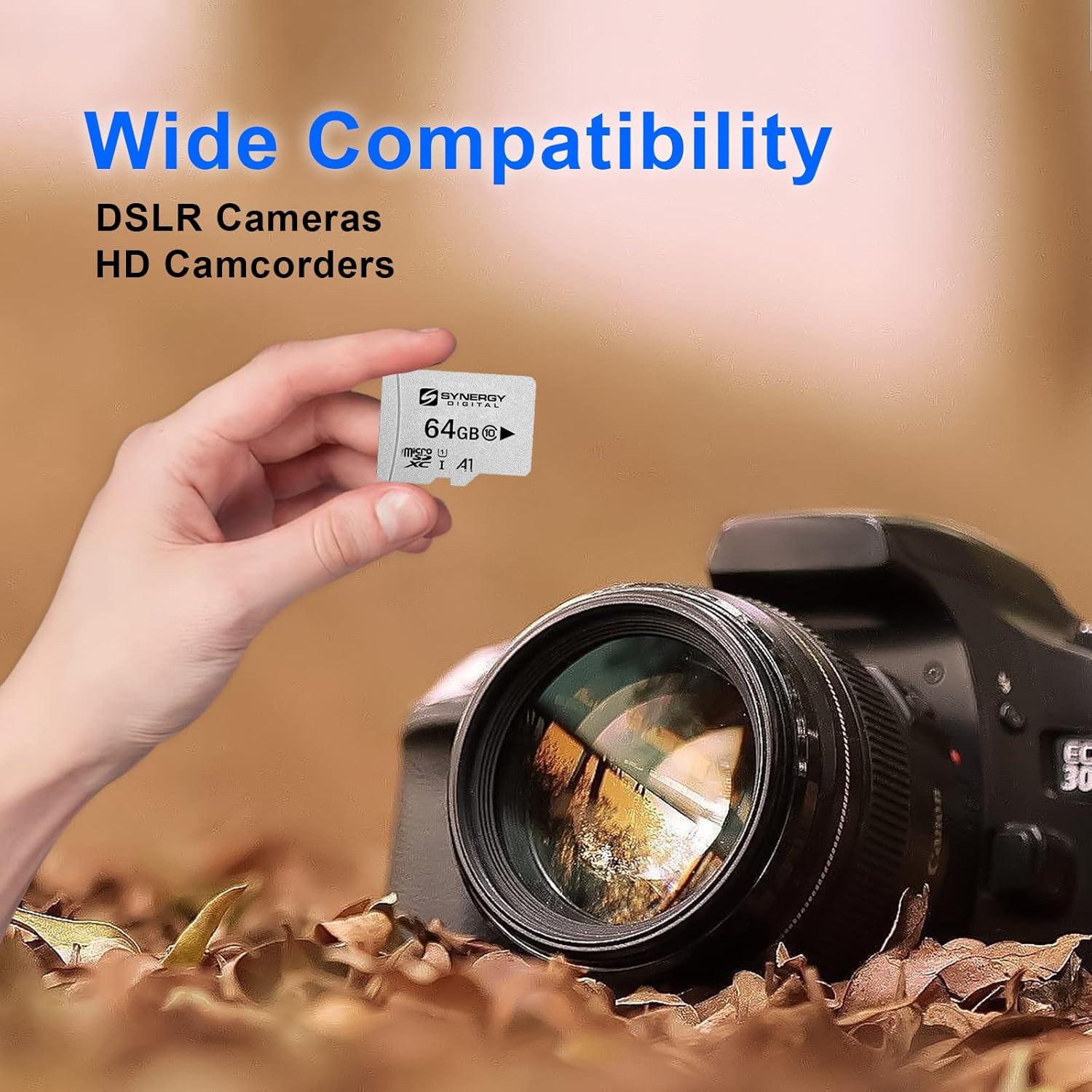
Image 3.2: The memory card offers wide compatibility with various devices, including DSLR cameras and HD camcorders.
4. Care and Maintenance
To ensure the longevity and optimal performance of your Transcend 64GB microSDHC Memory Card, observe the following guidelines:
- Proper Ejection: Always safely eject the memory card from your device or computer before physically removing it. This prevents data corruption.
- Physical Protection: Store the card in a protective case when not in use to prevent physical damage, dust, and static electricity.
- Environmental Conditions: Avoid exposing the card to extreme temperatures, direct sunlight, high humidity, or strong magnetic fields. The card is designed to be X-ray proof, magnetic proof, and temperature proof, offering enhanced durability.
- Data Backup: Regularly back up important data from your memory card to another storage device (e.g., computer hard drive, cloud storage) to prevent data loss.
- Cleaning: If necessary, gently clean the gold contacts with a soft, lint-free cloth. Do not use abrasive materials or harsh chemicals.

Image 4.1: The Transcend memory card is built for high quality, offering stability, reliability, and durability, including resistance to X-rays, magnets, and extreme temperatures.
5. Troubleshooting
If you encounter issues with your Transcend 64GB microSDHC Memory Card, consider the following common solutions:
- Card Not Recognized:
- Ensure the card is fully and correctly inserted into the slot.
- Try inserting the card into a different compatible device or card reader to rule out a device issue.
- Clean the gold contacts on the card with a soft, dry cloth.
- Restart your device.
- Slow Data Transfer:
- Ensure your device and card reader support the card's speed class (Class 10).
- Avoid transferring many small files simultaneously; large files transfer more efficiently.
- Check if your device's internal storage is nearly full, which can affect overall performance.
- Data Corruption/Errors:
- Always safely eject the card before removal.
- Run a disk check or error scan on the card using your computer's utility tools.
- If data is not critical, reformatting the card may resolve persistent issues.
If problems persist, contact Transcend customer support for further assistance.
6. Specifications
| Feature | Detail |
|---|---|
| Brand | Transcend |
| Flash Memory Type | Micro SDHC |
| Memory Storage Capacity | 64 GB |
| Hardware Interface | microSDHC |
| Secure Digital Association Speed Class | Class 10 |
| Compatible Devices | Smartphone (and other compatible devices) |
| Special Features | X Ray Proof, Magnetic Proof, Temperature Proof |
| Item Weight | 0.8 ounces (22.68 g) |
| UPC | 744596919871 |
| ASIN | B01BAX3CCS |
7. Warranty Information
For detailed warranty information regarding your Transcend product, please refer to the official Transcend website or the warranty card included with your purchase. Warranty terms and conditions may vary by region and product type.
8. Customer Support
If you require further assistance, technical support, or have questions not covered in this manual, please visit the official Transcend support page or contact their customer service directly.
You can find more information and support resources on the Transcend Store on Amazon.
Related documents64GB microSDHC Memory Card


Ask a question about this manual
Ask about setup, troubleshooting, compatibility, parts, safety, or missing instructions. Manuals+ will review the question and use this page’s manual context to help answer it.