
Introduction
The ThermoPro TP06S Digital Grill Meat Thermometer is designed to help you achieve perfectly cooked meals every time. This professional-grade thermometer features preset temperatures for various meat types and doneness levels, a versatile timer, and a clear, colored backlight display. Its durable stainless steel probe ensures accurate and fast temperature readings, making it ideal for grilling, smoking, baking, and deep frying.

Figure 1: ThermoPro TP06S Digital Grill Meat Thermometer with probe.
Setup
1. Unpacking and Components
Carefully remove all components from the packaging. Ensure you have the following items:
- 1 x ThermoPro TP06S Digital Meat Thermometer Unit
- 1 x Food Grade Stainless Steel Temperature Probe with Cable
- 2 x AAA Batteries (included)
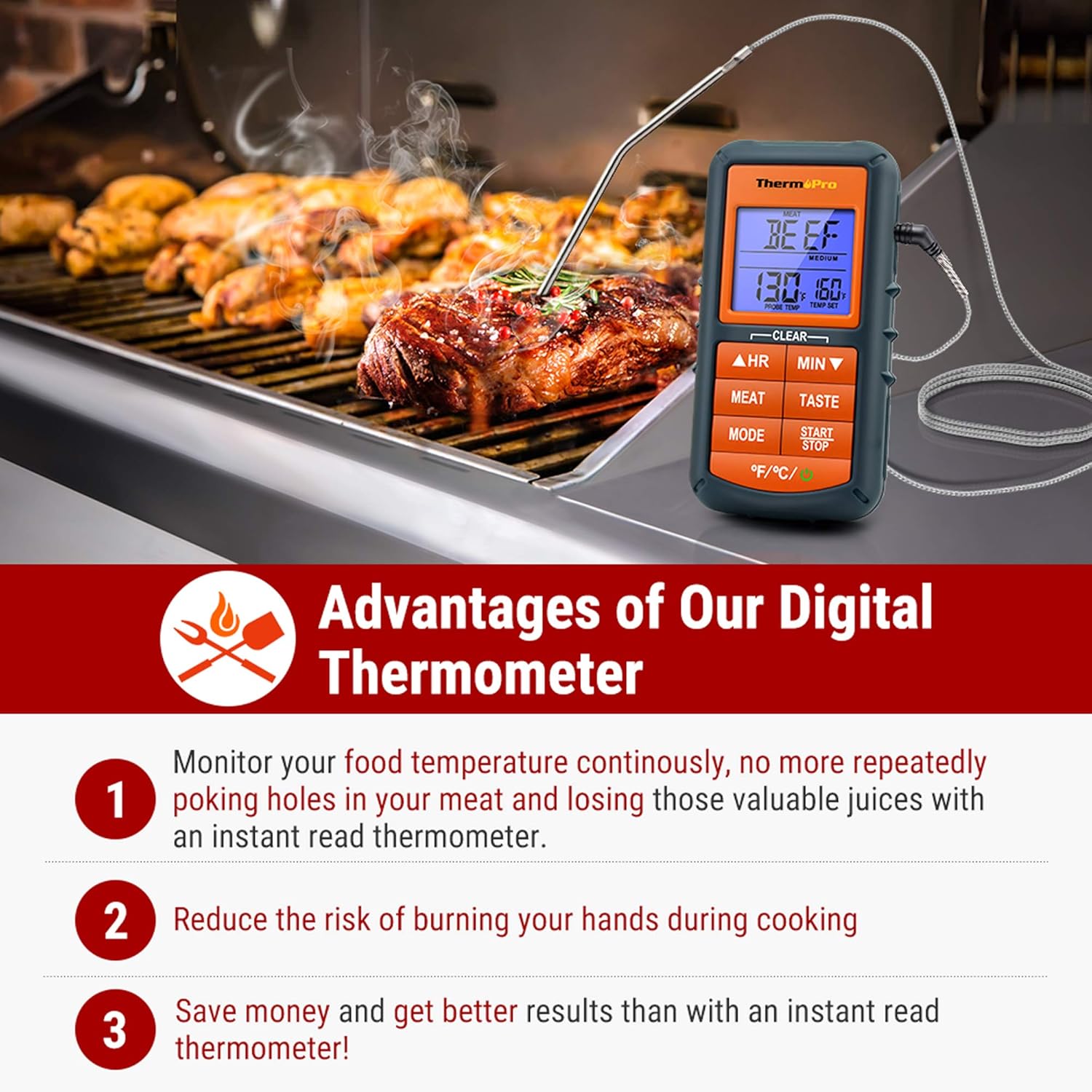
Figure 2: The ThermoPro TP06S thermometer in use on a grill, highlighting its benefits.
2. Battery Installation
The ThermoPro TP06S requires 2 AAA batteries for operation. To install the batteries:
- Locate the battery compartment on the back of the thermometer unit.
- Slide open the battery compartment cover.
- Insert the 2 AAA batteries, ensuring the correct polarity (+ and -) as indicated inside the compartment.
- Close the battery compartment cover securely.
3. Probe Connection
Connect the stainless steel temperature probe to the jack located on the side of the main thermometer unit. Ensure the connection is firm.

Figure 3: Detailed view of the food-grade stainless steel probe, emphasizing its accuracy and heat resistance.
Operating Instructions
1. Power On/Off
Press the POWER button (located at the bottom right) to turn the unit ON or OFF.
2. Temperature Unit Selection
Press the °F/°C button (located at the bottom left) to switch between Fahrenheit and Celsius temperature readings.
3. Preset Meat Settings
The thermometer comes with preset temperatures for 9 types of meat recommended by USDA. Press the MEAT button to cycle through the different meat types:
- Ground Beef (Gbeef)
- Ground Poultry (Gpoult)
- Beef
- Veal
- Chicken (Chcke)
- Pork
- Poultry (Poult)
- Lamb
- Fish
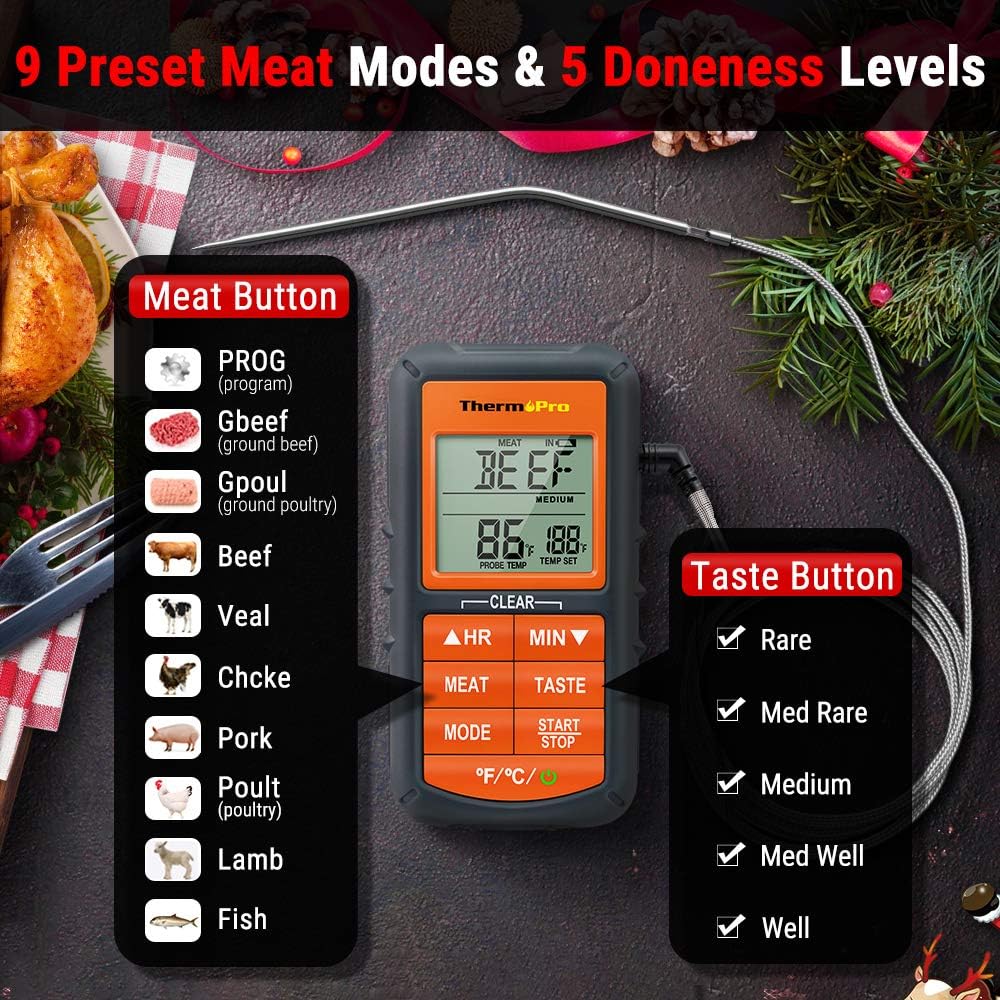
Figure 4: Display showing the 9 preset meat modes and 5 doneness levels available on the TP06S.
4. Doneness Level Selection
After selecting a meat type, press the TASTE button to choose your desired doneness level (e.g., Rare, Medium Rare, Medium, Medium Well, Well Done). The target temperature will adjust accordingly.
5. Custom Temperature Setting (PROG Mode)
To set a custom target temperature:
- Press the MODE button until "PROG" appears on the display.
- Use the HR (Hour) and MIN (Minute) buttons to adjust the target temperature up or down.
- Press START/STOP to confirm your custom setting.
6. Timer Function
The TP06S includes a count-up and countdown timer. To use the timer:
- Press the MODE button to switch to Timer mode.
- Use the HR and MIN buttons to set the desired countdown time (up to 23 hours, 59 minutes).
- Press START/STOP to begin or pause the timer.
- To reset the timer, press and hold both HR and MIN buttons simultaneously.
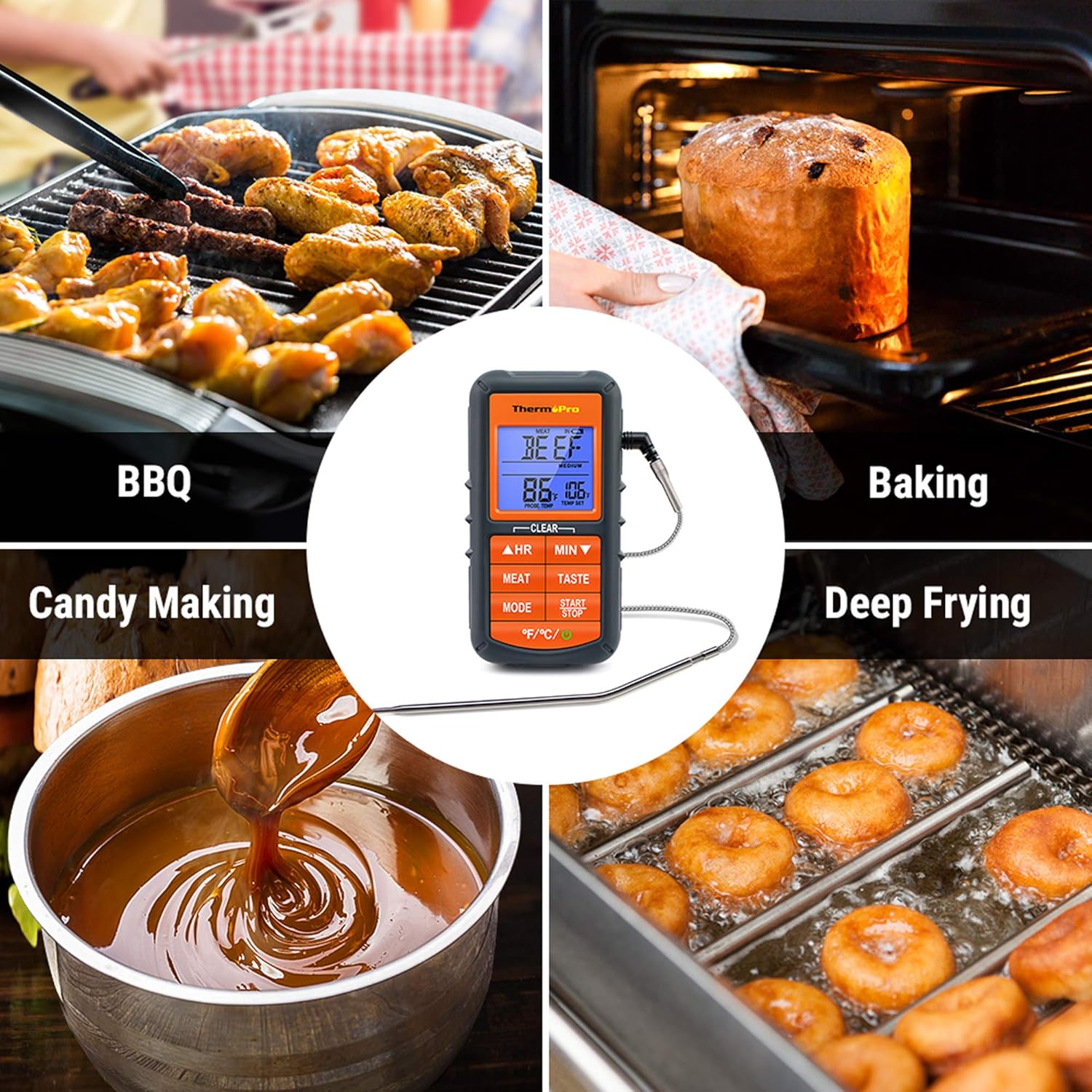
Figure 5: The TP06S unit showing both the current temperature and the countdown timer on its display.
7. Smart Backlight and Alarm
The display backlight changes color to indicate temperature progression:
- Blue: Temperature increases by 10°F.
- Green: Temperature is within 15°F of the set target temperature.
- Red: Current temperature reaches the set target temperature, and an alarm sounds.

Figure 6: Visual representation of the smart backlit LCD, indicating temperature status with different colors.
Maintenance
1. Cleaning
The stainless steel probe can be cleaned with warm soapy water. Wipe the main thermometer unit with a damp cloth. DO NOT immerse the main unit in water or place it in a dishwasher, as this can damage the electronic components.
2. Storage
Store the thermometer and probe in a dry place at room temperature when not in use. Ensure the probe tip protector is in place to prevent damage.
Troubleshooting
1. Inaccurate Temperature Readings
- Ensure the probe is fully inserted into the thickest part of the meat, avoiding bones or gristle.
- Check that the probe cable is securely connected to the main unit.
- Verify that the probe cable is not damaged or frayed. A damaged probe may need replacement.
- Test the probe in boiling water (212°F / 100°C at sea level) or ice water (32°F / 0°C) to check its accuracy.
2. Display Not Working / No Power
- Check if the batteries are installed correctly with the correct polarity.
- Replace the batteries with fresh AAA batteries.
- Ensure the power button is pressed firmly.
3. Alarm Not Sounding
- Confirm that a target temperature has been set.
- Check if the unit's volume is not set to mute (if applicable, though this model typically has a fixed alarm sound).
Specifications
| Brand: | ThermoPro |
| Model Name: | Digital Grill Meat Thermometer with Probe for Smoker Grilling Food |
| Item Model Number: | TP06S |
| Power Source: | Battery Powered (2 x AAA batteries included) |
| Temperature Range: | Up to 482°F (250°C) |
| Probe Material: | Food Grade Stainless Steel |
| Probe Wire Rating: | Rated for 716°F (380°C) |
| Display Type: | LCD with Smart Backlight |
| Special Feature: | Alarm, Preset Temperatures, Timer |
| Certifications: | NSF Certified |

Figure 7: Certifications for the ThermoPro TP06S, including NSF, CE, and RoHS compliance.
Warranty and Support
For warranty information, technical support, or to purchase replacement parts, please visit the official ThermoPro website or contact their customer service. You can also refer to the detailed user guides available online:


