
1. Introduction
This manual provides essential instructions for setting up, operating, maintaining, and troubleshooting your Apple iPad Air (Model MD785LL/A). Please read this guide thoroughly to ensure proper use and to maximize your device's capabilities. The iPad Air is a versatile tablet designed for various tasks, including web browsing, email, media consumption, and app usage.
2. Product Overview
The Apple iPad Air features a 9.7-inch Retina display, a powerful A6 processor, and a lightweight design. Familiarize yourself with the device's physical components.

Figure 2.1: Front View of iPad Air. This image shows the front of the iPad Air, featuring its 9.7-inch display with the home screen visible. App icons for FaceTime, Camera, Contacts, Notes, Reminders, App Store, Settings, Safari, Google, Calendar, Messages, Mail, and Clock are arranged on the screen. The Home button is located below the display.

Figure 2.2: Side View of iPad Air. This image illustrates the thin profile of the iPad Air, highlighting its sleek design. The side buttons, typically for volume control and mute/rotation lock, are visible along the edge.
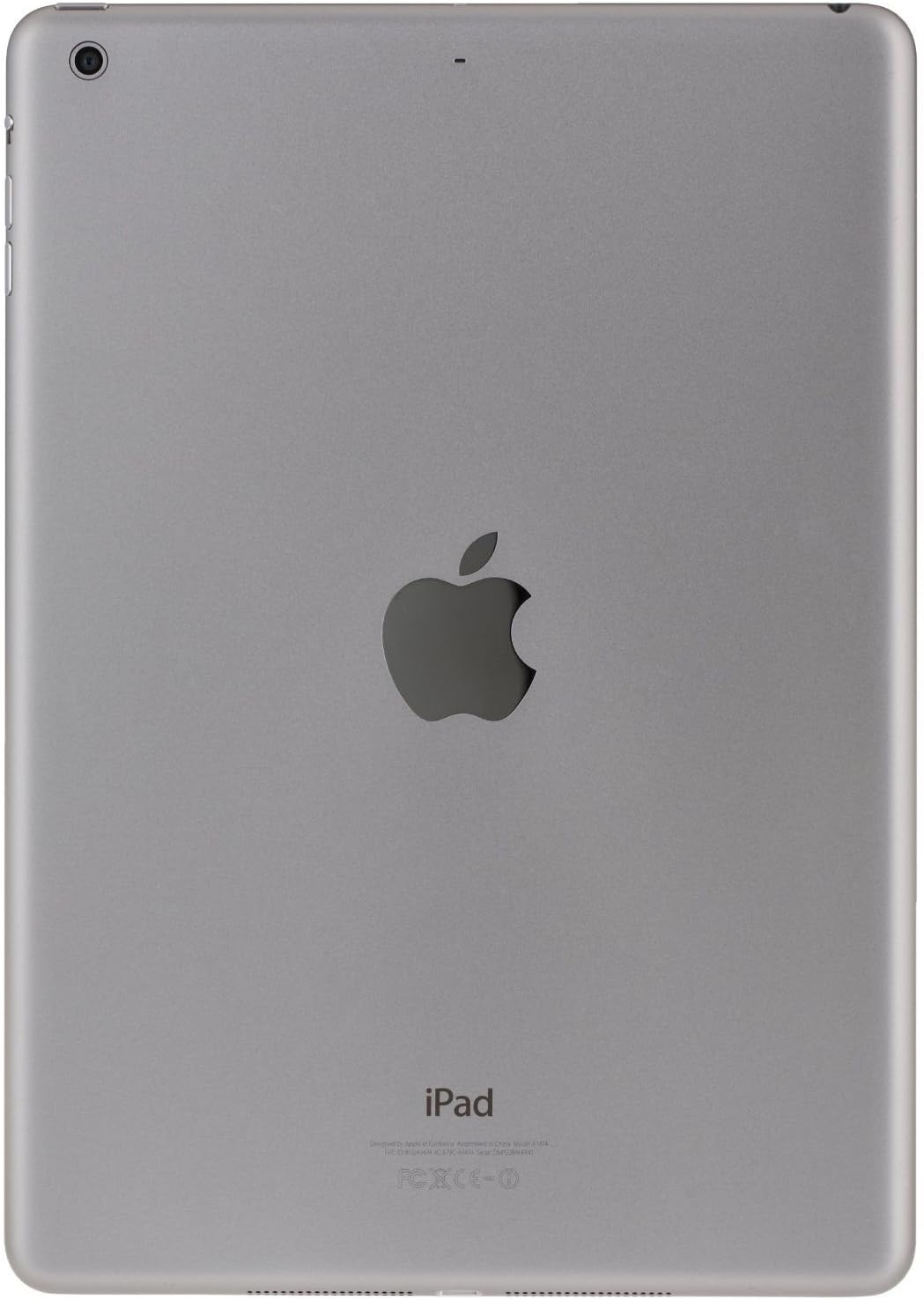
Figure 2.3: Rear View of iPad Air. This image displays the back of the iPad Air, featuring the prominent Apple logo in the center. The rear camera lens is visible in the upper left corner, and regulatory information is printed at the bottom.
3. Setup
3.1 Initial Power On
- Press and hold the Power/Sleep/Wake button (located on the top right edge) until the Apple logo appears.
- Follow the on-screen instructions to begin the setup process.
3.2 Basic Configuration
- Language and Region: Select your preferred language and country/region.
- Wi-Fi Network: Connect to a Wi-Fi network. This is required for activation and many features.
- Location Services: Choose whether to enable or disable Location Services.
- Set Up iPad: You can choose to set up as a new iPad, restore from an iCloud backup, or restore from an iTunes backup.
- Apple ID: Sign in with your existing Apple ID or create a new one. An Apple ID is necessary for downloading apps, using iCloud, and other Apple services.
- Passcode: Create a passcode to secure your device.
- iCloud & Find My iPad: Configure iCloud settings and enable Find My iPad for security.
4. Operating Instructions
4.1 Basic Gestures
- Tap: Touch the screen briefly with one finger to select an item or activate a button.
- Swipe: Drag one finger across the screen to scroll, navigate between home screens, or reveal hidden options.
- Pinch: Use two fingers to pinch in or out to zoom in or out of photos, web pages, or maps.
- Multi-Touch Gestures: Depending on your settings, you can use four or five fingers to pinch to the Home screen, swipe up to reveal the multitasking bar, or swipe left/right to switch between apps.
4.2 Home Button Functions
- Single Press: Returns to the Home screen.
- Double Press: Opens the multitasking bar, showing recently used apps.
- Triple Press: Activates Accessibility Shortcut (if configured in Settings).
- Press and Hold: Activates Siri (if enabled).
4.3 Control Center and Notification Center
- Control Center: Swipe up from the bottom edge of the screen to access quick settings like Wi-Fi, Bluetooth, brightness, and media controls.
- Notification Center: Swipe down from the top edge of the screen to view notifications and widgets.
4.4 App Store and Applications
Access the App Store icon on your Home screen to browse, search, and download applications. Many apps are free, while others require purchase. Ensure you are signed in with your Apple ID.
5. Maintenance
5.1 Cleaning Your iPad Air
- Use a soft, lint-free cloth (e.g., microfiber cloth) to clean the screen and exterior.
- Avoid using abrasive materials, aerosols, solvents, or ammonia-based cleaners.
- Dampen the cloth slightly with water if necessary, but avoid getting moisture into any openings.
5.2 Software Updates
Regularly check for and install software updates to ensure your iPad Air has the latest features, security enhancements, and performance improvements. Go to Settings > General > Software Update.
5.3 Backup Procedures
It is recommended to regularly back up your iPad Air to iCloud or your computer using iTunes. This protects your data in case of device loss or damage.
6. Troubleshooting
6.1 Device Not Responding
If your iPad Air becomes unresponsive, perform a force restart:
- Press and hold both the Home button and the Power/Sleep/Wake button simultaneously until the Apple logo appears. Release both buttons once the logo is visible.
6.2 Wi-Fi Connection Issues
- Ensure Wi-Fi is enabled in Settings > Wi-Fi.
- Try restarting your Wi-Fi router.
- Go to Settings > General > Reset > Reset Network Settings. This will clear all network settings, including Wi-Fi passwords.
6.3 App Crashes or Freezes
- Close the app by double-pressing the Home button, then swiping the app's preview card upwards.
- Restart your iPad Air.
- Check for app updates in the App Store.
- If the issue persists, delete and reinstall the app.
7. Specifications
| Model Name | iPad Air |
| Model Number | MD785LL/A |
| Display | 9.7-inch Retina display |
| Resolution | 2048 x 1536 Pixels |
| Processor | Apple A6 1.4 GHz |
| Storage Capacity | 16 GB Flash Memory |
| RAM Memory | 1 GB |
| Operating System | Apple iOS 5 (initial release, upgradable) |
| Battery Life | Up to 10 hours |
| Weight | 1.00 pounds (approx. 453 grams) |
| Dimensions (L x W x H) | 9.4 x 6.6 x 0.29 inches (approx. 240 x 169.5 x 7.5 mm) |
8. Important Information and Support
8.1 Legal Disclaimer for Returns
If you wish to return the iPad: You must erase all your content, which will remove any activation lock from iCloud. Failure to remove activation lock from the iPad will result in no refund or exchange. To erase content, go to: Settings > General > Reset > Erase All Content and Settings.
8.2 Warranty and Technical Support
For detailed warranty information, technical support, or service, please refer to the official Apple support website or contact Apple customer service directly. Information regarding your specific warranty coverage can typically be found by entering your device's serial number on the Apple support portal.
You can visit the official Apple Support website for further assistance: support.apple.com


