
1. Introduction
This manual provides essential information for the safe and efficient use of your Philips Saeco GranBaristo Avanti Super Automatic Espresso Machine, model HD8967/47. Please read these instructions carefully before operating the appliance and retain them for future reference.

The Saeco GranBaristo Avanti machine, showcasing its ability to prepare various coffee beverages and its connectivity features via a tablet.
2. Setup and First Use
2.1 Unpacking
Carefully remove the machine from its packaging. Remove all packing materials, including protective films and stickers. Ensure all components are present: the espresso machine, milk carafe, water tank, coffee bean hopper, and power cord.
2.2 Initial Rinse
Before first use, rinse the water tank, milk carafe, and brew group under lukewarm water. Do not use abrasive cleaning agents.
2.3 Filling the Water Tank
- Remove the water tank from the machine.
- Fill the tank with fresh tap water up to the MAX indication.
- Place the water tank back into the machine, ensuring it is seated correctly.
2.4 Filling the Coffee Bean Hopper
Open the lid of the coffee bean hopper located on top of the machine. Pour fresh whole coffee beans into the hopper. Do not fill above the MAX level. The machine includes an extra bean hopper for convenience if you wish to switch between different bean types.
2.5 Power Connection
Insert the power plug into the socket on the back of the machine, then plug the other end into a grounded wall outlet.
2.6 First Use and Priming
Upon first power-on, the machine will guide you through an initial setup process, including rinsing cycles to prime the system. Follow the on-screen instructions. This process ensures the internal circuits are filled with water and ready for brewing.
2.7 Connecting to the Avanti App
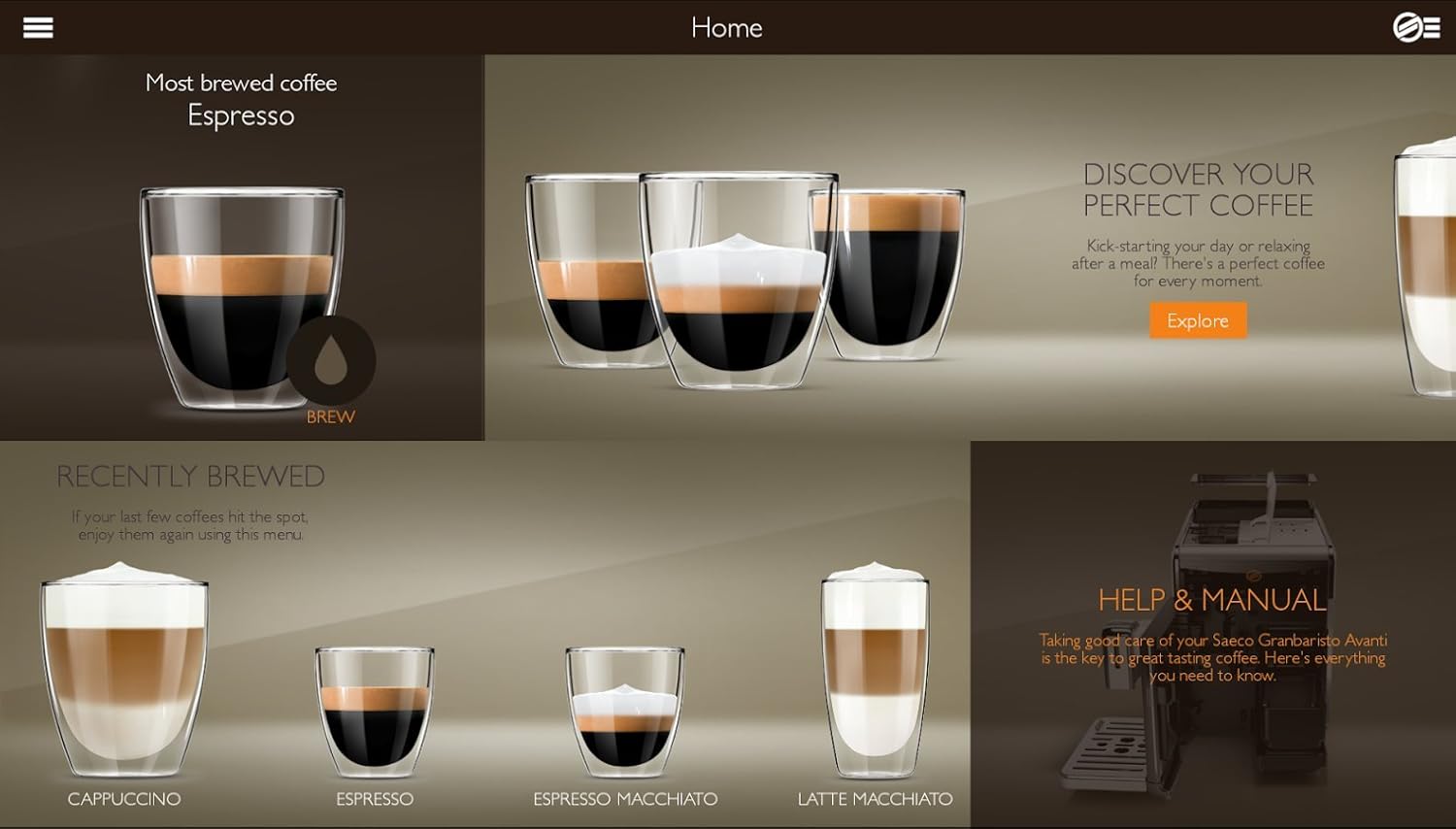
The Saeco GranBaristo Avanti is a connected machine. Download the 'Avanti' app from your device's app store. Enable Bluetooth on your mobile device or tablet and follow the app's instructions to pair it with your espresso machine. This allows for customized brewing and remote control.

The Saeco Avanti app on a smartphone, showing options to customize a cappuccino's strength, coffee volume, and milk volume.

The Saeco Avanti app on a tablet, offering a selection of classic coffee beverages, positioned beside the espresso machine.
3. Operating Instructions
3.1 Control Panel Overview
The machine features a touchscreen display and dedicated buttons for various functions. Icons represent different coffee drinks and settings.

The machine's control panel with touch-sensitive icons for Espresso Macchiato, Cappuccino, Espresso, Espresso Lungo, Latte Macchiato, Frothed Milk, Coffee, and Americano.
3.2 Brewing Basic Coffee
- Place a cup under the coffee spout.
- Select your desired coffee drink (e.g., Espresso, Coffee) from the control panel.
- The machine will automatically grind the beans and brew your coffee.
3.3 Brewing Specialty Drinks with Milk
- Fill the milk carafe with fresh milk and attach it to the machine.
- Place a cup under the milk spout and coffee spout.
- Select a milk-based drink (e.g., Cappuccino, Latte Macchiato, Frothed Milk).
- The machine will froth the milk and dispense it, followed by the coffee.
3.4 Customizing Your Drink
You can adjust various parameters for your coffee, including:
- Coffee Strength: Adjust the amount of ground coffee used.
- Coffee Volume: Change the amount of water for your drink.
- Temperature: Select from available temperature settings.
- Milk Volume: For milk-based drinks, adjust the amount of frothed milk.
These settings can be adjusted directly on the machine's display or through the Avanti app.

The Avanti app interface, demonstrating how to customize coffee parameters such as aroma, coffee volume, and milk volume using sliders.
3.5 Using the Bean Switcher
The machine is equipped with a bean switcher, allowing you to easily change between two types of coffee beans. Simply swap the bean hopper to use a different blend or decaffeinated coffee.
3.6 Profile Management
The machine allows for the creation of up to six user profiles. Each profile can store personalized drink preferences, making it convenient for multiple users to enjoy their favorite customized beverages.
4. Maintenance and Cleaning
Regular cleaning and maintenance ensure optimal performance and longevity of your espresso machine.
The Saeco GranBaristo Avanti machine with its milk carafe, illustrating its compact design and readiness for milk-based beverages.
4.1 Daily Cleaning
- Drip Tray and Coffee Grounds Container: Empty and rinse daily. The machine will prompt you when the grounds container needs emptying.
- Milk Carafe: After each use, perform the quick clean cycle for the milk carafe. For thorough cleaning, disassemble and rinse all parts under running water.
4.2 Weekly Cleaning
- Brew Group: The brew group is removable for easy cleaning. Remove it, rinse thoroughly under lukewarm running water, and allow it to air dry before reinserting.
- Water Tank: Rinse the water tank and its lid weekly.
4.3 Descaling
The machine will indicate when descaling is required. Follow the on-screen instructions and use a Saeco-approved descaling solution. Regular descaling prevents limescale buildup and maintains machine performance.
4.4 Ceramic Grinder Care
The machine features durable ceramic grinders. Do not attempt to clean the grinders with water. If necessary, use a dry brush to remove coffee residue. Avoid grinding pre-ground coffee in the bean hopper, as this can damage the grinder.
5. Troubleshooting
This section addresses common issues you might encounter. For more detailed troubleshooting, refer to the machine's display messages or the full product manual.
| Problem | Possible Cause | Solution |
|---|---|---|
| No coffee dispensed | Water tank empty; brew group clogged; no coffee beans. | Fill water tank; clean brew group; fill bean hopper. |
| Weak coffee | Grind setting too coarse; insufficient coffee dose; old beans. | Adjust grind to finer setting; increase coffee strength; use fresh beans. |
| Machine displays error message | Specific internal issue. | Follow instructions on the machine's display. If persistent, contact support. |
| App not connecting | Bluetooth off; machine not in pairing mode; app issue. | Ensure Bluetooth is on; restart machine and app; re-pair device. |
6. Specifications
- Brand: Philips
- Model Name: GranBaristo AVANTI
- Item Model Number: HD8967/47
- Color: Silver
- Material: Stainless Steel
- Operation Mode: Fully Automatic
- Coffee Input Type: Whole Beans
- Capacity: 1.7 Liters (Water Tank)
- Product Dimensions: 18.11 x 8.07 x 14.17 inches
- Item Weight: 16.94 pounds
- Human Interface Input: Touchscreen
- Connectivity: Bluetooth (for Avanti app)
7. Warranty and Support
Your Philips Saeco GranBaristo Avanti Espresso Machine is covered by a manufacturer's warranty. Please refer to the warranty card included with your purchase for specific terms and conditions.
For technical assistance, troubleshooting beyond this manual, or to inquire about warranty service, please contact Philips customer support. Contact information can typically be found on the Philips official website or in your product documentation.


