
Introduction
The AGPTEK G02 MP3 Player is a compact and lightweight portable audio device designed for music playback and FM radio reception. Featuring an 8GB internal memory and a convenient clip design, it is ideal for active users. This manual provides detailed instructions for setup, operation, maintenance, and troubleshooting to ensure optimal performance of your device.

The AGPTEK G02 MP3 Player is designed for portability, featuring a clip for secure attachment during activities like exercise.
Package Contents
Please verify that all items listed below are included in your package:
- AGPTEK G02 MP3 Player (8 GB memory)
- Micro USB Cable
- User Manual (English)
- Headphones

The package includes the AGPTEK G02 MP3 Player, headphones, a Micro USB cable, and the user manual.
Product Overview
Familiarize yourself with the buttons and ports on your AGPTEK G02 MP3 Player:

Detailed view of the AGPTEK G02 MP3 Player, indicating the Earphone Jack, Blue Indicator, Red Indicator, VOL+, Play/Pause, Next, Previous, VOL-, FM/Music Switch, Shuffle/Repeat Switch, and Reset button.
- Earphone Jack: Connect your headphones here.
- Blue Indicator: Status light.
- Red Indicator: Status light, often for charging.
- VOL+ / VOL-: Adjust volume up or down.
- Play/Pause: Press to play or pause music. Long press for power on/off.
- Next / Previous: Skip to the next or previous track. Long press for fast forward/rewind.
- FM/Music Switch: Toggle between FM radio and music playback modes.
- Shuffle/Repeat Switch: Change playback mode (shuffle, repeat one, repeat all).
- Reset: Small pinhole button to reset the device if unresponsive.
Setup
1. Charging the Battery
Before first use, fully charge the MP3 player. Connect the Micro USB cable to the player's USB port and the other end to a computer's USB port or a USB wall adapter (not included). The red indicator light will typically show charging status and turn off or change color when fully charged. A full charge usually takes approximately 2 hours and provides 8-10 hours of playback.
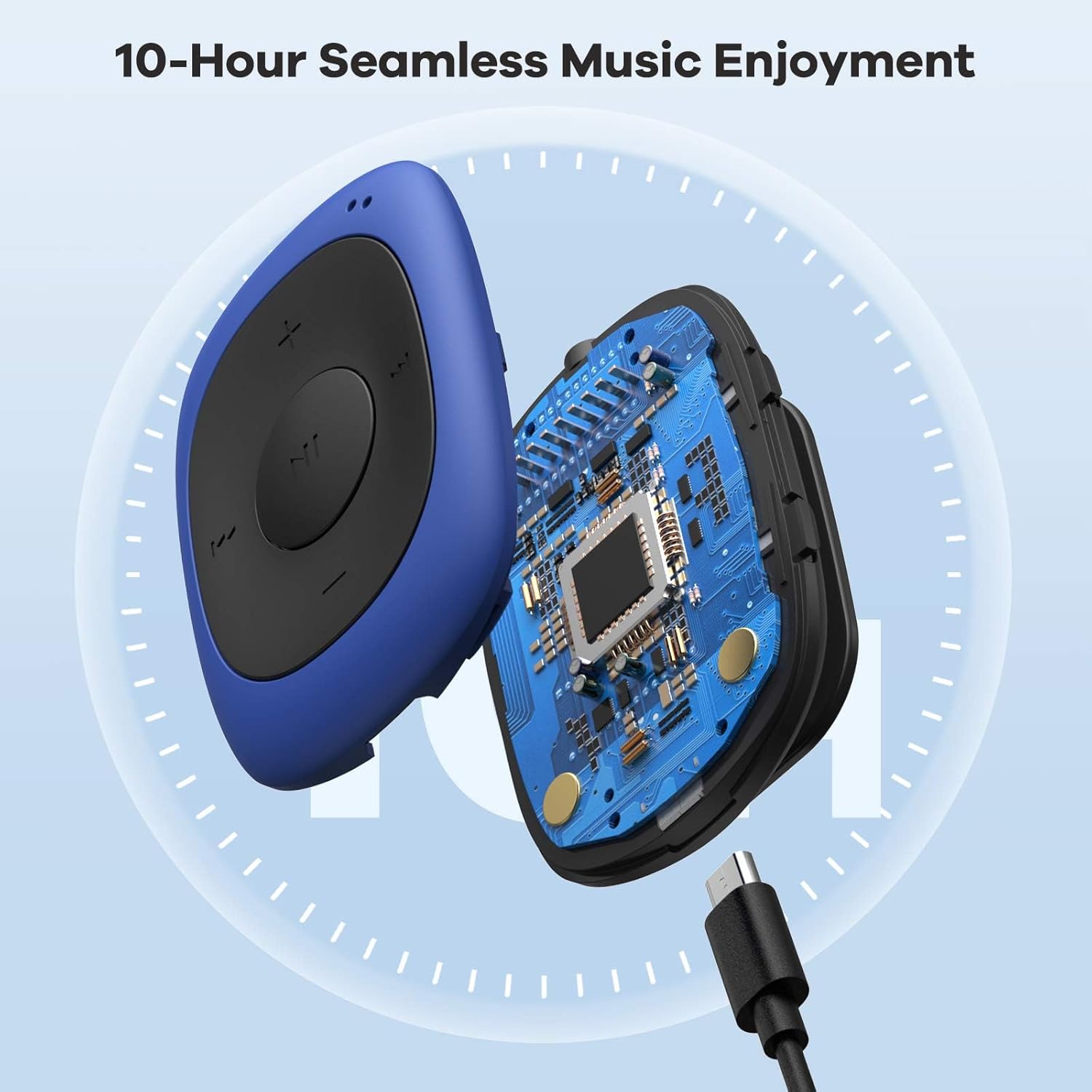
The AGPTEK G02 MP3 Player features a Micro USB port for charging and data transfer.
2. Transferring Music Files
Connect the MP3 player to your computer using the Micro USB cable. The player will appear as a removable disk drive. Drag and drop your MP3, WMA, or WAV audio files directly into the player's storage. Ensure files are properly transferred before disconnecting the device.
Operating Instructions
1. Power On/Off
- To Power On: Long press the central Play/Pause button.
- To Power Off: Long press the central Play/Pause button again.
2. Volume Adjustment
- Press the VOL+ button to increase the volume.
- Press the VOL- button to decrease the volume.
3. Music Playback
- Play/Pause: Press the central Play/Pause button.
- Next Track: Press the Next button.
- Previous Track: Press the Previous button.
- Fast Forward: Long press the Next button.
- Rewind: Long press the Previous button.
4. Shuffle/Repeat Mode
Use the dedicated Shuffle/Repeat Switch to cycle through playback modes:
- Shuffle: Plays tracks in a random order.
- Repeat One: Repeats the current track.
- Repeat All: Repeats all tracks in the current folder/list.

The AGPTEK G02 MP3 Player features dedicated buttons for easy control of music playback modes.
FM Radio Operation
The AGPTEK G02 MP3 Player includes an FM radio function (87MHz-108MHz).
- Switch to FM Mode: Use the FM/Music Switch to toggle to FM radio mode.
- Scan for Stations: In FM mode, long press the Play/Pause button to automatically scan and save available FM stations.
- Change Stations: Use the Next and Previous buttons to navigate through saved stations.

The AGPTEK G02 MP3 Player offers FM radio functionality, allowing access to news, sports, music, and weather broadcasts.
Maintenance
1. Cleaning
Wipe the player with a soft, dry cloth. Avoid using liquid cleaners or solvents, as they may damage the device.
2. Battery Care
To prolong battery life, avoid fully discharging the battery frequently. Charge the device regularly, even if not in use for extended periods. Do not expose the device to extreme temperatures.
3. Storage
Store the MP3 player in a cool, dry place away from direct sunlight and moisture. If storing for a long time, ensure the battery has some charge.
Troubleshooting
- Player does not turn on: Ensure the battery is charged. Connect to a power source and try again. If unresponsive, locate the small reset pinhole and gently press it with a thin object (e.g., a paperclip) to reset the device.
- No sound or distorted sound: Check headphone connection. Ensure headphones are fully plugged into the earphone jack. Test with different headphones if possible. Adjust volume levels.
- Music playback issues (e.g., shuffle not working as expected): Verify the shuffle/repeat switch setting. If specific songs are skipped, ensure the file format is supported (MP3, WMA, WAV) and the files are not corrupted. Re-transfer problematic files.
- FM radio reception is poor: Ensure headphones are connected, as they often act as the antenna. Try moving to an open area or adjusting your position.
- Device not recognized by computer: Ensure the USB cable is securely connected. Try a different USB port or cable. Restart your computer and the MP3 player.
Specifications
| Model Name | mp3 player (G02) |
| Brand | AGPTEK |
| Memory Storage Capacity | 8 GB |
| Connectivity Technology | Aux |
| Supported Media Types | MP3, WMA, WAV |
| FM Radio Frequency Range | 87MHz-108MHz |
| Battery Life (Average) | 10 Hours |
| Item Weight | 0.01 Kilograms (0.49 oz) |
| Item Dimensions (D x W x H) | 0.61" x 1.43" x 1.97" (15.6 x 36.2 x 50 mm) |
| Operating System Compatibility | Windows 98 / XP / SE / ME / 2K, MAC OS 10, Linux 2.4.2 XP / VISTA / Win7 |
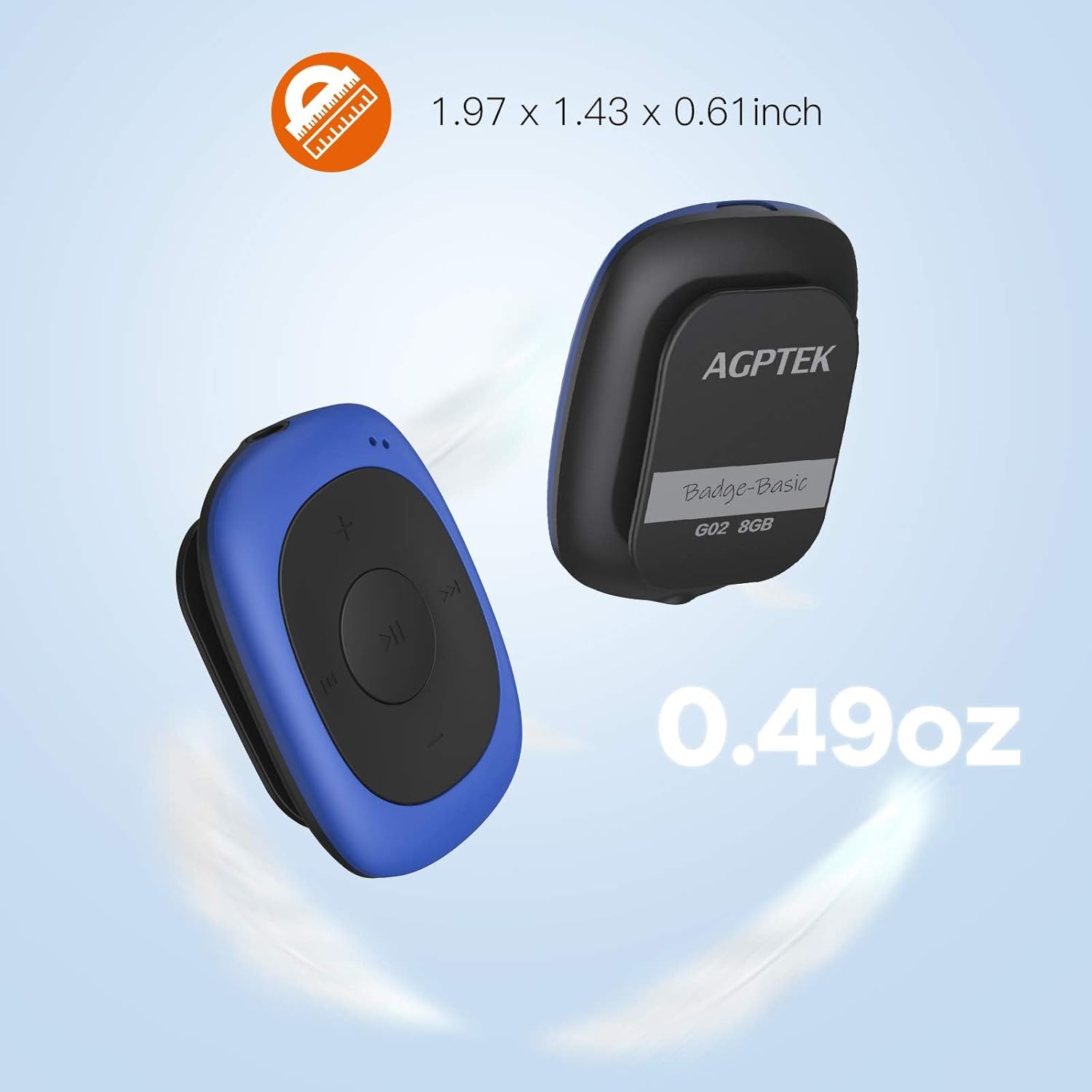
The compact size and light weight of the AGPTEK G02 MP3 Player make it highly portable.
Warranty Information
For specific warranty details, please refer to the documentation included with your purchase or contact AGPTEK customer support. Typically, products come with a limited warranty covering manufacturing defects from the date of purchase.
Customer Support
If you encounter any issues not covered in this manual or require further assistance, please contact AGPTEK customer support through their official website or the retailer where you purchased the product. Have your model number (_SML) and purchase information ready.


