
1. Introduction
The iControl ICamera2 is a compact, wireless, and weather-proof IP camera designed for versatile surveillance. Featuring an integrated microcomputer and a high-quality CMOS sensor, it delivers live streaming video over wired LAN, the Internet, and 802.11N Wireless LAN. Utilizing advanced H.264 technology, the camera provides high-quality video and audio while minimizing network bandwidth. Built-in infrared LEDs ensure clear visibility in low-light conditions up to 5 meters.
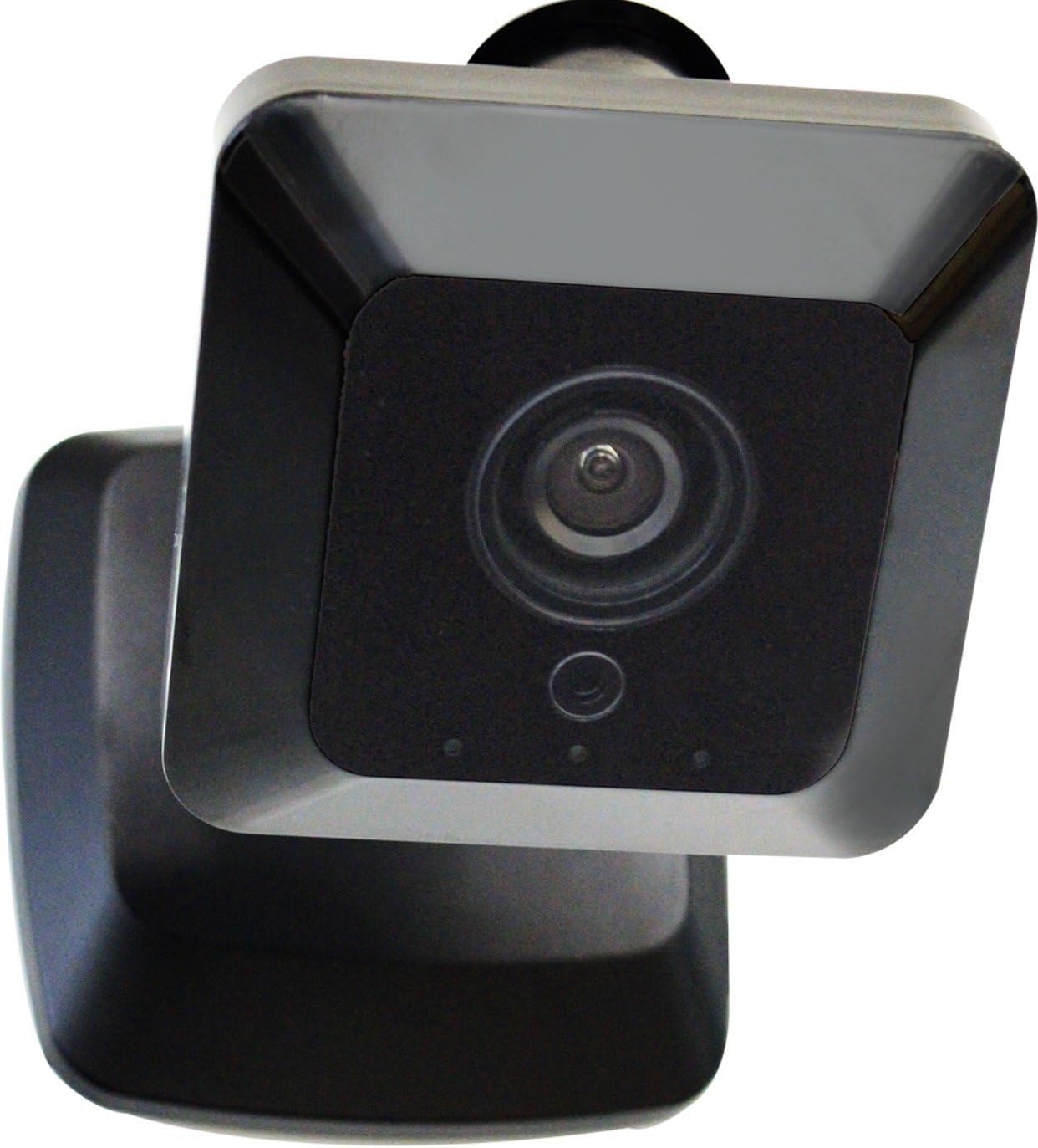
Figure 1.1: Front view of the iControl ICamera2 camera, showcasing its compact design and lens.
2. Safety Information
Please read and follow these safety guidelines to ensure proper operation and prevent damage to the device or injury to yourself:
- Use only the power adapter supplied with the camera.
- Do not expose the camera to extreme temperatures, humidity, or direct sunlight for prolonged periods.
- Ensure the camera is securely mounted to prevent accidental falls.
- Avoid placing the camera near strong electromagnetic fields.
- Do not attempt to disassemble or modify the camera. This will void the warranty.
- Keep the camera and its accessories out of reach of children.
3. Package Contents
Verify that all items are present in your product package:
- iControl ICamera2 IP Camera
- Power Adapter (AC/DC)
- Mounting Hardware (screws, anchors)
- Quick Start Guide (if included)

Figure 3.1: The ICamera2 unit shown with its desktop stand, suitable for indoor placement.
4. Setup
4.1 Physical Installation
The ICamera2 is designed for both indoor and outdoor use, with an IP67 rating for weather resistance. Choose a location that provides the desired viewing angle and is within range of your Wi-Fi network or an Ethernet connection.
- Outdoor Mounting: Use the provided mounting hardware to secure the camera to a wall or other stable surface. Ensure the camera's field of view (120 degrees) covers the area you wish to monitor.

Figure 4.1: The ICamera2 securely mounted on exterior house siding, demonstrating outdoor installation.
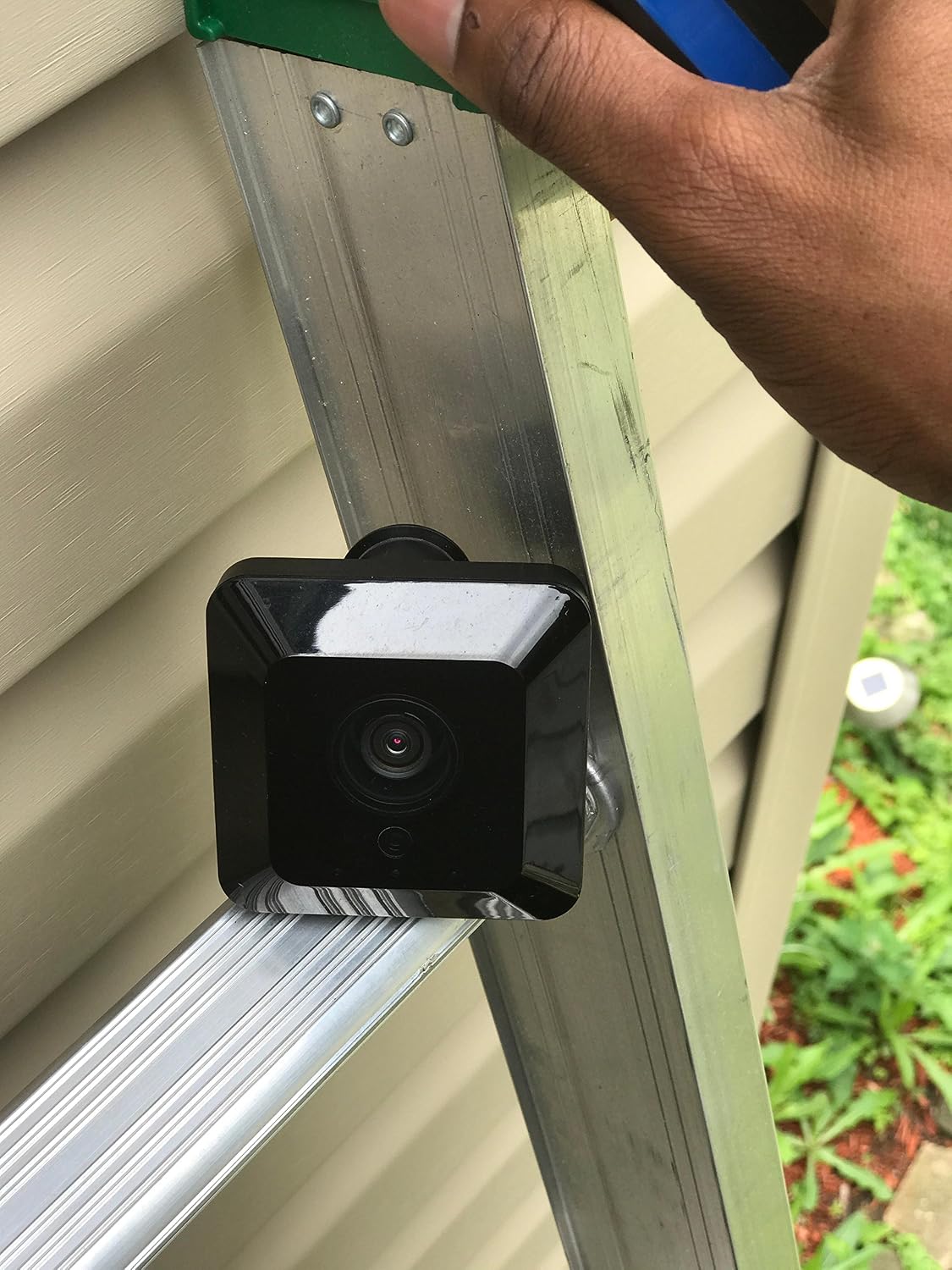
Figure 4.2: The ICamera2 positioned on a ladder during installation, allowing for adjustment of the camera's angle and view.
- Power Connection: Connect the power adapter to the camera's power input and plug it into a standard electrical outlet.
4.2 Network Connection
The ICamera2 supports both wired and wireless connectivity.
- Wired Connection: Connect an Ethernet cable from your router to the camera's Ethernet port.
- Wireless Connection (Wi-Fi): The camera supports 802.11N Wireless LAN. Refer to your specific security system or third-party software instructions for pairing the camera with your Wi-Fi network. This typically involves a discovery process through the software.

Figure 4.3: Rear view of the ICamera2, displaying the Ethernet port, power input, and product information label.
4.3 Software Setup
The ICamera2 integrates with various security systems and third-party IP camera software. Follow the instructions provided by your chosen platform to add and configure the camera. This usually involves scanning for new devices on your network and entering any required credentials.
5. Operating the Camera
Once set up, the ICamera2 offers several operational features:
- Live View: Access real-time video streams through your connected security system's application or software.
- Video Recording: The camera utilizes H.264 compression for efficient video storage. Recording options (continuous, motion-activated, scheduled) depend on your integrated software.
- Audio Monitoring: The ICamera2 includes a microphone for audio capture, allowing you to hear sounds from the monitored area.
- Night Vision: Built-in infrared LEDs automatically activate in low-light conditions, providing clear black-and-white video up to 5 meters.
- Motion Detection: Configure motion detection zones and sensitivity settings within your software to receive alerts and trigger recordings when activity is detected.
6. Maintenance
Regular maintenance helps ensure the longevity and optimal performance of your ICamera2:
- Cleaning: Gently wipe the camera lens and body with a soft, damp cloth. Avoid using harsh chemicals or abrasive materials.
- Firmware Updates: Periodically check with your security system provider or iControl for available firmware updates. Updates can improve performance, add features, and address security vulnerabilities.
- Cable Inspection: Regularly inspect power and Ethernet cables for any signs of wear or damage, especially for outdoor installations.
7. Troubleshooting
If you encounter issues with your ICamera2, consider the following:
- No Power: Ensure the power adapter is securely connected to both the camera and a working electrical outlet.
- No Network Connection:
- For wired connections, check the Ethernet cable and router status.
- For wireless connections, verify your Wi-Fi network is active and the camera is within range. Re-pair the camera with your Wi-Fi if necessary.
- Poor Video Quality: Check your network bandwidth. Ensure the lens is clean and free from obstructions.
- No Audio: Verify that audio recording is enabled in your software settings and that the camera's microphone is not obstructed.
- Camera Not Detected: Ensure the camera is powered on and connected to the network. Restart your router and the camera, then attempt to rediscover it through your software.
- Compatibility Issues: Some users have reported that newer camera models may require specific firmware or system compatibility. If you experience persistent issues with integration, contact your security system provider or iControl support for the latest compatibility information and potential firmware updates.
8. Specifications
| Feature | Specification |
|---|---|
| Model Number | ICamera2 |
| Connectivity Technology | Wireless (Wi-Fi) |
| Indoor/Outdoor Usage | Indoor, Outdoor |
| International Protection Rating | IP67 |
| Effective Video Resolution | 720 Pixels |
| Viewing Angle | 120 Degrees |
| Video Capture Format | MPEG-4 |
| Special Feature | HD Resolution, Night Vision |
| Alert Type | Motion Only |
| Power Source | AC/DC |
| Item Dimensions (L x W x H) | 3.25 x 3.25 x 4.75 inches |
| Item Weight | 3.84 ounces |
9. Warranty and Support
For warranty information and technical support, please refer to the documentation provided with your purchase or visit the official iControl website. Keep your proof of purchase for warranty claims.

