Introduction
The Conair Double Ceramic 1/2-Inch Curling Iron is designed to deliver smooth, defined, and long-lasting curls. This appliance features a 1/2-inch barrel, 30 heat settings, and a Turbo Heat boost for versatile styling. Its double ceramic coating helps protect hair and reduce frizz, making it suitable for various hair types, especially short to medium hair. This manual provides essential information for safe and effective use of your curling iron.
Safety Information
Please read all safety instructions before using this appliance to prevent injury or damage.
- Burn Hazard: Surfaces become extremely hot during use. Avoid direct contact with skin.
- Electric Shock Risk: Keep away from water. Do not use near bathtubs, sinks, or other water sources.
- Fire Risk: Unplug when not in use. Do not leave unattended when plugged in.
- Keep out of reach of children.
Product Features
- 1/2-Inch Double Ceramic Barrel: Designed for even heat distribution, creating tight, frizz-free curls that last.
- 30 Heat Settings: Offers precise temperature control for various hair types and desired curl styles.
- Turbo Heat Boost: Provides up to 400°F for fast styling and enhanced curl hold.
- Cool Tip: Ensures safe handling during styling.
- Recessed Buttons: Prevents accidental shutoffs during use.
- Dual Voltage: Ideal for travel, allowing use in different regions.
- Auto-Off Feature: Enhances safety by automatically turning off the appliance after a period of inactivity.
Setup
1. Unpack the Conair Double Ceramic 1/2-Inch Curling Iron from its packaging.
2. Ensure the appliance is clean and free from any debris.
3. Place the curling iron on a heat-resistant surface, utilizing its integrated stand to prevent direct contact with surfaces.
4. Plug the appliance into a suitable electrical outlet. The power indicator light will illuminate.
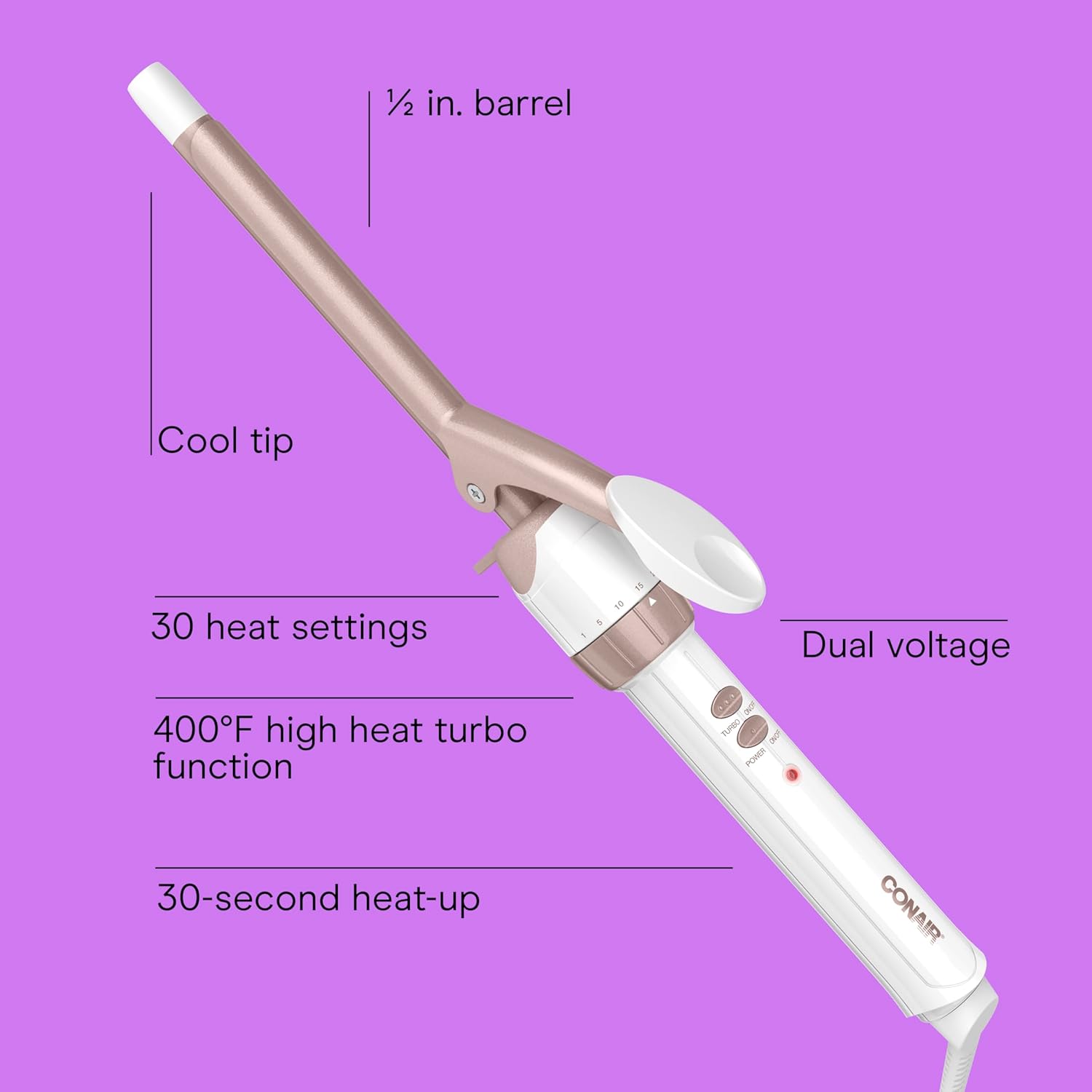
Figure 1: Key features of the Conair Double Ceramic 1/2-Inch Curling Iron.
Operating Instructions
Follow these steps for optimal curling results:
- Prepare Hair: Ensure your hair is completely dry. Section your hair evenly and comb each section to remove tangles before curling.
- Select Heat Setting: Turn on the curling iron using the Power ON/OFF button. Adjust the heat setting by rotating the dial at the base of the barrel. Refer to the heat guide below for recommended settings based on your hair type. For a quick heat boost, press the Turbo Heat button.
- Position the Iron: Press the automatic curl release lever to open the clamp. Place the curling iron midway up the hair section, ensuring hair is spread evenly between the clamp and the barrel.
- Curl Hair: Release the clamp to hold the hair in place. Gently slide the curling iron down to the hair ends. To avoid crimped ends, ensure they are securely wound under the clamp in the direction of the desired curl.
- Direction of Curl: For curls that roll under, position the clamp above the hair strand. For a flip style, position the clamp under the hair strand.
- Hold Time: Wind the hair up as far as you desire the curl to go, being careful not to let the iron touch your scalp. Hold in place for 8 to 12 seconds, adjusting based on your hair's texture and length. For tighter, bouncier curls, use smaller sections of hair. For looser, free-flowing curls, use larger sections.
- Release Curl: To remove the curling iron, unwind the hair and press the automatic curl release lever.
- Set Curl: Do not comb or brush curls until they have completely cooled. This helps to set the curl and ensure longevity.
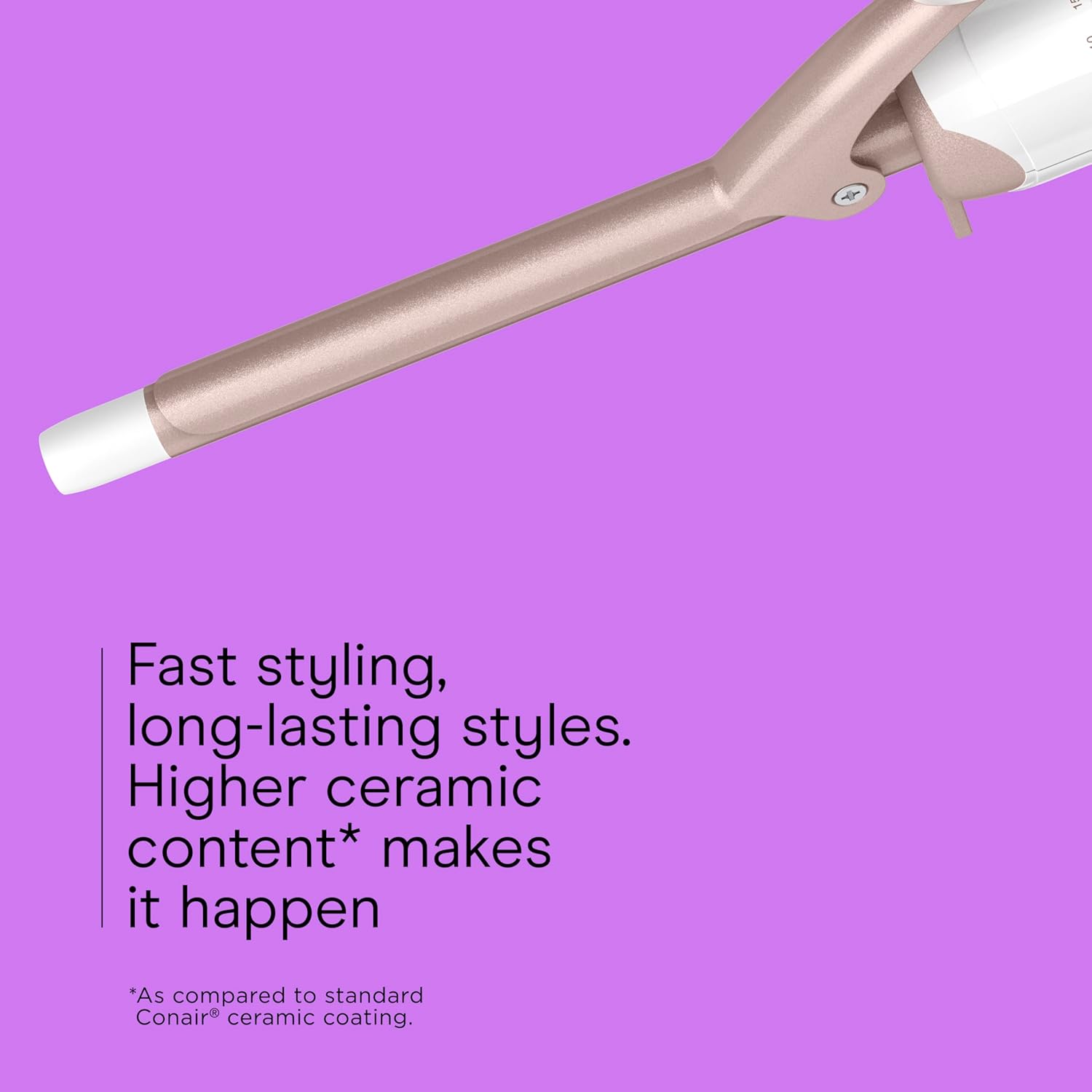
Figure 2: Heat Guide for various hair types.

Figure 3: Example of curls achieved with the 1/2-inch curling iron.
Maintenance
Proper maintenance ensures the longevity and performance of your curling iron.
- Cleaning: Always ensure the appliance is unplugged and completely cool before cleaning. Wipe the barrel and handle with a soft, damp cloth. Do not use abrasive cleaners or harsh chemicals, as these can damage the ceramic coating.
- Storage: Store the curling iron in a cool, dry place, away from moisture. Do not wrap the cord around the appliance, as this can cause damage to the cord.
Troubleshooting
- Appliance Not Heating Up: Ensure the curling iron is securely plugged into a working electrical outlet. Check that the Power ON/OFF button is pressed. Verify the heat setting is selected.
- Curls Not Holding: Ensure your hair is completely dry before curling. Use an appropriate heat setting for your hair type (refer to the Heat Guide). Hold the hair on the barrel for the recommended duration. Allow curls to cool completely before brushing or styling.
- Hair Snagging: Ensure hair sections are combed and free of tangles before curling. Make sure hair is evenly distributed on the barrel and not overlapping excessively.
Specifications
| Feature | Detail |
|---|---|
| Product Dimensions | 3.8 x 1.69 x 1.69 inches |
| Item Model Number | CD699GNR |
| Weight | 9.59 ounces |
| Manufacturer | Conair |
| Barrel Material | Double Ceramic |
| Barrel Size | 1/2-Inch |
| Heat Settings | 30 |
| Max Temperature | Up to 400°F (with Turbo Heat) |
| Special Features | Cool Tip, Auto-Off, Dual Voltage |
Warranty and Support
For detailed warranty information, product registration, or customer support, please refer to the documentation included with your Conair Double Ceramic 1/2-Inch Curling Iron packaging or visit the official Conair website. Keep your purchase receipt as proof of purchase for any warranty claims.


