Introduction
This manual provides detailed instructions for the assembly, use, and maintenance of your Ameriwood Home Owen Retro Computer Desk. Designed for small and medium-sized rooms, this desk offers a versatile workspace with a modern, mid-century aesthetic. Please read all instructions carefully before beginning assembly or use.
Safety Information
- Assembly: Attach the 4 legs carefully to avoid injury. It is recommended that two people assist with assembly, though it can be completed by one person.
- Weight Limit: Do not place more than 80 lbs. (36.3 kg) on the desk to prevent structural damage or tipping.
- Stability: Ensure the desk is placed on a flat, stable surface.
Setup and Assembly
Your Ameriwood Home Owen Retro Computer Desk ships flat and requires minimal assembly. All necessary tools are included.
- Unpack Components: Carefully remove all parts from the packaging. Verify that all components are present according to the included assembly guide.
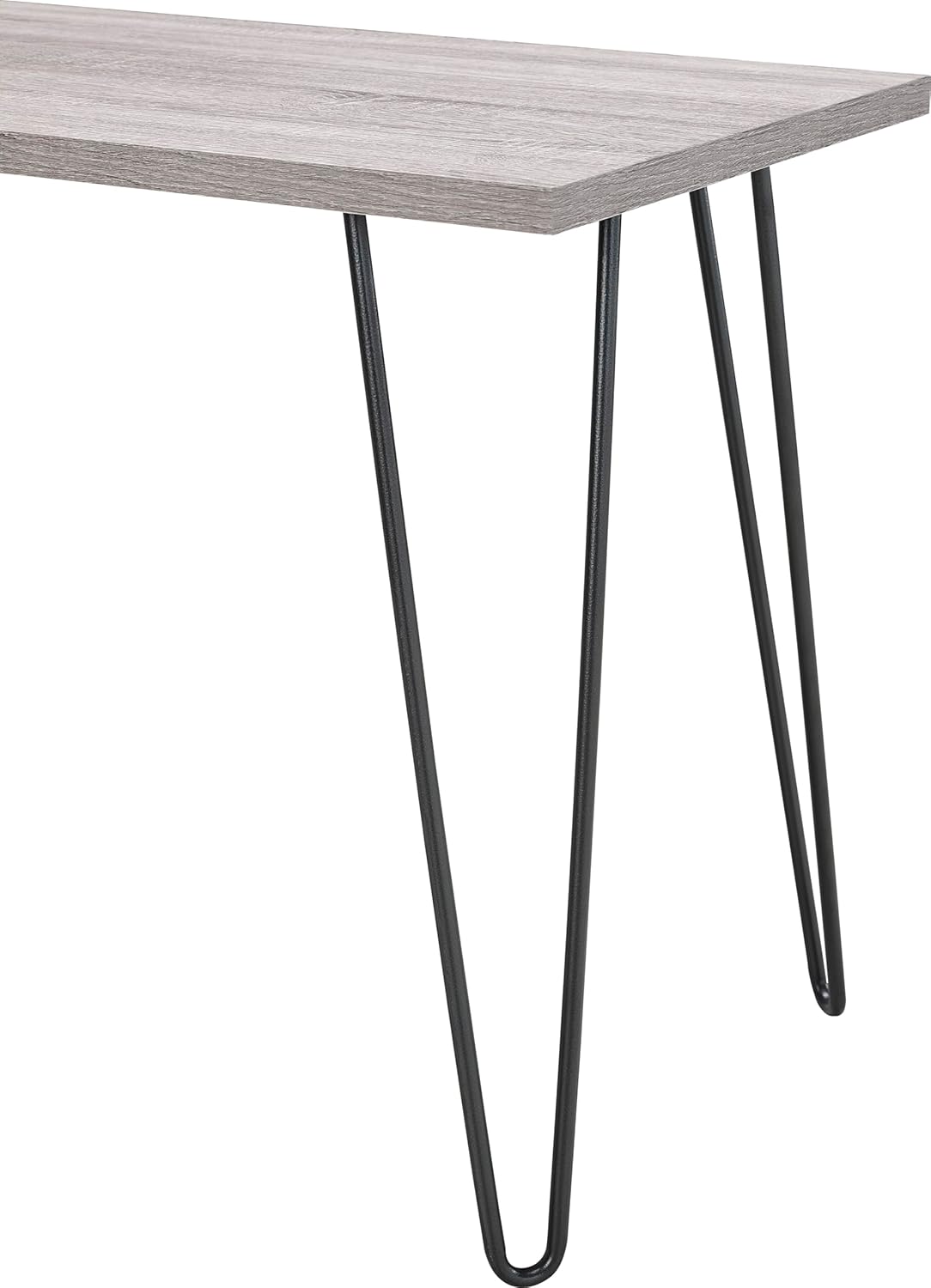
- Attach Legs: Position the desktop upside down on a soft, clean surface to prevent scratches. Align each of the four metal hairpin-style legs with the pre-drilled holes on the underside of the desktop.
- Secure Legs: Using the provided screws and screwdriver, securely fasten each leg to the desktop. Ensure all screws are tightened firmly but do not overtighten.
- Position Desk: With assistance, carefully turn the desk upright and place it in your desired location. Ensure it is stable before placing any items on it.

For a visual guide on assembly, please refer to the official product video below.
Operating Instructions
The Ameriwood Home Owen Retro Computer Desk is designed for versatile use in various settings:
- Home Office: Ideal for holding a laptop, monitor, keyboard, and essential paperwork.
- Study Area: Provides a dedicated surface for studying, reading, or creative projects.
- General Purpose: Can be used as a console table, vanity, or accent table in living rooms, bedrooms, or entryways.
Ensure items are distributed evenly on the desktop and do not exceed the maximum weight capacity of 80 lbs.

Maintenance
To ensure the longevity and appearance of your desk, follow these care instructions:
- Cleaning: Dust and wipe the surface with a dry, soft cloth. If needed, a damp cloth may be used sparingly. Avoid harsh chemicals or abrasive cleaners.
- Spills: Wipe up spills immediately to prevent damage to the distressed gray oak finish. The desk is not stain-resistant.
- Heat and Moisture: Avoid placing hot items directly on the surface. Use coasters or protective pads for drinks and other items that may leave marks or cause moisture damage.
- Sunlight: Prolonged exposure to direct sunlight may cause fading or discoloration.
Troubleshooting
- Wobbling: If the desk wobbles, check that all leg screws are securely tightened. Ensure the desk is on a level surface.
- Surface Damage: The distressed gray oak finish is durable but can be susceptible to scratches or water damage if not properly cared for. Use protective mats or coasters to prevent marks.
- Height Concerns: The desk has a height of 26.75 inches. If this height is not suitable for your chair or ergonomic needs, consider using furniture risers or an adjustable chair.
Specifications
| Feature | Detail |
|---|---|
| Brand | Ameriwood Home |
| Model Name | Altra Owen Retro Desk with Metal Legs |
| Model Number | 9851296PCOM |
| Product Dimensions (D x W x H) | 19.5" x 40" x 26.75" (49.5 cm x 101.6 cm x 67.9 cm) |
| Item Weight | 25.76 lbs (11.68 kg) |
| Maximum Weight Recommendation | 80 lbs (36.3 kg) |
| Frame Material | Engineered Wood |
| Top Material Type | Engineered Wood |
| Color | Distressed Gray Oak |
| Style Name | Retro Desk |
| Assembly Required | Yes (Minimal, attaching legs) |
| Tools Included | Yes (Basic Assembly Tools) |
| Recommended People for Assembly | 2 (Can be done by 1) |
| Indoor/Outdoor Usage | Indoor |

Warranty
The Ameriwood Home Owen Retro Computer Desk comes with a 1-Year Limited Warranty. This warranty covers manufacturing defects under normal use. For specific details regarding coverage and claims, please refer to the warranty information included with your product packaging or contact Ameriwood Home customer service.
Support
For further assistance, missing parts, or warranty claims, please contact Ameriwood Home customer service. Contact information can typically be found on the product packaging or on the official Ameriwood Home website.


