
1. Introduction
Thank you for choosing the JVC HA-XM20X XX Series Sealed Headphones. These headphones are designed to deliver an immersive audio experience with powerful bass and comfortable wear. This manual provides essential information for the proper setup, operation, and maintenance of your headphones.
The HA-XM20X features a large diameter 50mm driver unit for extreme deep bass, a tough rubber protector to guard the housing from external impact, and soft earpads that combine sound insulation with comfortable wearing for extended listening sessions.
2. Safety Information
Please read and follow these safety guidelines to ensure safe and optimal use of your headphones:
- Hearing Protection: Avoid listening at high volume levels for extended periods to prevent hearing damage.
- Traffic Safety: Do not use headphones while driving, cycling, or in situations where you need to hear surrounding sounds.
- Cleaning: Use a soft, dry cloth for cleaning. Avoid using liquid cleaners or solvents.
- Storage: Store headphones in a dry place away from extreme temperatures and direct sunlight.
- Disassembly: Do not attempt to disassemble or modify the headphones. This may void the warranty and cause damage.
3. Package Contents
Verify that all items are present in the package:
- JVC HA-XM20X XX Series Sealed Headphones
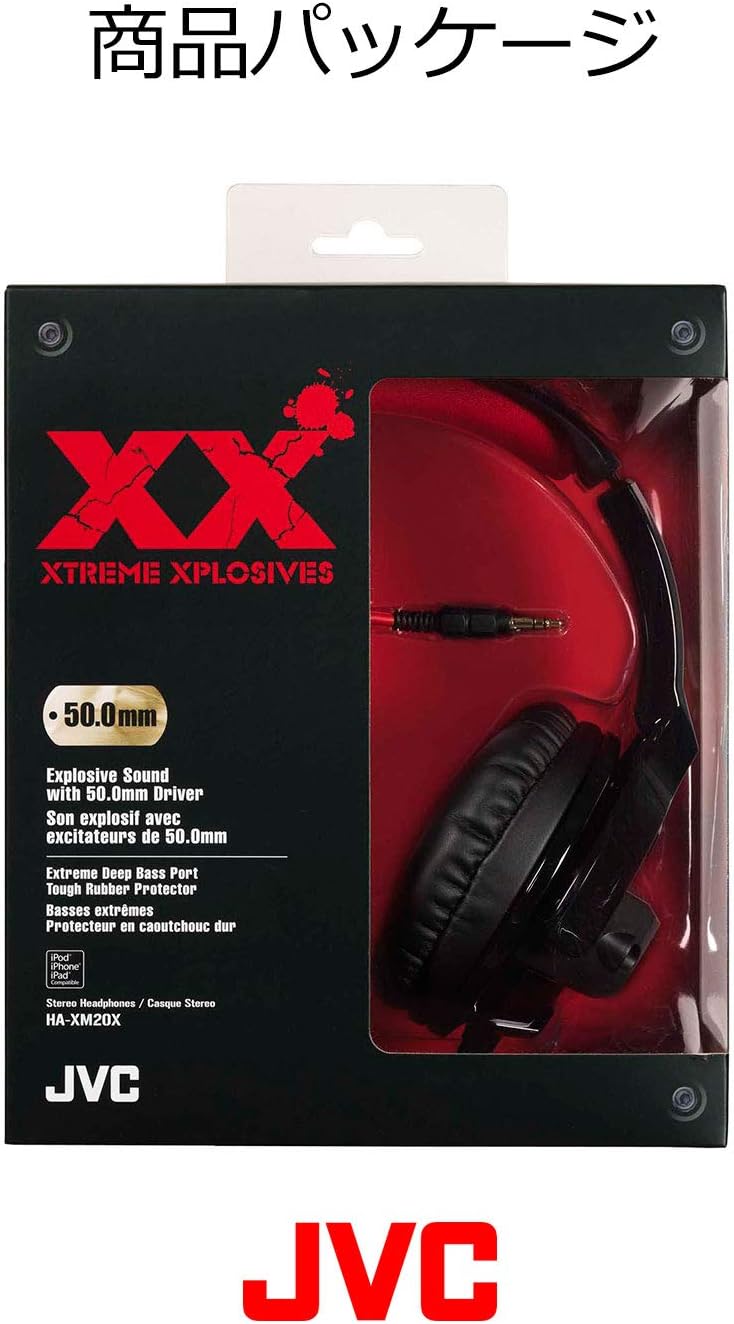
The retail packaging for the JVC HA-XM20X XX Series Headphones, displaying product features and branding.
4. Product Overview
Familiarize yourself with the components and features of your JVC HA-XM20X headphones.

Front view of the JVC HA-XM20X XX Series Sealed Headphones, showcasing the black earcups and red headband padding.
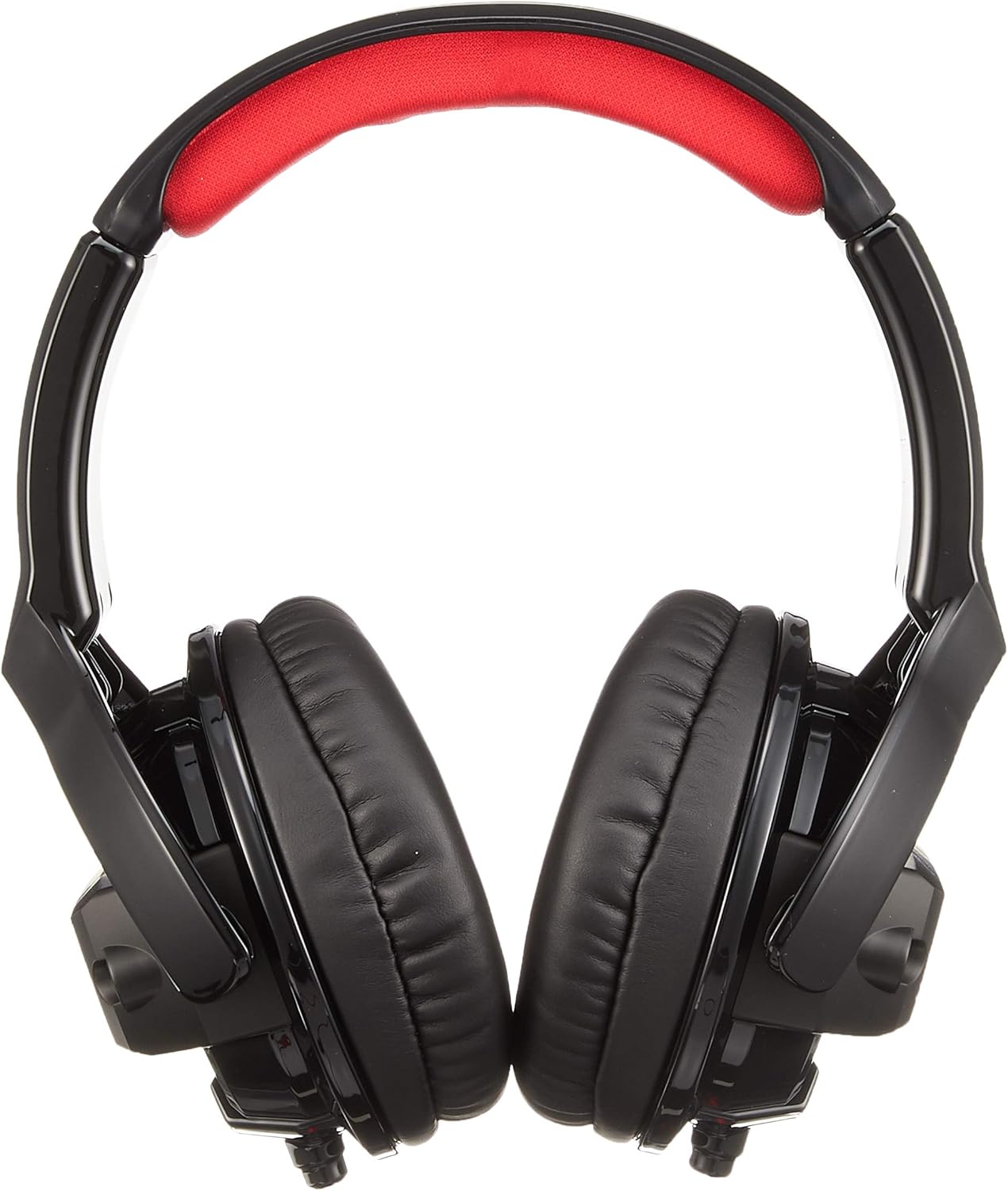
An angled view of the JVC HA-XM20X headphones, highlighting the robust design and earcups.

The headphone earcup featuring a tough rubber protector, designed to guard the housing from external impacts and enhance durability.
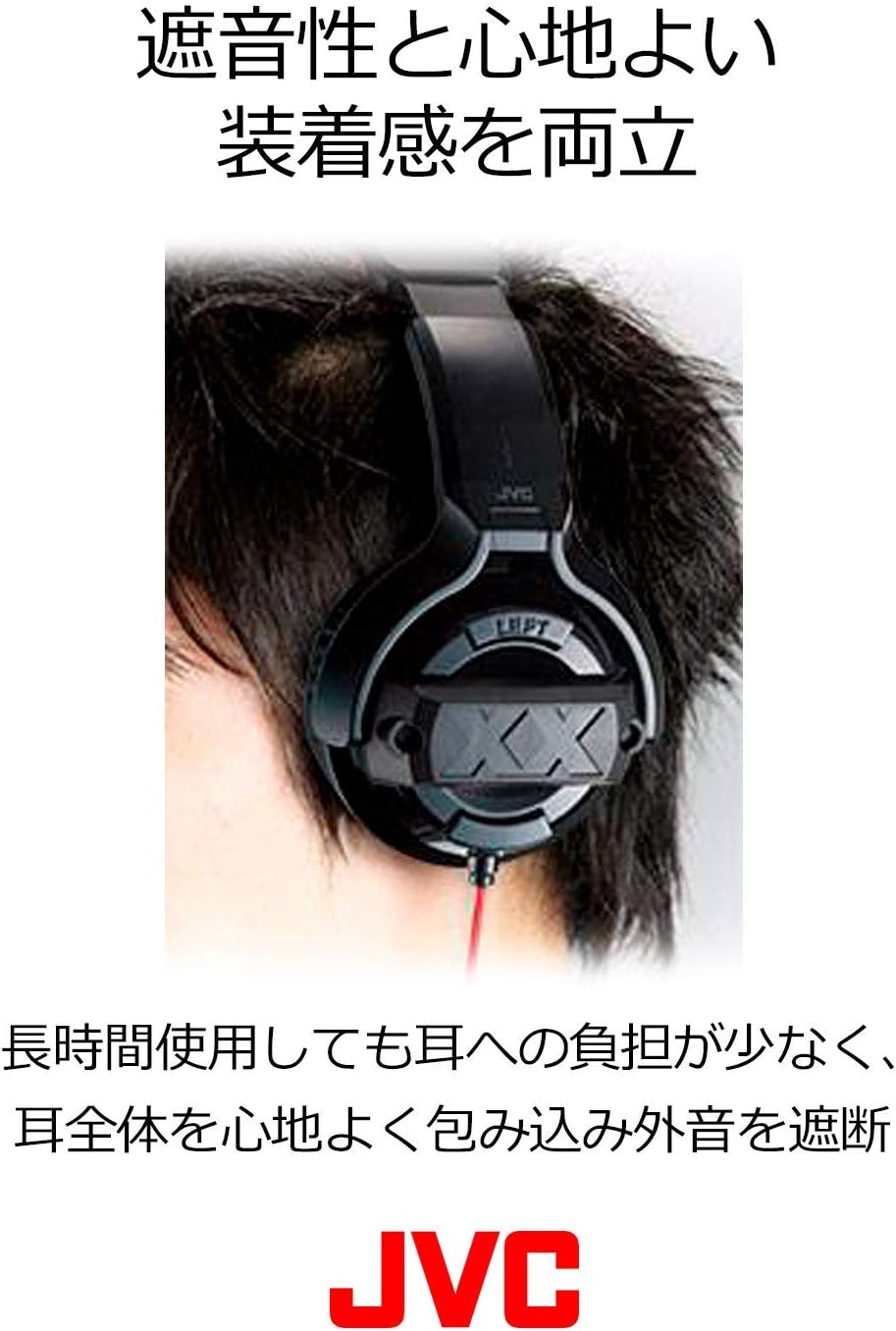
The headphones worn on a user, demonstrating the soft earpads that provide both sound insulation and comfortable wearing, reducing ear fatigue during extended use.

A close-up of the extra-thick Oxygen-Free Copper (OFC) audio cable, engineered for superior signal transmission characteristics.

Detail of the 24K gold-plated 3-pole stereo mini plug, designed for optimal audio signal transmission.
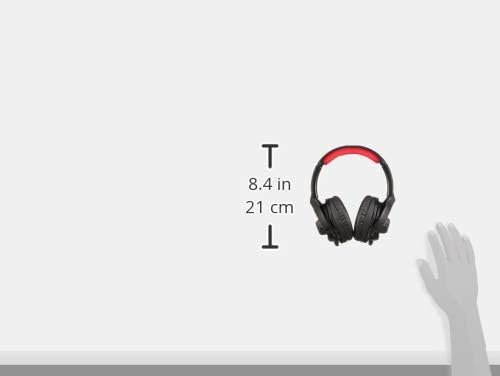
An illustration indicating the dimensions of the JVC HA-XM20X headphones, with a height of 8.4 inches (21 cm).
5. Setup
Follow these steps to set up your JVC HA-XM20X headphones:
- Connect the Cable: Insert the 3.5mm audio plug of the headphone cable into the audio output jack of your device (e.g., smartphone, tablet, computer, audio player). Ensure the connection is secure.
- Adjust Fit: Place the headphones over your ears. Adjust the headband so that the earcups comfortably cover your ears and the headband rests gently on your head. The soft earpads are designed for sound insulation and comfort.
6. Operating Instructions
The JVC HA-XM20X headphones are passive wired headphones. All audio control is managed directly from your connected device.
- Volume Control: Adjust the volume using the volume controls on your connected audio device.
- Media Playback: Control playback (play, pause, skip tracks) directly from your connected audio device.
- Call Control: If your connected device supports it, manage calls using its built-in controls.
7. Maintenance
Proper care will extend the life and performance of your headphones:
- Cleaning Ear Pads: Gently wipe the earpads with a soft, dry cloth. Do not use harsh chemicals or abrasive materials.
- Cleaning Housing: Wipe the headphone housing with a soft, slightly damp cloth if necessary, then dry thoroughly.
- Cable Care: Avoid sharply bending or twisting the cable. Store it neatly to prevent tangles and damage.
- Storage: When not in use, store the headphones in a protective case or a clean, dry environment to prevent dust accumulation and physical damage.
8. Troubleshooting
If you encounter issues with your headphones, refer to the following common problems and solutions:
| Problem | Possible Cause | Solution |
|---|---|---|
| No sound or low volume |
|
|
| Distorted sound |
|
|
| Headphones are uncomfortable | Improper fit | Adjust the headband and earcups to ensure a comfortable and secure fit over your ears. |
If the problem persists after trying these solutions, please contact JVC customer support.
9. Specifications
Detailed technical specifications for the JVC HA-XM20X XX Series Sealed Headphones:
| Feature | Specification |
|---|---|
| Model Number | HA-XM20X |
| Brand | JVC |
| Ear Placement | Over Ear |
| Form Factor | Over Ear |
| Connectivity Technology | Wired |
| Headphones Jack | 24K Gold Plated 3-Pole Stereo Mini Plug |
| Audio Driver Type | Dynamic Driver (50mm) |
| Frequency Response Range | 8Hz-23,000Hz |
| Impedance | 36 Ohms |
| Output Sound Pressure Level | 107dB/1mW |
| Maximum Allowable Input | 1,000 mW |
| Noise Control | Sound Isolation |
| Cable Feature | Detachable (Extra-thick OFC cord) |
| Material | Rubber (Tough rubber protector) |
| Color | Black & Red |
| Item Weight | 11.2 ounces (318 Grams) |
| Product Dimensions | 9.84 x 7.8 x 4.8 inches |
| Country of Origin | China |
| Compatible Devices | Laptops, Desktops, Tablets, Cellphones, Music Production Equipment |
| Recommended Uses | Music |
10. Warranty and Support
JVC products are manufactured to high-quality standards. For warranty information, please refer to the warranty card included with your purchase or visit the official JVC website for details specific to your region.
For technical support, troubleshooting assistance beyond this manual, or service inquiries, please contact JVC customer support through their official website or the contact information provided with your product.
Online Resources: For additional information and support, visit the official JVC website: www.jvc.com


