Product Overview
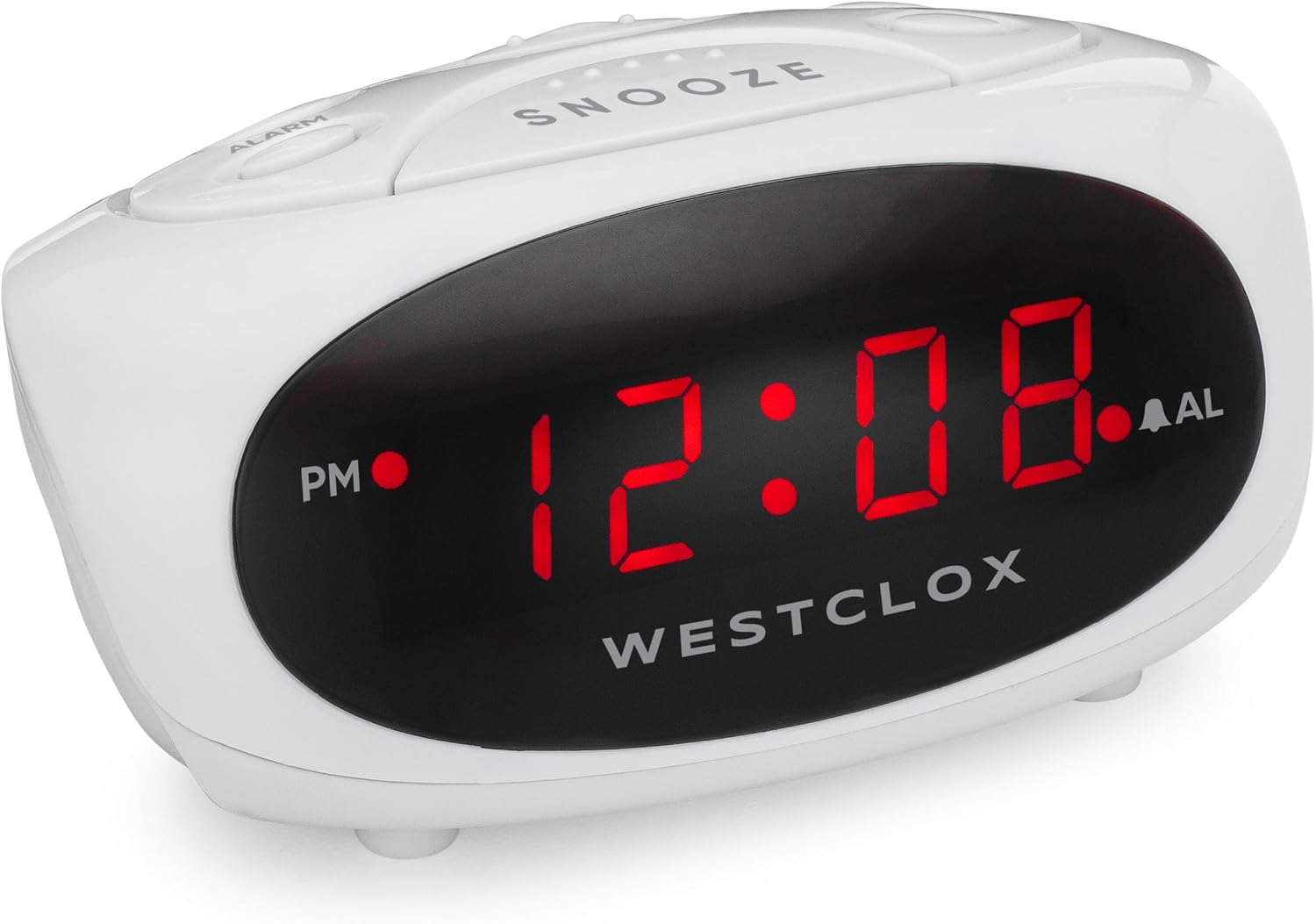
The Westclox 0.6" LED Display Super Loud Alarm Snooze White Alarm Clock (Model 70044B) is a reliable and straightforward alarm clock designed for daily use. It features a clear LED display, a super loud alarm to ensure you wake up, and a convenient snooze function. Its compact design and battery backup make it a practical addition to any bedroom or home office.
Key Features:
- Super loud alarm for effective waking.
- 9-minute snooze bar for extra rest.
- Battery backup (requires one 9V battery, not included) to maintain time and alarm settings during power outages.
- Durable white sturdy plastic case.
Setup Instructions
Power Connection:
Plug the alarm clock into a standard 120V AC household outlet. Ensure the power cord is securely connected to the clock and the wall outlet.
Battery Backup Installation:
For battery backup functionality, install one 9V battery (not included) into the battery compartment located on the bottom of the clock. This battery will preserve time and alarm settings during a power interruption, though the display will not illuminate.
Operating Instructions
Setting the Time:
- Locate the TIME button on the top panel of the clock.
- Press and hold the TIME button.
- While holding TIME, press the HOUR button to advance the hour. Observe the PM indicator light to ensure correct AM/PM setting.
- While holding TIME, press the MIN button to advance the minute.
- Release the TIME button when the desired time is set.
Setting the Alarm:
- Locate the ALARM button on the top panel.
- Press and hold the ALARM button.
- While holding ALARM, press the HOUR button to advance the alarm hour.
- While holding ALARM, press the MIN button to advance the alarm minute.
- Release the ALARM button when the desired alarm time is set.
- To activate the alarm, slide the ALARM ON/OFF switch to the 'ON' position. The alarm indicator light will illuminate.
Snooze Function:
When the alarm sounds, press the large SNOOZE bar on the top of the clock. The alarm will temporarily stop and sound again after approximately 9 minutes.
Turning Off the Alarm:
To turn off the alarm completely, slide the ALARM ON/OFF switch to the 'OFF' position. The alarm indicator light will turn off.
Maintenance
To maintain your Westclox alarm clock, wipe it with a soft, dry cloth. Avoid using abrasive cleaners or solvents, as these may damage the finish. Ensure the clock is unplugged before cleaning. Keep the clock away from excessive heat, direct sunlight, and moisture.
Troubleshooting
No Display / Clock Not Working:
- Ensure the power cord is securely plugged into a working electrical outlet.
- Check if the outlet is receiving power by plugging in another device.
- If using battery backup, ensure the 9V battery is correctly installed and not depleted. Note that the display will not light up on battery power alone.
Alarm Not Sounding:
- Verify that the ALARM ON/OFF switch is in the 'ON' position and the alarm indicator light is illuminated.
- Ensure the alarm time is set correctly (check AM/PM indicator).
Specifications
| Brand: | Westclox |
| Model Number: | 70044B |
| Color: | White |
| Display Type: | Digital LED (0.6") |
| Power Source: | Electrical Operation (AC) with 9V Battery Backup (battery not included) |
| Product Dimensions: | 6"W x 6"H |
| Item Weight: | 6.4 ounces |
| Material: | Plastic |
Media Gallery
Product Images: