
Maxell CR2032-B1
Maxell CR2032 3V Lithium Button Cell Battery User Manual
Model: CR2032-B1
Introduction
This manual provides essential information for the safe and effective use of Maxell CR2032 3V Lithium Button Cell Batteries. These batteries are designed for various electronic devices requiring a compact, long-lasting power source. Please read this manual thoroughly before use.
Safety Information
WARNING: Keep batteries out of reach of children. Swallowing can lead to serious injury or death. Seek immediate medical attention if a battery is swallowed.
- Do not recharge, disassemble, heat, or dispose of in fire.
- Do not short-circuit the battery.
- Do not mix old and new batteries, or different types of batteries.
- Store batteries in their original packaging until ready for use.
- Dispose of used batteries according to local regulations.
- Avoid direct contact with skin or eyes if battery leakage occurs. Rinse immediately with water and seek medical attention.
Setup and Installation
The Maxell CR2032 battery is a non-rechargeable lithium coin cell. Installation typically involves placing the battery into a device's battery compartment.
- Identify the battery compartment on your electronic device.
- Open the battery compartment cover. This may require a small screwdriver or a specific latch mechanism.
- Observe the polarity markings (+ and -) inside the compartment.
- Insert the Maxell CR2032 battery, ensuring the positive (+) side aligns with the positive terminal in the compartment. The positive side is typically marked on the battery itself.
- Close the battery compartment cover securely.
- Test your device to confirm proper operation.
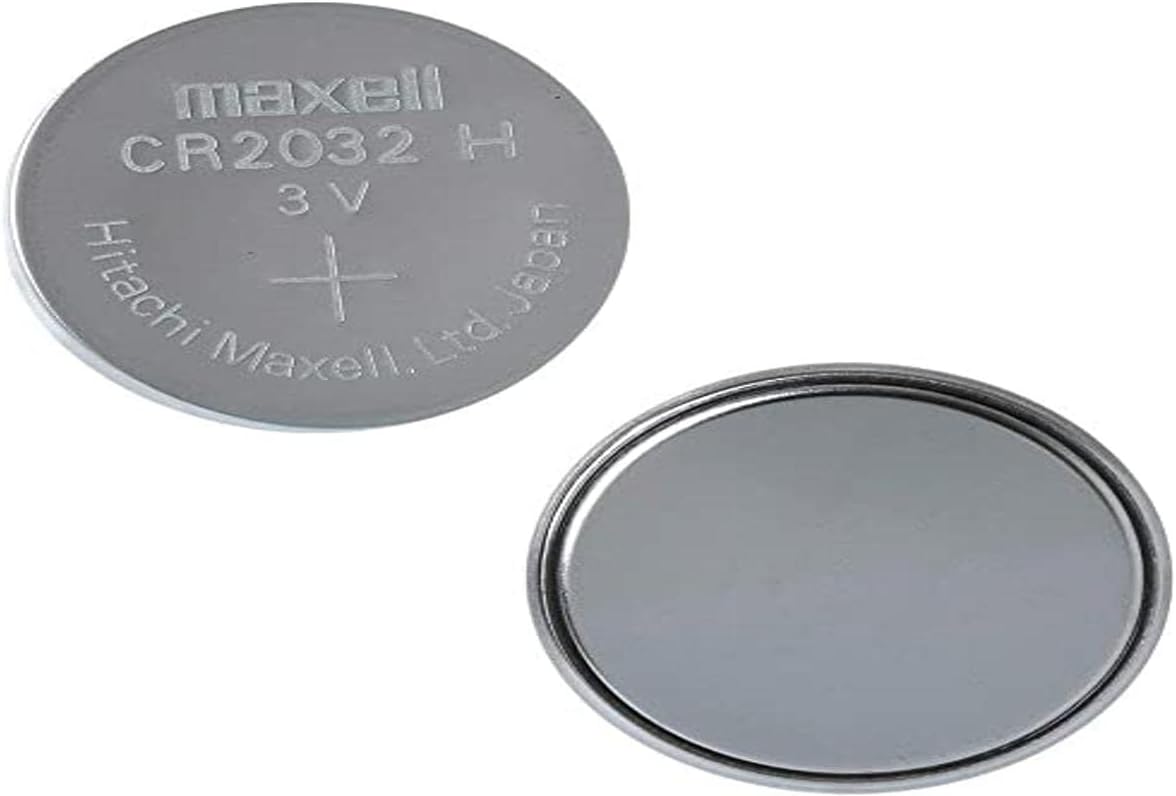
Image: Maxell CR2032 3V Lithium Button Cell Battery, displaying both the front (positive side with markings) and the back (negative side).
Operating Guidelines
Once installed correctly, the Maxell CR2032 battery will power your device. These batteries are designed for single-use applications and provide a stable 3V output.
- Ensure the battery is compatible with your device's voltage and size requirements.
- Replace the battery when your device indicates low power or ceases to function correctly.
- Do not attempt to power devices requiring higher voltage or current than the battery can provide.
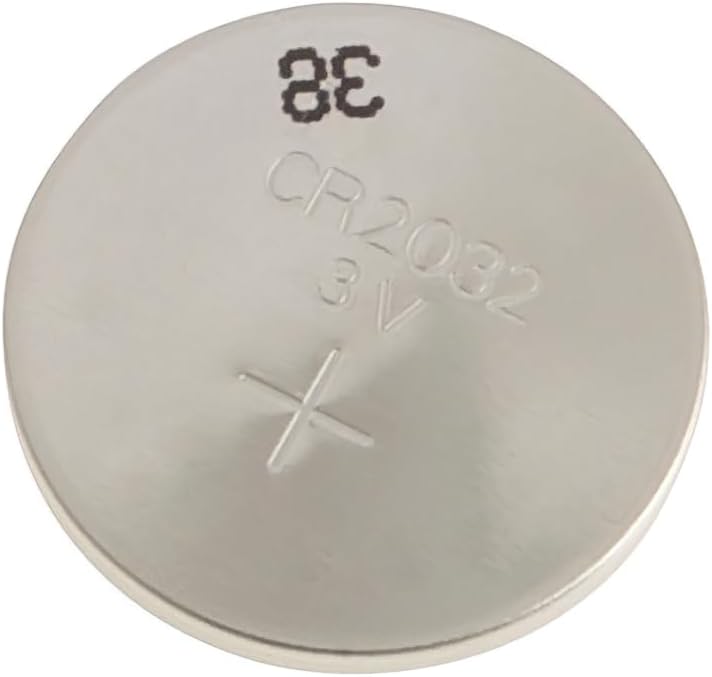
Image: Close-up view of the Maxell CR2032 battery, highlighting the model number and voltage markings.
Maintenance and Storage
Proper maintenance and storage ensure the longevity and safety of your batteries.
- Store unused batteries in a cool, dry place, away from direct sunlight and extreme temperatures.
- Keep batteries in their original packaging to prevent short-circuiting with other metal objects.
- Do not store batteries near flammable materials or heat sources.
- Remove depleted batteries from devices promptly to prevent potential leakage and damage.
Troubleshooting
| Issue | Possible Cause | Solution |
|---|---|---|
| Device not powering on after battery installation. | Incorrect battery polarity; battery depleted; faulty device. | Check battery orientation (+/-). Replace with a new battery. Test the device with another known-good battery. |
| Battery life is shorter than expected. | High power consumption by device; battery stored improperly; battery nearing end of shelf life. | Ensure device is used efficiently. Store batteries in a cool, dry place. Check battery expiration date. |
| Battery appears swollen or leaking. | Overheating; damage; improper disposal. | Immediately and carefully remove the battery (wearing gloves if possible). Dispose of safely according to local regulations. Do not use the battery or device. |
Specifications
- Model: CR2032-B1
- Battery Type: Lithium Button Cell
- Voltage: 3V
- Capacity: 220 Milliamp Hours (mAh)
- Dimensions: 0.79 x 0.13 x 0.13 inches (20mm diameter, 3.2mm thickness)
- Item Weight: 0.106 ounces (approx. 3 grams)
- Manufacturer: Maxell
- Recommended Uses: Watches, calculators, remote controls, medical devices, key fobs, computer motherboards.
Warranty and Support
For warranty information or technical support regarding your Maxell CR2032 batteries, please refer to the official Maxell website or contact their customer service directly. Keep your purchase receipt as proof of purchase.
Related documentsCR2032-B1


Ask a question about this manual
Ask about setup, troubleshooting, compatibility, parts, safety, or missing instructions. Manuals+ will review the question and use this page’s manual context to help answer it.