
1. Introduction and Overview
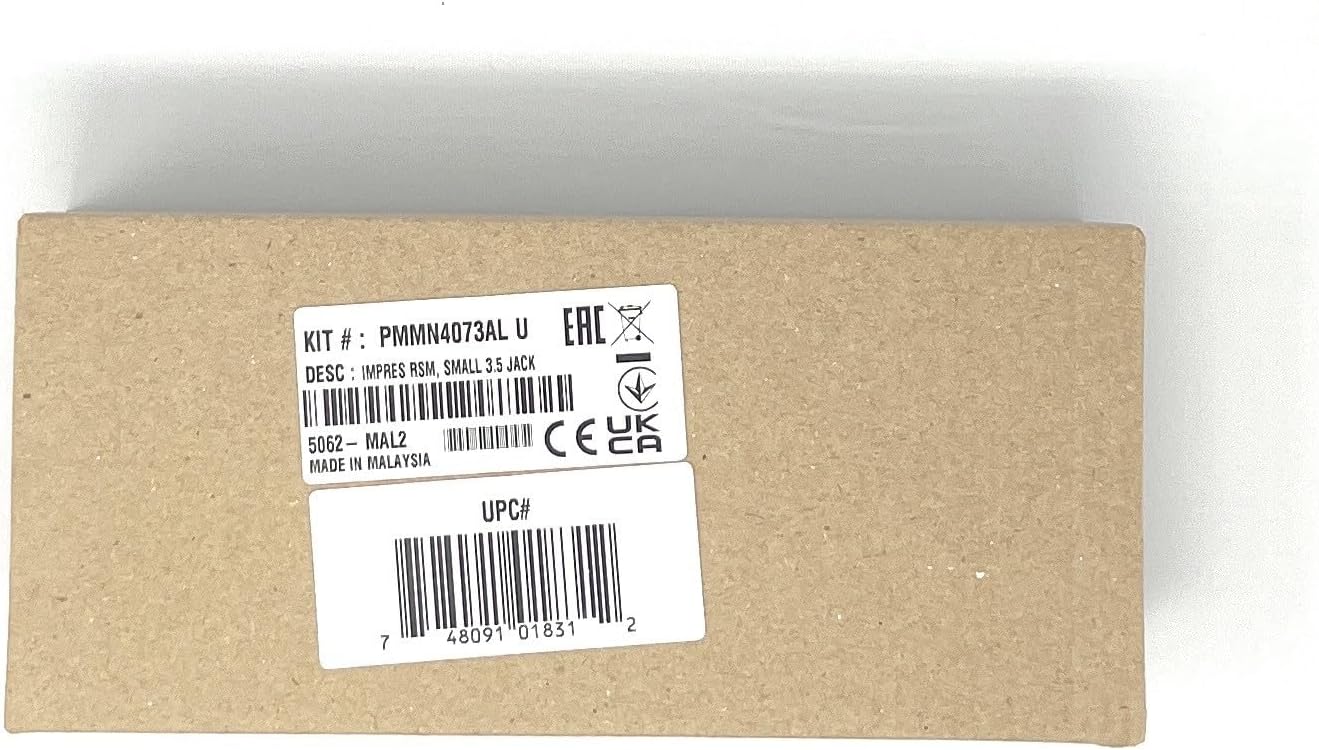
The Motorola PMMN4073AL is an Original IMPRES Windporting Remote Speaker Microphone (RSM) designed to enhance communication clarity in challenging environments. This RSM integrates advanced technologies to provide superior audio performance and durability.
Key features include:
- IMPRES Technology: Optimizes audio by suppressing ambient noise, improving voice intelligibility, and amplifying quiet transmissions, especially in noisy settings.
- Windporting Technology: Eliminates wind noise (whining and howling) and prevents water from clogging the microphone, ensuring clear transmissions in windy or wet conditions.
- Intrinsic Safety Approvals: Certified to TIA4950 standards, allowing safe use in hazardous environments.
- 3.5 mm Audio Jack: Enables connection of a receive-only earpiece for discreet communication.
- Convenient Clip: Easily attaches to clothing for hands-free operation.
This RSM is compatible with various Motorola two-way radios, including the XPR3000 Series, DEP550E, DEP570E, DGP8050EELITE, DP2400 (and E), DP2600 (and E), DP3441, XIRE8608I, XIRE8628I, XIRP6600I, and XIRP6620I.
2. Setup
Follow these steps to set up your Remote Speaker Microphone:
- Connect to Radio: Locate the accessory connector port on your compatible two-way radio. Align the RSM's connector with the radio's port and firmly push until it clicks into place. Ensure a secure connection to prevent intermittent audio.
- Attach RSM: Use the integrated clip on the back of the RSM to securely attach it to your shirt pocket, lapel, or other convenient location. Position the microphone close to your mouth for optimal voice pickup.
- Optional Earpiece Connection: If discreet communication is required, plug a compatible 3.5 mm receive-only earpiece into the audio jack located on the side or bottom of the RSM.

3. Operating Instructions
To operate your Remote Speaker Microphone effectively:
- Transmit: Press and hold the Push-To-Talk (PTT) button located on the side of the RSM. Speak clearly into the microphone. Release the PTT button to stop transmitting.
- Receive: Audio will be heard through the RSM's speaker when a transmission is received. If an earpiece is connected, audio will be routed to the earpiece for private listening.
- Volume Control: Adjust the volume using the controls on your connected two-way radio. The RSM does not have independent volume controls.
- Optimal Positioning: For best audio quality, ensure the microphone is positioned approximately 1 to 2 inches (2.5 to 5 cm) from your mouth when transmitting.
4. Maintenance
Proper maintenance ensures the longevity and optimal performance of your RSM:
- Cleaning: Wipe the exterior of the RSM with a soft, damp cloth. Do not use harsh chemicals, solvents, or abrasive cleaners. Ensure no moisture enters the microphone or speaker grilles.
- Cable Care: Avoid sharp bends, kinks, or excessive pulling on the coiled cable. Store the cable neatly when not in use to prevent damage.
- Connector Care: Keep the radio connector clean and free of dust or debris. Avoid forcing the connector into the radio port.
- Storage: Store the RSM in a dry, cool environment away from direct sunlight and extreme temperatures.
- Inspection: Periodically inspect the RSM, cable, and clip for any signs of wear, damage, or loose connections.
5. Troubleshooting
If you encounter issues with your Remote Speaker Microphone, refer to the following troubleshooting guide:
| Problem | Possible Cause | Solution |
|---|---|---|
| No audio from RSM speaker/earpiece. |
|
|
| Distorted or unclear audio. |
|
|
| Microphone not transmitting. |
|
|
6. Specifications
| Feature | Detail |
|---|---|
| Model Number | PMMN4073AL |
| Brand | Motorola |
| Microphone Form Factor | Lavalier |
| Polar Pattern | Unidirectional |
| Audio Sensitivity | 36 Decibels |
| Signal-to-Noise Ratio | 78 dB |
| Connectivity Technology | Auxiliary |
| Connector Type | 3.5 mm Jack |
| Special Feature | Integrated Clip |
| Material | Plastic |
| Color | Black |
| Item Weight | 6.2 ounces (175.8 grams) |
| Product Dimensions (L x W x H) | 8 x 6 x 4 inches (20.3 x 15.2 x 10.2 cm) |
| Intrinsic Safety | TIA4950 Approved |
| Compatible Radios | XPR3000 Series, DEP550E, DEP570E, DGP8050EELITE, DP2400 (and E), DP2600 (and E), DP3441, XIRE8608I, XIRE8628I, XIRP6600I, XIRP6620I |
7. Warranty and Support
The Motorola PMMN4073AL Remote Speaker Microphone includes a warranty card. Please refer to the included warranty card for detailed information regarding warranty coverage, terms, and conditions.
For technical assistance, troubleshooting beyond this manual, or warranty claims, please contact Motorola customer support. Contact information can typically be found on the warranty card or on the official Motorola website.


