
1. Introduction
This manual provides essential instructions for the safe and efficient operation, maintenance, and troubleshooting of your Fellowes Powershred 485Ci Paper Shredder. Designed for commercial use, this cross-cut shredder offers advanced features for document security and user convenience.

Figure 1: Front view of the Fellowes Powershred 485Ci Paper Shredder, a large black and gray office shredder on wheels.
2. Important Safety Instructions
WARNING: Failure to follow these safety instructions may result in injury or damage to the shredder.
- Keep hands, loose clothing, hair, and jewelry away from the paper entry slot.
- Do not insert fingers or other body parts into the shredder opening.
- Keep children and pets away from the shredder at all times.
- Unplug the shredder before moving, cleaning, or emptying the waste bin.
- Do not shred metal objects, adhesive labels, wet materials, or plastic other than credit cards and CDs/DVDs as specified.
- Operate the shredder on a level surface.
- Do not use aerosol products, petroleum-based lubricants, or flammable products on or near the shredder.
- Ensure the power cord is not damaged and is properly grounded.
3. Setup and Assembly
- Unpacking: Carefully remove the shredder from its packaging. Retain packaging for future transport or storage.
- Positioning: Place the shredder on a flat, stable surface. Ensure adequate space around the unit for ventilation and access to the waste bin. The shredder is equipped with casters for easy movement.
- Power Connection: Plug the power cord into a grounded electrical outlet. Ensure the voltage matches the requirements specified on the shredder's rating label.
- Waste Bin Installation: Ensure the 35-gallon waste bin is correctly seated within the shredder cabinet. The shredder will not operate if the bin is not properly installed.

Figure 2: Front view of the shredder, showing the paper entry and control panel. This image helps visualize the unit's placement.
4. Operating Instructions
4.1 Basic Shredding
- Power On: Locate the power switch, typically on the back or side of the unit, and turn it to the 'ON' position. The control panel lights will illuminate.
- Feed Paper: Insert paper directly into the paper entry slot. The shredder's 100% Jam Proof System will detect the paper and begin shredding automatically. The maximum capacity is 30 sheets per pass for optimal performance.
- SafeSense Technology: The patented SafeSense Technology will stop shredding immediately if hands touch the paper opening, enhancing user safety.
- Continuous Duty Motor: This shredder features a continuous duty motor, allowing for non-stop shredding without cool-down periods.
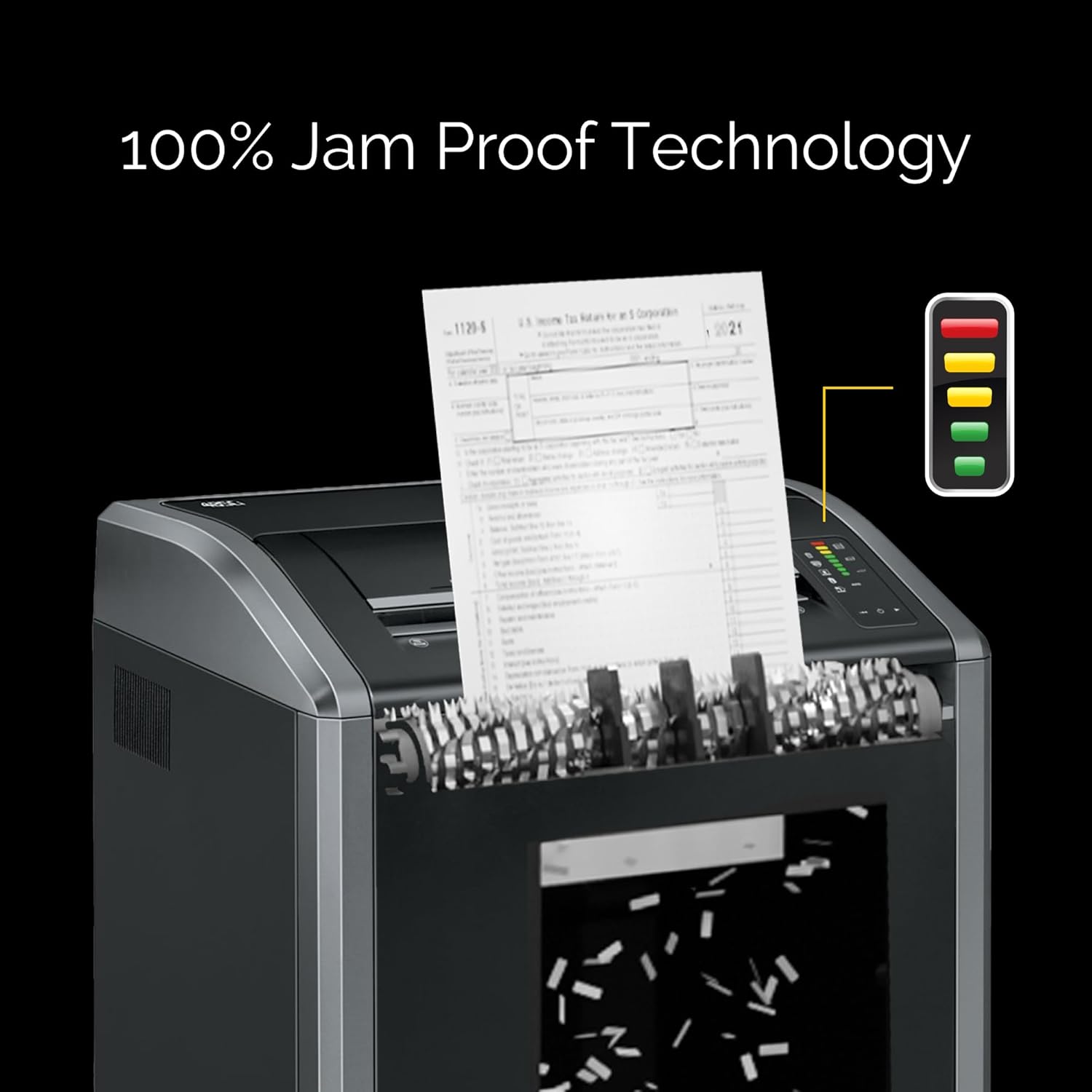
Figure 3: Paper being fed into the shredder's wide 16-inch entry, demonstrating the 100% Jam Proof Technology in action.
4.2 Shredding Other Materials
The Powershred 485Ci is designed to shred:
- Staples
- Credit Cards
- Paper Clips
- CDs/DVDs
- Junk Mail
Insert these items into the designated entry slot, if separate, or directly into the main paper entry. Avoid shredding more than the recommended capacity for each material type.
5. Maintenance
5.1 Auto-Oil System
The shredder is equipped with an Auto-Oil system that automatically lubricates the cutters. This feature enhances performance and extends the shredder's lifespan. Ensure the oil reservoir is adequately filled according to the manufacturer's recommendations.
5.2 Emptying the Waste Bin
The 485Ci features a 35-gallon removable corrugate basket. An LED bin-full indicator will alert you when the bin needs emptying. To empty:
- Turn off and unplug the shredder.
- Carefully pull out the waste bin.
- Dispose of shredded material.
- Reinsert the waste bin securely until it clicks into place.
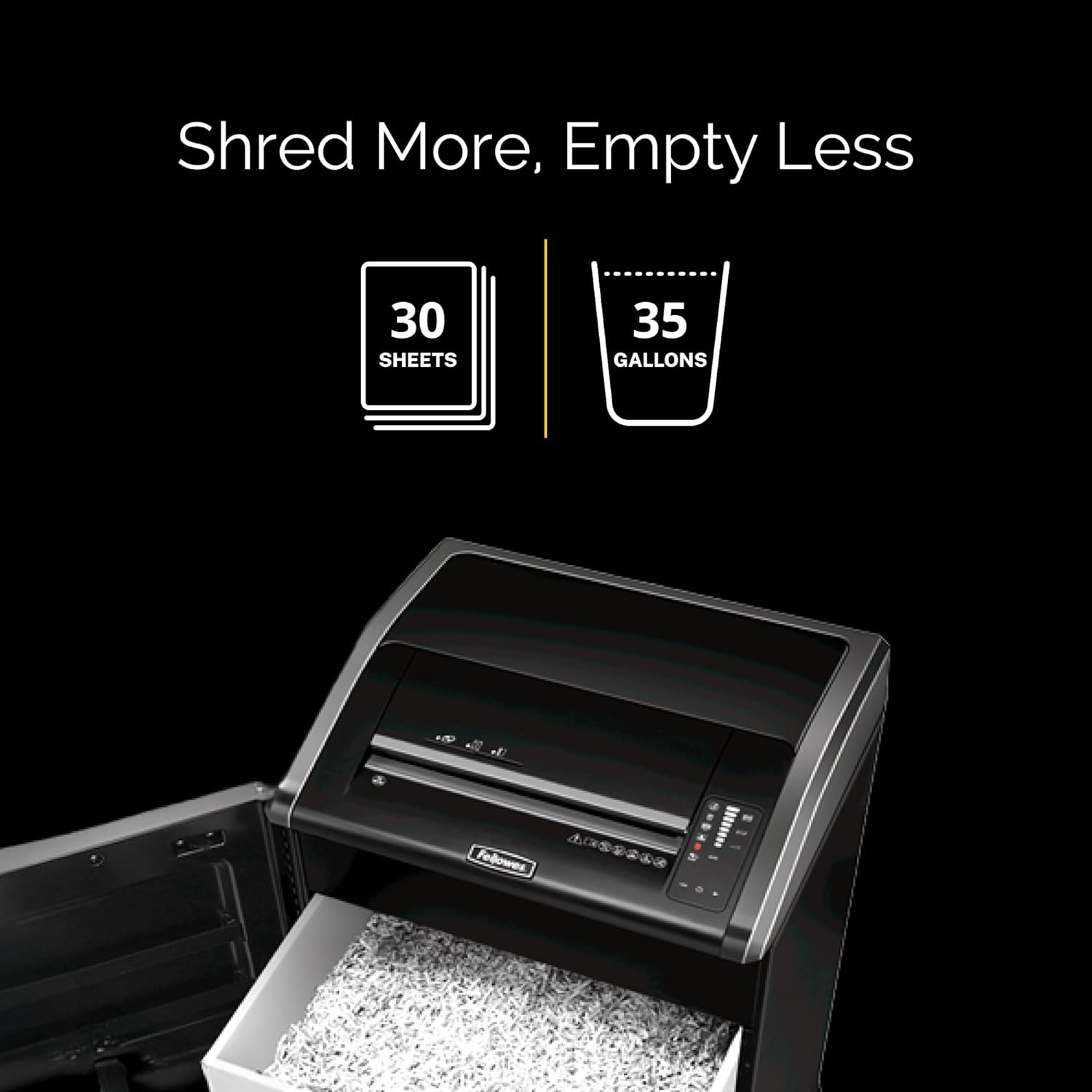
Figure 4: The shredder's waste bin pulled out, illustrating its large 35-gallon capacity for shredded materials.
5.3 Cleaning
Regularly clean the exterior of the shredder with a soft, dry cloth. Do not use abrasive cleaners or solvents. For optimal performance, ensure the paper entry area is free of dust and debris.
6. Troubleshooting
| Problem | Possible Cause | Solution |
|---|---|---|
| Shredder does not start. | Power cord unplugged, waste bin not fully inserted, power switch off. | Check power connection, ensure bin is secure, turn power switch on. |
| Paper jam. | Overfeeding paper, foreign object in entry. | The 100% Jam Proof System should prevent most jams. If a jam occurs, use the reverse function to clear. Reduce sheet count for future feeds. |
| Shredder stops unexpectedly. | SafeSense activated, bin full, motor overheating (unlikely with continuous duty). | Remove hands from entry, empty bin, allow brief cool-down if motor feels hot. |
| Shredded material is not fine enough. | Incorrect shredder type (this is a cross-cut shredder). | The 485Ci produces 5/32" x 1-1/8" cross-cut particles (Security Level P-4). This is the intended output. |
7. Specifications
- Model: Fellowes Powershred 485Ci (Model Number: 38485)
- Shred Type: Cross-Cut
- Particle Size: 5/32" x 1-1/8" (Security Level P-4)
- Sheet Capacity: 30 sheets per pass
- Throat Width: 16 inches (extra-wide)
- Waste Bin Capacity: 35 gallons
- Motor: Continuous Duty
- Dimensions (H x W x D): 37.25" x 20" x 25"
- Weight: 160 pounds
- Features: 100% Jam Proof System, SafeSense Technology, Auto-Oil System, Energy Savings System, TAA Compliant.
- Shreds: Paper, Staples, Credit Cards, Paper Clips, CDs/DVDs, Junk Mail.
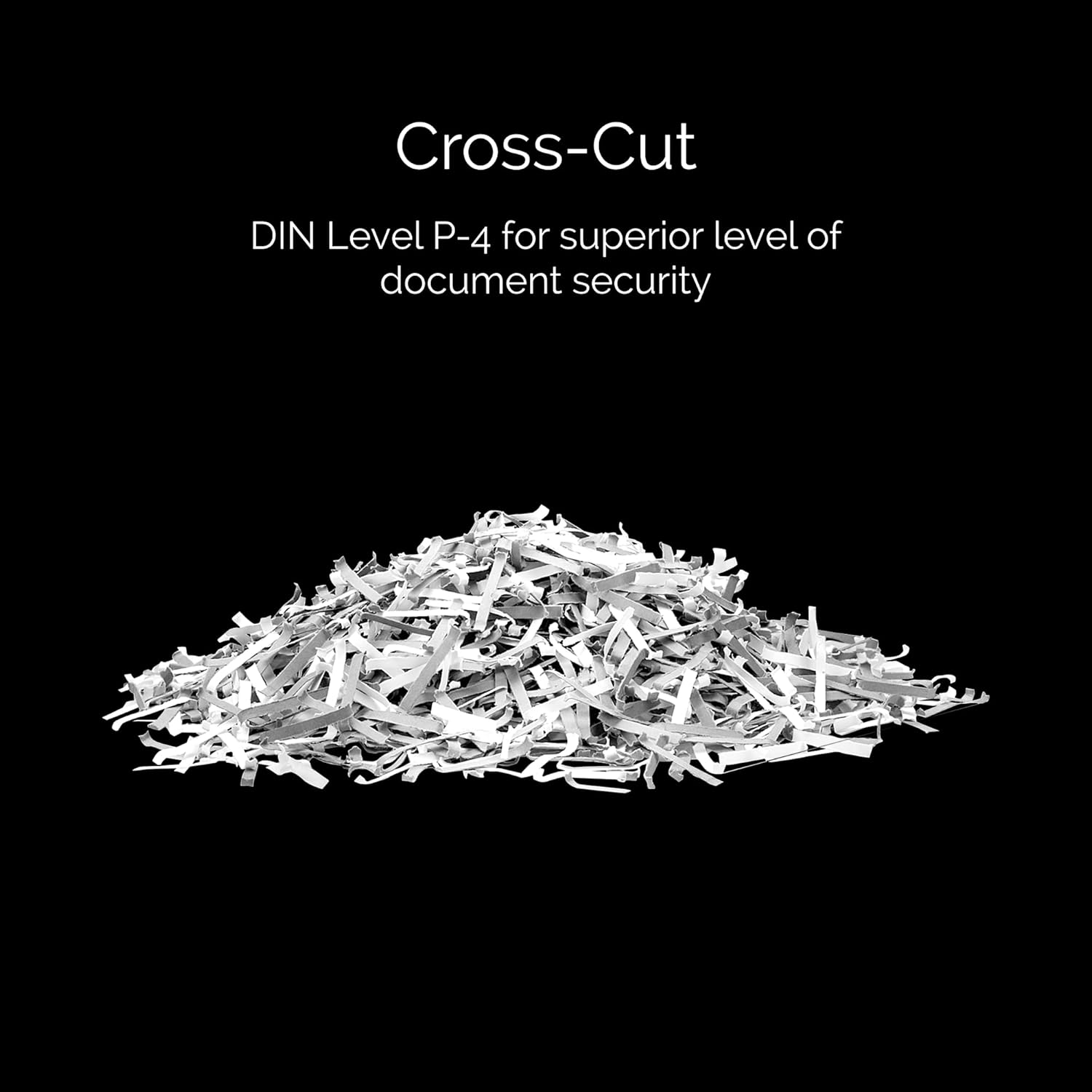
Figure 5: Example of cross-cut shredded paper, illustrating the particle size produced by the 485Ci for enhanced security.
8. Warranty Information
The Fellowes Powershred 485Ci comes with a 2-year product and service warranty. Additionally, the cutters are covered by a lifetime warranty. For warranty claims or service, please contact Fellowes customer support.
9. Customer Support
For further assistance, technical support, or to inquire about replacement parts and accessories, please visit the official Fellowes website or contact their customer service department. Refer to the contact information provided with your product or on the Fellowes website.
Online Resources: www.fellowes.com


