
A3 MAC filter settings
It is suitable for: A3
Application introduction: Solution about how to configure Wireless MAC Filtering on TOTOLINK Router.
STEP-1:
Connect your computer to the router by cable, enter http://192.168.0.1

STEP-2:
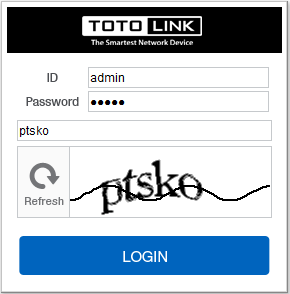
User Name and Password are required, by default both are admin in lowercase letter. Meanwhile you should fill in the vertification code .then Click Login.
STEP-3:
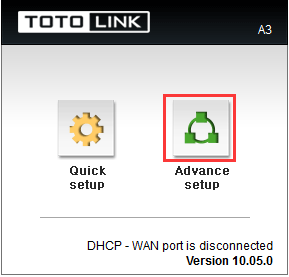
Then click the Advance setup bottom.
STEP-4:
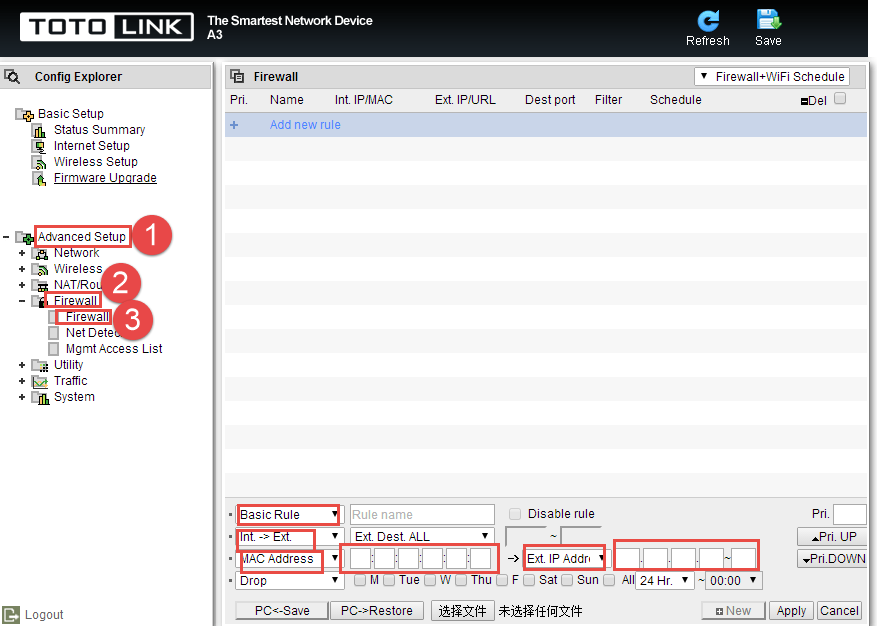
Please go to Advance Setup ->Firewall->Firewall page, and check which you have selected.
Select Basic Rule;Int->Ext;MAC Address ;Ext IP Address; then Input address about MAC Address and Ext IP Address;then Click Apply.
DOWNLOAD
A3 MAC filter settings – [Download PDF]
References
- User Manualmanual.tools
Published: October 26, 2023
Updated: December 5, 2023