
1. Produk Langkungview
The Monster S190 is a portable Bluetooth speaker designed for high-fidelity audio playback. It features 40W dynamic stereo sound, IPX6 waterproof protection, and up to 28 hours of playtime. Advanced Bluetooth 6.0 connectivity ensures stable and efficient wireless audio streaming. The speaker also supports True Wireless Stereo (TWS) pairing for an enhanced sound experience.
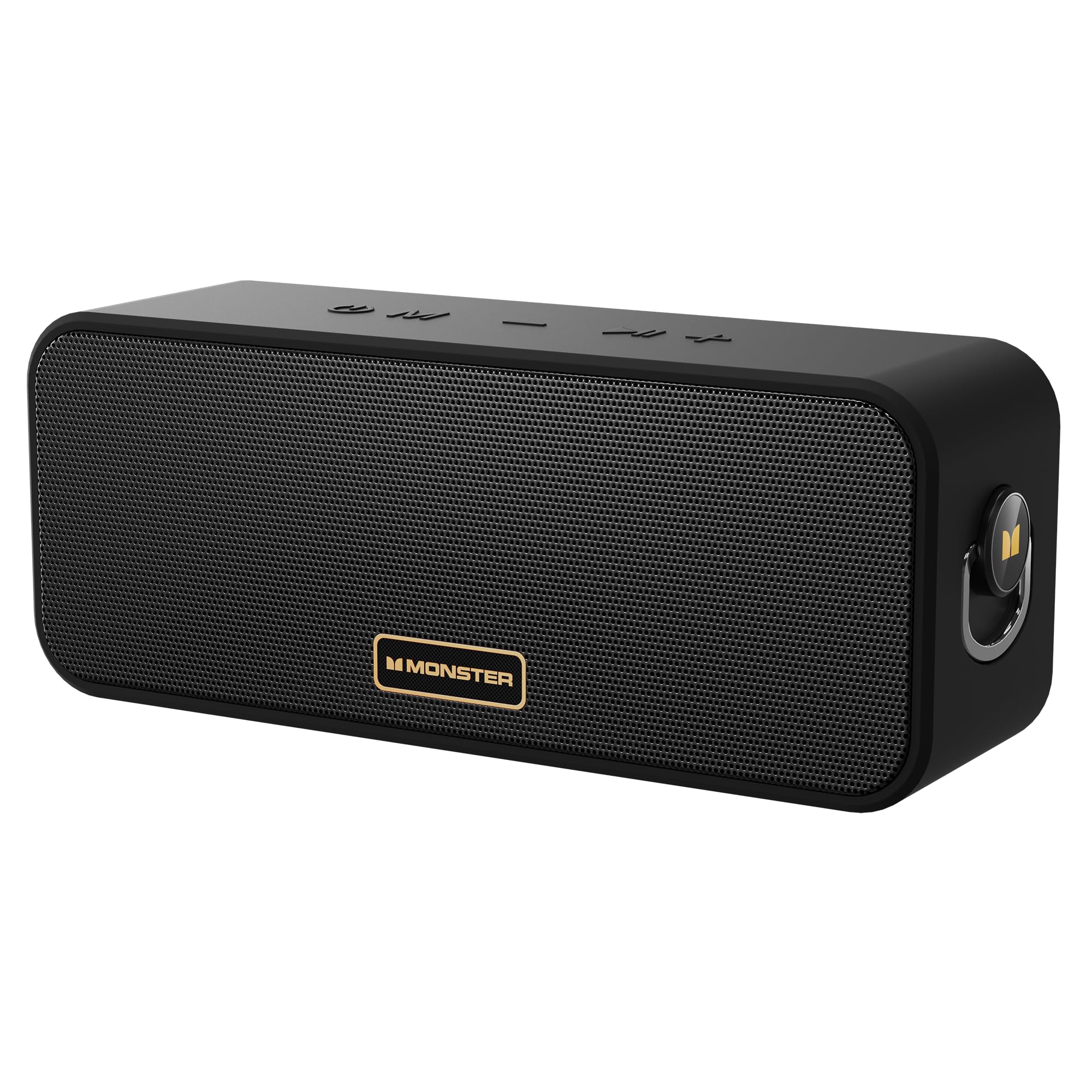
Image: The Monster S190 Bluetooth Speaker, highlighting its 40W output, 28-hour battery life, and IPX6 waterproof rating.
2. Naon Anu Aya Dina Kotakna
Pastikeun yén sadaya barang aya dina bungkusan:
- Monster S190 Speaker x 1
- Kabel Ngecas x 1
- Pitunjuk Mimitian Gancang x 1

Image: The Monster S190 speaker, its USB charging cable, and the quick start guide, as found in the product packaging.
3. Kontrol jeung palabuhan
Familiarize yourself with the speaker's buttons and connection points:
- Hurungkeun/Pareuman: Pencét terus tahan pikeun ngahurungkeun atawa mareuman speaker.
- Pindah mode: Short press to cycle through input modes (Bluetooth, AUX, TF Card).
- Lagu saméméhna / Volume Turun: Short press for volume down; long press for previous song.
- Lagu salajengna / Volume Up: Short press for volume up; long press for next song.
- Puter / Reureuh: Short press to play or pause audio. Double click to enter/exit Stereo Mode (TWS).

Image: An illustration detailing the function of each button on the top panel of the Monster S190 speaker.
Pilihan konektipitas
The speaker offers multiple ways to connect your audio source:
- Bluetooth: Pikeun sambungan nirkabel ka alat nu cocog.
- Input AUX: For wired connection using a 3.5mm audio cable.
- Slot Kartu TF: For playing music directly from a MicroSD card.
- Port ngecas USB-C: Pikeun ngecas batré internal speaker.

Gambar: A lengkep view of the Monster S190 speaker's input ports, showing the TF card slot, AUX input, and USB-C charging port.
4. Setélan
4.1 Ngecas Speaker
- Sambungkeun kabel ngecas USB anu disayogikeun kana port USB-C speaker.
- Sambungkeun tungtung kabel anu sanés ka adaptor kakuatan USB (teu kalebet) atanapi port USB komputer.
- Lampu indikator ngecas bakal hurung nalika ngecas sareng pareum nalika dicas pinuh.
- Ngeusi batre pinuh butuh kurang leuwih 3-4 jam.
4.2 Powering on / Pareum
- To power on, press and hold the Power button until the indicator light turns on.
- Pikeun mareuman, pencét jeung tahan deui tombol Daya nepi ka lampu indikator pareum.
4.3 Nyapasangkeun Bluetooth
- Ensure the speaker is powered on and in Bluetooth mode (the indicator light will flash blue). If not, short press the Mode button to switch to Bluetooth mode.
- Dina alat anjeun (smartphone, tablet, jsb.), aktipkeun Bluetooth sareng milarian alat anu sayogi.
- Select "Monster S190" from the list of devices.
- Once paired, the indicator light will turn solid blue, and you will hear a confirmation tone.
- Spéker bakal otomatis nyambung deui ka alat anu dipasangkeun terakhir nalika diaktipkeun, upami Bluetooth alat aktip sareng dina jangkauan.

Image: The Monster S190 speaker with an overlay indicating Bluetooth 6.0, alongside a smartphone screen showing the speaker listed for pairing.
4.4 Leres Wireless Stereo (TWS) papasangan
TWS allows you to pair two Monster S190 speakers together for a stereo sound experience.
- Pastikeun duanana speaker S190 dihurungkeun tur teu disambungkeun ka alat Bluetooth mana wae.
- On one of the speakers (this will be the primary speaker), double-click the Play/Pause button. The speaker will enter TWS pairing mode, indicated by a flashing light.
- The two speakers will automatically connect to each other. Once connected, you will hear a confirmation tone, and the indicator lights on both speakers will change.
- Ayeuna, sambungkeun alat Anjeun ka speaker primér via Bluetooth sakumaha dijelaskeun dina bagian 4.3.
- To exit TWS mode, double-click the Play/Pause button on either speaker.

Image: Two Monster S190 speakers positioned to demonstrate TWS pairing, with a smartphone indicating a connection.
5. Ngoperasikeun Speaker
5.1 Kontrol Putar Dasar
- Puter / Reureuh: Pencét pondok tombol Play / Reureuh.
- Volume Up: Pencét pondok tombol Volume Up (+).
- Volume Turun: Pencét pondok tombol Volume Turun (-).
- Lagu salajengna: Pencét lila tombol Volume Naék (+).
- Lagu Sateuacanna: Pencét lila tombol Volume Turun (-).
5.2 Ngagunakeun Input AUX
- Connect one end of a 3.5mm audio cable (not included) to your audio device's headphone jack.
- Connect the other end to the AUX input port on the Monster S190 speaker.
- The speaker will automatically switch to AUX mode, or you may need to short press the Mode button to select AUX.
5.3 Using TF Card
- Lebetkeun kartu TF (MicroSD) anu nganggo audio files kana slot kartu TF on speaker.
- The speaker will automatically switch to TF card mode and begin playing music, or you may need to short press the Mode button to select TF card mode.
6. Pangropéa
6.1 beberesih
- Ngusap spéker ku hipu, damp lawon.
- Ulah make cleaners abrasive, alkohol, atawa pangleyur kimiawi, sabab ieu bisa ngaruksak beungeut cai.
6.2 Panyimpenan
- Simpen spéker dina tempat anu tiis sareng garing jauh tina sinar panonpoé langsung sareng suhu anu ekstrim.
- If storing for an extended period, charge the battery every 3 months to maintain battery health.
6.3 Waterproof Guidelines (IPX6)
The Monster S190 speaker is IPX6 waterproof, meaning it is protected against high-pressure water jets from any direction. This makes it suitable for use near pools, beaches, or in rainy conditions.
- Pastikeun sadaya panutup port ditutup sacara aman sateuacan ngalaan speaker ka cai.
- Ulah beuleum speaker dina cai pikeun période nambahan.
- After exposure to water, wipe the speaker dry before charging to prevent damage to the charging port.
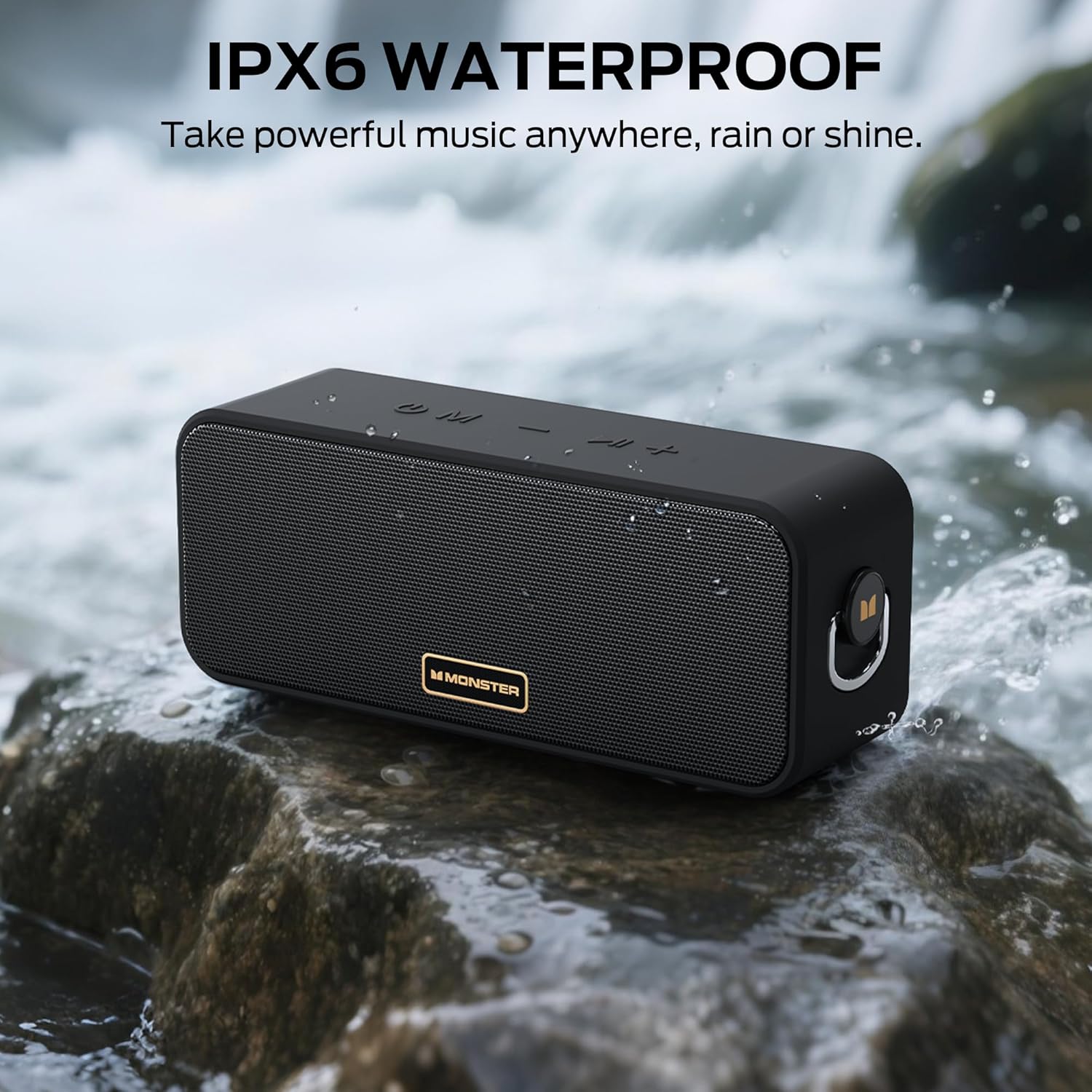
Image: The Monster S190 speaker positioned by a stream, illustrating its IPX6 waterproof design.
7. Cara ngungkulan
| Masalah | Mungkin Cukang lantaranana | Solusi |
|---|---|---|
| Speaker teu hurung | batré lemah; Tombol daya teu dipencet cukup lila | Ngecas speaker; Pencét terus tahan tombol Daya salami 3-5 detik |
| Teu bisa masangkeun via Bluetooth | Speaker not in pairing mode; Device Bluetooth off; Speaker already connected to another device; Too far from device | Ensure speaker is flashing blue; Turn on device Bluetooth; Disconnect from other devices; Move device closer to speaker (within 20 meters) |
| Taya sora | Volume teuing leutik; Modeu input salah; Alat teu muterkeun audio | Increase speaker and device volume; Press Mode button to select correct input; Ensure audio is playing on your device |
| Papasangan TWS gagal | Speakers already paired to a device; Speakers too far apart | Disconnect both speakers from any Bluetooth devices; Ensure speakers are within 5 meters of each other during TWS pairing |
| Kualitas sora goréng | Low battery; Device volume too high (distortion); Obstructions between speaker and device | Charge the speaker; Adjust device volume; Remove obstructions or move closer to device |
8. Spésifikasi
| Fitur | Rincian |
|---|---|
| Nomer modél | MS62117 |
| Daya Kaluaran | 40W |
| Vérsi Bluetooth | 6.0 |
| Rentang Bluetooth | Nepi ka 20 méter (66 suku) |
| Peunteun waterproof | IPX6 |
| Kahirupan batré | Nepi ka 28 jam |
| Waktu Ngecas | Kira-kira. 3-4 jam |
| Konektipitas | Bluetooth, AUX, Kartu TF |
| Dimensi produk | 7.62 x 20.32 x 10.16 cm |
| Beurat | 689 g |

Image: A diagram illustrating the physical dimensions of the Monster S190 speaker.
9. Garansi jeung Rojongan
Monster products are designed and manufactured to the highest quality standards. For detailed warranty information and customer support, please refer to the official Monster websitus atanapi ngahubungan layanan palanggan maranéhanana langsung. Simpen resi pameseran anjeun salaku bukti pameseran pikeun klaim garansi.
Pikeun pitulung salajengna, buka di Toko Monster di Amazon.