1. Bubuka
The Brother DCP-L2640DW is a compact, high-performance monochrome laser all-in-one printer designed for home offices and small workgroups. This manual provides essential information for setting up, operating, maintaining, and troubleshooting your printer to ensure optimal performance.
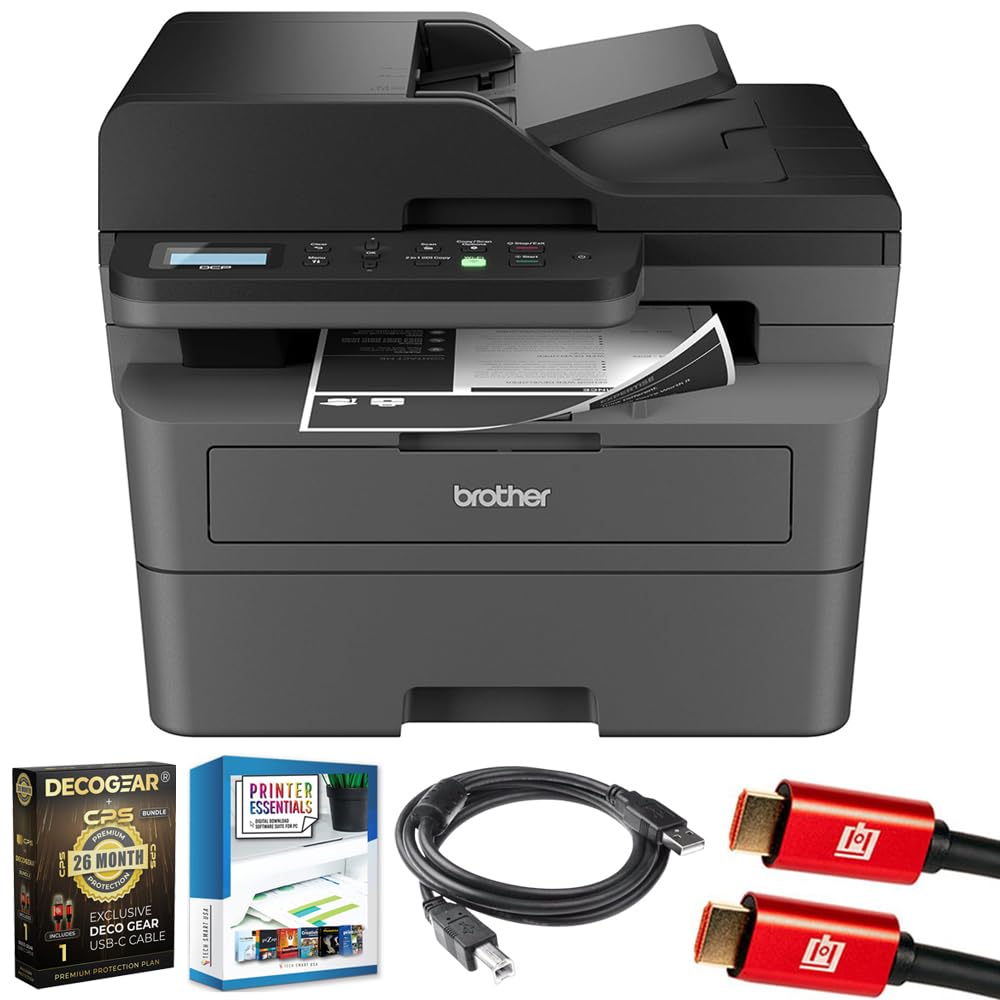
Image 1.1: Brother DCP-L2640DW Compact Monochrome Laser Printer
2. Fitur konci
- Fungsi 3-in-1: Print, copy, and scan capabilities in a compact design.
- Laju Percetakan Gancang: Delivers up to 36 pages per minute for efficient task completion.
- Percetakan Duplex Otomatis: Built-in two-sided printing to save time and paper.
- 50-Sheet Automatic Document Feeder (ADF): Pikeun nyeken sareng nyalin multi-kaca anu efisien.
- High-Capacity Paper Handling: 250-sheet paper tray plus a manual feed slot for diverse media types.
- Pilihan Konektipitas Fleksibel: Dual-band Wi-Fi, Ethernet, USB, and mobile printing via Brother Mobile Connect, AirPrint, Mopria, and Wi-Fi Direct.
- Advanced Network Security: Features like TLS/SSL, SNMP v3, and IP filtering for secure operation.

Gambar 2.1: Leuwihview of the Brother DCP-L2640DW's key features including print speed, connectivity, and compact design.
3. Naon dina Box
- Brother DCP-L2640DW Monochrome Laser Printer
- Starter Black Toner Cartridge (approx. 700 pages)
- Brother DR830 Drum Unit (approx. 15,000 pages)
- Kabel Daya AC
- Documentation (Quick Setup Guide, Product Safety and Protection Information)
4. Setélan
4.1. Ngabongkar bungkusan
- Cabut printer sacara saksama tina bungkusanna.
- Cabut sadaya kasét pelindung sareng bahan bungkusan tina luar sareng jero printer.
4.2. Toner Cartridge and Drum Unit Installation
- Buka panutup hareup printer.
- Remove the toner cartridge and drum unit assembly from the printer.
- Unpack the new toner cartridge and drum unit.
- Insert the toner cartridge firmly into the drum unit until it locks into place.
- Slide the green tab on the drum unit from left to right several times to clean the corona wire. Return the tab to the home position.
- Reinstall the toner cartridge and drum unit assembly into the printer.
- Tutup panutup hareup.
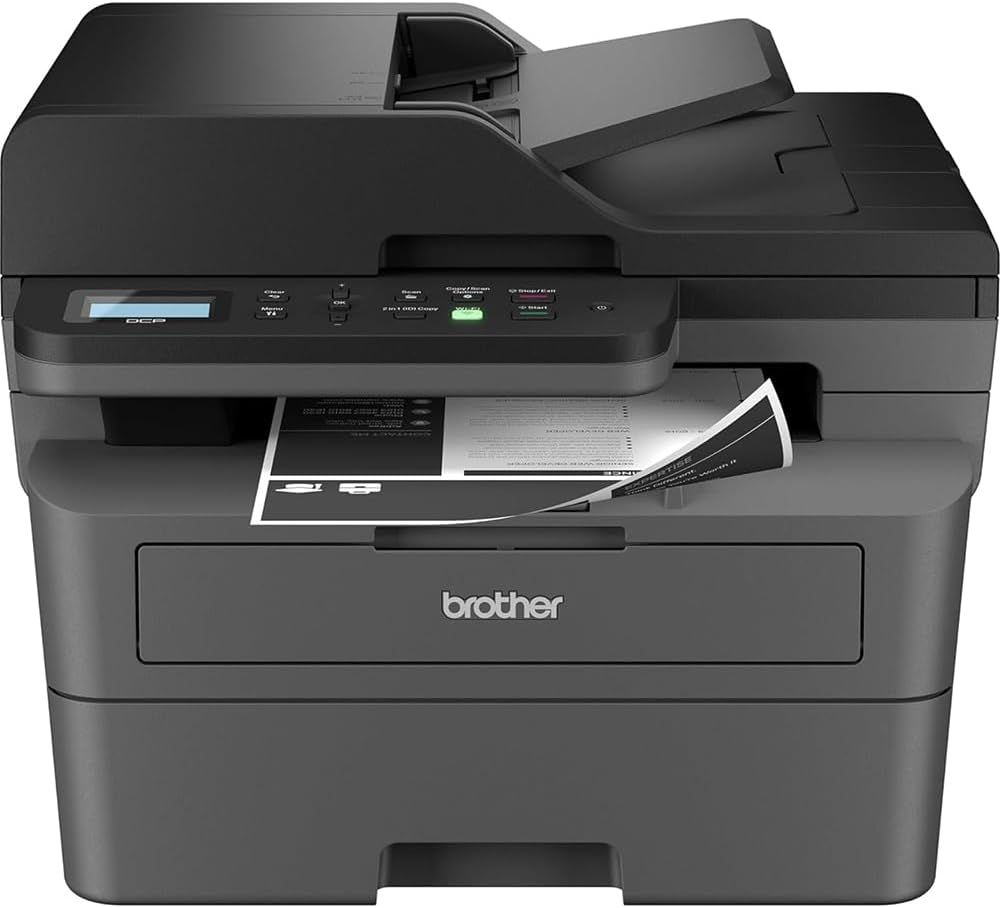
Image 4.1: The Brother DCP-L2640DW printer with the front cover open, showing the toner cartridge and drum unit assembly.
4.3. Sambungan Daya
- Sambungkeun kabel daya AC kana input daya printer.
- Colokkeun tungtung kabel listrik anu sanés kana stop kontak listrik anu dibumikeun.
- Pencét tombol daya pikeun ngaktipkeun printer.
4.4. Initial Setup & Connectivity
Follow the on-screen instructions on the printer's LCD display to complete the initial setup, including language selection and date/time settings.
- Setélan nirkabel: Navigate to the network settings on the printer's control panel, select your Wi-Fi network, and enter the password.
- Sambungan Ethernet: Sambungkeun kabel Ethernet tina router atanapi hub jaringan anjeun ka port Ethernet printer.
- Sambungan USB: Sambungkeun kabel USB tina komputer Anjeun ka port USB printer.
- Pamasangan supir: Install the printer drivers from the included CD-ROM or download them from the official Brother support websitus.
Video 4.1: Produk réngséview video demonstrating the Brother DCP-L2640DW printer's features and ease of use.
5. Parentah Operasi
5.1. Nyitak Dokumén
- Load paper into the 250-sheet paper tray or the manual feed slot.
- From your computer or mobile device, open the document you wish to print.
- Pilih 'Cetak' tina menu aplikasi.
- Choose your Brother DCP-L2640DW printer.
- Adjust print settings (e.g., number of copies, duplex printing) as needed.
- Klik 'Cetak'.
5.2. Nyalin Dokumén
- Place your document face down on the scanner glass or face up in the Automatic Document Feeder (ADF).
- On the printer's control panel, press the 'Copy' button.
- Use the arrow keys to select the number of copies or adjust other settings.
- Pencét 'Mimitian' pikeun ngamimitian nyalin.

Image 5.1: The Brother DCP-L2640DW highlighting its Automatic Document Feeder for multi-page tasks.
5.3. Nyeken Dokumén
- Place your document face down on the scanner glass or face up in the ADF.
- On the printer's control panel, press the 'Scan' button.
- Select your desired scan destination (e.g., PC, email, cloud).
- Adjust scan settings (e.g., resolution, color mode) as needed.
- Pencét 'Mimitian' pikeun ngamimitian scan.
5.4. Percetakan Mobile
The Brother DCP-L2640DW supports various mobile printing solutions:
- Aplikasi Brother Mobile Connect: Download the app to manage your printer, print, and scan from your smartphone or tablet.
- Apple AirPrint: Print directly from your Apple iOS device without installing drivers.
- Layanan Cetak Mopria: Nyitak tina alat Android anu disertipikasi Mopria.
- Wi-Fi langsung: Print directly from your mobile device to the printer without needing a router.

Image 5.2: The Brother Mobile Connect App interface, showing options for document print, photo print, scan, copy, and toner monitoring.
6. Pangropéa
6.1. Panggantian Toner
When the toner is low or empty, the printer's display will indicate that the toner cartridge needs to be replaced. Always use genuine Brother toner cartridges for optimal performance and print quality.
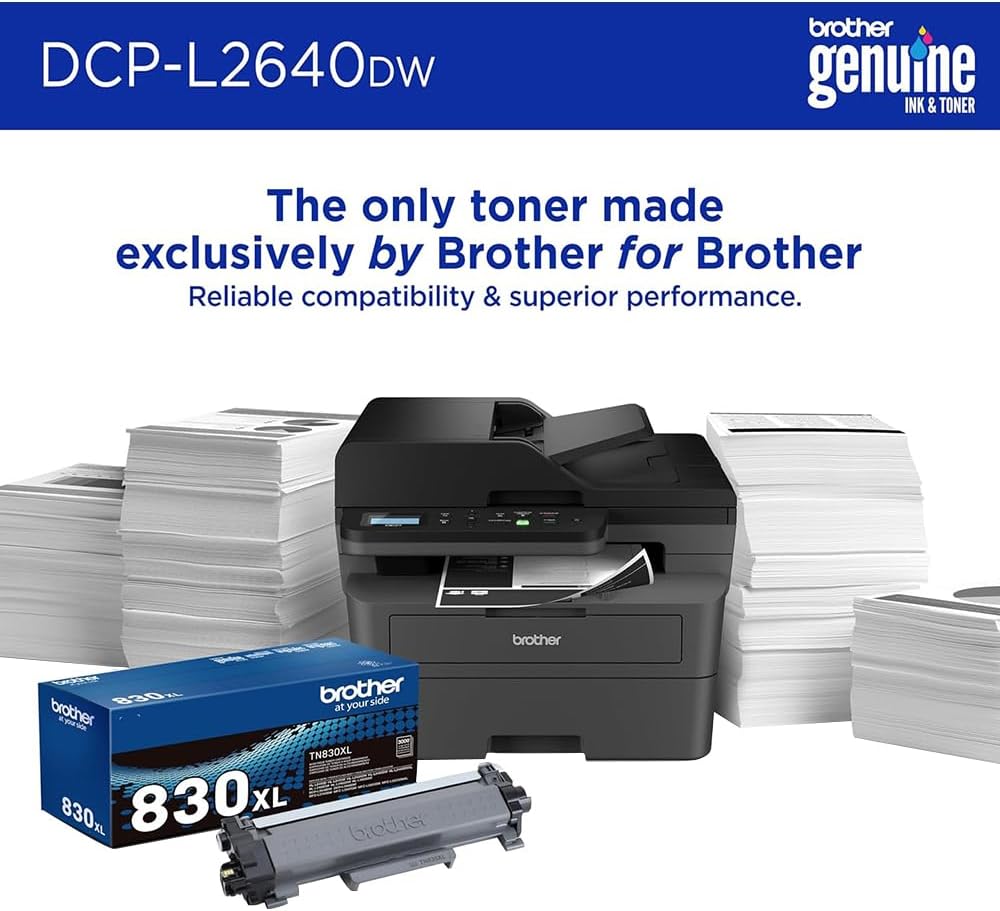
Image 6.1: Brother Genuine Ink & Toner packaging, emphasizing reliable compatibility and superior performance.
6.2. Drum Unit Replacement
The drum unit is a separate consumable that needs to be replaced periodically, typically after approximately 15,000 pages. The printer will notify you when it's time to replace the drum unit.
6.3. beberesih
- Luar: Lap bagian luar printer ku lawon anu lemes sareng henteu aya bulu.
- Kaca scanner: Clean the scanner glass with a soft, lint-free cloth moistened with glass cleaner.
- Kawat Korona: Regularly clean the corona wire inside the drum unit by sliding the green tab.
7. Cara ngungkulan
- Kertas macét: Follow the on-screen instructions or refer to the printer's documentation to clear paper jams from various access points.
- Masalah konektipitas: Ensure the printer is connected to the correct network (Wi-Fi or Ethernet) or directly to the computer via USB. Restarting the printer and router can often resolve temporary connection problems.
- Kualitas cetak goréng: Check toner levels, clean the corona wire, and ensure you are using appropriate paper for your print job.
- Pesen Kasalahan: Refer to the printer's LCD display for specific error codes and consult the online manual or Brother support for solutions.
8. Spésifikasi
| Fitur | Rincian |
|---|---|
| Nomer modél | DCP-L2640DW |
| Téhnologi percetakan | Laser |
| Kaluaran printer | Monokrom |
| Max Print Speed Monokrom | 36 ppm |
| Maksimum Hideung Bodas Resolusi Print | 1200 x 1200 titik per inci |
| Percetakan duplex otomatis | Sumuhun |
| Jenis scanner | Ranjang datar |
| Max Input Lambaran Kamampuh | 250 lembar |
| Otomatis Dokumén Feeder (ADF) kapasitas | 50 lembar |
| Téhnologi konektipitas | USB, Ethernet, Dual-band Wi-Fi |
| Cartridge cocog | TN830, TN830XL |
| Dimensi produk | 15.7 "D x 16.1" W x 12.5" H |
| Beurat | Not specified in provided data, typically around 20-30 lbs for similar models. |
9. Garansi jeung Rojongan
The Brother DCP-L2640DW Monochrome Laser Printer comes with a Limited Warranty. For specific warranty terms and conditions, please refer to the documentation included with your product or visit the official Brother support websitus.
Kanggo pangrojong téknis, undeuran supir, sareng sumber daya tambahan, mangga buka Dadang Ngadukung Websitus.


