Bubuka
This manual provides essential information for setting up, operating, and maintaining your Acer Nitro KG240Y W3biip 23.8-inch Full HD 240Hz IPS Gaming Monitor. Please read these instructions carefully before using your monitor to ensure optimal performance and safety.
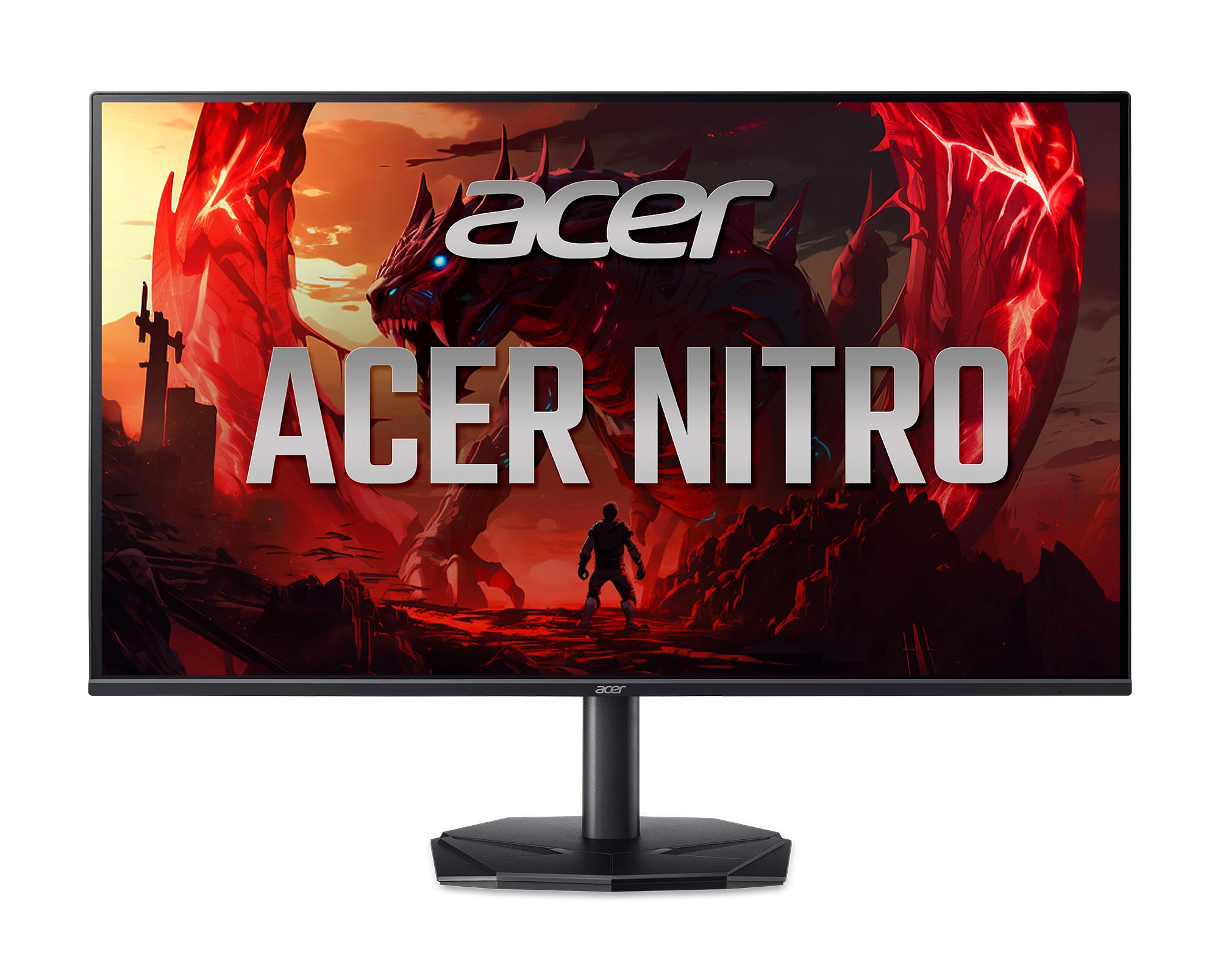
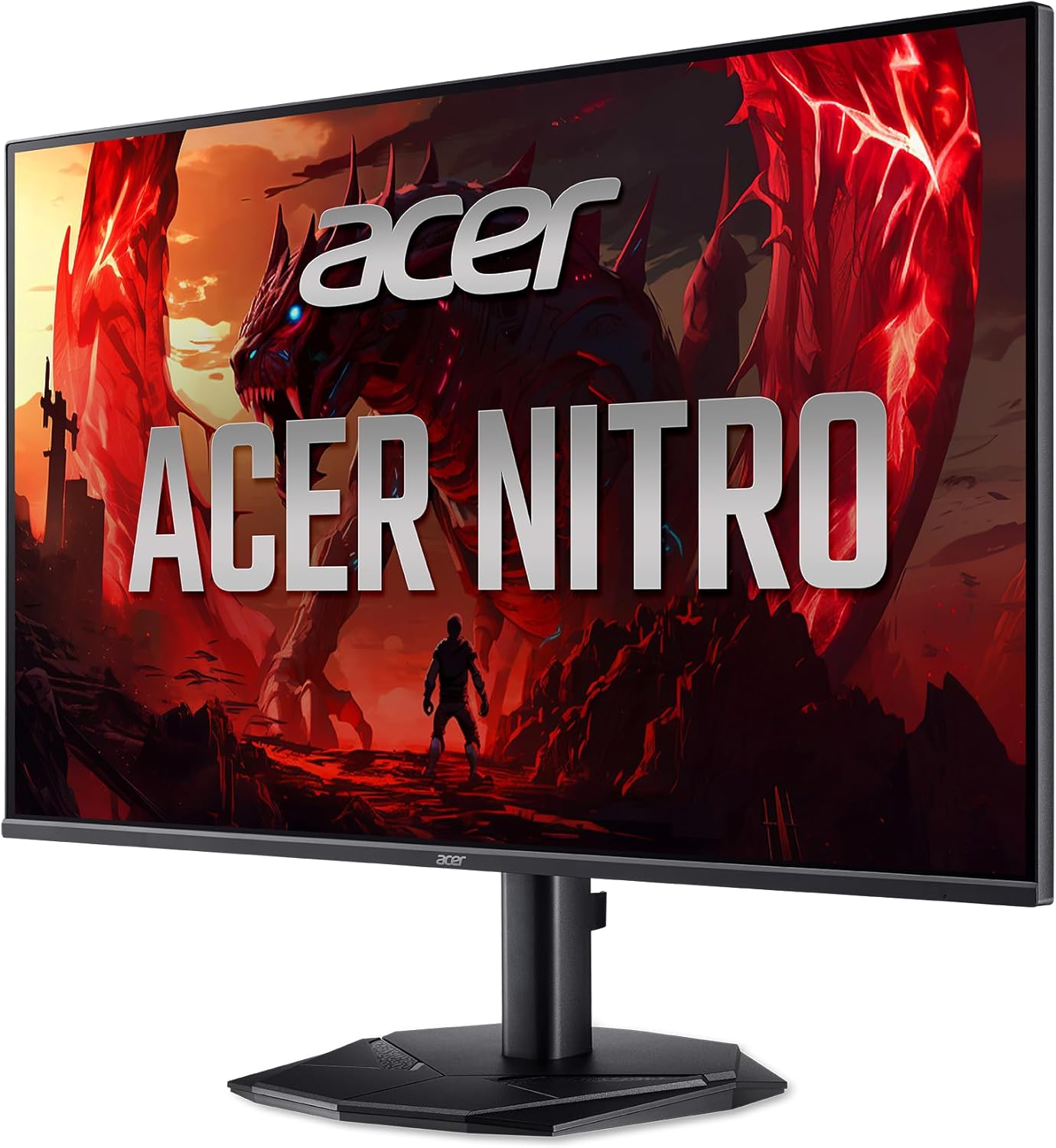
Hareupeun view of the Acer Nitro KG240Y W3biip 23.8-inch Gaming Monitor.
Naon dina Box
Pastikeun yén sadaya komponén aya dina bungkusan:
- Unit tampilan
- Stand Monitor (Dasar sareng Beuheung)
- Kabel listrik
- Kabel HDMI
Parentah Setup
1. Ngarakit Monitor Stand
- Taliti cabut monitor jeung nangtung komponén tina bungkusan.
- Attach the stand base to the stand neck. Secure with the captive screw, if present.
- Align the stand assembly with the mounting points on the back of the monitor. Gently push until it clicks into place or secure with screws as per the included quick start guide.
2. Nyambungkeun Kabel
Ensure the monitor and your computer are powered off before making any connections.
- Sambungan Daya: Sambungkeun kabel listrik ka input daya monitor teras ka stopkontak.
- Sambungan Video:
- For optimal performance, connect the included HDMI cable from your computer's graphics card to one of the HDMI 2.0 ports on the monitor.
- Alternatively, use a DisplayPort 1.2 cable to connect your computer to the monitor's DisplayPort input.
Tukangeun view of the monitor displaying the power and video input ports (HDMI, DisplayPort).
3. Mimiti Power-On
- Colokkeun kabel listrik kana stop kontak témbok.
- Pencét tombol daya dina monitor.
- Power on your computer. The monitor should automatically detect the input signal. If not, you may need to manually select the input source using the OSD menu.
Parentah Operasi
Menu dina layar (OSD).
The OSD menu allows you to adjust various monitor settings. The control buttons are typically located on the back or bottom right side of the monitor.
- Tombol Daya: Ngahurungkeun atanapi mareuman monitor.
- Tombol Menu: Muka menu OSD.
- Tombol Napigasi: Dianggo pikeun nganapigasi pilihan menu sareng nyaluyukeun nilai.
- Butang Pilih Masukan: Quickly switches between available video input sources (HDMI 1, HDMI 2, DisplayPort).
Common OSD Settings
- Gambar: Adjust brightness, contrast, gamma, and color temperature.
- warna: Fine-tune color settings, including sRGB mode.
- Kaulinan: Enable/disable AMD FreeSync Premium, adjust overdrive, and set refresh rate.
- Input: Manually select the active video input source.
- Sistim: Language, OSD timeout, and factory reset options.
Enabling AMD FreeSync Premium
To utilize AMD FreeSync Premium, ensure your graphics card supports it and that the feature is enabled in both your graphics card control panel and the monitor's OSD menu (usually under the "Gaming" section).
Nyetél Laju Anyarkeun
To achieve the 240Hz refresh rate, ensure your graphics card and cable (DisplayPort or HDMI 2.0) support it. Set the refresh rate in your operating system's display settings (e.g., Windows Display Settings > Advanced display settings > Display adapter properties).
Fitur konci
The Acer Nitro KG240Y W3biip monitor offers several features designed to enhance your viewpangalaman jeung kaulinan:
Full HD (1920x1080) Resolution
Experience sharp, high-quality images with excellent detail on the 23.8-inch IPS panel. The 16:9 aspect ratio is ideal for both productivity and entertainment. The zero-frame design maximizes screen space for an immersive view.

Visual comparison demonstrating the clarity of Full HD (1080p) resolution.
AMD FreeSync Premium Téhnologi
Enjoy tear-free and stutter-free gaming. AMD FreeSync Premium synchronizes the monitor's refresh rate with your graphics card's frame rate, providing a smooth and fluid gaming experience.

Illustration of AMD FreeSync Premium eliminating screen tearing during fast-paced action.
240Hz Laju Refresh
Experience ultra-smooth 2D motion scenes with a rapid refresh rate of up to 240Hz. This significantly shortens frame rendering time and lowers input lag, providing a competitive edge in fast-paced games.

Visual representation of the smoothness provided by a 240Hz refresh rate compared to lower rates.
Up to 0.5ms GTG (Gray to Gray) Response Time
Enjoy clearer, more immersive images without blurring. The rapid 0.5ms GTG response time ensures that fast-moving action and dramatic transitions are rendered smoothly, free from smearing or ghosting effects.

Demonstration of reduced motion blur with a 0.5ms GTG response time.
HDR10 Support and sRGB 99% Color Accuracy
The monitor supports HDR10, providing enhanced contrasts and a wider color palette for more realistic and natural images. With 99% sRGB color accuracy, it is suitable for color-critical tasks such as graphic design and photo editing.

Visual representation of improved contrast and color depth with HDR10 support.
Pangropéa
- Ngabersihan layar: Ngusap layar nganggo kaén anu lembut sareng teu aya serat. Pikeun tanda nekad, dampen the cloth with a small amount of water or a specialized screen cleaner. Avoid using harsh chemicals or abrasive materials.
- Ngabersihan Casing: Anggo kaén anu lemes sareng garing pikeun ngabersihan monitor casing.
- Ventilasi: Pastikeun bukaan ventilasi dina monitor teu diblokir pikeun nyegah overheating.
- Pareum listrik: Salawasna mareuman monitor upami teu dianggo kanggo waktos anu panjang.
Pamérésan masalah
| Masalah | Solusi anu mungkin |
|---|---|
| Henteu aya gambar dina layar |
|
| Gambar kedip-kedip atanapi teu stabil |
|
| Warna némbongan lepat |
|
spésifikasi
| Fitur | Rincian |
|---|---|
| merek | Acer |
| Nomer modél | KG240Y W3biip |
| Ukuran layar | 23.8 inci |
| Tipe Panel | IPS |
| Resolusi | 1920 x 1080 (HD lengkep) |
| Rasio Aspék | 16:9 |
| Laju Anyarkeun Max | 240Hz |
| Waktu Tanggapan | Up to 0.5ms GTG |
| Warna Gamut | sRGB 99% |
| Rojongan HDR | HDR10 |
| Téhnologi Sync adaptif | AMD FreeSync Premium |
| Input Video | 1 x DisplayPort 1.2, 2 x HDMI 2.0 |
| Item Beurat | 9.79 pon |
| Ukuran produk (L x W x H) | 8.28 x 24.08 x 18.12 inci |
| Warna | Hideung |
Garansi sareng Rojongan
Kanggo inpormasi garansi sareng dukungan téknis, mangga tingal kartu garansi anu kalebet dina produk anjeun atanapi kunjungan dukungan resmi Acer websitus. Anjeun biasana tiasa mendakan supir, FAQ, sareng inpormasi kontak pikeun layanan palanggan di dinya.
Rojongan Acer Websitus: www.acer.com/support


