
1. Produk Langkungview
The Cuifati 50000mAh Solar Power Bank is a robust and versatile portable charging solution designed for outdoor enthusiasts and emergency preparedness. Featuring a high-capacity battery and solar charging capabilities, it ensures your devices remain powered in various environments.
Fitur konci:
- Kapasitas 50,000mAh ageung: Provides multiple recharges for smartphones, tablets, and other USB-powered devices.
- Kamampuhan ngecas surya: Allows for emergency recharging using sunlight, ideal for off-grid situations.
- Crush-Proof Aluminum Alloy Casing: Durable exterior offers protection against impacts and aids in heat dissipation.
- Integrated LED Campdina Cahaya: Features high-brightness LED with constant, breathing, and SOS flashing modes for illumination and emergency signaling.
- Pangeusi gancang serbaguna: Supports USB-A, Type-C, and QC Fast Charging protocols for efficient power delivery to a wide range of digital devices.
- Sistem Multi-Panyalindungan: Built-in safeguards against overcharge, overvoltage, overcurrent, overpower, overdischarge, and temperature fluctuations.

Gambar 1.1: Hareupeun view of the Cuifati Solar Power Bank, showcasing the integrated solar panel.

Gambar 1.2: Sisi view displaying the various charging ports and the LED light panel.
2. Setup jeung Pamakéan Awal
2.1 Ngecas Bank Daya
Before first use, fully charge the power bank using a wall adapter to ensure optimal battery performance. Solar charging is primarily for emergency use and maintaining charge, not for rapid full charging.
- Via USB Wall Adapter: Connect the included USB charging cable (or a compatible Type-C cable) to the power bank's input port and plug the other end into a USB wall adapter (not included). The indicator lights will show charging progress.
- Via Panel Surya: Place the power bank in direct sunlight. The solar indicator light will illuminate, indicating that solar charging is active. For best results, ensure the solar panel is clean and unobstructed.

Gambar 2.1: Luhur view of the power bank, showing the solar panel and a USB charging cable.
2.2 Mariksa Level Batré
Pencét tombol daya sakali pikeun view tingkat batré ayeuna anu dituduhkeun ku lampu LED.
3. Parentah Operasi
3.1 Ngecas Alat éksternal
Connect your device's charging cable to one of the power bank's output ports (USB-A or Type-C). The power bank will automatically begin charging your device. If charging does not start, press the power button once.
3.2 Using the LED Camping Cahaya
The integrated LED light offers multiple modes for various situations.
- Hurungkeun/Pareuman: Long press the power button to turn the LED light on or off.
- Modeu siklus: Once the light is on, short press the power button to cycle through the modes: Constant Brightness > Breathing Light > SOS Flashing > Burst Flash.

Image 3.1: The power bank demonstrating its LED bright light feature, useful for campdina kaayaan darurat.
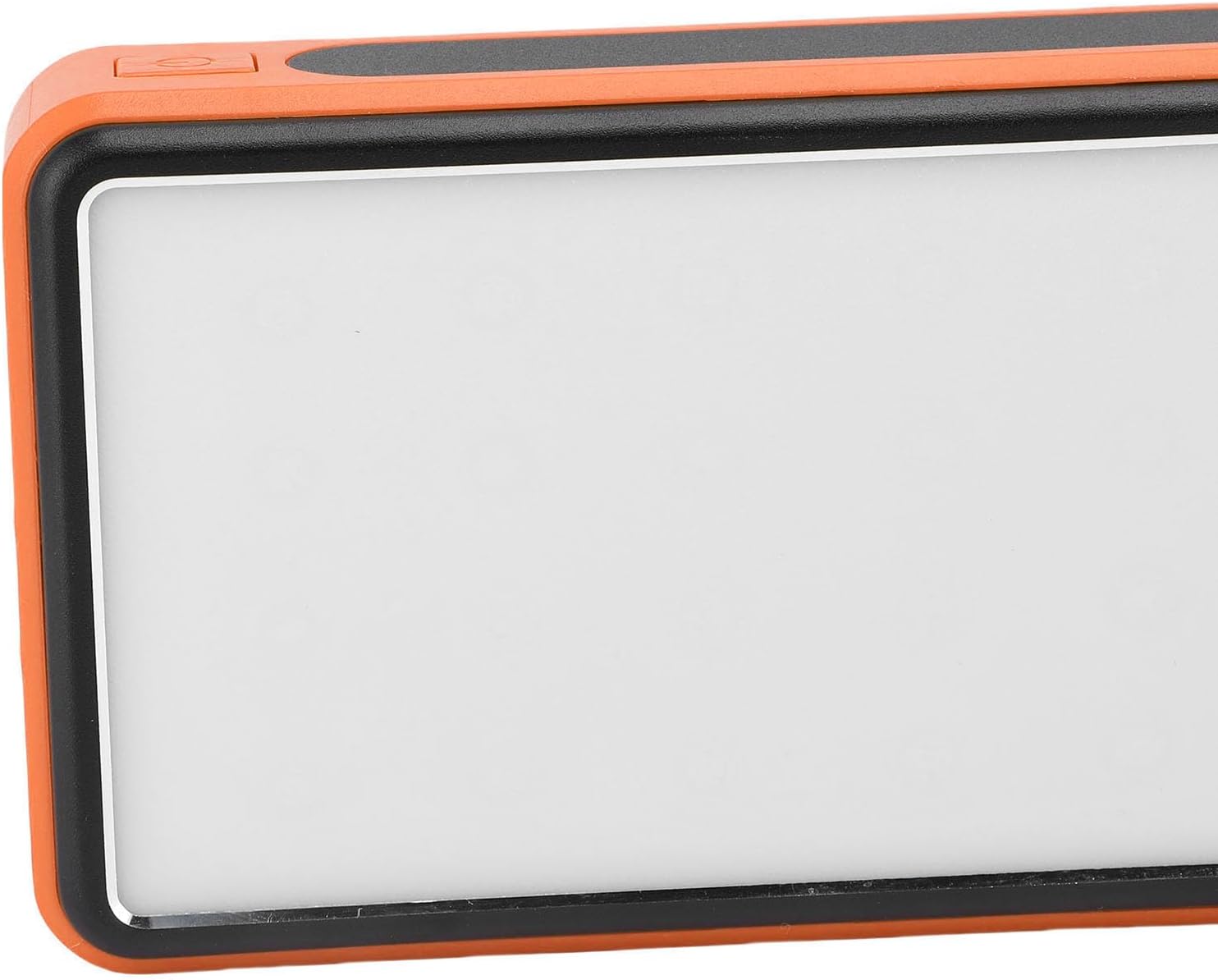
Gambar 3.2: Sisi view highlighting the power button used for operating the device and LED light.
4. Pangropéa sarta perawatan
- beberesih: Wipe the power bank with a soft, dry cloth. Avoid using harsh chemicals or abrasive materials. Ensure the solar panel is clean for efficient charging.
- Panyimpenan: Store the power bank in a cool, dry place away from direct sunlight and extreme temperatures. For long-term storage, charge the power bank to about 50-75% every 3-6 months to preserve battery health.
- Kaayaan Lingkungan: While crush-proof, avoid intentional drops or impacts. Do not expose to water or high humidity.

Image 4.1: Icons representing the power bank's multiple protection features, including overcharge, overvoltage, and temperature prevention.
5. Cara ngungkulan
- Bank kakuatan henteu ngecas: Ensure the charging cable is securely connected to both the power bank and the power source. Try a different cable or wall adapter. For solar charging, ensure direct sunlight and a clean solar panel.
- Alat teu ngecas tina bank daya: Ensure the power bank has sufficient charge. Press the power button once to activate output. Try a different USB port or charging cable.
- Lampu LED teu jalan: Long press the power button to turn it on. If it still doesn't work, ensure the power bank has sufficient charge.
- Ngecas lalaunan: Ensure you are using a fast-charging compatible cable and your device supports fast charging. Solar charging is inherently slower than wall charging.
6. Spésifikasi
| Fitur | Spésifikasi |
|---|---|
| Kapasitas batré | 50,000 mah |
| Alat nu cocog | Smartphones, Tablets, USB-powered devices (including some laptops) |
| Ngecas Protokol | USB-A, Type-C, QC Fast Charging |
| Modeu Lampu LED | Constant, Breathing, SOS Flashing, Burst Flash |
| Casing Bahan | Aluminium Alloy |
| Warna | oranyeu |
| Ukuran Paket | 19 x 13 x 5 cm |
| Beurat | 552 gram |
| Negara asal | Cina |
7. Émbaran jaminan
This Cuifati Solar Power Bank comes with a 2-taun jaminan produsén urang from the date of purchase. This warranty covers defects in materials and workmanship under normal use. It does not cover damage caused by misuse, accidents, unauthorized modifications, or normal wear and tear. Please retain your proof of purchase for warranty claims.
8. Rojongan
For technical support, warranty claims, or further inquiries, please contact Cuifati customer service. Refer to the product packaging or the retailer's websitus pikeun inpo kontak paling up-to-date.
We recommend visiting the official Cuifati website for product registration, FAQs, and additional support resources.