1. Produk Langkungview
The Cillso IDW26 Smart Watch is a versatile fitness tracker designed to enhance your daily life and health monitoring. It features a vibrant 1.83-inch HD touchscreen, built-in Alexa voice control, and Bluetooth calling capabilities. With over 120 sports modes and IP68 waterproofing, it's suitable for various activities. The watch also provides comprehensive health monitoring, including 24-hour heart rate, sleep analysis, and blood oxygen tracking, all supported by a long-lasting battery.
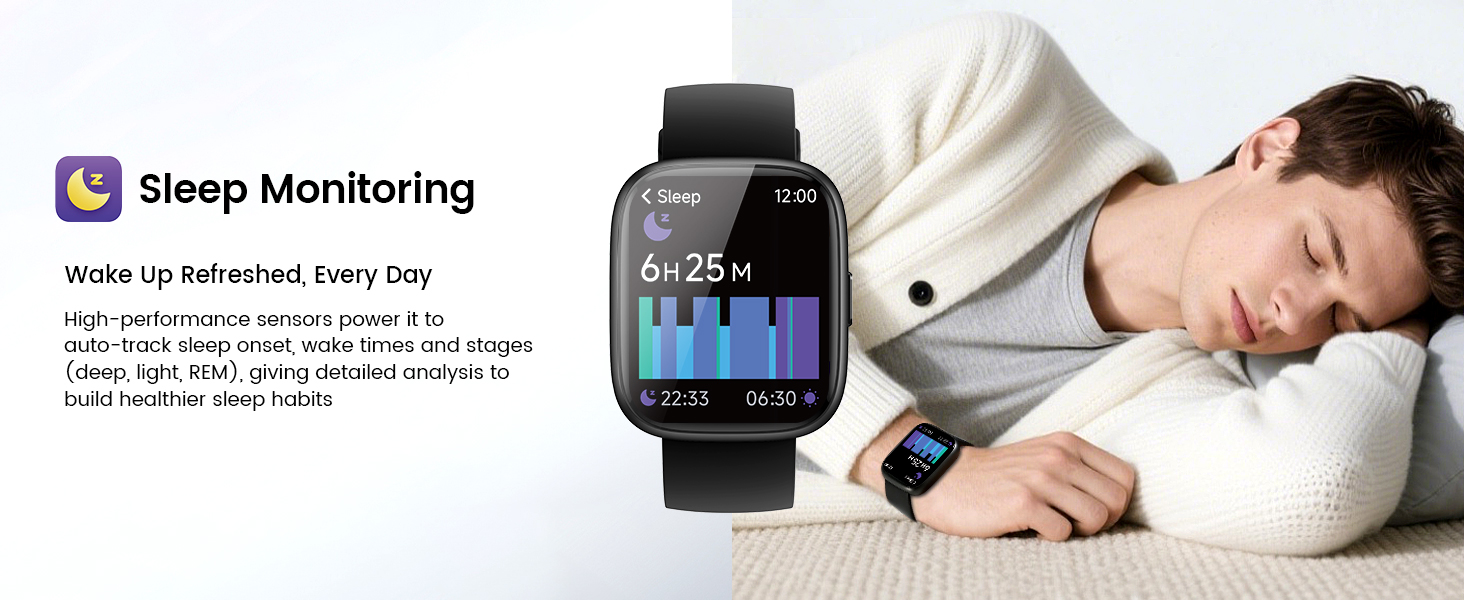
Image: Cillso IDW26 Smart Watch overview, highlighting its smart features.
2. Naon dina Box
- 1x Cillso IDW26 Smart Watch
- 1x Type-C Magnetic Charging Cable
- 1 x Manual Pamaké
Image: The Cillso IDW26 Smart Watch packaging, displaying the watch, charging cable, and user manual.
3. Setup and App Downloads
To begin using your Cillso IDW26 Smart Watch, follow these steps:
- Ngecas arloji: Before first use, connect the watch to the magnetic charging cable and plug it into a USB power source. The watch will automatically turn on when charging.
- Unduh Aplikasi: Scan the QR code in the user manual or search for "VeryFit" in the App Store (iOS) or Google Play Store (Android).
- Aktipkeun Bluetooth: On your smartphone, go to settings and ensure Bluetooth is enabled.
- Pasangkeun Alat: Open the VeryFit app, register an account, and follow the on-screen instructions to add your device. Select "IDW26" from the list of found devices and confirm pairing.
- Konpigurasikeun Setélan: Once paired, you can set your preferred language, unit format, and notification preferences within the app.
Video: A step-by-step guide on how to connect the Cillso IDW26 Smart Watch to your smartphone using the VeryFit app.
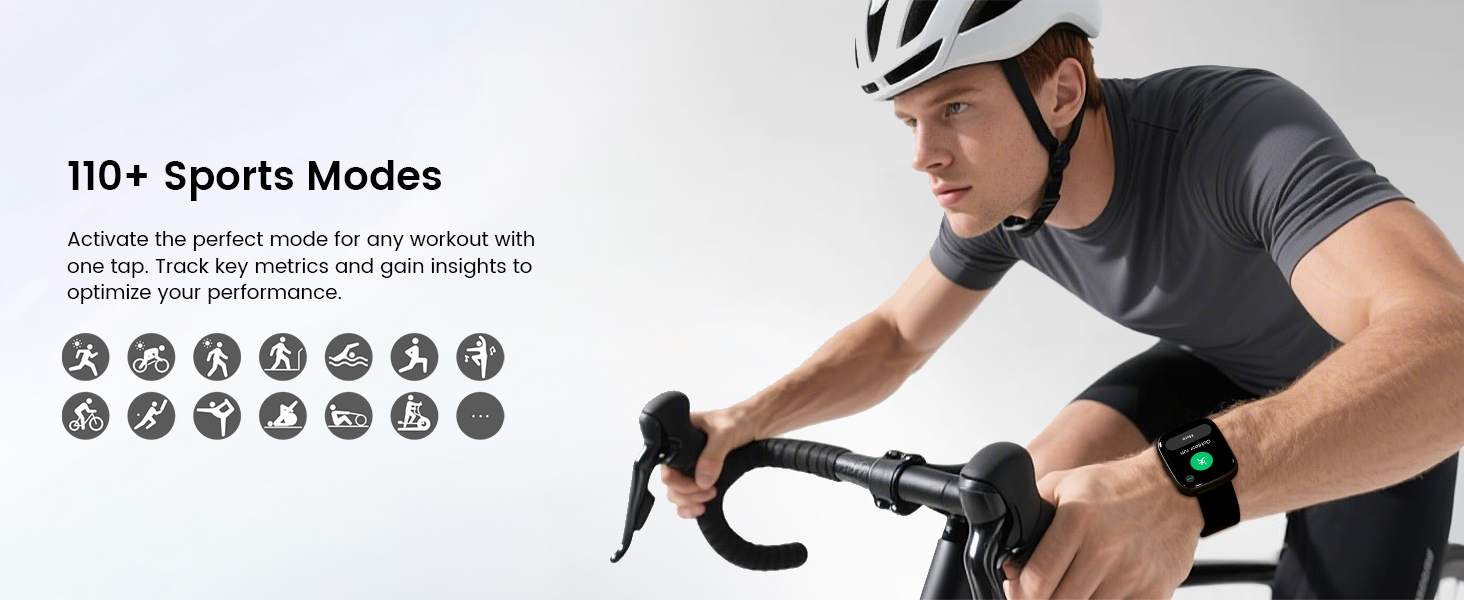
Image: The VeryFit app interface, demonstrating sleep monitoring data and other health metrics.
4. Physical Button Operation
- Pencét pondok: Tap the function button to wake the screen or return to the previous interface.
- Pencét Panjang: Press and hold the function button to turn the watch on/off or to restart it.
5. Operasi layar
- Gesek ka luhur/handap: Napigasi ngaliwatan ménu jeung bewara.
- Gesek Kénca/Katuhu: Toggle between different feature screens or widgets.
- Ketok Layar: Enter a menu, select an option, or interact with on-screen elements.
- Ketok jeung Tahan: On the watch face, tap and hold to switch between different watch face designs.
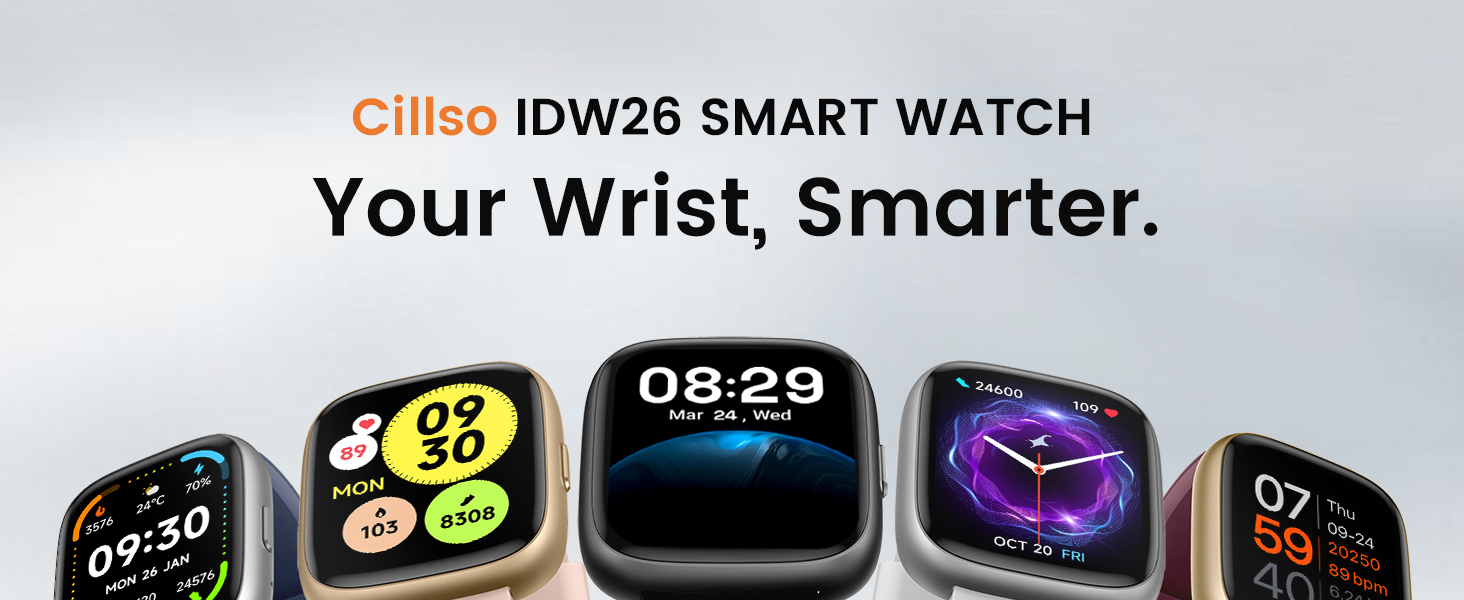
Image: The vivid 1.83-inch HD screen of the Cillso IDW26 Smart Watch, showcasing clear details and touch sensitivity.
6. Fitur konci
6.1. Bluetooth 5.3 Call and Message Notification
The Cillso IDW26 features an advanced single-chip processor and sensitive microphone, enabling direct call making and answering from your wrist. When the "VeryFit" App is enabled to receive messages, notifications from various platforms (Facebook, Twitter, WhatsApp, Instagram, Messenger, LinkedIn, Skype, etc.) will be displayed on the smartwatch with customizable vibrations.
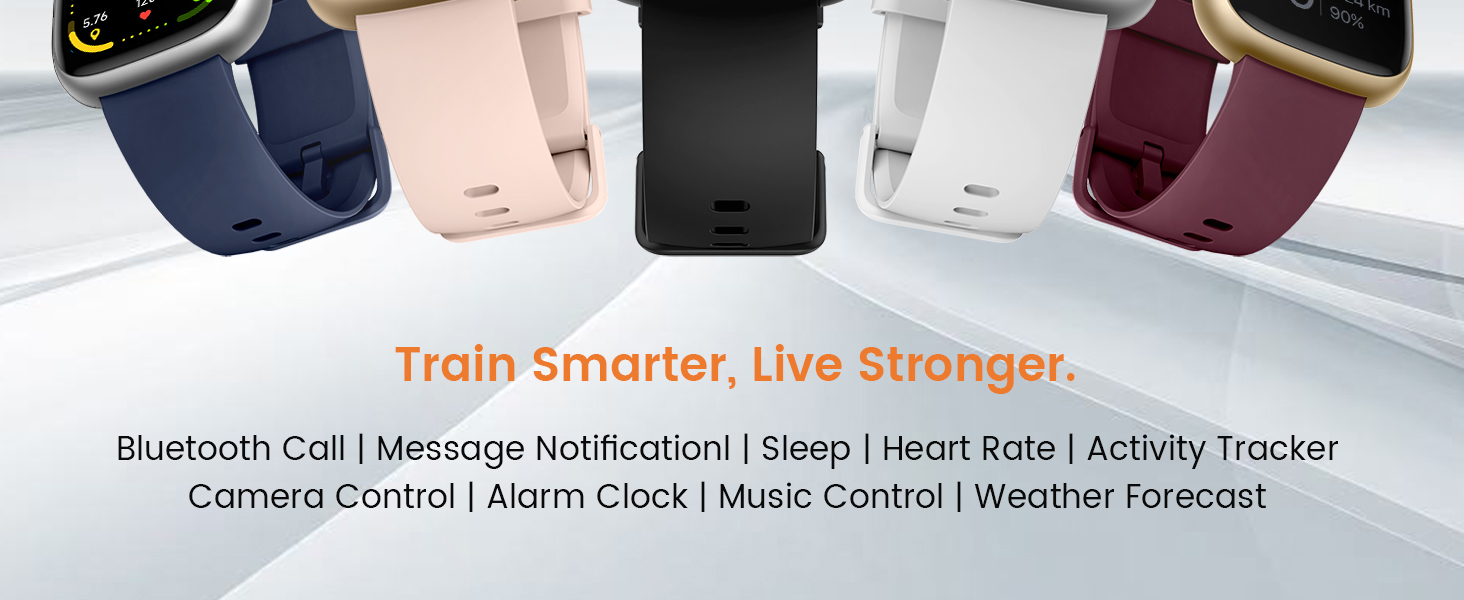
Image: The watch displaying incoming calls, message notifications, and the built-in AI voice assistant.
6.2. Built-in Alexa Voice Control
Integrates Amazon Alexa's intelligent voice assistant for a hands-free experience. Speak commands to instantly access news, weather, calendar updates, set reminders, control smart home devices, and manage music playback.

Image: A user interacting with the built-in AI voice assistant on the smartwatch, asking for time and weather.
6.3. 1.83" HD Display and Personalized Customization
Features a 1.83-inch HD display with 3D tempered glass and 320×385 resolution for excellent image quality and high touch sensitivity. 4-level adjustable brightness ensures clear visibility. Access over 130 stylish watch faces and create custom designs via the "VeryFit" app.
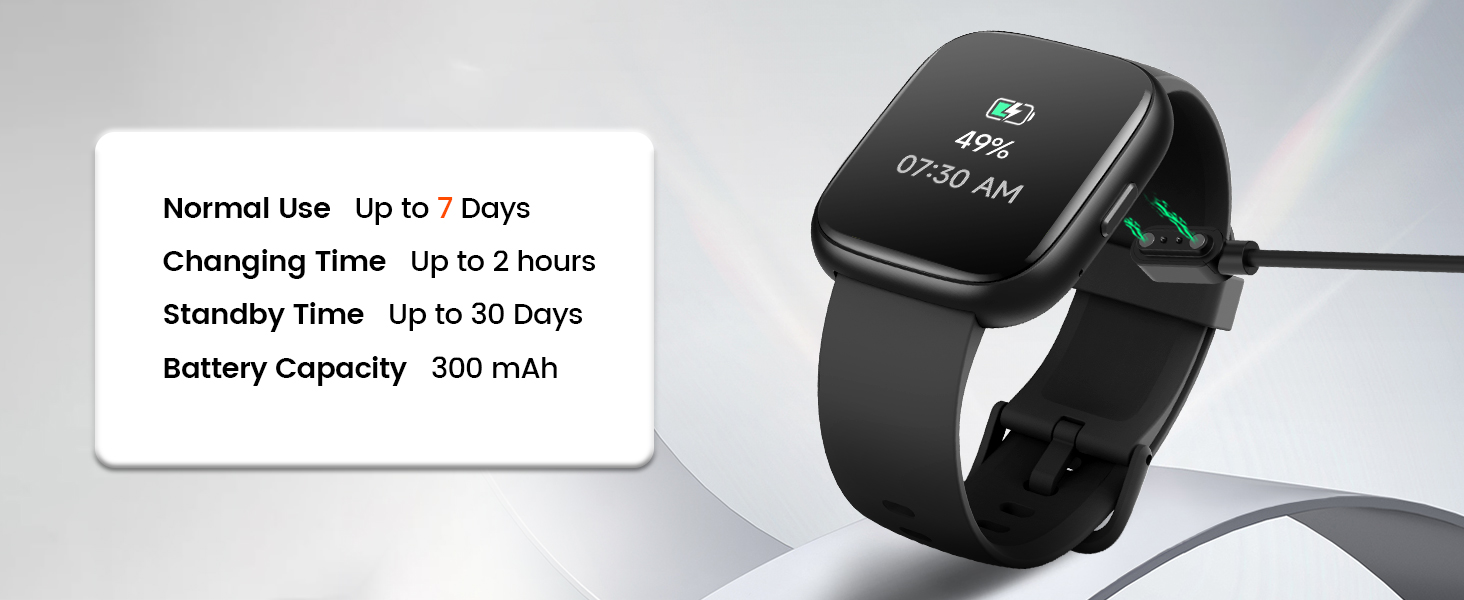
Image: Various personalized watch faces and the IP68 waterproof rating of the Cillso IDW26 Smart Watch.
6.4. 120+ Sport Modes and IP68 Waterproof
Supports over 120 professional sport modes for diverse indoor/outdoor activities. High-precision sensors accurately track steps, distance, calories burned, and workout duration. IP68 rating makes it resistant to sweat, rain, and handwashing (not for swimming or hot showers).
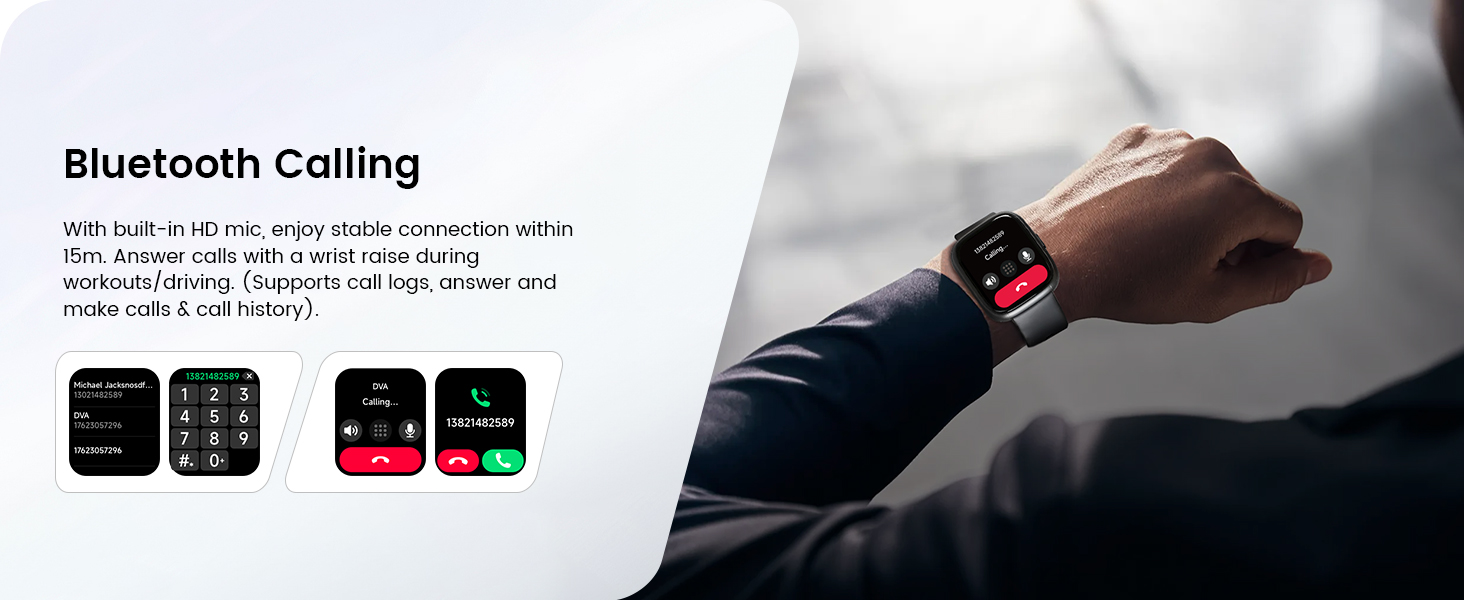
Image: A person hiking, with the watch displaying activity tracking and a variety of sports mode icons.
6.5. All-Day Health Monitoring
Equipped with a high-precision optical sensor for 24-hour real-time heart rate monitoring. Intelligently analyzes sleep quality (deep, light, awake phases) and supports breath training. View long-term health trends and receive personalized insights via the dedicated app.
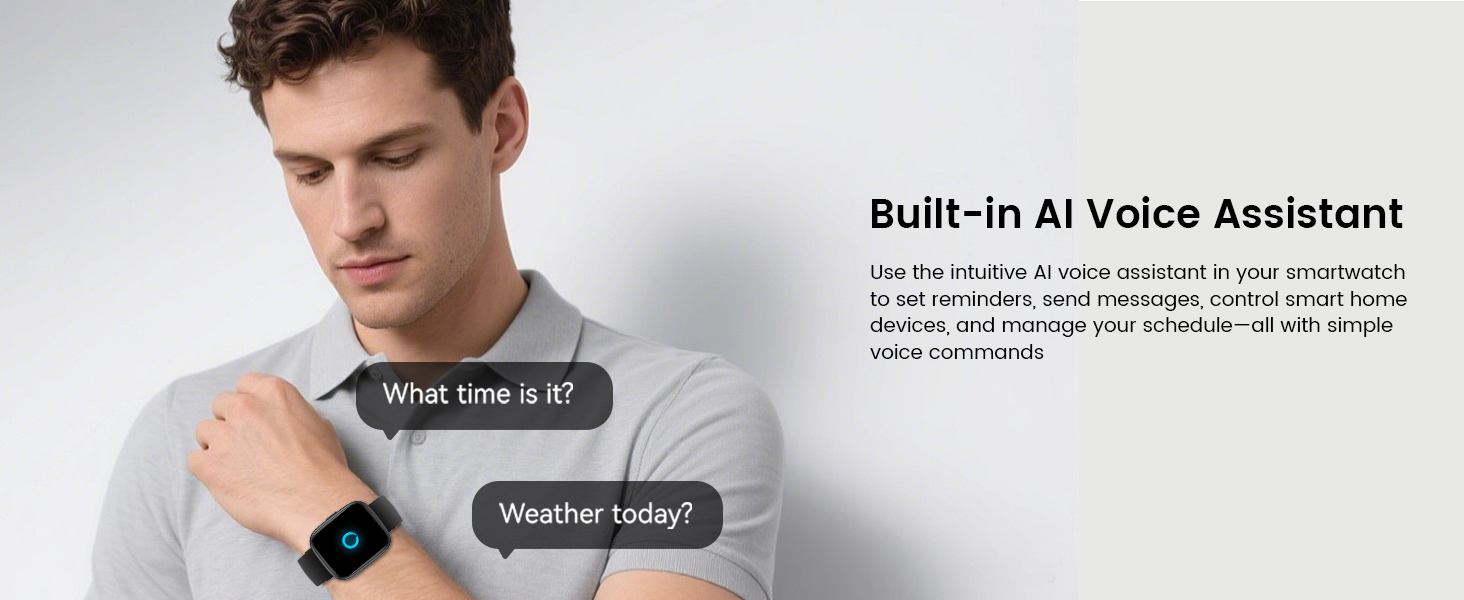
Image: Displays heart rate monitoring, sleep tracking, blood oxygen measurement, and breath training features.
6.6. Long Battery Life and Multi-Functionality
Powered by a 300mAh battery with a low power design, providing 5-7 days of usage and up to 30 days of standby time with just 1.5 hours of charging. Offers various practical features including alarm, stopwatch, timer, phone locator, camera control, music control, and weather forecast.
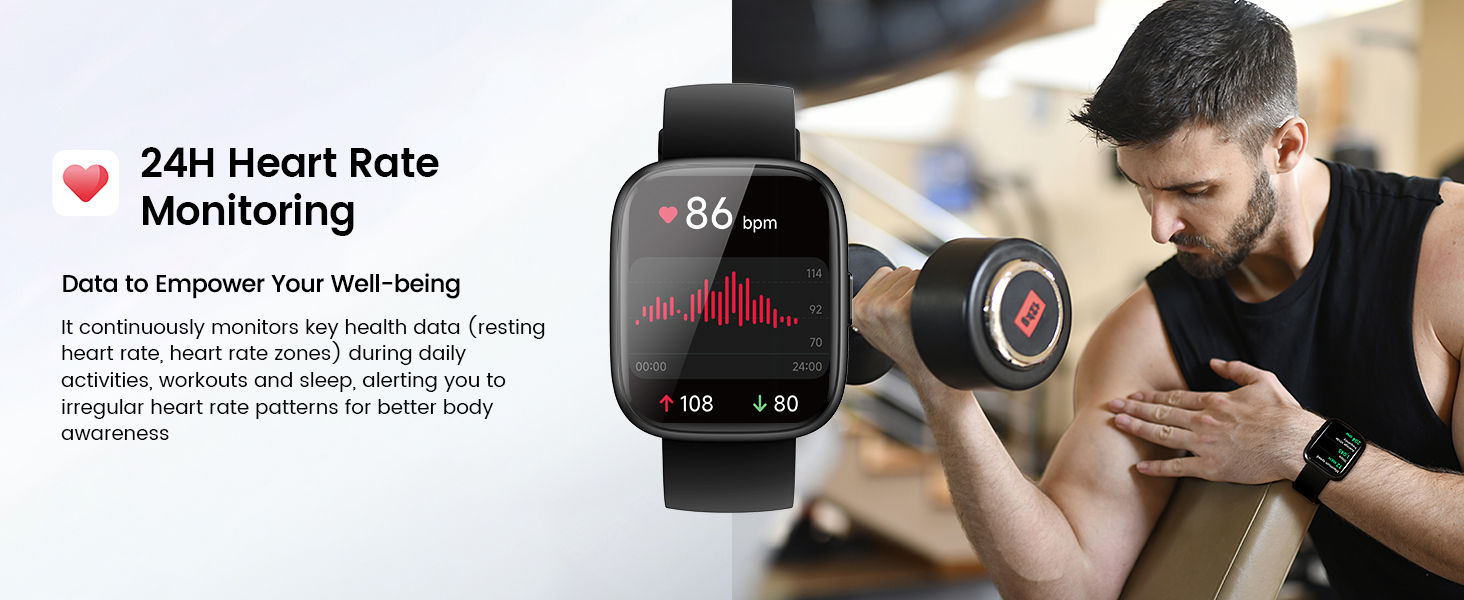
Image: Details on battery life (5-7 days usage, 30 days standby) and various functions like camera control, find phone, and weather forecast.
Video: Sakedapview of the Cillso IDW26 Smart Watch's features, highlighting its role as a smart partner for daily activities.
7. Perawatan sareng Pangropéa
- Keep the product clean: Regularly wipe the watch and strap with a soft, dry cloth.
- Avoid extreme temperatures: Do not expose the watch to very high or low temperatures.
- Do not disassemble: Unauthorized disassembly may void the warranty.
- Water resistance: The IP68 rating means it's resistant to sweat, rain, and handwashing. Do not use for swimming or hot showers.
8. Cara ngungkulan
- Lalajo teu hurung: Ensure the watch is fully charged. Long press the function button to power it on.
- Teu tiasa dipasangkeun sareng telepon: Make sure Bluetooth is enabled on your phone and the watch is within range. Restart both devices and try again.
- Pamacaan kaséhatan anu teu akurat: Ensure the watch is worn correctly on your wrist, not too loose or too tight. Clean the sensor regularly.
- Bewara teu nampi: Check app settings to ensure notifications are enabled for the desired apps and that system Bluetooth notifications are turned on.
9. Spésifikasi
| Spésifikasi | Rincian |
|---|---|
| merek | Cillso |
| Nomer modél | IDW26 |
| Ukuran layar | 1.83 inci |
| Kasaluyuan System Operasi | Android 5.0+, ios 9.0+ |
| Téhnologi konektipitas | Bluetooth 4.0 |
| Kapasitas batré | 300 mAh |
| Kahirupan Batré (Pakéan Biasa) | 5-7 poé |
| Waktu sayaga | Nepi ka 30 Dinten |
| Waktu Ngecas | Kira-kira. 1.5 jam |
| Peunteun waterproof | IP68 |
| Item Beurat | 2.39 ons |
| Fitur husus | Activity Tracker, Alarm Clock, Touchscreen, Voice Control (Alexa), Weather Forecast, Heart Rate Monitor, Sleep Monitor, Blood Oxygen Monitor, 120+ Sports Modes |
10. Garansi jeung Rojongan
For warranty information or technical support, please refer to the contact details provided in your product packaging or visit the official Cillso websitus. Simpen resi pameseran anjeun pikeun klaim jaminan.


