1. Bubuka
Thank you for choosing the GOBOULT Mustang Thunder Bluetooth Headphones. This manual will guide you through the features, setup, and operation of your new headphones, ensuring an optimal audio experience. Please read these instructions carefully before use.

Image 1.1: GOBOULT Mustang Thunder Bluetooth Headphones in Silver Black.
2. Eusi Paket
Pastikeun sadaya item aya dina pakét anjeun:
- GOBOULT Mustang Thunder Bluetooth Headphones
- Kabel Ngecas USB Tipe-C
- Kabel Audio 3.5mm (pikeun sambungan kabel)
- Manual pamaké
3. Produk Langkungview
Familiarize yourself with the main components and controls of your headphones.

Image 3.1: Illustration of tactile controls and AI Voice Assistant feature on the headphone.
Fitur konci:
- 40mm Bass Drivers: For powerful and immersive sound.
- Zen ENC Mic: Environmental Noise Cancellation for clear calls.
- Bluetooth v5.4: Stable and low-latency wireless connectivity.
- Ngecas Gancang Tipe-C: Efficient power replenishment.
- 70 Jam Playtime: Umur batré anu langkung lami pikeun panggunaan anu lami.
- 4 EQ Sound Modes: Customizable audio profiles (Rock, Pop, Vocal, Bass).
- 3 Brightness LED Modes: Adjustable LED lighting on the earcups.
4. Setup jeung Pamakéan Awal
4.1 Ngecas Headphone
Sateuacan dianggo anu munggaran, eusian pinuh headphone anjeun.
- Sambungkeun kabel ngecas USB Tipe-C kana port ngecas dina headphone.
- Sambungkeun tungtung kabel anu sanés ka adaptor kakuatan USB (teu kalebet) atanapi port USB komputer.
- The LED indicator will show charging status. It will turn off or change color once fully charged.
A full charge provides up to 70 hours of playtime without LED lights, or 50 hours with LED lights active.
4.2 Powering on / Pareum
- Pikeun Ngahurungkeun: Pencét jeung tahan tombol Daya salila kurang leuwih 3 detik nepi ka indikator LED hurung.
- Pikeun mareuman: Pencét jeung tahan tombol Daya salila kurang leuwih 3 detik nepi ka indikator LED pareum.
4.3 Nyapasangkeun Bluetooth
Pair your headphones with a Bluetooth-enabled device.
- Pastikeun headphone dipareuman.
- Press and hold the Power button for 5-7 seconds until the LED indicator flashes red and blue alternately, indicating pairing mode.
- Dina alat anjeun (smartphone, tablet, komputer), aktipkeun Bluetooth sareng milarian alat anu sayogi.
- Select "GOBOULT Mustang Thunder" from the list of found devices.
- Sakali nyambung, indikator LED bakal kedip-kedip biru laun atanapi tetep biru polos.
The headphones support Bluetooth v5.4 for a stable connection up to 10 meters.
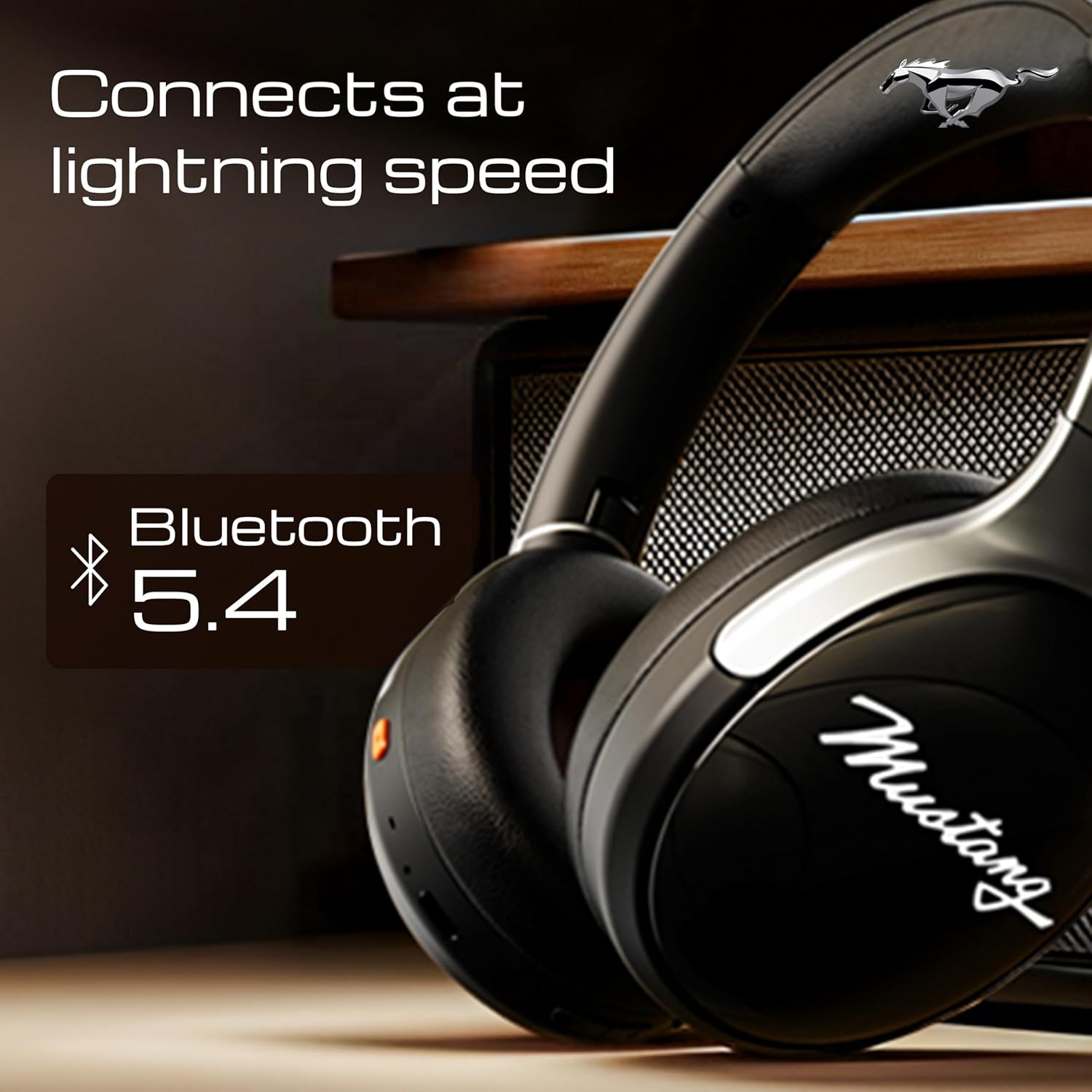
Image 4.1: Bluetooth 5.4 connectivity for fast and stable pairing.
5. Parentah Operasi
5.1 Puterkeun Musik
- Puter / Reureuh: Pencét tombol Multi-fungsi sakali.
- Lagu salajengna: Pencét jeung tahan tombol Volume Up.
- Lagu Sateuacanna: Pencét jeung tahan tombol Jilid Turun.
- Volume Up: Pencét pondok tombol Volume Up.
- Volume Turun: Pencét pondok tombol Volume Turun.
5.2 Manajemén Telepon
The integrated Zen ENC Mic ensures clear communication.
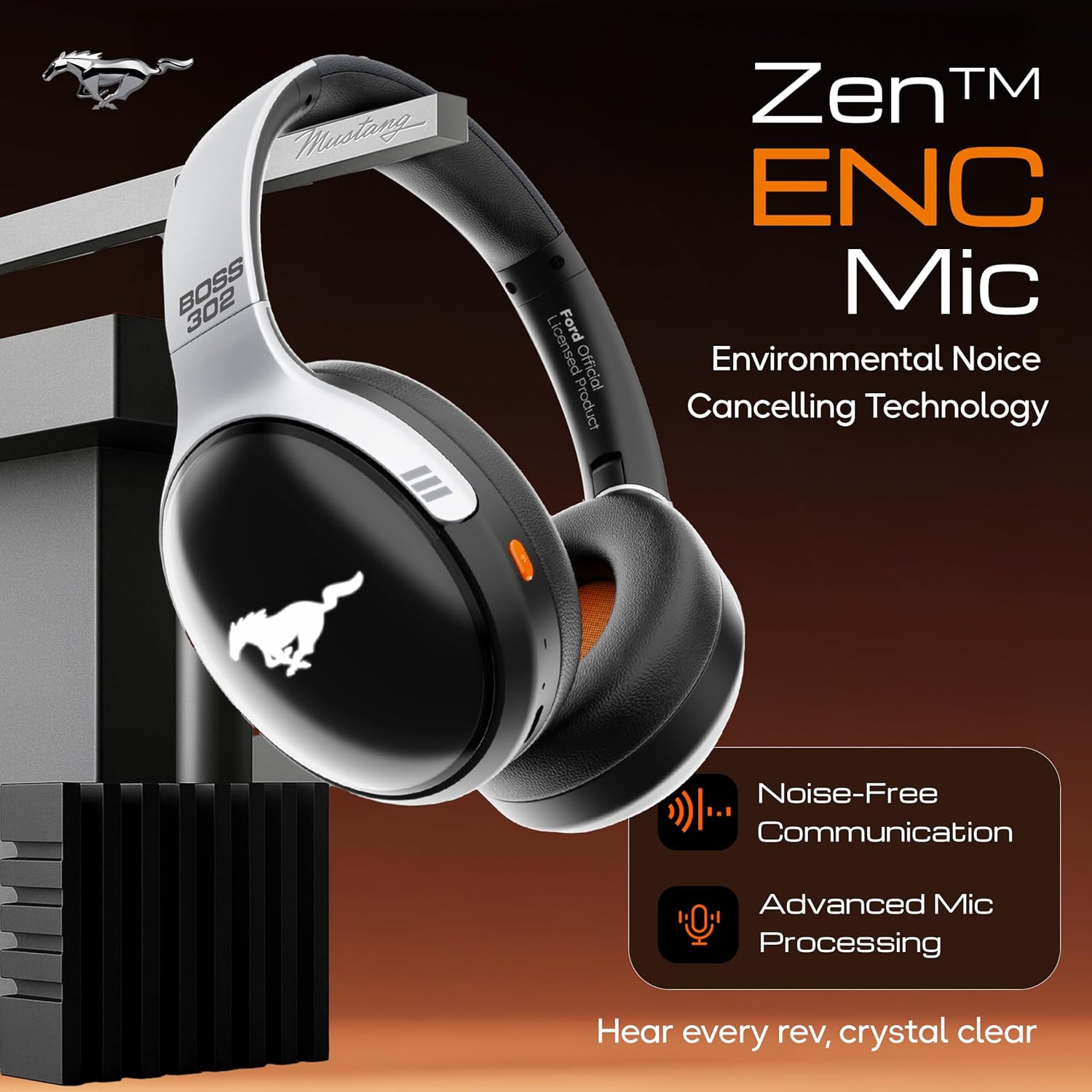
Image 5.1: Zen ENC Mic technology for noise-free communication.
- Ngajawab / mungkas Telepon: Pencét tombol Multi-fungsi sakali.
- Nolak Telepon: Pencét jeung tahan tombol Multi-fungsi salila 2 detik.
- Telepon deui Nomer Panungtungan: Pencét dua kali tombol Multi-fungsi.
5.3 EQ Sound Modes
Customize your audio experience with 4 distinct EQ modes.
- Ngalihkeun Modeu: Press the EQ button (refer to product diagram for location) to cycle through Rock, Pop, Vocal, and Bass modes.
5.4 Modeu Lampu LED
Activate and change the dynamic LED lights on your earcups.

Image 5.2: Dynamic LED lights and glowing Mustang emblem on the headphones.
- Activate/Change Modes: Press the LED button (refer to product diagram for location) to cycle through the 3 brightness LED modes.
5.5 AI Asisten Sora
Access your device's voice assistant directly from the headphones.
- Aktipkeun: Triple-press the Multi-function button to activate Google Assistant or your device's default voice assistant.
5.6 Sambungan Kabel (Modeu AUX)
Use the included 3.5mm audio cable for a wired connection, conserving battery or connecting to non-Bluetooth devices.
- Colokkeun hiji tungtung kabel audio 3.5mm kana port AUX dina headphone.
- Colokkeun tungtung anu hiji deui kana colokan audio 3.5mm alat anjeun.
- Headphone bakal otomatis ngalih ka modeu AUX.
6. Pangropéa sarta perawatan
Perawatan anu leres mastikeun umur panjang sareng kinerja headphone anjeun.
- beberesih: Anggo lawon anu lembut sareng garing pikeun ngabersihan headphone. Ulah make bahan kimia kasar atawa bahan abrasive.
- Panyimpenan: Store the headphones in a cool, dry place, away from direct sunlight and extreme temperatures. The foldable design allows for compact storage.
- Tahan cai: Headphone tahan cai. Hindarkeun beuleum aranjeunna dina cai atanapi ngalaan aranjeunna ka hujan ageung.
- Batré: To preserve battery life, charge the headphones at least once every three months if not in regular use.
7. Cara ngungkulan
Upami anjeun mendakan masalah, tingal solusi umum ieu:
| Masalah | Mungkin Cukang lantaranana | Solusi |
|---|---|---|
| Headphone teu hurung | batré lemah | Charge the headphones fully using the provided Type-C cable. |
| Teu tiasa dipasangkeun sareng alat | Headphone teu dina modeu pairing; Bluetooth pareum dina alat; alatna jauh teuing | Pastikeun headphone aya dina modeu pairing (kedip-kedip beureum/biru). Aktipkeun Bluetooth dina alat anjeun. Pindahkeun alat langkung caket kana headphone (dina jarak 10 m). |
| Taya sora salila playback | Volume low teuing; sumber audio salah; headphone teu nyambung | Increase volume on headphones and device. Check if headphones are properly connected via Bluetooth or AUX. Ensure correct audio output is selected on your device. |
| Kualitas panggero goréng | Environmental noise; weak Bluetooth connection | Move to a quieter environment. Ensure a stable Bluetooth connection. |
8. Spésifikasi
Detailed technical specifications for the GOBOULT Mustang Thunder Bluetooth Headphones:
| Fitur | Spésifikasi |
|---|---|
| Ngaran modél | Airbass |
| Téhnologi konektipitas | Nirkabel (Bluetooth v5.4) |
| Rentang Bluetooth | 10 Méter |
| Ukuran Supir Audio | 40 Milimeter |
| Réspon Frékuénsi | 20 Hz |
| Sensitipitas | 118 dB |
| Headphone Jack | 3.5 mm Jack |
| Kahirupan Batré (Waktu Play) | Up to 70 Hours (without LEDs), 50 Hours (with LEDs) |
| Komposisi batré | Litium Polimér |
| Port ngecas | USB Tipe-C |
| Item Beurat | 234 gram |
| Dimensi produk | 18 x 5 x 19.5 cm |
| Tingkat Résistansi Cai | Tahan cai |
| Tipe Kontrol | Button Control, Google Assistant |
9. Garansi jeung Rojongan
9.1 Émbaran jaminan
The GOBOULT Mustang Thunder Bluetooth Headphones come with a 1-taun jaminan produsén urang from the date of purchase. This warranty covers manufacturing defects and ensures trusted performance and premium build quality.
Punten tahan bukti pameseran anjeun pikeun klaim garansi.
9.2 Rojongan Palanggan
For any questions, technical assistance, or warranty claims, please contact GOBOULT customer support through their official websitus atanapi pangecér dimana produkna dibeuli.


