
Produk Leuwihview
The EWEADN C98 Wired Keyboard and Mouse Combo is designed for comfortable and efficient use with various computer systems. This set includes a wired keyboard with a detachable wrist rest, RGB backlighting, double-shot keycaps, and a multimedia knob, along with a wired mouse featuring adjustable DPI settings.
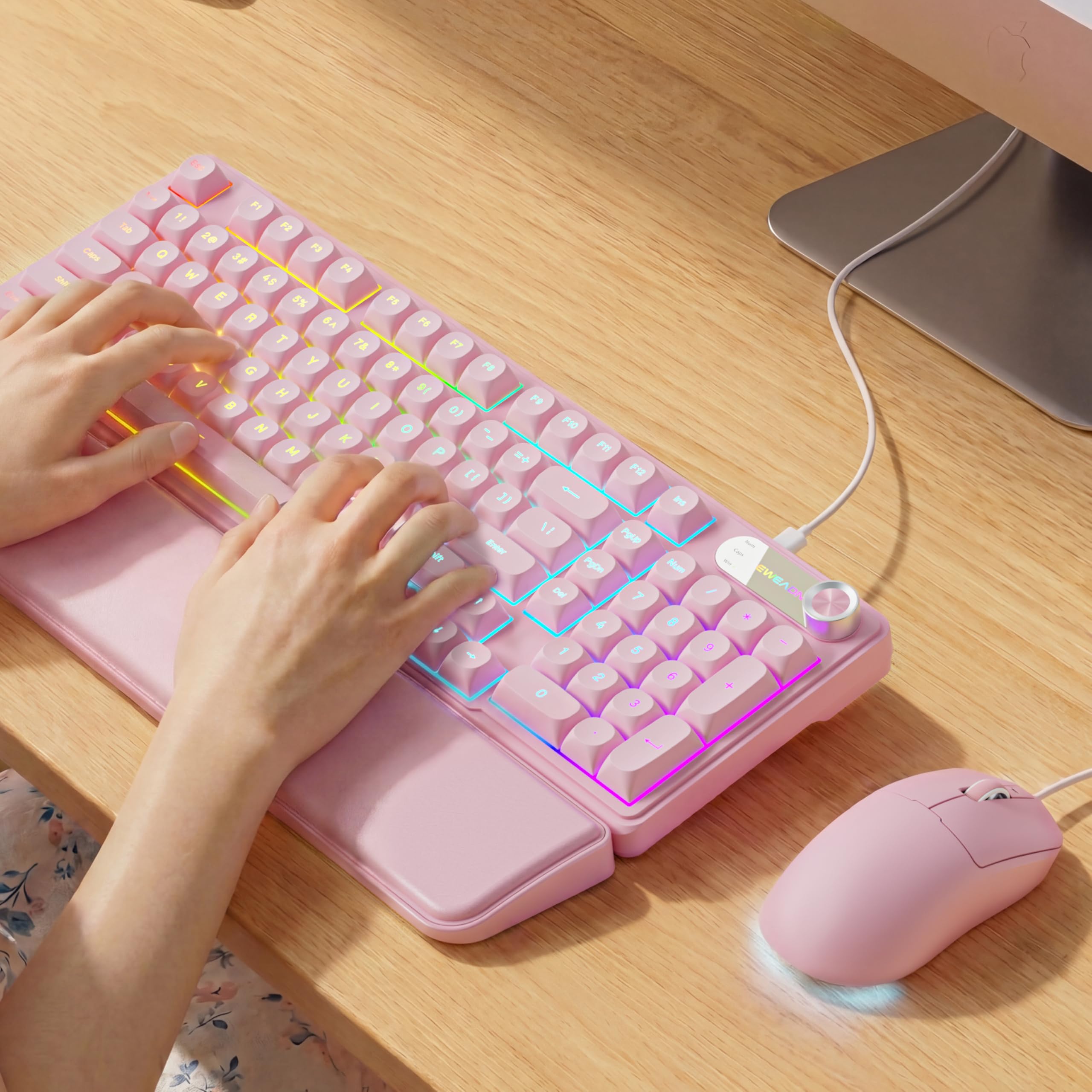
Image: EWEADN C98 Wired Keyboard and Mouse Combo in Pink. This image displays the full keyboard and mouse set, highlighting its ergonomic design and color.
Eusi pakét
Pastikeun yén sadaya item aya dina bungkusan:
- EWEADN C98 Wired Keyboard
- Beurit kabel
- Sésana pigeulang anu tiasa dicabut
- Kabel USB (terintegrasi)
- Manual pangguna (dokumén ieu)
Parentah Setup
Follow these steps to set up your EWEADN C98 Keyboard and Mouse Combo:
- Sambungkeun kibor: Locate an available USB-A port on your computer (Laptop, PC, Desktop, Gaming Console). Insert the USB-A connector from the keyboard into the port.
- Sambungkeun Mouse: The mouse is typically connected via the same USB cable as the keyboard or has its own integrated USB-A connector. Insert the mouse's USB-A connector into another available USB-A port on your computer.
- Pasangkeun sandaran pigeulang: Align the detachable wrist rest with the front edge of the keyboard and gently attach it.
- Pangenal Sistim: Your operating system (Windows, Linux, macOS) should automatically detect and install the necessary drivers. No additional software installation is typically required for basic functionality.
- Mac Compatibility Note: For macOS devices, a USB-A to Type-C adapter is required if your Mac only has Type-C ports. This adapter is not included with the product.

Image: Close-up of the keyboard's USB connection and the detachable wrist rest. This illustrates how the keyboard connects and the wrist rest attaches for ergonomic support.

Image: Diagram showing dual-system compatibility. The image indicates how to switch between Windows (FN + A) and Mac (FN + S) layouts for optimal functionality.
Parentah Operasi
Fungsi keyboard
- Lampu tukang RGB: The keyboard features 12 active RGB lighting modes.
- Ngalihkeun Warna Lampu: Pencét FN + INS to cycle through different lighting colors.
- Saluyukeun Caang: Pencét FN + PGUP pikeun ngaronjatkeun kacaangan jeung FN + PGDN pikeun ngurangan kacaangan.
- Tombol Multimedia: The 2-in-1 rotary knob provides quick control over media and lighting.
- Kontrol volume: Rotate the knob to adjust system volume.
- Fungsi mute: Press the knob once to mute/unmute audio.
- Ngalihkeun Mode: Press and hold the knob for 3 seconds to switch between volume control mode and lighting adjustment mode. In lighting mode, rotate to adjust brightness or press to switch light effects.
- Desain ergonomis: The keyboard includes a detachable PU leather wrist rest for comfortable typing posture and foldable stands to adjust the typing angle (up to 8 degrees).
- Ngetik sepi: The membrane keys are designed for low-noise operation, suitable for quiet environments.
- Dobel-shot Keycaps: Characters are injection molded for durability and fade resistance, allowing backlighting to shine through clearly.

Image: Illustration of RGB backlight controls. This image shows the FN + INS and FN + PGUP/PGDN key combinations for adjusting keyboard lighting.

Image: Diagram detailing the 2-in-1 multimedia knob functions. It shows how to adjust volume, mute, and switch between lighting and volume modes.
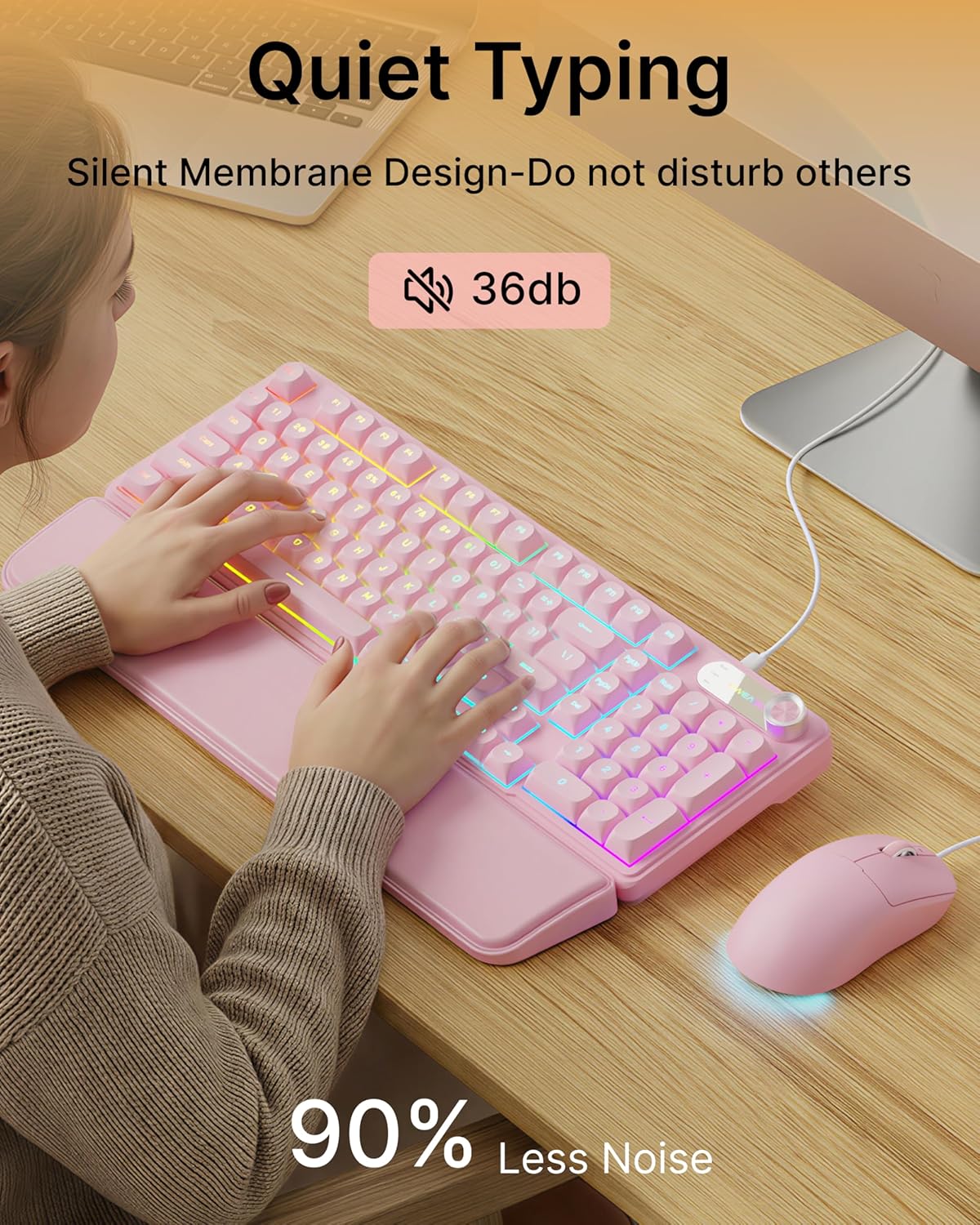
Image: Visual representation of the quiet typing feature. This image highlights the low noise level (36dB) of the keyboard during use.
Fungsi Mouse
- DPI adjustable: The mouse offers 4 adjustable DPI levels for precision control.
- DPI levels typically range from 800 to 4800.
- Press the DPI button (usually located behind the scroll wheel) to cycle through the available sensitivity settings.
- Quiet Click: The mouse buttons are designed for quiet operation.
- Desain ergonomis: Designed for a comfortable palm grip.

Image: Diagram illustrating the 4-level DPI adjustment for the mouse. It shows the different DPI settings (800, 1600, 3200, 4800) and the ergonomic palm grip design.
Pangropéa
To ensure the longevity and optimal performance of your EWEADN C98 Keyboard and Mouse Combo, follow these simple maintenance guidelines:
- beberesih: Anggo lawon anu garing sareng lemes pikeun ngusap permukaan keyboard sareng beurit. Keur kokotor bandel, rada dampen lawon ku cai atawa hampang, cleaner non-abrasive. Hindarkeun Uap kaleuleuwihan.
- Ngaleungitkeun lebu: Anggo hawa anu dikomprés pikeun miceun lebu sareng kokotor tina antara tutup tombol.
- Hindarkeun Cairan: While the product has some water resistance, avoid spilling liquids directly onto the keyboard or mouse. If a spill occurs, disconnect immediately and allow to dry completely before reconnecting.
- Panyimpenan: Store the combo in a clean, dry environment away from extreme temperatures.
Pamérésan masalah
If you encounter issues with your EWEADN C98 Keyboard and Mouse Combo, refer to the following common solutions:
- Kibor atanapi Mouse Henteu Ngarespon:
- Ensure the USB-A connector(s) are securely plugged into your computer's USB port(s).
- Try plugging the USB connector(s) into a different USB port on your computer.
- Balikan deui komputer anjeun.
- Upami nganggo hub USB, cobian sambungkeun langsung ka komputer.
- Lampu latar teu jalan:
- Pastikeun keyboard disambungkeun leres.
- Pencét FN + PGUP multiple times to increase brightness, as it might be set to the lowest level.
- Pencét FN + INS to cycle through lighting modes, ensuring a mode with backlighting is selected.
- Multimedia Knob Not Functioning:
- Pastikeun keyboard disambungkeun leres.
- Press and hold the knob for 3 seconds to switch between volume and lighting modes. Verify you are in the desired mode.
- Gerakan Kursor Mouse Teu Teratur atanapi Lambat:
- Clean the mouse sensor on the underside with a soft cloth.
- Pastikeun anjeun ngagunakeun beurit dina permukaan anu cocog (contona, alas beurit).
- Press the DPI button to adjust the sensitivity.
- Kasaluyuan Mac: If using with a Mac and experiencing connection issues, confirm you are using a USB-A to Type-C adapter if your Mac lacks standard USB-A ports.
spésifikasi
| merek | EWEADN |
| Nomer modél | C98 |
| Téhnologi konektipitas | USB-A (Kabel) |
| Alat nu cocog | Laptop, PC, Desktop, Windows, Linux, Gaming Consoles |
| Katerangan kibor | Membrane, 98-key layout |
| Fitur husus | RGB Backlit, Ergonomic, Detachable Wrist Rest, Multimedia Knob, Double-Shot Keycaps, Quiet Typing |
| Dukungan Warna Lampu Latar Kibor | RGB (12 modeu) |
| Level DPI Mouse | 4 adjustable levels (up to 4800 DPI) |
| Bahan | Plastic (Keyboard), PU Leather (Wrist Rest) |
| Tingkat Résistansi Cai | Waterproof (general resistance, not submersible) |
| Warna | Pink |

Image: Detailed dimensions of the EWEADN C98 keyboard, mouse, and wrist rest. This image provides measurements in inches for each component.
Garansi sareng Rojongan
Specific warranty details are not provided in the product information. For warranty claims or technical support, please refer to the retailer's return policy or contact EWEADN customer service directly through their official channels. Typically, products purchased through Amazon.sg may be subject to a 30-day return policy.