1. Bubuka
Thank you for choosing the MAONO PD200W Hybrid Wireless Podcast Microphone. This dynamic microphone offers versatile connectivity options including 2.4GHz wireless, USB, and XLR, making it suitable for a wide range of applications such as podcasting, streaming, vocal recording, and content creation. This manual provides detailed instructions to help you set up and operate your microphone effectively.
2. Naon dina Box
Mangga parios eusi pakét pikeun mastikeun yén sadaya barang aya:
- Wireless & USB & XLR Microphone x1
- Desktop Stand x1
- USB-C to USB-A & C Cable x1
- Type-C Receiver (No Battery) x1
- Type-C Adapter Cable x1
- Buku Panduan x1

3. Produk Langkungview
The MAONO PD200W is designed for flexibility and high-quality audio capture. It features a robust metal body, a 30mm dynamic capsule, and multiple connectivity options to suit various recording environments.

4. Setélan
4.1 Assembling the Desktop Stand
- Screw the microphone onto the desktop stand.
- Adjust the angle of the microphone using the knob on the stand.
- Adjust the height of the microphone stand by loosening the adjustment knob, extending the stem, and then tightening the knob.
4.2 Nyambungkeun Mikropon
The PD200W offers three primary connection methods:
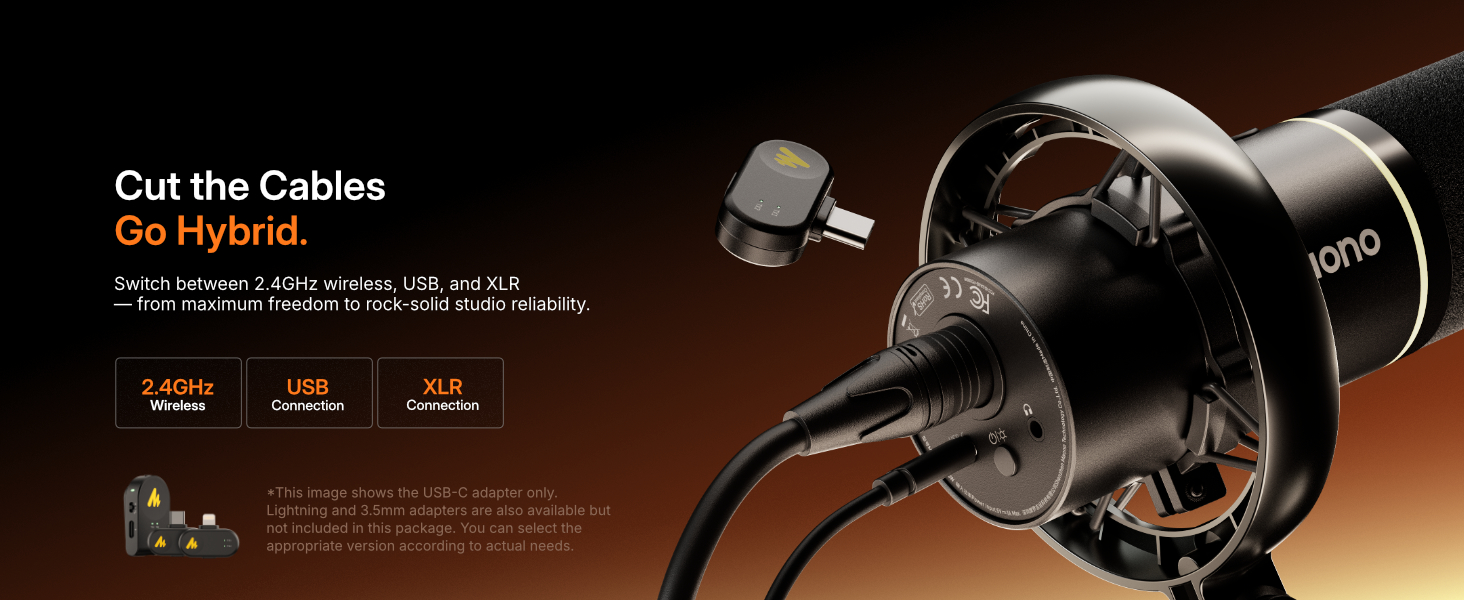
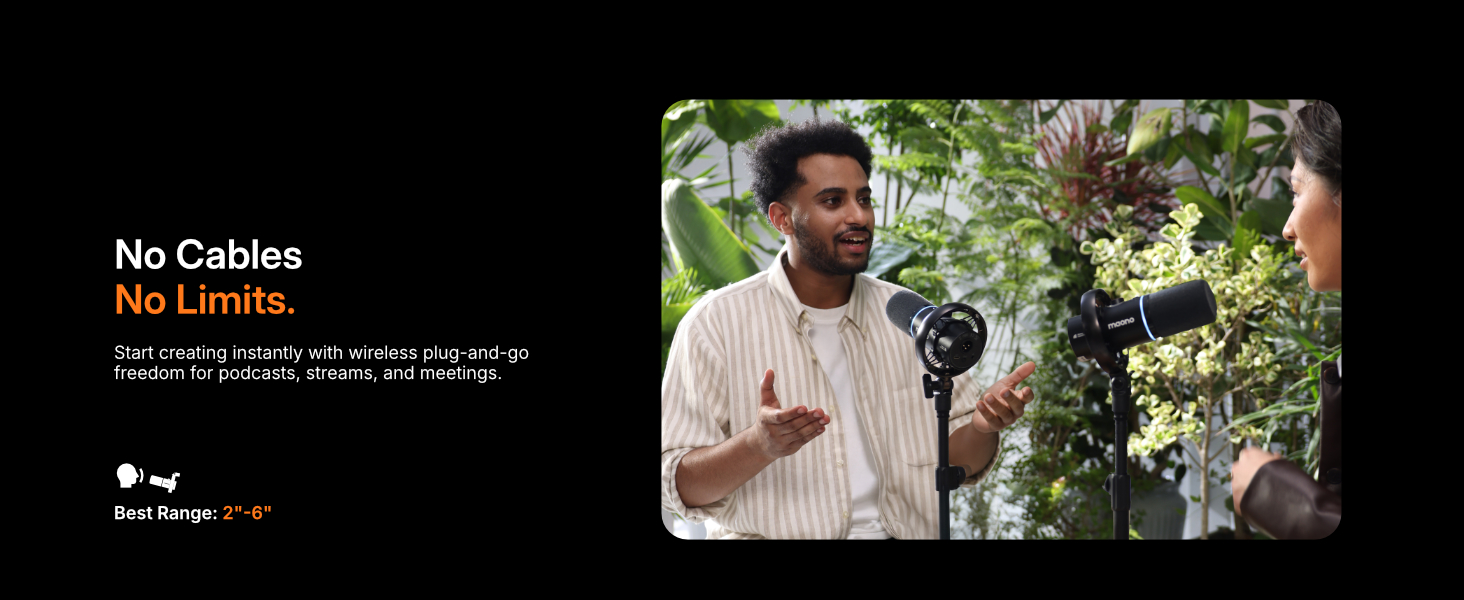
- Nirkabel (2.4GHz): Insert the Type-C receiver into your device (phone, tablet, PC). The microphone will automatically pair.
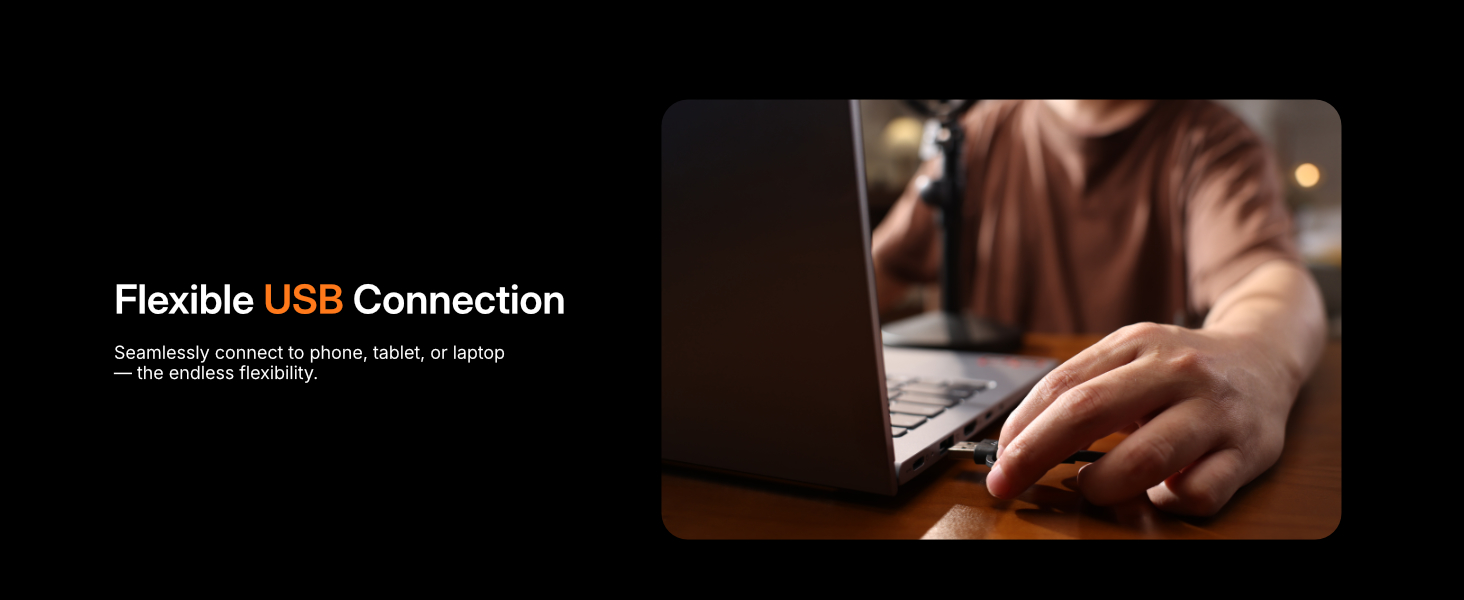
- USB: Connect the microphone directly to your computer, tablet, or smartphone using the provided USB-C to USB-A&C cable.
- XLR: For professional audio setups, connect the microphone to an audio interface or mixer using an XLR cable (not included).

5. Parentah Operasi
5.1 Kadali Onboard
The microphone features intuitive controls for quick adjustments:
- Tombol Bisu: Press to instantly mute/unmute the microphone. The LED indicator will change color to show mute status.
- Tombol multifungsi: This knob controls both microphone gain and headphone volume. Press the knob to switch between adjusting microphone gain (indicated by a specific LED color) and headphone volume (indicated by another LED color). Rotate to increase or decrease the selected level.
- RGB Lighting Button: Press to cycle through various RGB lighting effects or turn them off.
5.2 MaonoLink App
Enhance your audio experience by customizing settings via the MaonoLink app, available for PC and smartphones.
- Prasetél sora: Choose from 4 master-tuned preset modes (e.g., Original, Podcast, Game, Sing) to instantly adapt to different scenarios.
- EQ & Reverb: Fine-tune key parameters like equalization and reverb for a personalized sound profile.
- Pembatalan Noise: Adjust the three-stage noise cancellation feature (Slight, Moderate, Aggressive) to minimize background noise.
- Real-time Tuning: Make adjustments in real-time and monitor the changes.
5.3 Pangimeutan sacara real-time
The built-in 3.5mm headphone jack allows for zero-latency monitoring, ensuring you hear your audio exactly as it's being captured.

6. Fitur konci
- Sora Kualitas Studio: Premium 30mm dynamic capsule and cardioid pickup deliver rich, focused vocals with an 82dB signal-to-noise ratio and up to 128dB SPL without distortion.
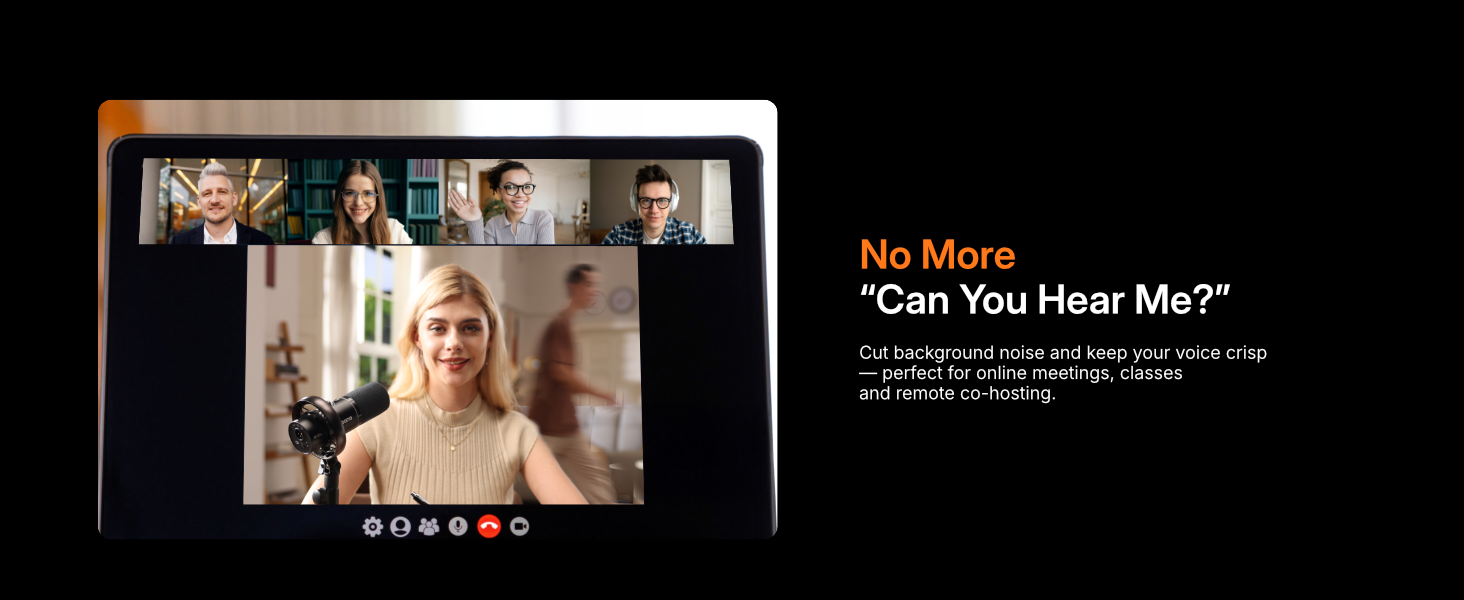
- Multi-Noise Reduction: Cardioid design and advanced three-stage noise cancellation effectively minimize background noise and room echo.
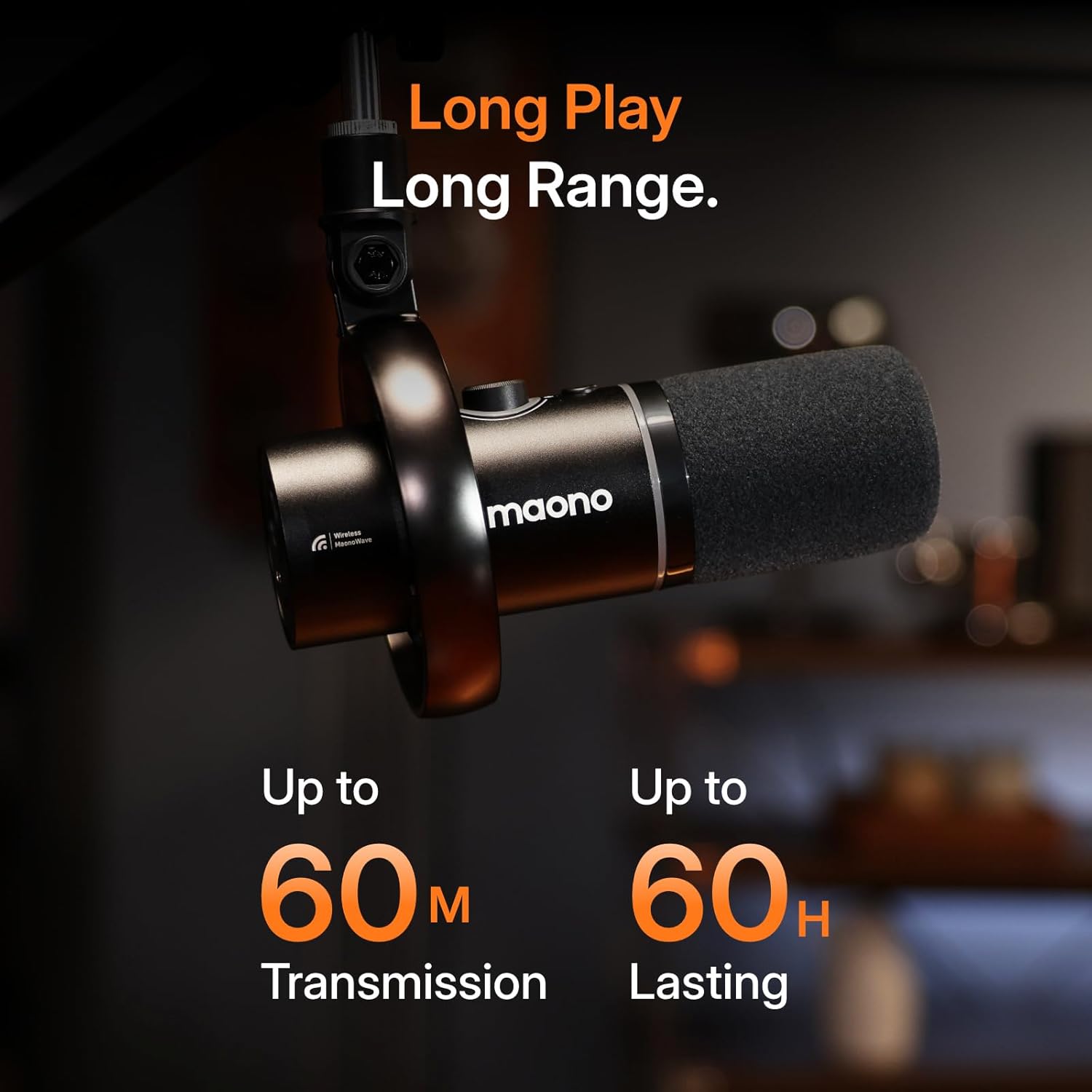
- Long-Lasting Power & Range: Up to 60 hours of battery life (RGB off) and a stable 60m wireless range for extended use.
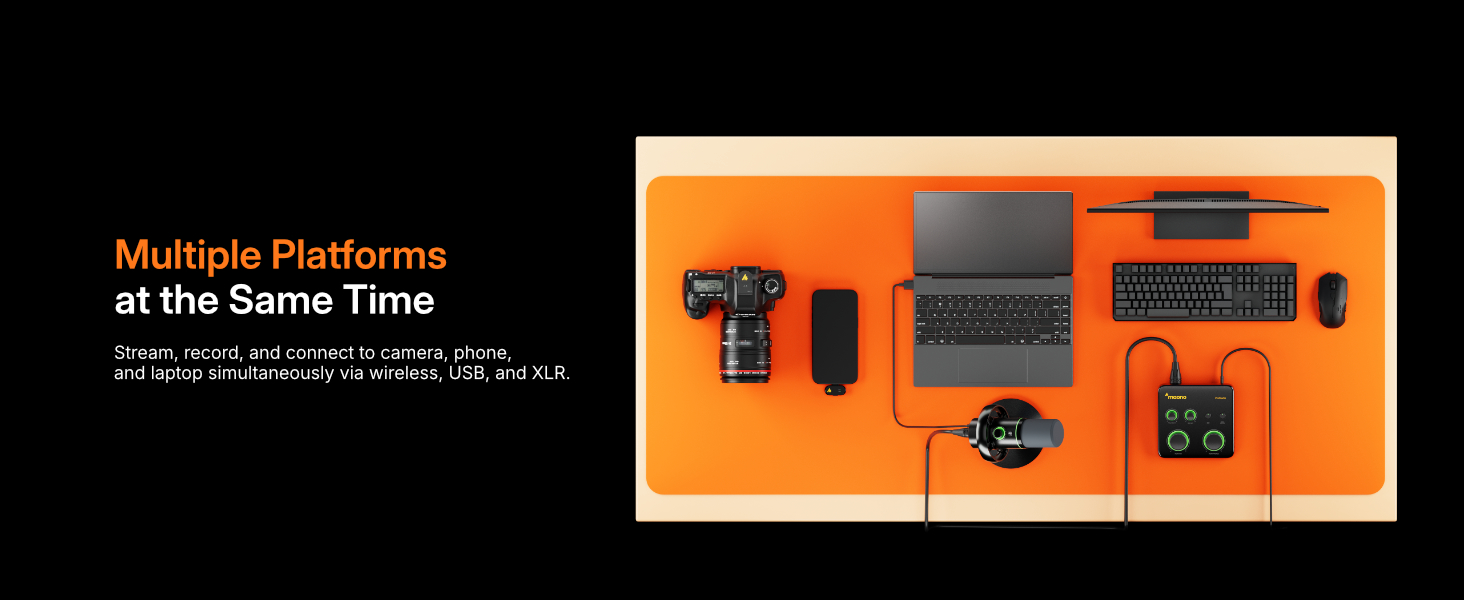
- Dual Wireless Mic Support: A single receiver can connect two wireless desktop mics for duo podcasts or interviews, recording each to its own track for precise editing.
- Kasaluyuan serbaguna: Connects to PC, Mac, smartphones, tablets, cameras, and audio interfaces.
7. Perawatan sareng Pangropéa
- Jaga mikropon bersih ku cara ngusap ku kaén anu lembut sareng garing.
- Hindarkeun ngalaan mikropon ka suhu ekstrim, kalembaban, atanapi sinar panonpoé langsung.
- Simpen mikropon di tempat anu aman nalika henteu dianggo pikeun nyegah karusakan.
- Ensure cables are not bent sharply or tangled to prolong their lifespan.
8. Cara ngungkulan
- Taya Kaluaran Sora: Check all cable connections, ensure the microphone is powered on, and verify input/output settings on your device or software.
- Kualitas Audio goréng: Ensure the microphone is positioned correctly (speaking directly into the top), adjust gain levels, and check noise cancellation settings in the MaonoLink app.
- Pegatkeun Sambungan Nirkabel: Ensure the receiver is properly connected and within the 60m range. Check for potential interference from other 2.4GHz devices.
- Batré Teu Ngecas: Verify the USB-C cable is securely connected to both the microphone and a power source.
9. Spésifikasi
| Fitur | Rincian |
|---|---|
| Ngaran modél | PD200WT |
| Faktor Bentuk Mikropon | Mikropon dinamis |
| Pola Polar | Saarah |
| Téhnologi konektipitas | USB, Wireless (2.4GHz), XLR |
| Tipe Panyambung | USB Type-C & XLR, Wireless |
| Sumber Daya | Batré Powered, Corded Electric |
| Kahirupan batré | Nepi ka 60 jam (RGB pareum) |
| Range nirkabel | Nepi ka 60 méter |
| Rasio Signal-to-Noise | 82 dB |
| Max SPL | 128 dB |
| Sampling Laju | 48kHz/24bit |
| Ukuran kapsul | 30 mm |
| Item Beurat | 1.32 Kilogram (2.9 pon) |
| Dimensi produk | 8.78 x 7.4 x 4.84 inci |
| Bahan | logam |
| Alat nu cocog | Audio Interface, Camera, Laptop, Smartphone |
10. Garansi jeung Rojongan
MAONO products come with a standard manufacturer's warranty. For detailed warranty information, technical support, or service inquiries, please visit the official MAONO websitus atanapi ngahubungan layanan palanggan maranéhanana langsung. Simpen resi pameseran anjeun pikeun klaim jaminan.
Sumberdaya Online:
- Official MAONO Websitus: www.maono.com
- Product Support Page: Refer to the MAONO website for specific PD200W support.
11. Video Produk Resmi
Video: Introduction to the MAONO PD200W Hybrid Wireless Podcast Microphone, highlighting its key features and versatility. (Duration: 0:34)