1. Bubuka
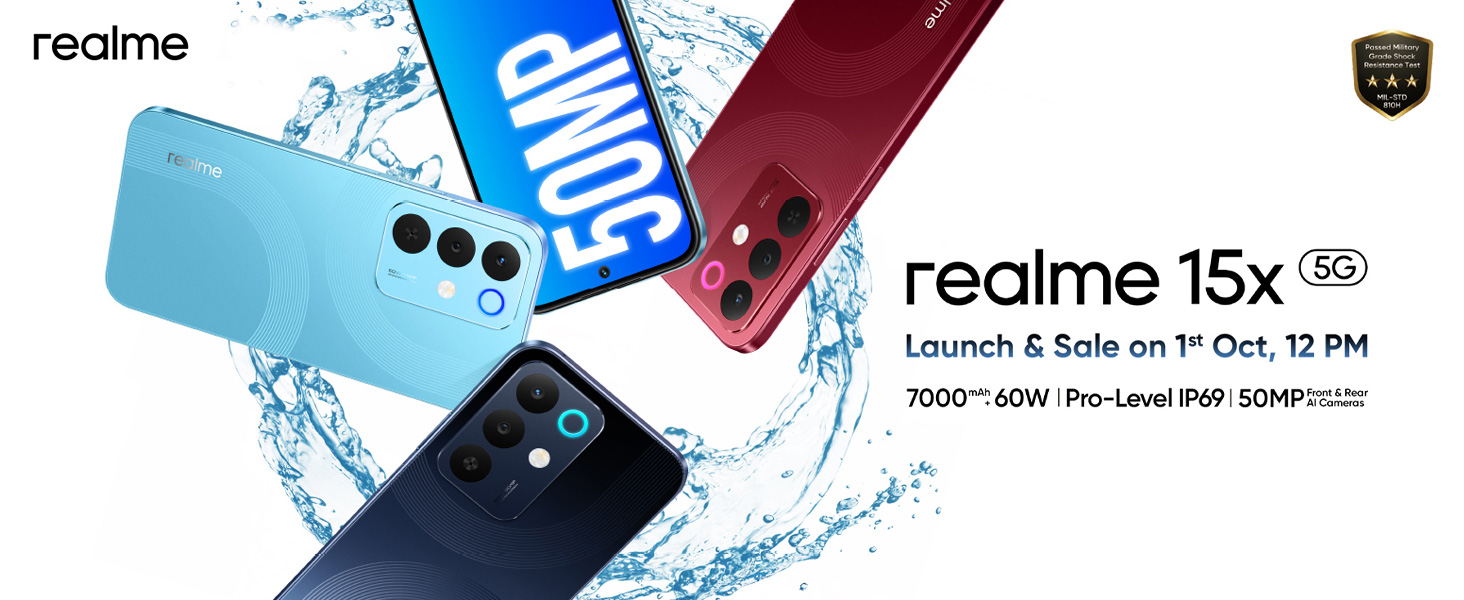
This manual provides essential information for the proper use and maintenance of your realme 15X 5G Smartphone. Please read it carefully before using your device.
2. Naon dina Box
Pastikeun yén sadaya item aya dina bungkusan:
- realme 15X 5G Smartphone
- Adaptor kakuatan
- Kabel USB
- SIM Dulang Ejector
- Kasus Telepon
3. Setélan
3.1 Nyelapkeun Kartu SIM
- Tangtukeun lokasi baki kartu SIM di sisi alat.
- Selapkeun alat ejector baki SIM kana liang leutik gigireun baki terus pencét pageuh nepi baki pops kaluar.
- Teundeun kartu Nano-SIM anjeun jeung/atawa kartu microSD kana baki kalayan kontak emas nyanghareup ka handap.
- Taliti selapkeun deui baki kana telepon.
3.2 Powering on / Pareum
- To power on: Press and hold the Power button until the realme logo appears.
- Pikeun mareuman: Pencét terus tahan tombol Daya, teras pilih 'Pareuman' tina pilihan.
3.3 Setup Awal
Saatos dihurungkeun pikeun anu munggaran, turutan pitunjuk dina layar pikeun:
- Pilih basa anjeun.
- Nyambung ka jaringan Wi-Fi.
- Asup sareng akun Google anjeun.
- Set up security features (fingerprint, face unlock, PIN/pattern).
4. Parentah Operasi
4.1 Pintonan
The realme 15X features a 6.8-inch display with a 144Hz refresh rate for smooth visuals and reduced lag. It offers up to 1200 nits peak brightness for clear visibility even in bright sunlight, enhanced by AI Outdoor Clarity.
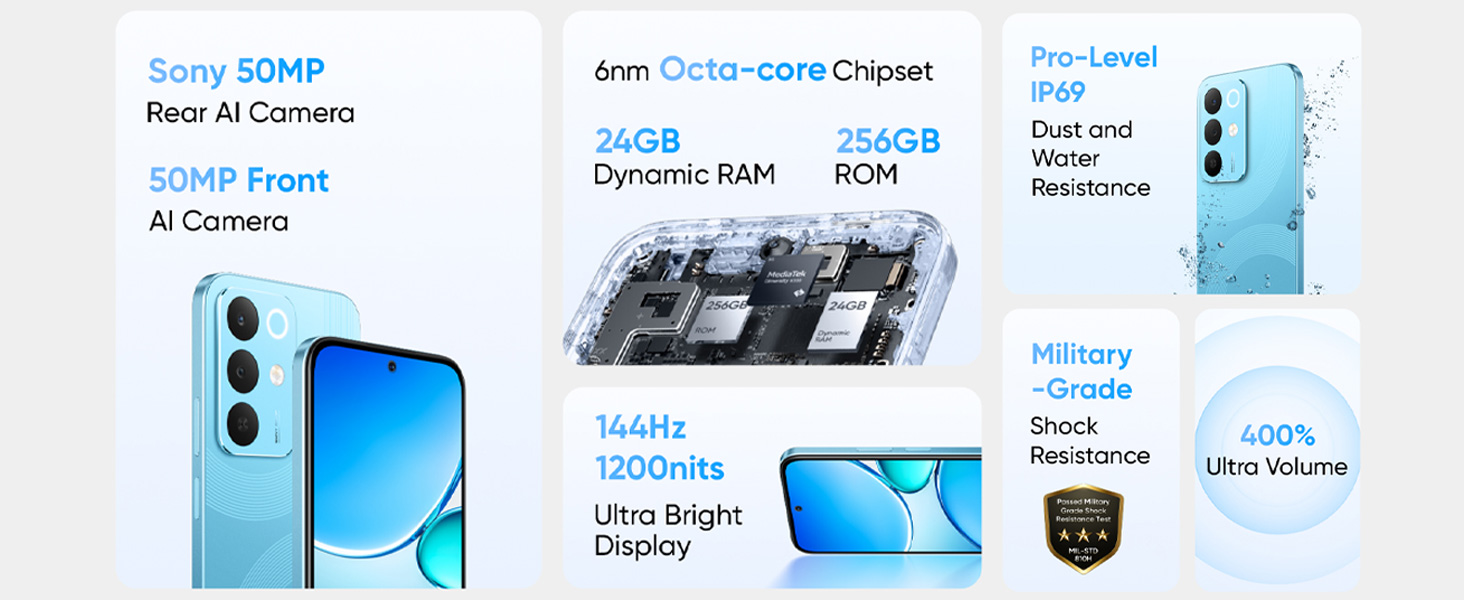
Image: The 144Hz 1200nit Ultra Bright Display of the realme 15X 5G Smartphone, designed for smooth and clear visuals under various lighting conditions.
4.2 Batré sareng Ngecas
The device is equipped with a 7000mAh battery, providing extended usage. It supports 60W fast charging, allowing the battery to reach 50% charge in minutes.
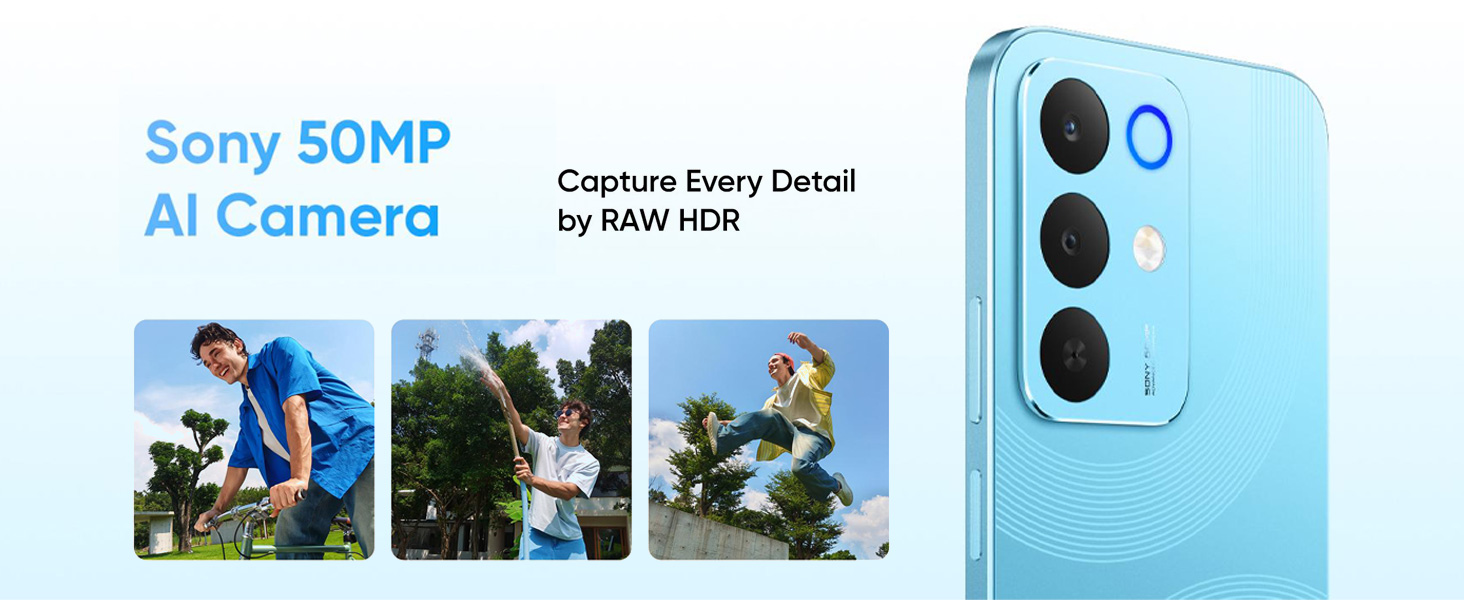
Image: Illustration of the 7000mAh Titan Battery, highlighting its large capacity for extended use.
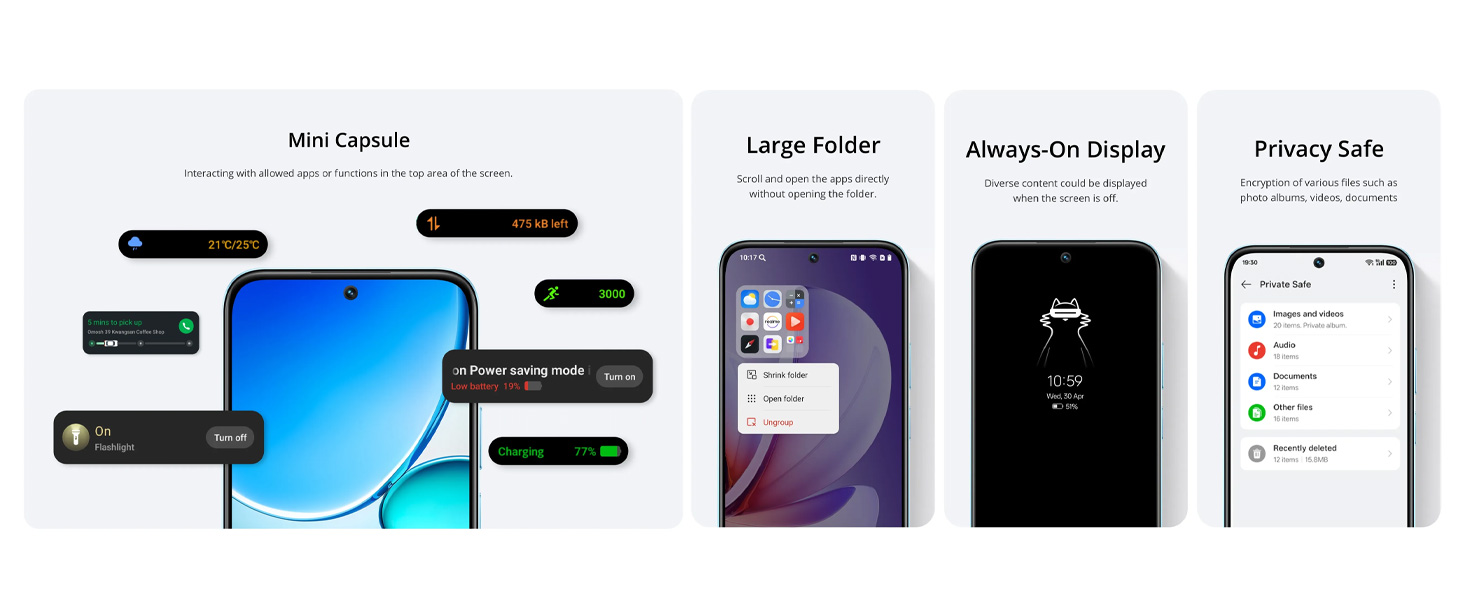
Image: Visual representation of 60W Fast Charging with Boost Charge Mode, showing quick charging times for various activities.
4.3 Kaméra
Capture detailed photos with the 50+50MP AI-enhanced cameras. The AI optimization automatically adjusts settings for various scenarios, including bright daytime shots and clear night mode photos.
Gambar: Deukeut view of the Sony 50MP AI Camera module on the realme 15X 5G Smartphone.
Advanced AI camera features include:
- AI Image Matting: For cutting out subjects freely.
- AI Eraser 2.0: To remove unwanted objects from photos.
- AI Landscape: For clear, vibrant shots in any weather.
- AI Glare Remover: To eliminate glare for clearer images.

Gambar: Examples of AI camera features such as AI Image Matting, AI Eraser, AI Landscape, and AI Glare Remover in action.
4.4 Kinerja
The realme 15X is powered by an advanced Dimensity 6300 6nm octa-core processor, designed for efficient multitasking, quick app launches, and smooth gaming experiences while conserving battery life.
Gambar: internal view highlighting the 6nm Octa-core Chipset and memory components (ROM, Dynamic RAM).
4.5 Konéktipitas
The device supports Bluetooth, USB, and Wi-Fi connectivity. It features AI Smart Signal Adjustment to maintain a smooth connection even in areas with weak network signals, improving call connection rates and app download speeds.

Image: Depiction of the Ultra Connection feature with AI Smart Signal Adjustment, illustrating improved network stability in various environments.
4.6 Durability
The realme 15X has an IP69 rating, providing resistance against dust, splashes, and heavy rain, ensuring reliable operation in diverse environments.

Image: The realme 15X 5G Smartphone shown under water, illustrating its IP69 Pro Dust and Water Resistance.
4.7 Fitur parangkat lunak
- Mini Capsule: Provides interactive notifications and information at the top of the screen.
- Large Folder: Allows direct opening of apps within a folder without expanding it.
- Tampilan Salawasna Dihurungkeun: Shows diverse content when the screen is off.
- Privacy Safe: Encrypts various files such as photos, videos, and documents.
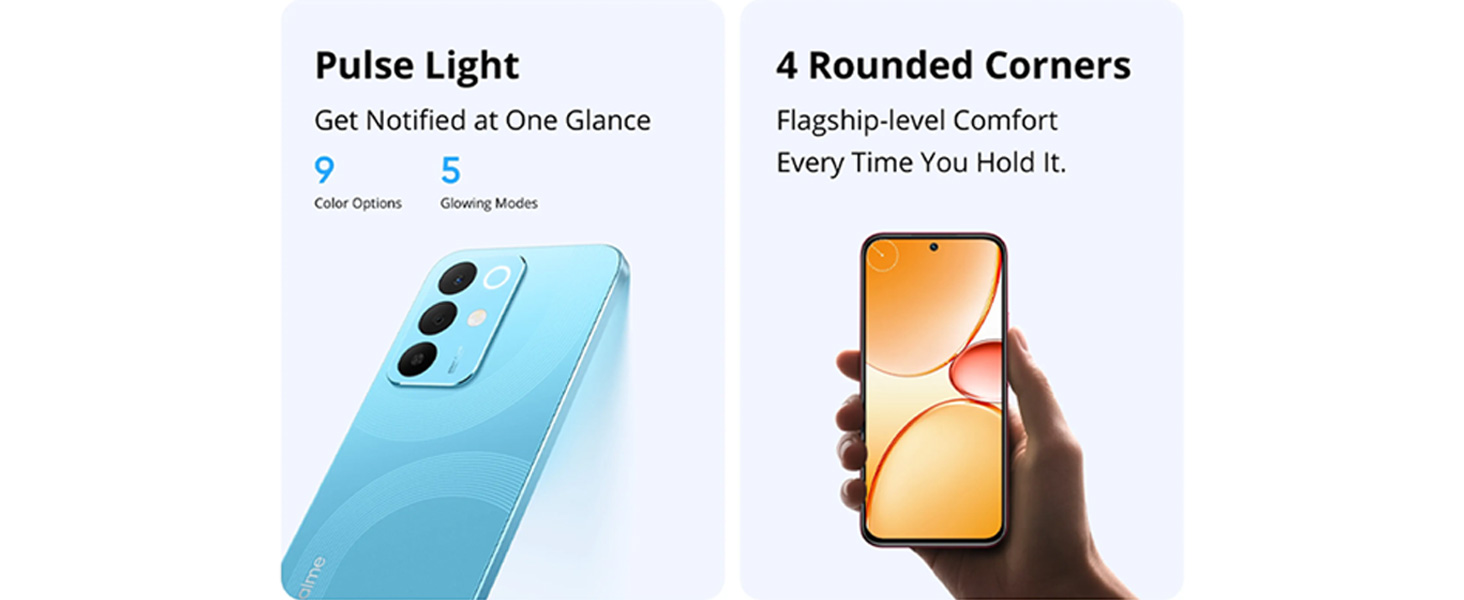
- Pulse Light: Offers customizable light notifications with 9 color options and 5 glowing modes.
5. Pangropéa
5.1 Ngabersihan Alat Anjeun
- Anggo lawon anu lemes sareng henteu lint pikeun ngabersihan layar sareng awak telepon.
- Hindarkeun ngagunakeun bahan kimia anu kasar atanapi bahan abrasive.
- If the device gets wet, wipe it dry immediately with a clean cloth.
5.2 Apdet parangkat lunak
Rutin pariksa sareng pasang apdet parangkat lunak pikeun mastikeun kinerja optimal, kaamanan, sareng aksés ka fitur anyar. Arahkeun ka Setélan > Ngeunaan telepon > Apdet parangkat lunak.
6. Cara ngungkulan
6.1 Isu umum jeung Solusi
| Masalah | Solusi |
|---|---|
| Alat teu hurung | Pastikeun batréna geus dieusian. Sambungkeun ka carjer sahenteuna 10 menit, teras cobian hurungkeun. |
| Aplikasi nabrak atanapi katirisan | Close the app and reopen it. Clear the app's cache (Settings > Apps > [App Name] > Storage > Clear cache). Restart the phone. |
| umur batre goréng | Reduce screen brightness, disable unnecessary features (GPS, Bluetooth, Wi-Fi when not in use), close background apps. Check battery usage in Settings to identify power-hungry apps. |
| Masalah konektipitas jaringan | Hurungkeun sareng pareumkeun Modeu Pesawat. Pareuman heula alatna. Pariksa panyelapkeun kartu SIM. Reset setélan jaringan (Setélan > Sistem > Pilihan reset > Reset Wi-Fi, sélulér & Bluetooth). |
6.2 Reset pabrik
If issues persist, a factory reset may be necessary. This will erase all data on your phone. Jieun cadangan data anjeun sateuacan neraskeun.
- Pindah ka Setelan > Sistem > Reset pilihan.
- Pilih Hapus sadaya data (reset pabrik).
- Konpirmasikeun kaputusan anjeun sareng lebetkeun PIN / pola upami dipenta.
7. Spésifikasi
| Fitur | Rincian |
|---|---|
| Sistem operasi | Android 15 |
| Prosesor | Dimensity 6300 6nm Octa-core (2.4 GHz) |
| tampilan | 6.8-inch, 144Hz, 1200 nits peak brightness |
| Kaméra tukang | 50+50MP AI Camera |
| Batré | 7000 mAh Litium Ion |
| Ngecas | 60W Ngecas Gancang |
| Konektipitas | Bluetooth, USB, Wi-Fi |
| Daya tahan | IP69 Debu sareng Tahan Cai |
| Ukuran (L x W x H) | 16.6 x 7.8 x 0.8 cm |
| Beurat | 212 g |
| Audio Jack | Taya jack headphone |
8. Garansi jeung Rojongan
8.1 Émbaran Produsén
Pabrikan: DBG TECHNOLOGY (INDIA) PRIVATE LIMITED
Packer: REALME MOBILE TELECOMMUNICATIONS (INDIA) PRIVATE LIMITED
3rd Floor, Tower-B, Building No.8, DLF Cyber City, Gurugram-122002, Haryana, India
Importir: DBG TECHNOLOGY (INDIA) PRIVATE LIMITED
PLOT NO 10, SECTOR-5, HSIIDC INDUSTRIAL MODEL TOWNSHIP, BAWAL, REWARI, HARYANA - 123501
8.2 Rojongan Palanggan
For after-sales service and customer support, please contact: 1800 102 2777
Mangga tingal dokuméntasi pameseran Anjeun pikeun istilah jeung kaayaan jaminan husus.


