1. Bubuka
Hatur nuhun pikeun meuliasing the GOBOULT Bassbox X20 Bluetooth Speaker. This manual provides essential information for setting up, operating, and maintaining your device. Please read it carefully before use to ensure optimal performance and longevity.

Gambar 1.1: Hareupeun view of the GOBOULT Bassbox X20 Bluetooth Speaker.
2. Eusi Paket
Ensure all items are present in the package. If any item is missing or damaged, please contact customer support.
- GOBOULT Bassbox X20 Soundbar
- Manual pangguna (dokumén ieu)
- Kartu Garansi
- Kabel Ngecas (Tipe-C)
Note: The product features integrated bass drivers, referred to as 'Subwoofer' in some listings, which are part of the main soundbar unit.
3. Produk Langkungview
3.1 Fitur konci
- 20W Bass Boosted Sound: Delivers clear and dynamic audio with enhanced bass.
- Supir Dinamis Ganda: Provides balanced sound across all frequencies.
- Nepi ka 6 Jam Playtime: Extended battery life for continuous audio playback.
- Téknologi Bluetooth 5.4: Ensures stable and fast wireless connectivity.
- Multi-Connectivity Options: Supports Bluetooth, AUX, TF Card, and USB input.
- Desain portabel: Kompak sareng hampang pikeun gampang diangkut.
- Fungsi True Wireless Stereo (TWS): Connect two Bassbox X20 speakers for a stereo experience.
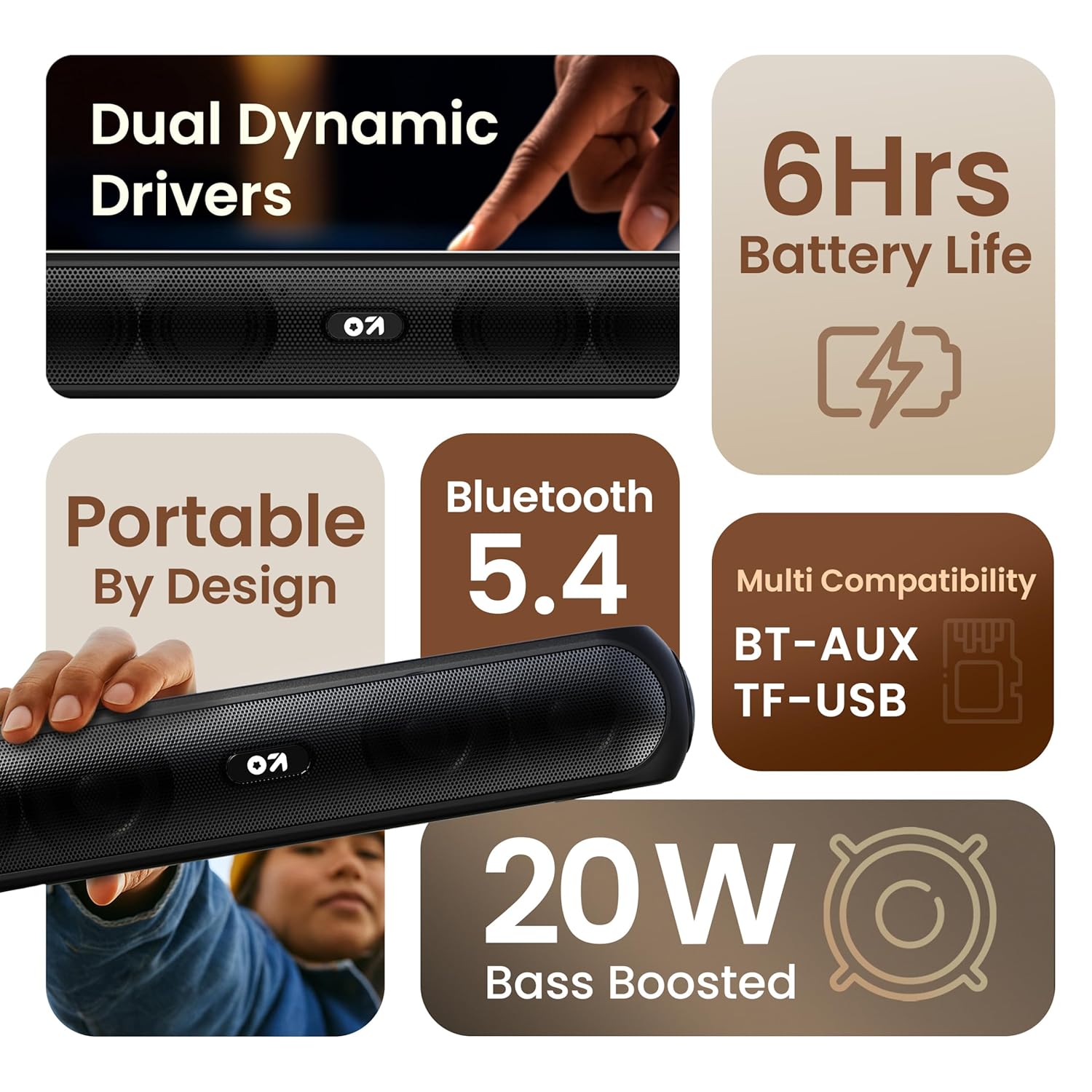
Gambar 3.1: Leuwihview of the speaker's main features.
3.2 Kontrol jeung palabuhan
Familiarize yourself with the control buttons and input ports on your speaker.
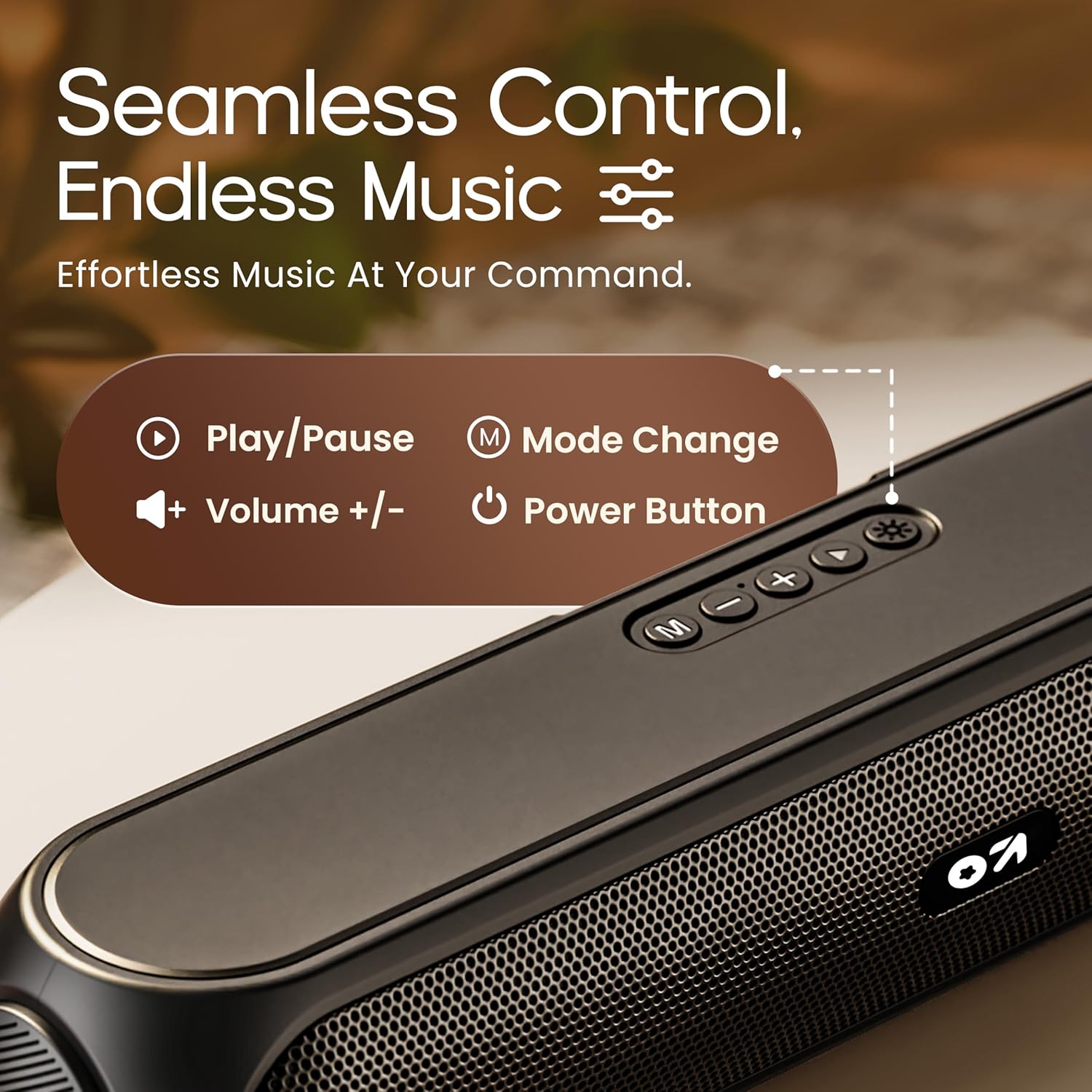
Image 3.2: Top control panel with Play/Pause, Volume, Mode, and Power buttons.
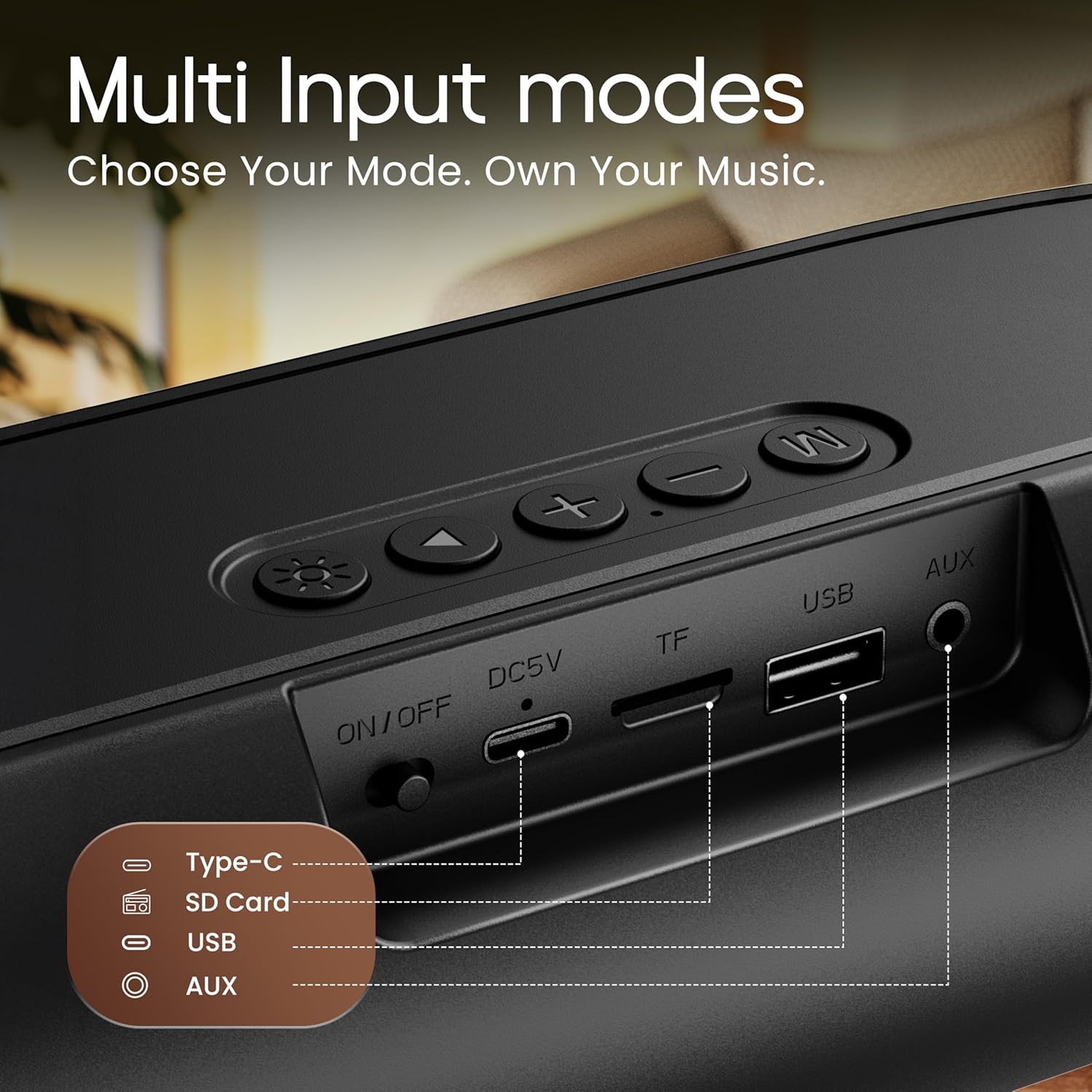
Image 3.3: Rear input panel showing Type-C, TF Card, USB, and AUX ports, along with the ON/OFF switch.
- Tombol Daya: Press and hold to power on/off. Short press to change LED light modes (if applicable).
- Tombol Mode (M): Short press to switch between Bluetooth, AUX, TF Card, and USB modes.
- Tombol Puter/Reureuh: Pencét pondok pikeun muterkeun atanapi ngareureuhkeun audio.
- Volume Naik (+): Pencét pondok pikeun ningkatkeun volume. Pencét lila pikeun lagu salajengna.
- Volume Turun (-): Pencét pondok pikeun ngirangan volume. Pencét lila pikeun lagu saméméhna.
- Tipe-C Port: Pikeun ngecas speaker.
- Slot Kartu TF: Insert a TF (MicroSD) card for direct audio playback.
- Port USB: Insert a USB drive for direct audio playback.
- Pelabuhan AUX: Sambungkeun alat audio éksternal nganggo kabel audio 3.5mm.
- Hurungkeun ON / OFF: Saklar daya utama pikeun alat éta.
4. Setélan
4.1 Ngecas Speaker
Before first use, fully charge the speaker. Use the provided Type-C charging cable.
- Connect the Type-C end of the charging cable to the speaker's Type-C port.
- Connect the USB-A end of the charging cable to a 5V USB power adapter (not included) or a computer's USB port.
- Lampu indikator ngecas bakal hurung. Lampu éta bakal pareum atanapi robih warna saatos dicas pinuh.
Ngecas pinuh biasana peryogi waktos sakitar 2-3 jam sareng nyayogikeun dugi ka 6 jam waktos maén.
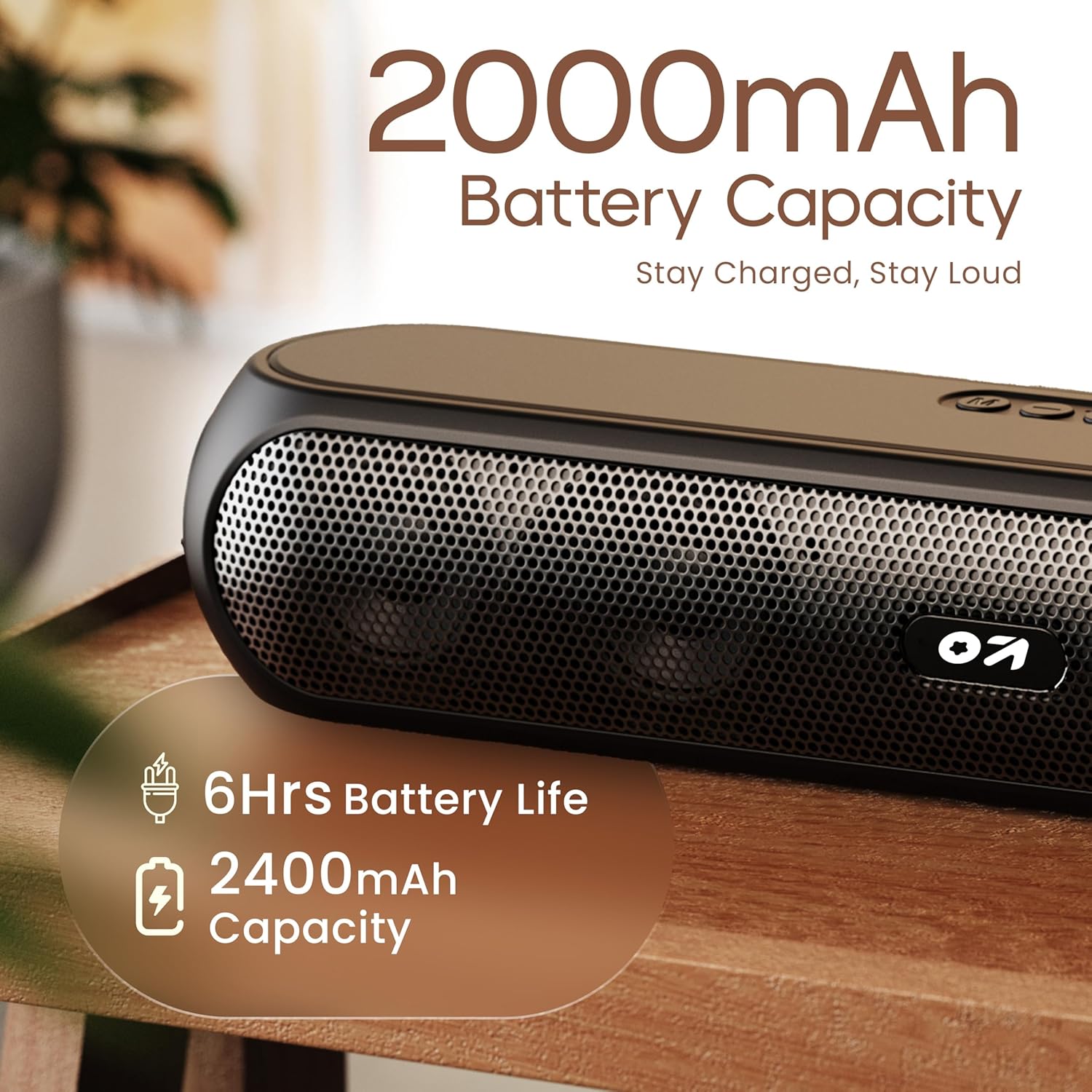
Image 4.1: Battery capacity and estimated playtime.
4.2 Daya Hurung/Pareuman
- To power on, slide the ON/OFF switch to the 'ON' position, then press and hold the Power button on the top panel until the indicator light turns on.
- To power off, press and hold the Power button until the indicator light turns off.
4.3 Nyapasangkeun Bluetooth
After powering on, the speaker will automatically enter Bluetooth pairing mode if no other device is connected. The Bluetooth indicator will flash.
- Ensure the speaker is powered on and in Bluetooth mode (indicator flashing).
- Dina alat anjeun (smartphone, tablet, laptop), aktipkeun Bluetooth sareng milarian alat anu sayogi.
- Select "GOBOULT Bassbox X20" from the list of devices.
- Once connected, the speaker will emit a confirmation sound, and the Bluetooth indicator will stop flashing and remain solid.
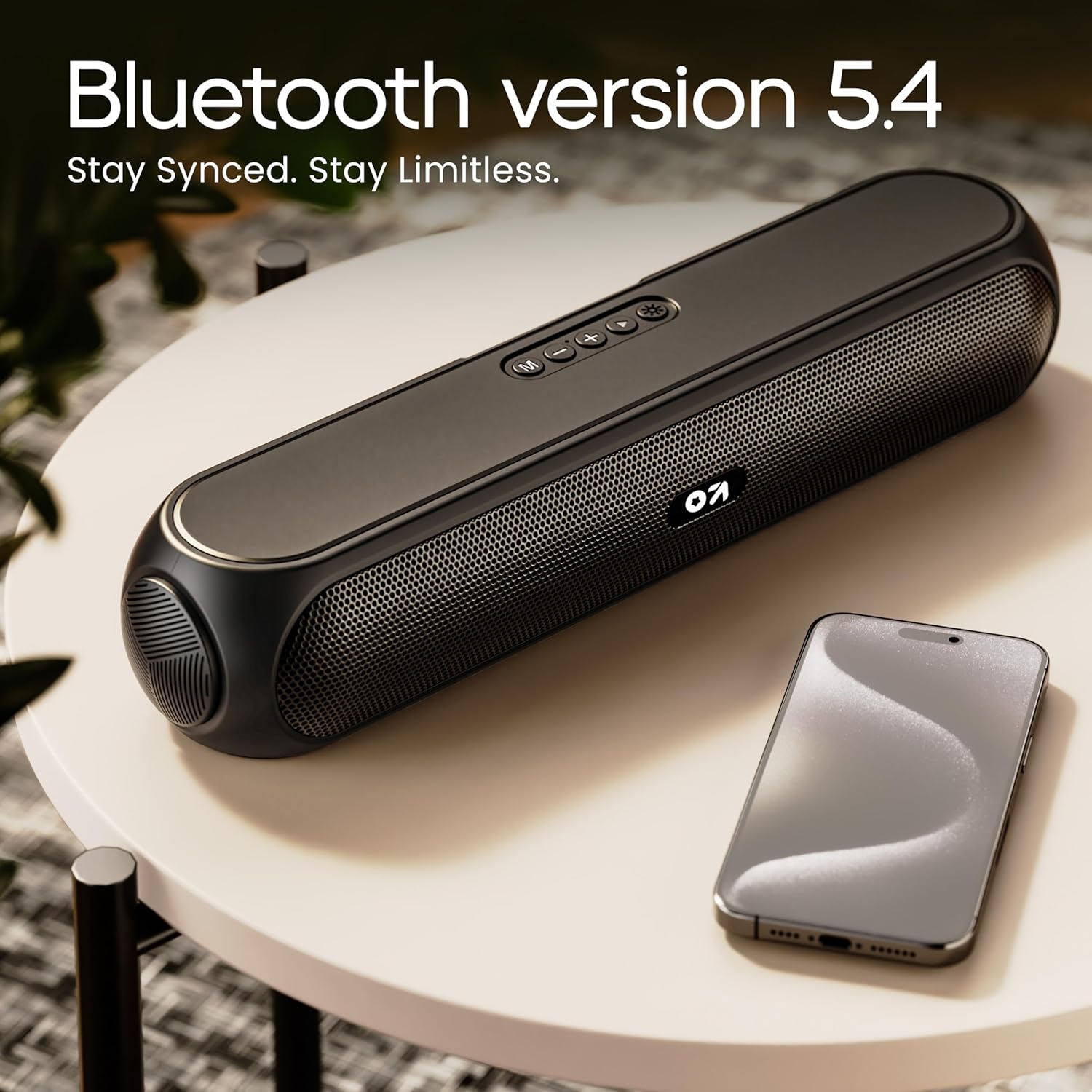
Image 4.2: Bluetooth 5.4 connectivity for seamless pairing.
4.4 Leres Wireless Stereo (TWS) papasangan
The TWS function allows you to connect two GOBOULT Bassbox X20 speakers for a stereo sound experience.
- Ensure both Bassbox X20 speakers are powered on and not connected to any Bluetooth device.
- On one speaker (this will be the primary speaker), double-press the Mode (M) button. It will emit a sound indicating it's searching for another TWS speaker.
- The second speaker will automatically connect to the primary speaker. Once connected, both speakers will emit a confirmation sound.
- Now, connect your device to the primary speaker via Bluetooth as described in Section 4.3. Audio will play in stereo through both speakers.
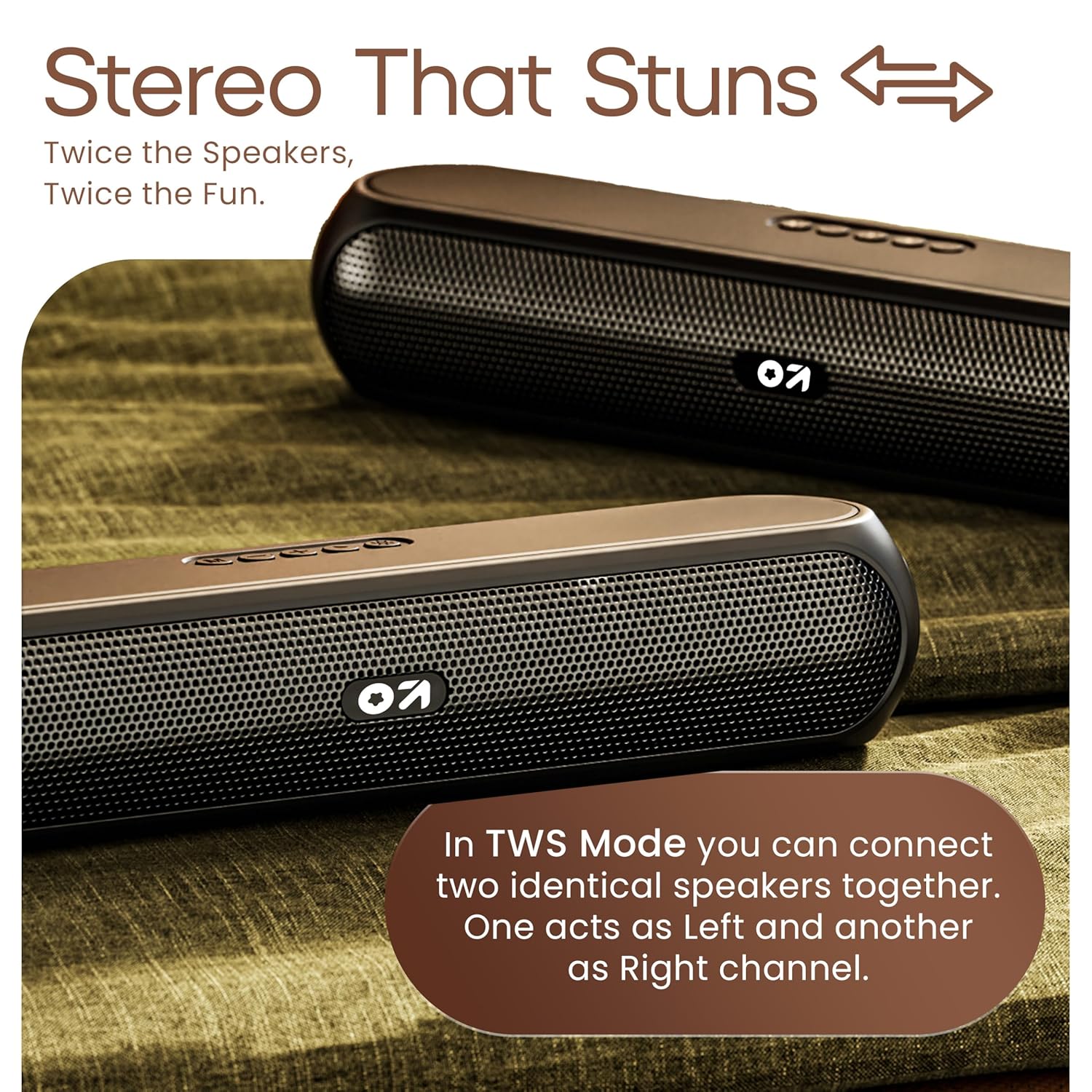
Image 4.3: TWS mode for connecting two speakers.
5. Operasi
5.1 Ngalihkeun Modeu
Pencét éta Modeu (M) button to cycle through available input modes: Bluetooth, AUX, TF Card, and USB.
5.2 Modeu Bluetooth
After successful pairing (Section 4.3), you can stream audio wirelessly from your connected device. Use the speaker's volume controls or your device's volume controls to adjust the sound level.
5.3 Modeu AUX
- Connect one end of a 3.5mm audio cable (not included) to the speaker's AUX port.
- Sambungkeun tungtung nu sejen ka jack kaluaran audio tina alat éksternal Anjeun (misalna pamuter MP3, komputer).
- Pencét éta Modeu (M) pencét tombol dugi ka speaker asup kana modeu AUX.
- Control playback and volume from your external device or the speaker's controls.
5.4 TF Card / USB Mode
- Insert a TF (MicroSD) card or a USB drive containing audio files kana port masing-masing dina spiker.
- The speaker will automatically switch to TF Card or USB mode and begin playing audio. If not, press the Modeu (M) tombol pikeun milih mode nu bener.
- Use the speaker's controls to play/pause, skip tracks, and adjust volume.
6. Pangropéa
- Keep the speaker away from water, moisture, and extreme temperatures. While water-resistant, it is not waterproof.
- Ngabersihan spéker nganggo kaén anu lemes sareng garing. Ulah make cleaners abrasive atawa pangleyur.
- Hindarkeun lungsur atanapi nahan panyatur kana tabrakan anu kuat.
- Lamun teu dipaké pikeun période nambahan, nyimpen spiker dina tiis, tempat garing sarta ngeusi batre périodik pikeun ngajaga kaséhatan batré.
7. Cara ngungkulan
| Masalah | Mungkin Cukang lantaranana | Solusi |
|---|---|---|
| Speaker teu hurung. | Low battery. Main power switch off. | Cas speakerna. Pastikeun saklar ON/OFF aya dina posisi 'ON'. |
| Teu bisa masangkeun via Bluetooth. | Speaker not in pairing mode. Device Bluetooth off. Too far from speaker. | Ensure speaker is in Bluetooth pairing mode (flashing indicator). Enable Bluetooth on your device. Move device closer to speaker (within 10 meters). |
| Taya sora. | Volume too low. Incorrect mode selected. Cable not connected properly (AUX). | Increase volume on speaker and device. Press 'M' button to select correct input mode. Reconnect AUX cable securely. |
| Papasangan TWS gagal. | Speaker geus disambungkeun ka alat sejen. | Disconnect both speakers from any Bluetooth devices before attempting TWS pairing. Ensure both speakers are Bassbox X20 models. |
8. Spésifikasi
| Fitur | Rincian |
|---|---|
| Ngaran modél | Bassbox X20 |
| Tipe Speaker | Speaker Bluetooth portabel |
| Daya Kaluaran | 20 Watt |
| Vérsi Bluetooth | 5.4 |
| Rentang Bluetooth | Nepi ka 10 méter (33 suku) |
| Pilihan konektipitas | Bluetooth, Auxiliary (3.5mm), USB, TF Card |
| Jenis Batré | Litium Polimér |
| Kahirupan batré | Nepi ka 6 jam (dina volume 70%) |
| Port ngecas | Type-C (DC5V) |
| Dimensi produk | 89D x 38W x 68H Milimeter |
| Item Beurat | 655 gram |
| Tingkat Résistansi Cai | Tahan cai (teu tahan cai) |
| Komponén Kaasup | X20 Soundbar, User Manual, Warranty Card, Charging Cable |
9. Garansi jeung Rojongan
The GOBOULT Bassbox X20 Bluetooth Speaker comes with a 1 Taun Garansi Produsén ti tanggal beuli. Garansi ieu nyertakeun cacad manufaktur sareng pagawean dina panggunaan normal.
For warranty claims, technical support, or any inquiries, please refer to the contact information provided on your warranty card or visit the official GOBOULT websitus.
Punten nahan resi pameseran anjeun salaku bukti pameseran kanggo tujuan garansi.


