1. Bubuka
Welcome to the iFFALCON 75-Inch Class QLED 4K Smart TV, Model 75F75. This television combines cutting-edge display technology with smart features to enhance your viewing experience. Its ultra-slim design allows for seamless integration into any living space, functioning as both a high-performance TV and a digital art display. This manual provides essential information for setting up, operating, and maintaining your new television.

Figure 1.1: The iFFALCON Mural TV in Art Mode, showcasing desainna anu ultra-ipis.
2. Émbaran Kasalametan
Please read all safety instructions carefully before using your television. Keep this manual for future reference. Ensure the television is placed on a stable surface or securely mounted. Avoid exposing the unit to rain or moisture. Do not open the television casing; refer all servicing to qualified personnel. Keep ventilation openings clear to prevent overheating. Disconnect the power cord during lightning storms or when unused for long periods.
3. Naon dina Box
- iFFALCON TV
- Kabel kakuatan
- 2 x batré AAA pikeun jauh
- 6 x Sekrup nangtung
- Méja nangtung
- 2 x Screw liang nyertakeun
- 2 x pelindung karét
- Tembok dipasang bracket
- Gancang Mimitian Guide
- Jauh TV
4. Setélan
4.1 Instalasi fisik
Your iFFALCON Mural TV is designed for versatile installation. You can choose between using the included table stands or the seamless wall mount bracket for a flush, art-like appearance. Ensure proper ventilation around the TV regardless of the installation method.

Figure 4.1: Seamless Wall Mount installation for a minimalist look.
4.2 Sambungan
Connect your external devices using the available ports:
- HDMI: Pikeun alat audio sareng pidéo definisi luhur.
- USB: Pikeun nyambungkeun alat panyimpenan USB.
- Ethernet: Pikeun sambungan internét kabel.
- Wifi: Pikeun sambungan internét nirkabel.
- Bluetooth: Pikeun alat audio nirkabel sareng asesoris.
4.3 Daya Awal Hurung
After connecting all necessary cables, plug in the power cable and press the power button on the remote control or the TV. Follow the on-screen instructions to complete the initial setup, including network connection and Google TV account setup.
Video 4.1: Official iFFALCON guide on wall mount and stand installation for the Mural TV.
5. Parentah Operasi
5.1 Google TV Smart Entertainment
The iFFALCON Mural TV is powered by Google TV, offering personalized content recommendations across your streaming apps. Use the Google Assistant voice remote for hands-free control, searching for content, and managing smart home devices.

Figure 5.1: Explore personalized content with Google TV.
5.2 Mode Seni
Transform your TV into a digital canvas with Art Mode. Display classic masterpieces, AI-generated artworks, or your personal photos to complement your home decor. This feature allows the TV to blend seamlessly into your environment when not actively used for vieweusi.

Figure 5.2: The TV in Art Mode, showcasing a masterpiece.
Video 5.1: Official iFFALCON tutorial on using Art Mode and Photo Frame features.
5.3 Game Master Mode
For gamers, the 144Hz refresh rate combined with Game Master Mode provides ultra-smooth visuals and responsive gameplay. This mode optimizes for low latency, Variable Refresh Rate (VRR), and HDR, giving you a competitive edge. Note: Initially in Energy Saving Mode; switch to HDR Mode for best picture quality during gaming.

Figure 5.3: Experience next-level speed with 144Hz native refresh rate.
6. Gambar jeung Sora Setélan
6.1 4K QLED Brilliance & Wide Color Gamut
The 4K QLED display delivers lifelike visuals with over a billion colors. With a 93% DCI-P3 wide color gamut, every scene is rendered with exceptional clarity, vibrant hues, and intricate detail.

Figure 6.1: Vivid, true-to-life colors with Ultra Wide Color Gamut.

Figure 6.2: Ultra-high Contrast for more detailed images.
6.2 Dolby Vision IQ & Dolby Atmos
Experience cinematic quality with Dolby Vision IQ, which intelligently adjusts picture settings based on your room's ambient lighting. Coupled with Dolby Atmos surround sound, you'll enjoy immersive audio that places you right in the center of the action.
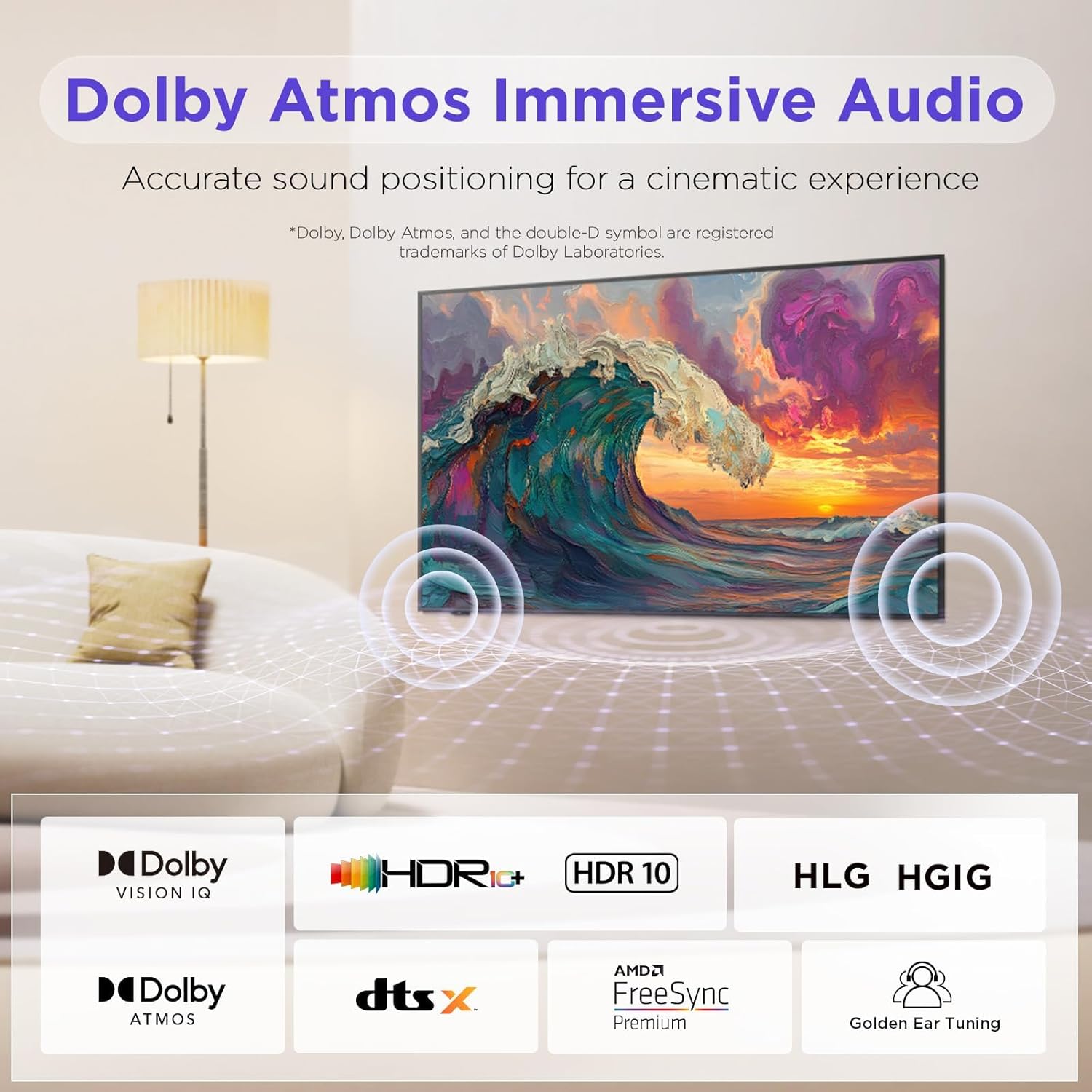
Figure 6.3: Dolby Atmos Immersive Audio for a cinematic experience.
7. Eye Care Technology
The iFFALCON Mural TV incorporates advanced Eye Care Technology, including low blue light and flicker-free features. These technologies are designed to reduce eye strain and discomfort during extended viewing sessions, making it suitable for all ages.
8. Pangropéa
To ensure the longevity and optimal performance of your iFFALCON TV, follow these maintenance guidelines:
- Ngabersihan layar: Ngusap layar nganggo kaén anu lembut sareng teu aya serat. Pikeun tanda pengkuh, enteng dampen lawon jeung cai atawa cleaner layar husus. Hindarkeun bahan kimia anu kasar.
- Ngabersihkeun pigura: Use a dry, soft cloth to clean the TV frame.
- Ventilasi: Pastikeun bukaan ventilasi dina tonggong TV teu diblokir pikeun nyegah overheating.
- Kabel listrik: Rutin pariksa kabel kakuatan pikeun karuksakan nanaon.
9. Cara ngungkulan
If you encounter any issues with your television, refer to the following common troubleshooting steps:
- Henteu aya kakuatan: Pariksa lamun kabel kakuatan geus dicolokkeun aman kana duanana TV jeung stop kontak témbok. Coba outlet béda.
- Taya Gambar/Sora: Verify that all HDMI or other input cables are correctly connected. Ensure the correct input source is selected on the TV.
- Kualitas Gambar goréng: Check the source device's resolution settings. Adjust picture settings (brightness, contrast, color) on the TV.
- Jauh Teu Gawé: Ganti batréna. Pastikeun teu aya halangan antara remote sareng TV.
- Masalah Sambungan Jaringan: Balikan deui router sareng modem anjeun. Sambungkeun deui TV ka jaringan Wi-Fi Anjeun atawa pariksa sambungan kabel Ethernet.
For more complex issues, please refer to the full user manual available online or contact iFFALCON customer support.
10. Spésifikasi
| Fitur | Rincian |
|---|---|
| merek | iFFALCON |
| Nomer modél | 75F75 |
| Ukuran layar | 75 inci |
| Téknologi tampilan | QLED |
| Resolusi | 4K |
| Refresh Laju | 144 Hz |
| Fitur husus | Art Mode, Game Mode, Dolby Vision IQ, Dolby Atmos, Google Assistant |
| Téhnologi konektipitas | Bluetooth, Ethernet, HDMI, USB, Wi-Fi |
| Dimensi produk | 37.99 "D x 65.94" W x 1.17" H |
| Item Beurat | 96.8 pon |
11. Garansi jeung Rojongan
Your iFFALCON 75-Inch QLED 4K Smart TV is covered by a manufacturer's warranty. Please refer to the warranty card included in your packaging for specific terms and conditions. For technical support, service inquiries, or further assistance, please visit the official iFFALCON website or contact their customer service department. Keep your purchase receipt and model number (75F75) handy when contacting support.
Video 11.1: Official iFFALCON Introduction to the Mural TV.


