Bubuka
The Acer Predator Helios Neo 16 AI Gaming Laptop is engineered for high-performance gaming and demanding tasks. Featuring an Intel Core Ultra 9 processor 275HX and NVIDIA GeForce RTX 5070 Ti Laptop GPU, it delivers exceptional performance with AI technology. This manual provides essential information for setting up, operating, maintaining, and troubleshooting your device.
Fitur konci
- Desktop-Level Performance: Intel Core Ultra 9 275HX processor with up to 13 NPU TOPS for smooth gameplay and AI-driven task offloading.
- Game-Changing Realism: NVIDIA GeForce RTX 5070 Ti Laptop GPU with 992 AI TOPS, featuring Blackwell architecture for full ray tracing and cinematic visuals.
- Supreme Speed & Visuals with AI: DLSS 4 with Multi Frame Generation, enhanced Ray Reconstruction, and Super Resolution for boosted FPS and improved image quality.
- Témbongkeun immersive: 16-inch WQXGA (2560x1600) 240Hz G-SYNC display with 3ms overdrive response time and 100% DCI-P3 color accuracy.
- Advanced Thermal Solutions: Dual fans, including a 5th Gen AeroBlade 3D Metal Fan, and liquid metal thermal compound for peak performance.
- Konektipitas: Intel Killer Ethernet E3100G and Killer Wi-Fi 6E AX1675, Thunderbolt 4, USB 3.2 Gen2, HDMI 2.1, and microSD Card Reader.
- PredatorSense and Experience Zone: Software for real-time system control, performance modes, fan speeds, RGB lighting customization, and AI-powered features like PurifiedView 2.0 and PurifiedVoice 2.0.
Naon dina Box
Your Acer Predator Helios Neo 16 AI Gaming Laptop package includes the following items:
- Acer Predator Helios Neo 16 AI Gaming Laptop
- Adaptor AC
- Kabel listrik

Image: The product packaging box for the Acer Predator Helios Neo 16 AI Gaming Laptop.

Image: The included AC adapter and power cord, essential for charging and operating the laptop.
Fisik Leuwihview
Familiarize yourself with the various ports and features of your laptop.
Palabuhan Sisi kénca
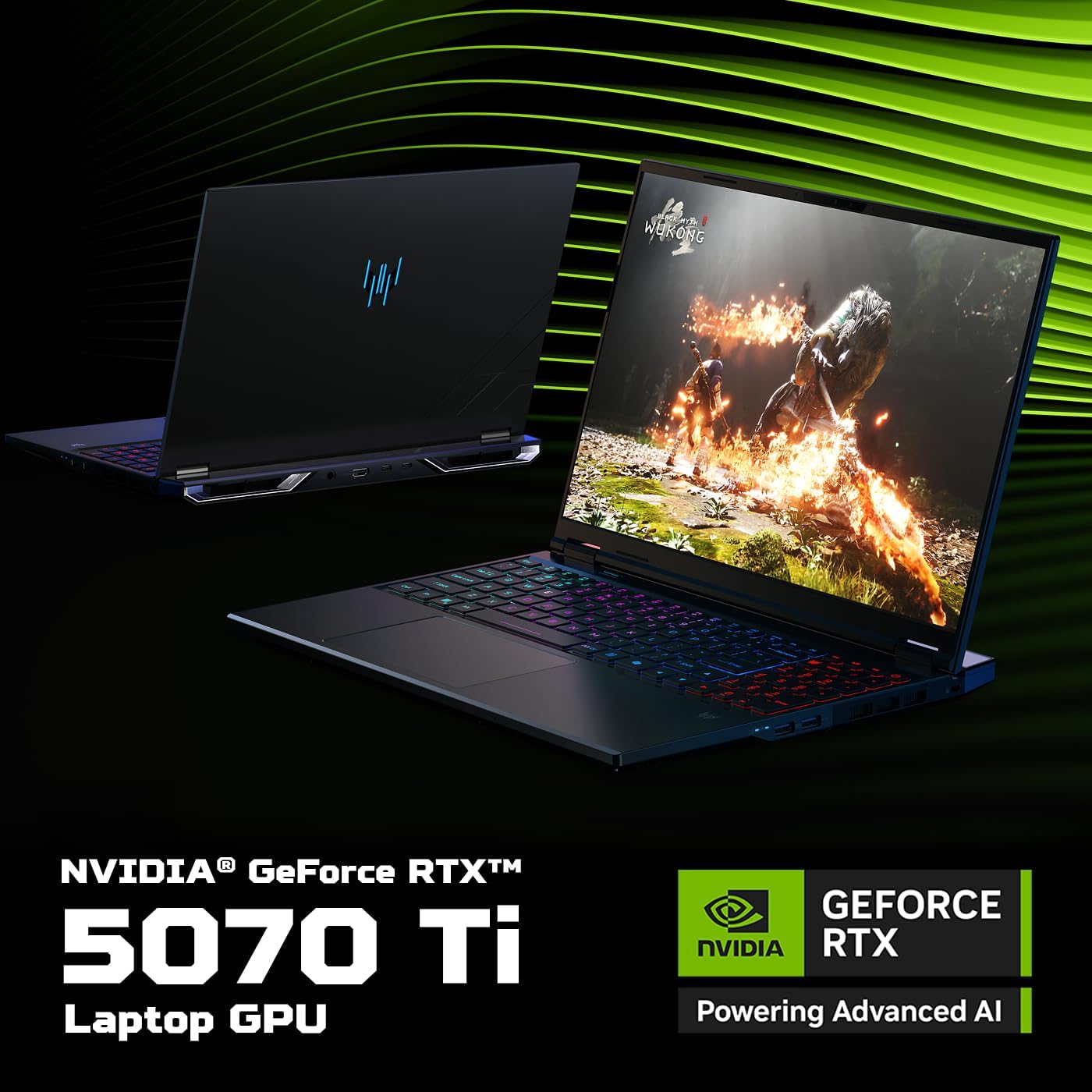
Image: The left side of the laptop featuring two USB 3.2 ports (one supporting offline charging) and a Kensington lock slot.
- Port USB 3.2 (x2): For connecting USB devices. One port supports power-off charging.
- Slot konci Kensington: For securing your laptop with a compatible lock.
Palabuhan Sisi Katuhu

Image: The right side of the laptop showing the Ethernet port, a USB 3.2 port, a MicroSD card slot, and a headset jack.
- Port Ethernet (RJ-45): Pikeun sambungan jaringan kabel.
- Port USB 3.2 (x1): Pikeun nyambungkeun alat USB.
- Slot Kartu MicroSD: Pikeun maca kartu mémori microSD.
- Headset Jack: Pikeun nyambungkeun headphone atanapi headset.
Palabuhan pungkur
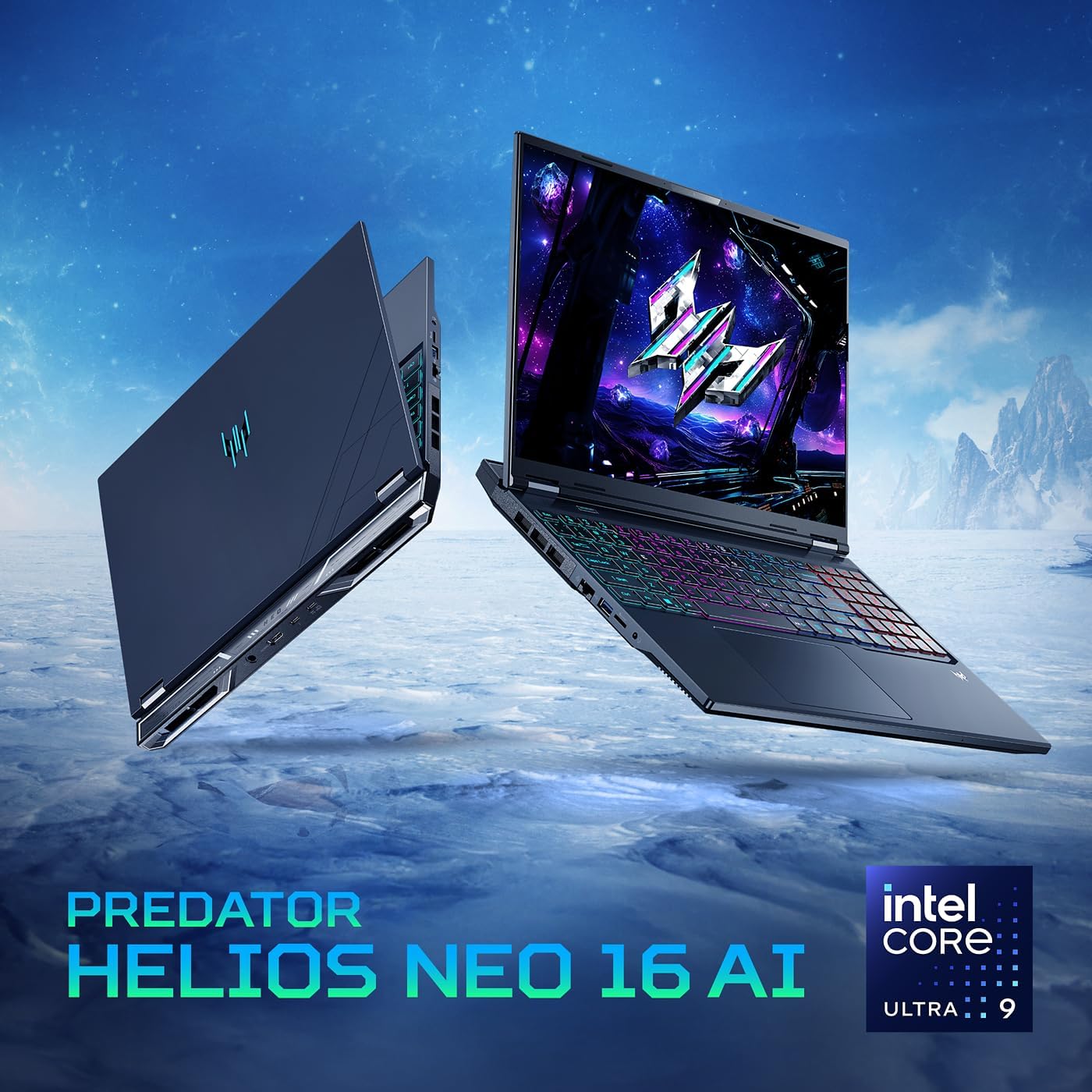
Image: The rear of the laptop, featuring the DC-in jack, HDMI 2.1 port, and two Type-C Thunderbolt 4 ports.
- Soket DC-in: Pikeun nyambungkeun adaptor AC.
- Port HDMI 2.1: For connecting to external displays, supporting up to 10K resolution.
- Thunderbolt 4 Ports (x2): Versatile USB Type-C ports supporting high-speed data transfer, DisplayPort over USB Type-C, and USB charging (up to 90W).
Disetél
Daya Awal Hurung
Before first use, ensure your laptop is connected to the AC adapter and power cord. Press the power button located on the keyboard to turn on the device. The system will guide you through the initial Windows setup process.
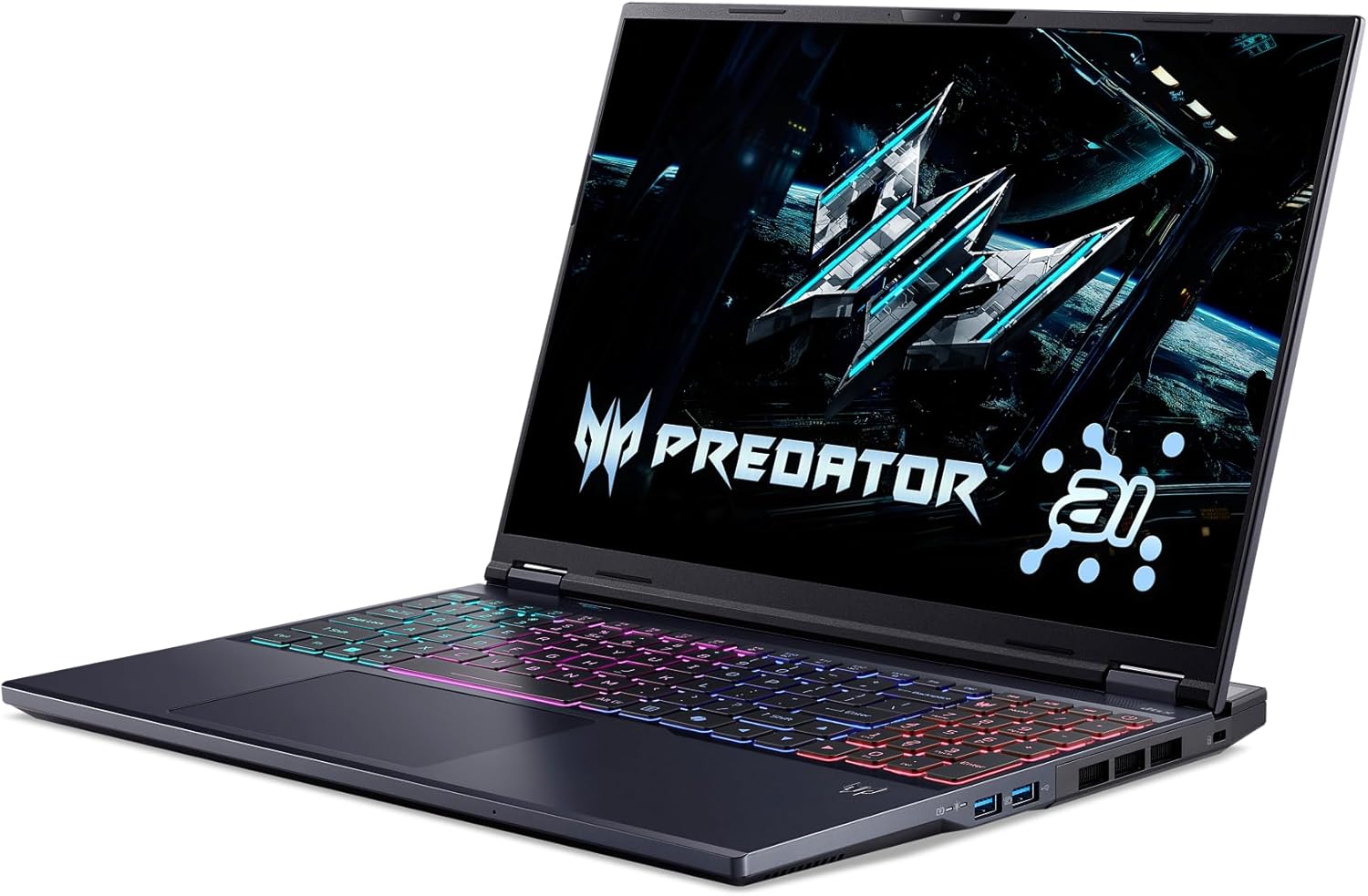
Image: The laptop screen displaying the Predator logo upon initial power-on, with the RGB keyboard illuminated.
Nyambungkeun Periferal
Connect your mouse, keyboard, external monitor, and other peripherals to the appropriate ports as described in the 'Physical Overview' section. For optimal gaming performance, consider using a wired Ethernet connection.
Setup Sistem Operasi
Follow the on-screen instructions to complete the Windows 11 Home setup. This includes setting up your user account, connecting to a Wi-Fi network, and installing essential updates. Keep your laptop plugged in during this process to avoid interruptions.
Ngoperasikeun Laptop Anjeun
Kibor sareng Touchpad
The laptop features a full-size keyboard with a numeric keypad and a responsive touchpad. The keyboard includes 4-zone RGB lighting, which can be customized via the PredatorSense software.

Image: The laptop's keyboard showcasing its customizable 4-zone RGB lighting, providing visual flair and functionality.
Fitur tampilan
Experience stunning visuals on the 16-inch WQXGA display with a 240Hz refresh rate and 3ms overdrive response time. NVIDIA G-SYNC and Advanced Optimus technologies ensure tear-free and smooth gameplay.

Image: The laptop's display highlighting its 16-inch WQXGA resolution, 240Hz refresh rate, and G-SYNC compatibility for superior gaming visuals.
PredatorSense Software
PredatorSense provides a centralized hub for monitoring system performance, adjusting fan speeds, customizing RGB lighting, and switching between performance modes. Access it by pressing the dedicated Predator key on the keyboard.

Image: A visual representation of the PredatorSense software interface, allowing users to monitor and customize laptop settings.
Fitur AI
Leverage the power of AI with the Intel Core Ultra 9 processor and NVIDIA GeForce RTX 5070 Ti GPU. Features like DLSS 4 enhance graphics, while PurifiedView 2.0 and PurifiedVoice 2.0 improve communication and streaming experiences.

Image: Visual highlighting the Intel Core Ultra 9 processor, central to the laptop's AI capabilities and gaming performance.

Image: Emphasizing the NVIDIA GeForce RTX 5070 Ti Laptop GPU, which powers advanced AI features and realistic graphics.

Image: Illustrating NVIDIA DLSS 4, a neural rendering technology that uses AI to boost frame rates and improve image quality.

Image: Depicting Acer PurifiedView 2.0, an AI-enhanced feature for automatic framing, background blur, and gaze correction during video calls.

Image: Showing Acer PurifiedVoice 2.0, which uses AI algorithms and a 3rd mic to suppress background noise for clear communication.
Video: Official product video for the Predator Helios Neo 16 AI, showcasing its design, performance, and key features.
Pangropéa
Perawatan anu leres ngajamin umur panjang sareng kinerja laptop anjeun optimal.
beberesih
- Regularly clean the screen with a soft, lint-free cloth and a screen-safe cleaning solution.
- Anggo hawa anu dikomprés pikeun ngabersihan lebu tina tombol kibor sareng kisi-kisi ventilasi.
- Ngusap permukaan luar nganggo iklanamp, lawon lemes. Hindarkeun bahan kimia anu kasar.
Manajemén termal
The laptop's advanced thermal solutions, including dual fans and liquid metal thermal compound, are designed to keep temperatures in check. Ensure proper airflow by not blocking the ventilation openings, especially during intensive gaming sessions.
Gambar: Sisi view of the laptop, highlighting the ventilation grilles crucial for efficient thermal management.
Software Apdet
Keep your operating system, drivers, and PredatorSense software updated to ensure stability, security, and optimal performance. Check for updates regularly through Windows Update and Acer's official support channels.
Ngarengsekeun Masalah Umum
Bagian ieu ngabahas masalah umum anu anjeun tiasa pendak sareng laptop anjeun.
- Laptop Teu Bisa Dihurungkeun: Ensure the AC adapter is securely connected to both the laptop and a working power outlet. Check the power indicator light.
- Henteu aya tampilan: If the laptop powers on but the screen remains black, try connecting an external monitor to verify if the issue is with the laptop's display.
- Overheating: Ensure ventilation grilles are clear of obstructions. Use PredatorSense to monitor temperatures and adjust fan speeds. Consider using a cooling pad for extended heavy use.
- Kinerja goréng: Close unnecessary background applications. Update graphics drivers. Use PredatorSense to switch to a higher performance mode.
- Masalah Konektipitas Wi-Fi: Check if Wi-Fi is enabled. Restart your router and laptop. Update Wi-Fi drivers.
- Keyboard/Touchpad Not Responding: Restart the laptop. Check for driver updates.
Spésifikasi teknis
| Fitur | Spésifikasi |
|---|---|
| Ngaran modél | Predator Helios Neo 16 AI |
| Nomer Modél Item | PHN16-73-92B8 |
| Prosesor | Intel Core Ultra 9 275HX (2.1 GHz) |
| Grafik Coprocessor | NVIDIA GeForce RTX 5070 Ti (12 GB GDDR6 Dedicated) |
| Ram | 16GB DDR5 6400MHz (2 DDR5 Slots Total, Max 64GB) |
| Panyimpenan | 1TB PCIe Gen 4 SSD (2 x PCIe M.2 Slots, 1 Slot Available) |
| Ukuran layar | 16 inci |
| Resolusi layar | 2560 x 1600 piksel (WQXGA) |
| Resolusi layar Max | 2560x1600 |
| Refresh Laju | 240Hz |
| Sistem operasi | Windows 11 Imah |
| Tipe Wireless | 802.11ax (Killer Wi-Fi 6E AX1675), Bluetooth |
| Palabuhan | 1x Thunderbolt 4, 1x USB Type-C 3.2 Gen 2 (DisplayPort, 90W Charging), 2x USB 3.2 Gen 2 (1x Power-off Charging), 1x USB 3.2 Gen 1, 1x HDMI 2.1, 1x Headphone/Speaker/Line-out Jack, 1x Ethernet (RJ-45), 1x DC-in, 1x Kensington Lock Slot |
| Item Beurat | 5.95 pon |
| Dimensi produk | 14.05 x 1.05 x 10.85 inci |
| Fitur husus | Keyboard Backlit |
Garansi sareng Rojongan
Your Acer Predator Helios Neo 16 AI Gaming Laptop comes with a limited warranty. For detailed information regarding warranty coverage and terms, please refer to the documentation included with your product or visit the official Acer support websitus.
Rencana Perlindungan
Rencana panyalindungan tambahan sayogi kanggo dipésér pikeun manjangkeun jangkauan saluareun garansi standar:
- Rencana Perlindungan 2 Taun: Manjangkeun panyalindungan salami 24 bulan.
- Rencana Perlindungan 4 Taun: Manjangkeun panyalindungan salami 48 bulan.
- Ngajaga lengkep: Rencana bulanan nyertakeun pameseran katukang sareng ka hareup anu layak.
Rojongan Palanggan
For technical assistance, troubleshooting, or warranty claims, please contact Acer customer support. You can find more information and support resources on the official Toko Acer atanapi saluran dukungan khususna.


