1. Bubuka
Hatur nuhun pikeun meuliasing the GODOX ML100R Pocket LED Video Light. This compact and versatile full-color RGB light is designed for various photography and videography applications, offering a wide color temperature range, multiple lighting effects, and convenient app control. This manual provides detailed instructions for safe operation, setup, and maintenance of your device. Please read this manual carefully before use to ensure proper operation and to maximize the product's lifespan.
2. Émbaran Kasalametan
To prevent damage to the product or injury to yourself or others, please read the following safety precautions completely before using this product. Keep these safety instructions where users can read them.
- Do not disassemble or modify this product. If the product fails, it must be repaired by an authorized maintenance center.
- Jaga produk ieu tetep garing. Ulah diungkulan ku leungeun baseuh atawa dicelupkan kana cai.
- Ulah dianggo produk ieu upami aya gas anu gampang kaduruk, bahan kimia, atanapi bahan anu sanésna.
- Do not leave or store the product in high-temperature environments, such as in a car on a hot day.
- Do not point the light directly at human or animal eyes from a close distance.
- Jauhkeun tina jangkauan barudak.
- Always use the specified power adapter and accessories.
3. Eusi Paket
Punten parios pikeun mastikeun yén sadaya barang kalebet dina pakét anjeun:
- 1 x GODOX ML100R LED Photography Light
- 1 x Light Head Protection Cover
- 1 x Lens Reflector Cup ML-L15
- 1 x Lens Reflector Cup ML-L36
- 1 x NP-F Battery Accessory Kit AK-B01
- 1 x Bracket AD-E2
- 1 x adaptor
- 1 x Kabel Listrik AC
- 1 x Kantong Panyimpenan
- 1 x Manual Pamaké (dokumén ieu)

Image: Contents of the GODOX ML100R Kit, including the light, reflector cups, battery kit, bracket, adapter, power cord, and storage bag.
4. Produk Langkungview
The GODOX ML100R is a compact and portable full-color RGB LED video light designed for professional and enthusiast use. It features an innovative HSI/RGBW color mode system, a wide color temperature range from 1800K to 10000K, and 14 built-in special effects. The light can be controlled via its onboard interface or through the Godox Light App via Bluetooth.

Gambar: Hareupeun view of the GODOX ML100R Pocket LED Video Light, showcasing desain kompak na.
Fitur konci:
- Full-Color RGB Output: HSI/RGBW color mode for vibrant and saturated colors.
- Wide CCT Range: Adjustable color temperature from 1800K (warm) to 10000K (cool).
- 14 Special FX Effects: Built-in lighting effects like fire, lightning, party, and more.
- Kontrol Aplikasi: Seamless control via the Godox Light App for iOS and Android devices.
- Kompak & Portabel: Lightweight design (465g) for easy transport and setup.
- Sababaraha Pilihan Daya: Supports AC power, NP-F batteries, and USB-C power banks.

Image: Diagram illustrating various power options for the ML100R, including AC power, battery grips, and USB-C power banks.
5. Setélan
5.1 Ngalampirkeun Asesoris
- Reflector Cups: Align the reflector cup (ML-L15 or ML-L36) with the front of the light and twist gently until it locks into place.
- Bracket AD-E2: Attach the AD-E2 bracket to the bottom of the ML100R using the 1/4" screw mount. This allows mounting the light onto a light stand or tripod.
- NP-F Battery Accessory Kit AK-B01: If using NP-F batteries, attach the AK-B01 kit to the bracket or directly to the light if applicable, and insert compatible NP-F batteries.
5.2 Powering Alat
The ML100R can be powered in several ways:
- Daya AC: Connect the provided AC adapter to the light's power input port and then plug the AC power cord into a wall outlet.
- Batré NP-F: Use the NP-F Battery Accessory Kit AK-B01 with compatible NP-F batteries. Ensure batteries are fully charged before use.
- Bank Daya USB-C: The light supports power delivery via its USB-C port from a compatible power bank.
6. Parentah Operasi
6.1 Daya Hurung/Pareuman
Press and hold the power button located on the side of the unit to turn the light on or off.
6.2 Basic Mode Selection
Use the mode button to cycle through different operating modes: CCT (Correlated Color Temperature), HSI (Hue, Saturation, Intensity), and FX (Special Effects).
6.3 CCT Mode (Color Temperature)
In CCT mode, you can adjust the color temperature from 1800K to 10000K. Use the control dial to increase or decrease the Kelvin value. This allows for precise adjustments to match ambient light or create specific moods.
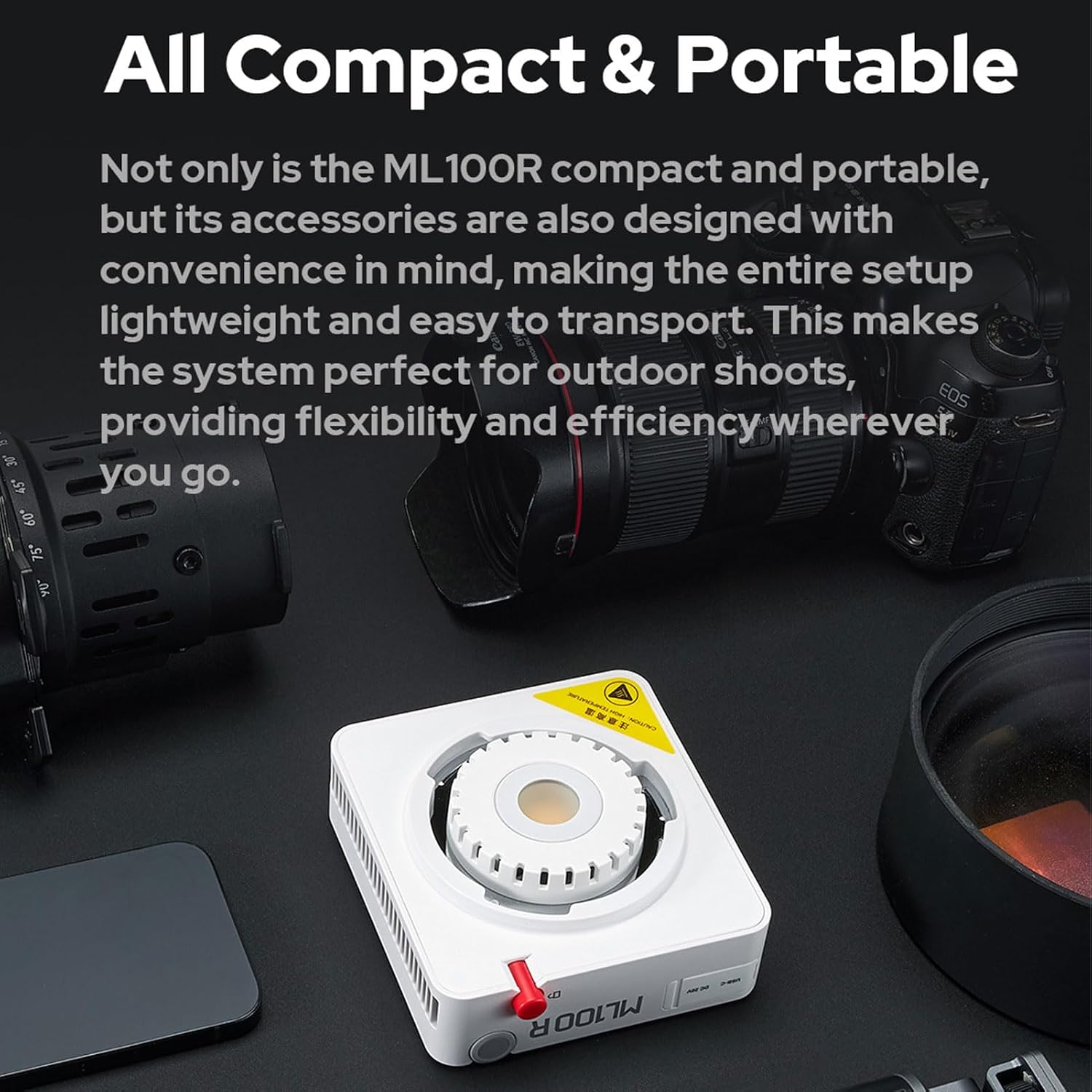
Image: Illustration of the GODOX ML100R's wide color temperature range, from 1800K to 10000K, demonstrating its versatility.
6.4 HSI Mode (Hue, Saturation, Intensity)
In HSI mode, you can control the hue (color), saturation (intensity of the color), and intensity (brightness) independently to achieve any desired color output.
6.5 FX Effects Mode
The ML100R features 14 pre-programmed special effects to simulate various scenarios. Cycle through the effects using the control dial or buttons. Available effects include:
- Siklus RGB
- Partéi
- Kilat
- Kilat
- Ledakan
- TV
- Lilin
- Seuneu
- Kembang api
- Las
- Mobil Polisi
- SOS
- mendung
- Bohlam Pegat
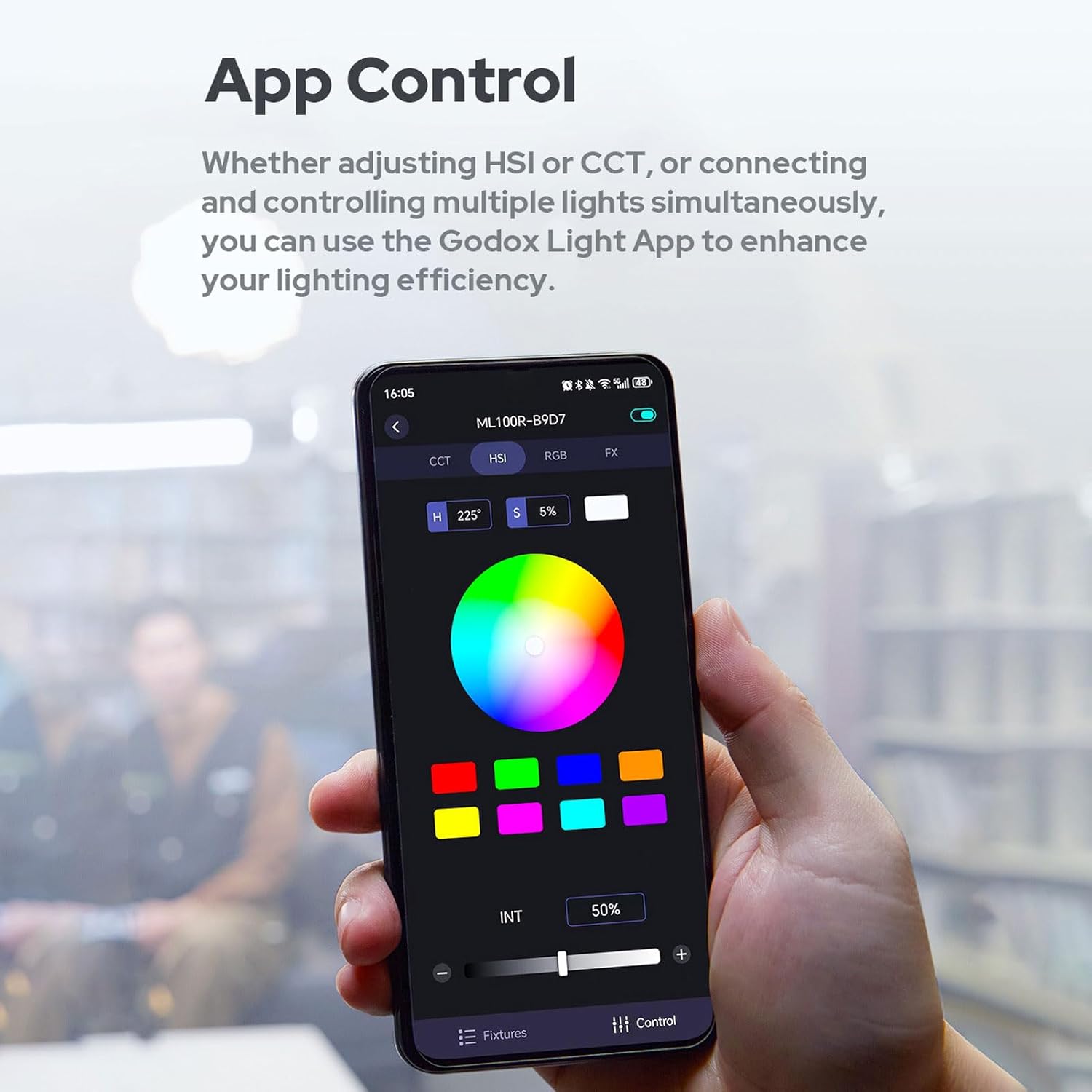
Image: Icons representing the 14 creative effects available on the GODOX ML100R, such as RGB Cycle, Party, Flash, and Fire.
6.6 App Control (Godox Light App)
The ML100R can be controlled wirelessly via Bluetooth using the Godox Light App, available for both iOS and Android devices. This allows for remote adjustment of all settings, including CCT, HSI, and FX effects, and can control multiple lights simultaneously.
- Download the "Godox Light" app from your device's app store.
- Pastikeun Bluetooth diaktipkeun dina alat sélulér Anjeun.
- Power on the ML100R.
- Open the Godox Light app and follow the on-screen instructions to search for and connect to your ML100R device.
- Once connected, you can adjust all parameters directly from the app interface.
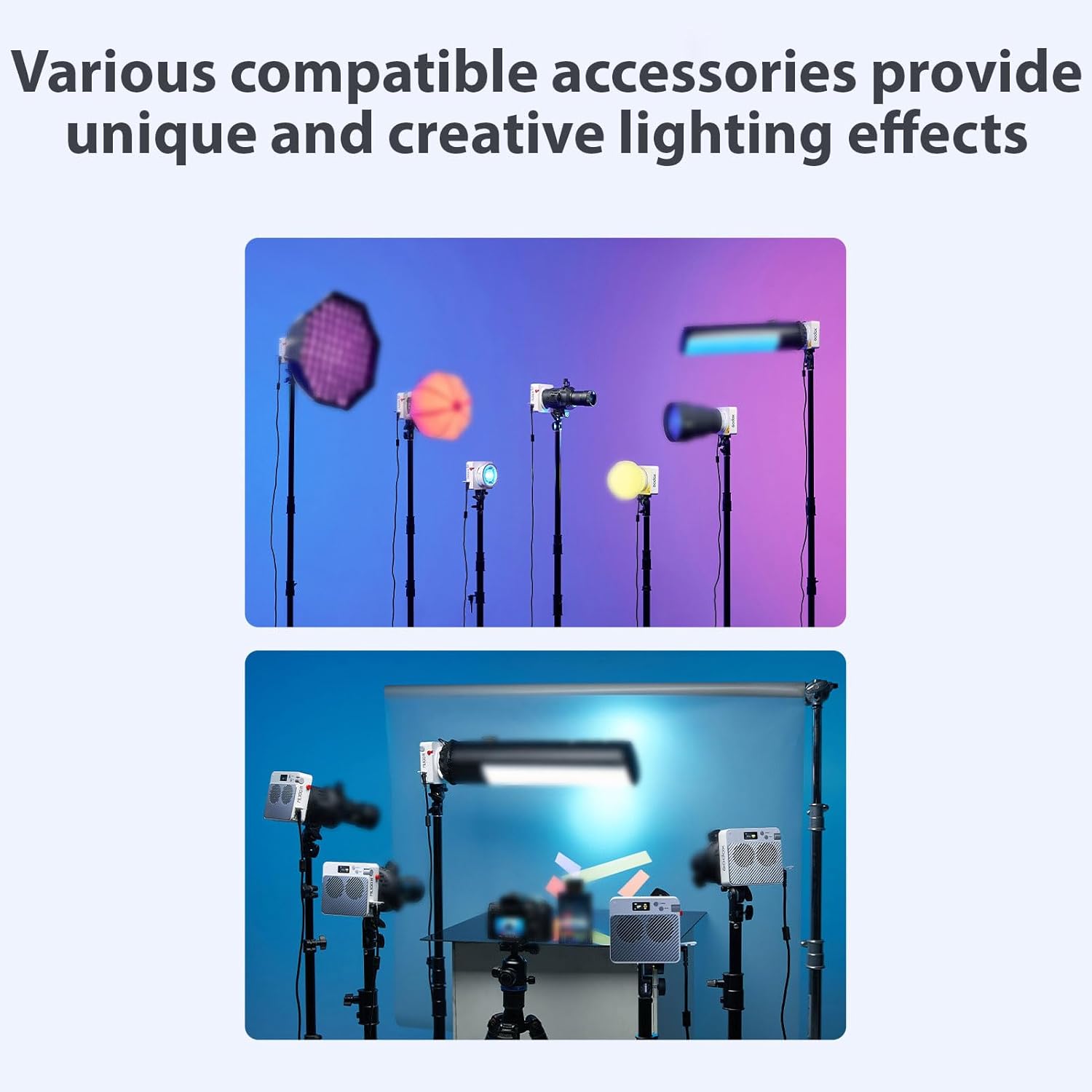
Image: A hand holding a smartphone displaying the Godox Light App interface, showing HSI color selection and intensity control for the ML100R.
7. Pangropéa
Proper maintenance ensures the longevity and optimal performance of your GODOX ML100R.
- beberesih: Use a soft, dry cloth to clean the light. Do not use harsh detergents or solvents. For stubborn dirt, a slightly damp lawon bisa dipaké, dituturkeun ku drying langsung.
- Panyimpenan: Store the light in a cool, dry place, away from direct sunlight and excessive humidity. Use the provided storage bag for protection during transport and storage.
- Perawatan batré: If using NP-F batteries, remove them from the device when not in use for extended periods. Store batteries in a cool, dry place and recharge them periodically to maintain their health.
- Ngahindarkeun Dampak: Protect the light from drops and strong impacts, which can damage internal components.
8. Cara ngungkulan
If you encounter issues with your GODOX ML100R, refer to the following common problems and solutions:
- Lampu teu hurung:
- Pastikeun adaptor daya disambungkeun kalayan pageuh sareng dicolokkeun kana stop kontak anu tiasa dianggo.
- If using batteries, check if they are properly inserted and fully charged.
- Pastikeun tombol daya dipencet sareng tahan sababaraha detik.
- App cannot connect to the light:
- Pastikeun Bluetooth diaktipkeun dina alat sélulér Anjeun.
- Ensure the light is powered on and within Bluetooth range.
- Try restarting both the light and the Godox Light app.
- Check if there are any other devices interfering with the Bluetooth connection.
- Light output is inconsistent or flickering:
- Check the power source. If using AC, ensure the adapter is not damaged. If using batteries, ensure they are adequately charged.
- Pastikeun lampu teu overheating. Ngidinan pikeun niiskeun upami diperyogikeun.
- Buttons or dials are unresponsive:
- Coba pareuman lampu terus hurungkeun deui.
- Ensure no debris is obstructing the buttons or dials.
If the problem persists after trying these solutions, please contact GODOX customer support for assistance.
9. Spésifikasi
| Fitur | Spésifikasi |
|---|---|
| Modél | ML100R |
| merek | GODOX |
| Rentang Suhu Warna | 1800K-10000K |
| Téhnologi konektipitas | Bluetooth |
| Panganteur Hardware | USB 3.0 Tipe C |
| Ukuran Paket | 12.6 x 9.06 x 7.09 inci |
| Beurat | Approximately 465 grams (light unit only) |
| UPC | 758139602366 |
10. Garansi jeung Rojongan
The GODOX ML100R Pocket LED Video Light comes with a standard manufacturer's warranty. Please refer to the warranty card included in your package or visit the official GODOX websitus pikeun istilah jeung kaayaan jaminan lengkep.
For technical support, service, or inquiries, please contact GODOX customer service through their official websitus atanapi inpormasi kontak anu disayogikeun dina bungkus produk anjeun. Mangga siapkeun modél produk sareng nomer seri anjeun nalika ngahubungi dukungan.


