1. Bubuka
The Janome Memory Craft 100E is a dedicated embroidery-only machine designed to add unique and decorative touches to various projects. It features 274 built-in embroidery designs and 11 fonts, offering extensive creative possibilities. This machine is compact, easy to navigate, and capable of stitching at speeds of 400-660 stitches per minute.
Key features include time-saving on-screen editing, one-handed threading, an automatic thread cutter, and auto-return post-thread break functionality. This manual provides essential information for setting up, operating, and maintaining your Memory Craft 100E.
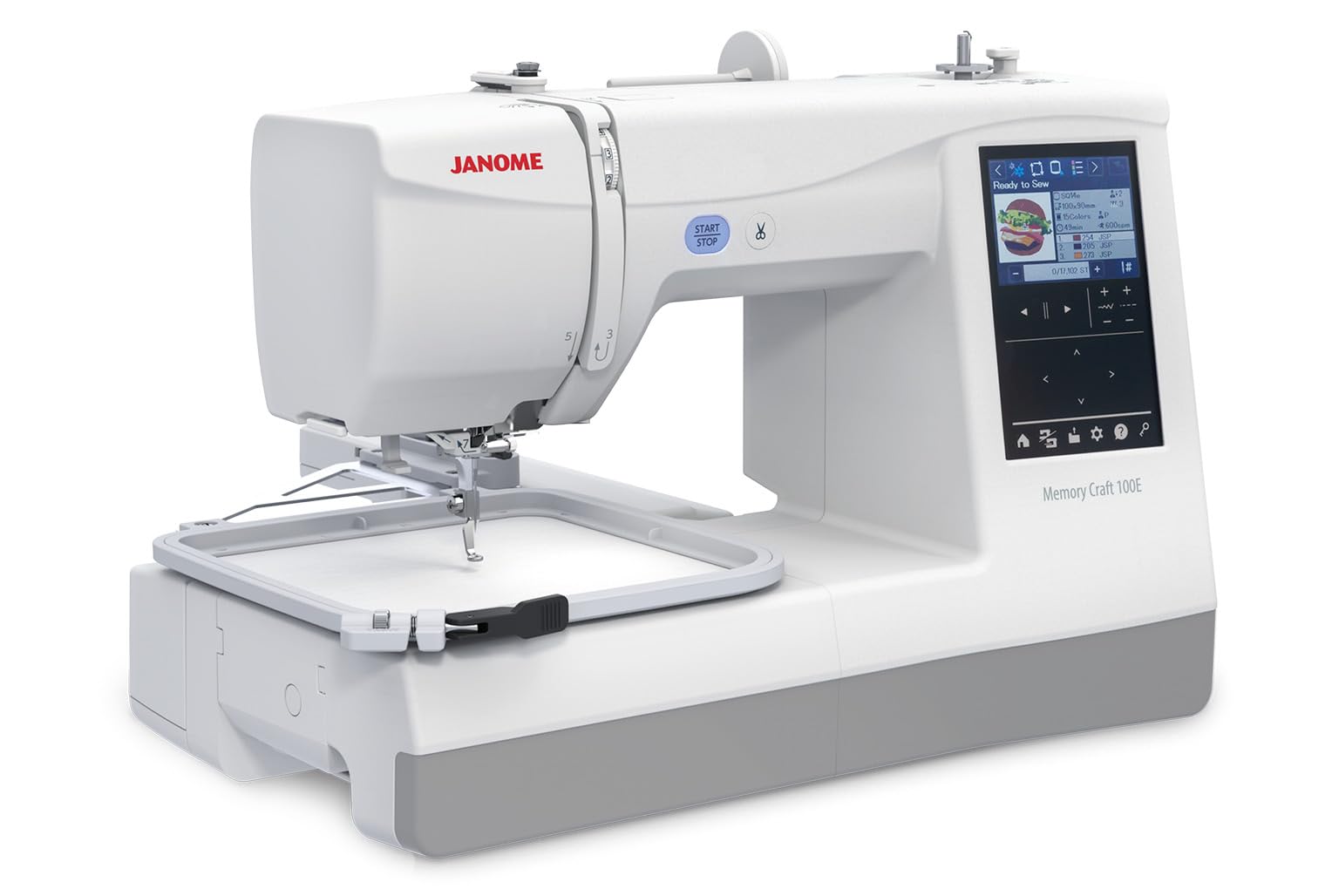
Gambar 1: Hareupeun view of the Janome Memory Craft 100E embroidery machine.
2. Naon dina Box
Your Janome Memory Craft 100E comes with the following standard accessories:
- Synthetic Leather Soft Cover
- Buku Pangajaran
- Embroidery Foot P
- SQ14e Square Hoop 5.5"x 5.5" (140mm x 140mm)
- Set Jarum
- Spool Holders (large x2, small x2)
- Tambahan Spool Pin
- Bobbins
- Obeng
- Lint Sikat
- Stylus
- Gunting
- Special Bobbin Holder
- Tukang beberesih
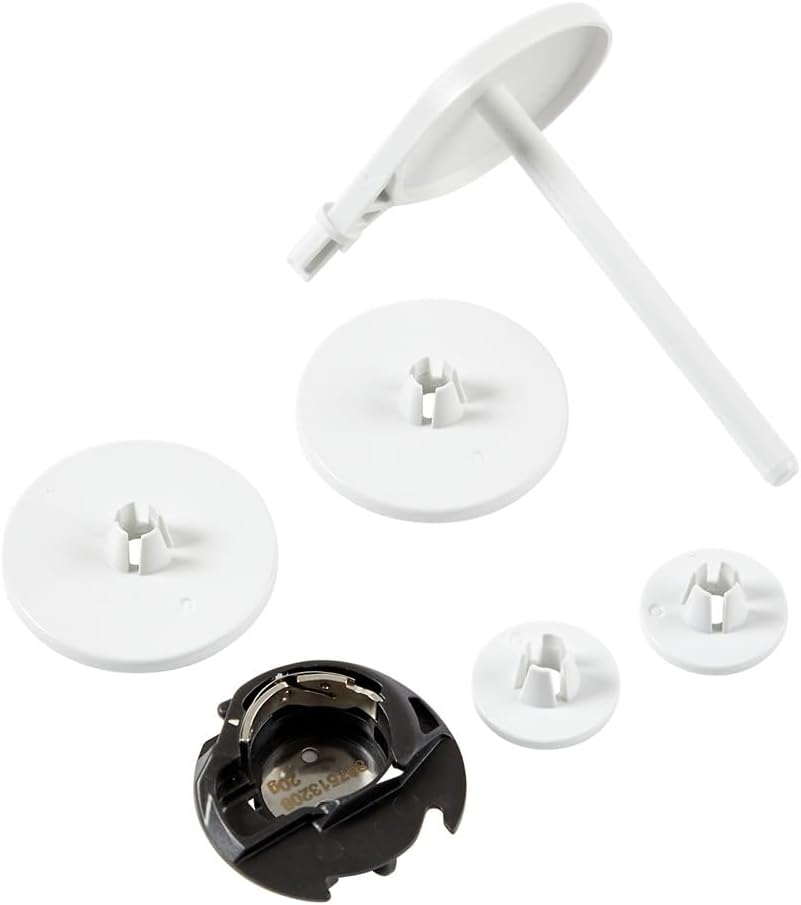
Figure 2: Included accessories for the Memory Craft 100E.
Video 1: Janome Memory Craft 100E Unboxing Video. This video provides a visual guide to the machine and its included accessories.
3. Setélan
3.1 Sambungan Daya
Connect the power cord to the machine and a suitable power outlet. Ensure the machine is placed on a stable, flat surface.
3.2 Utas
The machine features a one-handed threading system. Open the side cover to access the threading path. Utilize the Superior Needle Threader 2 for easy needle threading.

Figure 3: Using the Superior Needle Threader 2 for easy threading.
3.3 Attaching the Embroidery Arm and Hoop
The embroidery arm is located at the back of the machine. Extend the embroidery arm before attaching the hoop. The machine will prompt you to attach the correct hoop for your selected design. The standard hoop included is the SQ14e Square Hoop (5.5" x 5.5").
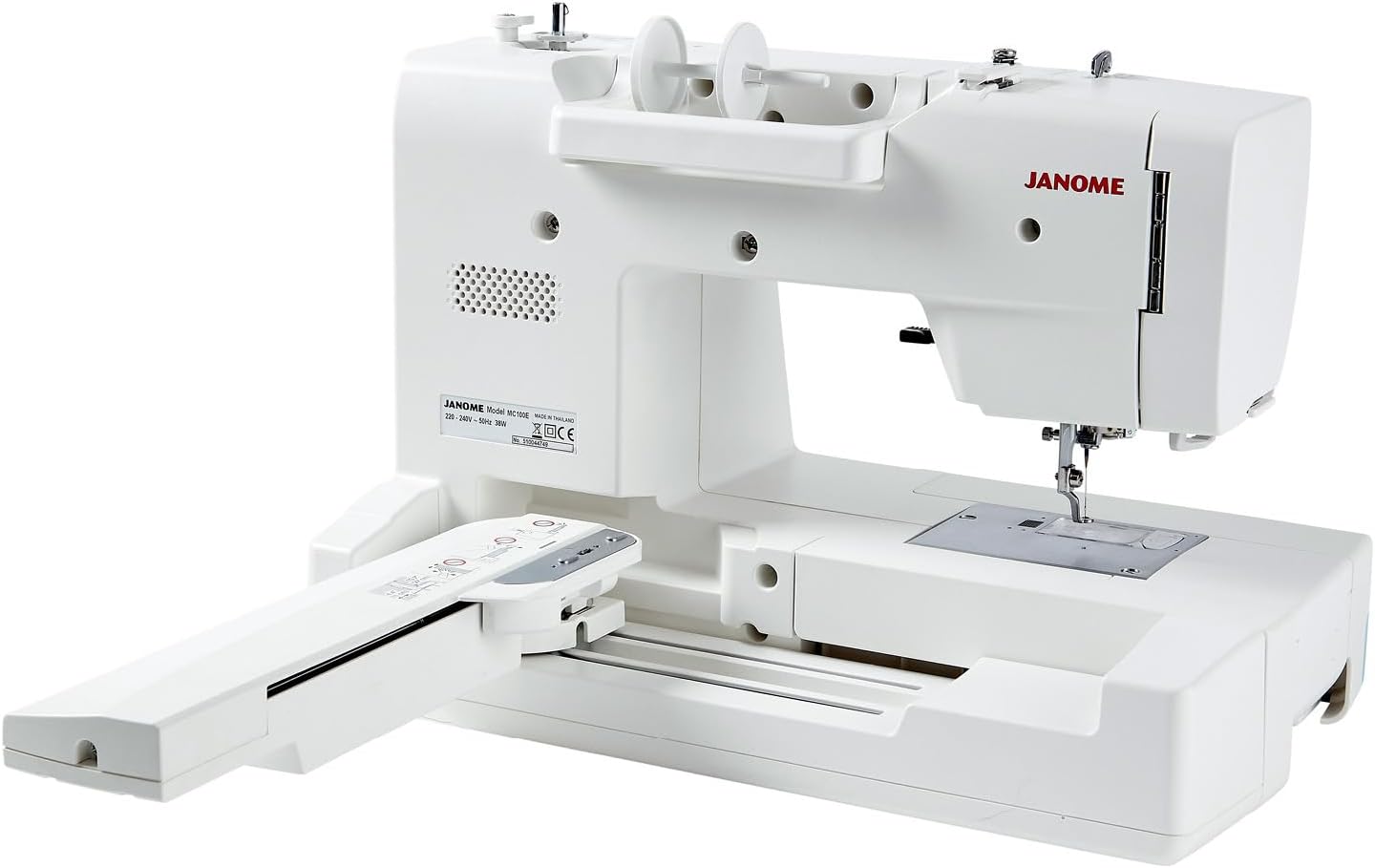
Figure 4: The embroidery arm extended from the back of the machine.
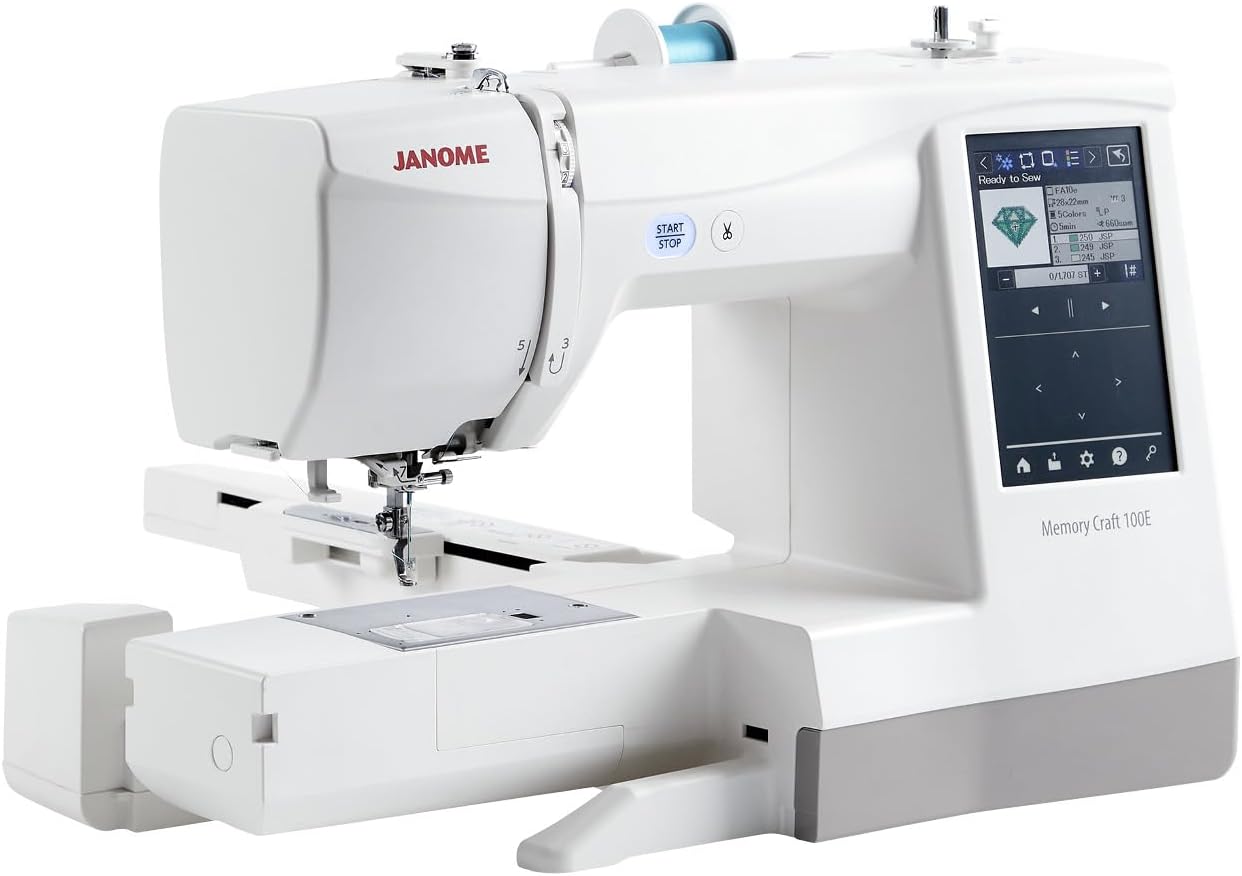
Figure 5: The 5.5" x 5.5" embroidery hoop attached to the machine.
4. Ngoperasikeun Mesin
4.1 Panganteur layar rampa
The Janome Memory Craft 100E features a 3.5" Color Touchscreen for easy navigation and design selection. Use the included stylus to interact with the screen.

Figure 6: Interacting with the 3.5" Color Touchscreen using the stylus.
4.2 Design Selection and Editing
You can easily choose from 274 built-in embroidery designs and 11 embroidery fonts. The machine offers various editing functions including resize, rotate, combine, duplicate, flip, arc, group, zoom, user color choice, and single color stitching.
4.3 Prosés sulaman
Once a design is selected and the hoop is attached, the machine will guide you through the embroidery process. It will indicate the recommended thread tension and allow you to preview the design. The machine also includes a basting feature for securing fabric within the hoop and an automatic thread cutter for convenience.
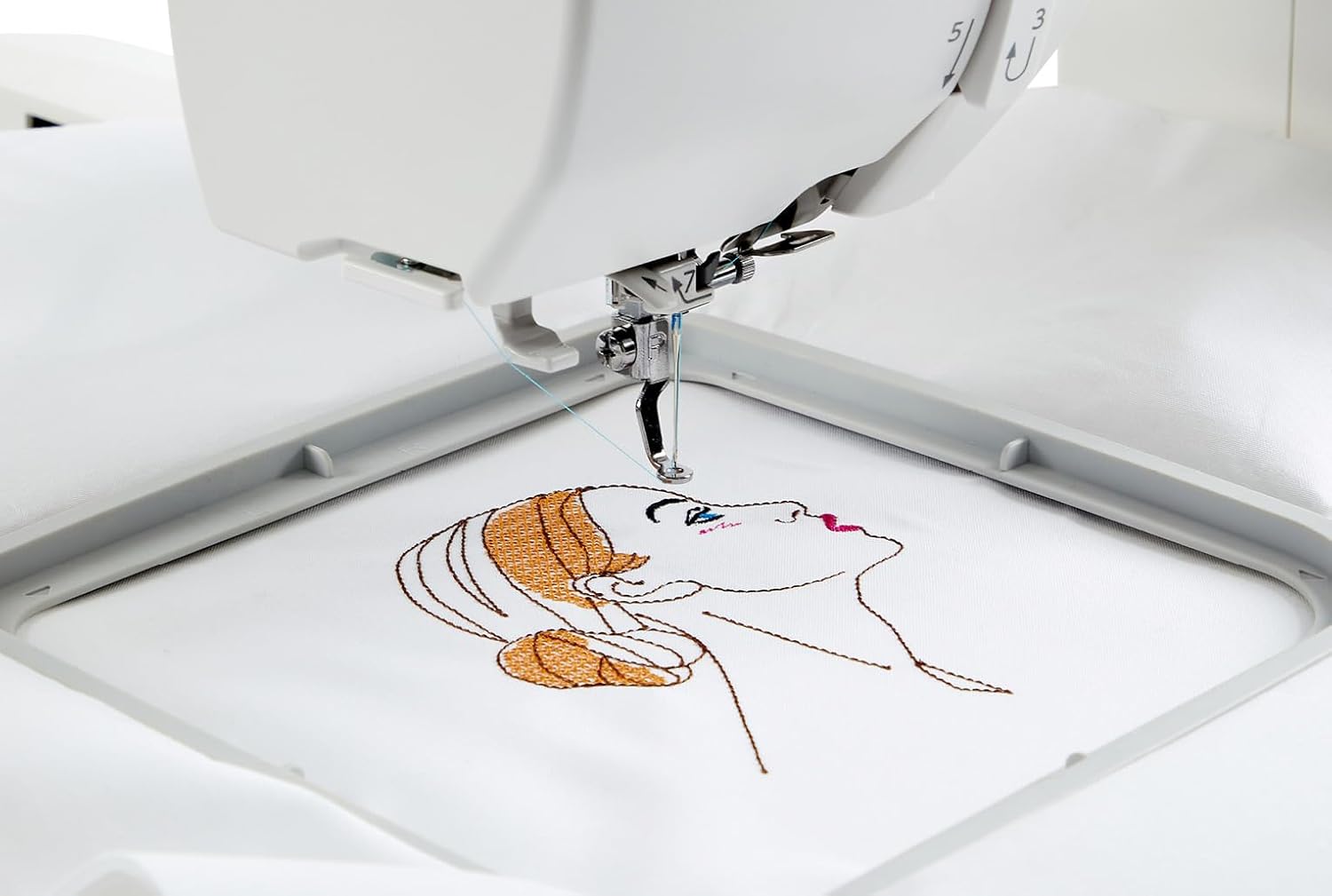
Figure 7: The machine embroidering a design.

Gambar 8: Kelamples of projects created with the Memory Craft 100E.
5. Pangropéa
Regular maintenance ensures the longevity and optimal performance of your embroidery machine. Use the provided lint brush and cleaning fluid to keep the machine free from dust and thread buildup. Refer to the instruction book for detailed cleaning procedures and lubrication points.
6. Spésifikasi
| Fitur | Spésifikasi |
|---|---|
| Dimensi produk | 10.63 x 17 x 11.85 inci |
| Item Beurat | 20.1 pon |
| Produsén | Janome |
| Nomer Modél Item | 001100E |
| Majelis Diperlukeun | No |
| Batré Diperlukeun | No |
| merek | Janome |
| Warna | Bodas |
| Bahan | Logam, Plastik |
| Sumber Daya | Listrik |
| Nyaéta Listrik | Sumuhun |
| UPC | 732212492280 |
| Built-In Embroidery Designs | 274 |
| Font Sulaman | 11 |
| Ukuran sulaman maksimum | 5.5" x 5.5" |
| Laju jahit sulaman | 400-660 spm |
| cahayaan | 2 LEDs dina 2 lokasi |
7. Rojongan
For further assistance, troubleshooting, or to learn about current promotions, please visit your local Janome dealer. You can also find additional resources and software downloads via the QR codes provided in your instruction book.


