1. Produk Langkungview
The GardePro X20 Cellular Trail Camera is designed for capturing wildlife activity with advanced features such as 48MP photos, 1296P HD videos, and cellular connectivity. It supports Verizon and AT&T networks, offering real-time monitoring through the GardePro Mobile App.
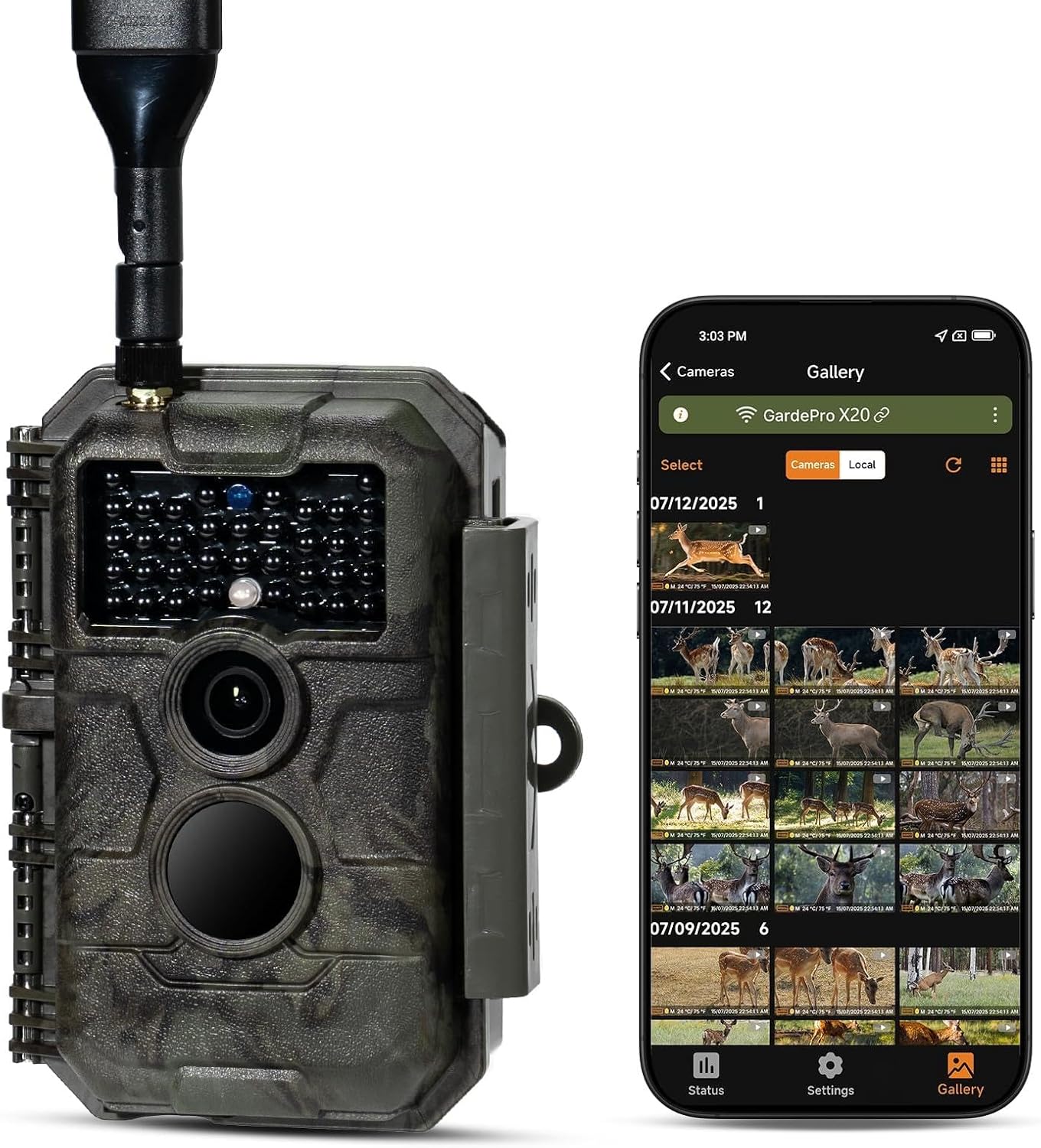
Image 1.1: The GardePro X20 Cellular Trail Camera shown alongside a smartphone displaying its gallery interface.
2. Eusi Paket
Pastikeun yén sadaya item aya dina bungkusan:
- 1 x GardePro X20 Cellular Trail Camera
- 1 x Tali Pamasangan
- 1 x Antena
- 1 x Cellular SIM card (pre-installed)
- 1 x Manual Instruksi
- 1 x Kabel USB
Note: Memory card and batteries are not included and must be supplied by the user.
3. Setup Guide
3.1. Pamasangan batré
- Open the camera's battery compartment.
- Insert 8 AA batteries (not included), ensuring correct polarity.
- Alternatively, connect the GardePro SP350 solar panel (sold separately) for external power.
3.2. Instalasi Kartu SD
- Manggihan slot kartu SD.
- Insert a compatible SD card (up to 512GB, not included) into the slot until it clicks.
- It is recommended to format the SD card using the camera's menu or the GardePro App before first use.
3.3. SIM Card and Network Activation
The cellular SIM card is pre-installed. The camera will automatically connect to the strongest available Verizon or AT&T network signal in your area upon activation.
3.4. App Installation and Camera Pairing
- Download the GardePro Mobile App from your device's app store (Android/iOS).
- Follow the in-app instructions to create an account and pair your X20 camera.
- The app facilitates camera setup, viewing, and management of photos and videos.
4. Parentah Operasi
4.1. Powering on / Pareum
Use the power switch located on the camera to turn it on or off. The camera will enter monitoring mode after a brief startup sequence.
4.2. Motret Poto sareng Pidéo
- The camera captures 48MP photos and 1296P videos.
- It features a 0.2-second fast trigger speed and a 110° wide-angle lens to capture motion effectively.
- The camera supports 1-3 photo bursts for fast-moving subjects.
- Night vision is provided by 940nm no-glow infrared LEDs, effective up to 75 feet, which are undetectable to wildlife.
4.3. Using the GardePro Mobile App
The GardePro App is central to managing your camera. Key features include:
- Pidéo Praviews: Receive 960×540 motion-triggered video previews (3–300 seconds) directly to the app, allowing instant review of events without downloading full files.
- Poto Praviews: Automatically receive 960×540 photo previews.
- Shared Data Plan: Add multiple cameras to a single plan to share data and reduce costs.
- Camera Sharing: Share access to your camera with other users.
- Hirup View: Monitor activity in real-time (if supported by your plan).
- Ngarekam loop: Enable continuous recording, overwriting the oldest files nalika kartu SD pinuh.
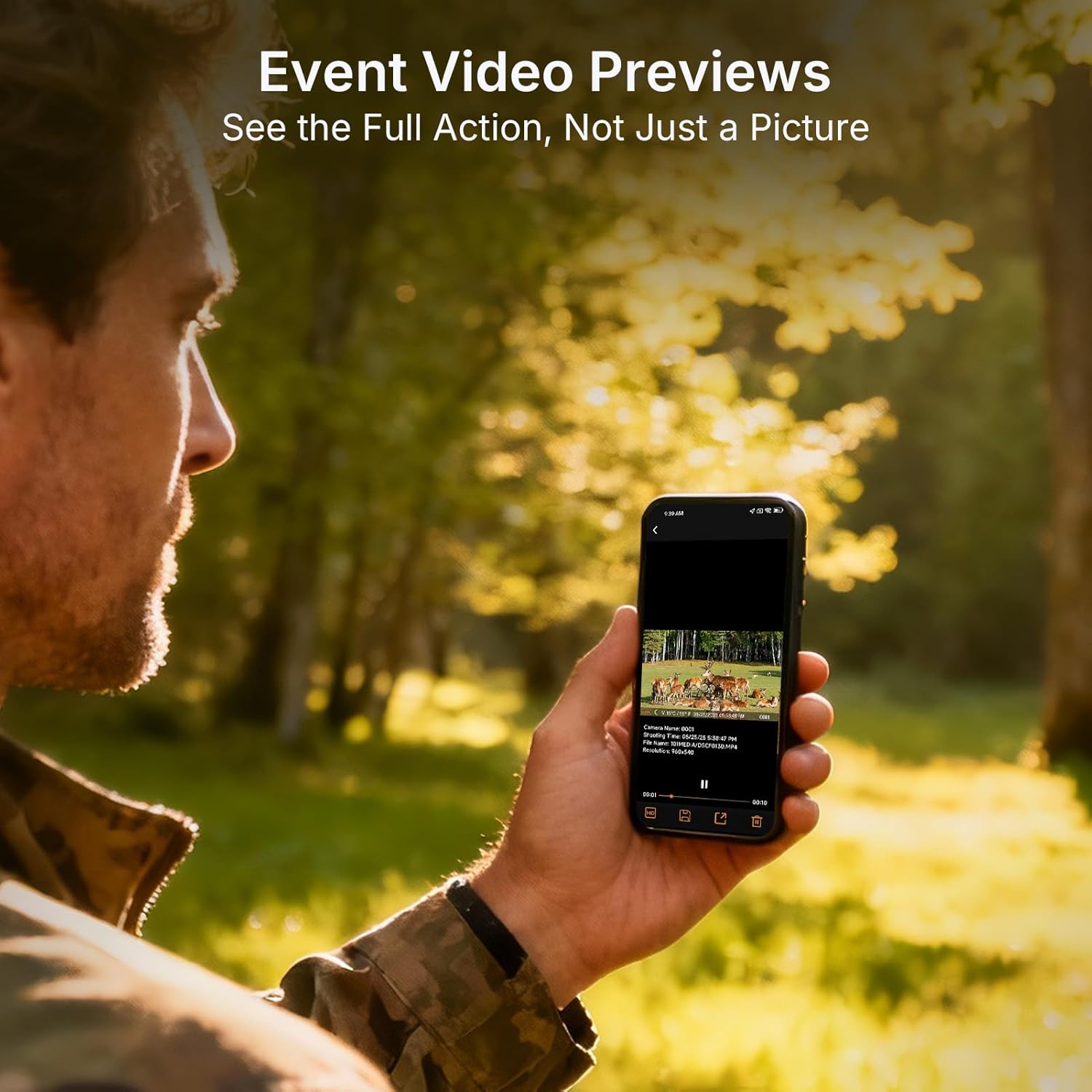
Image 4.1: Event video previews allow users to see full action directly on their smartphone.

Image 4.2: The GardePro App provides clear, auto-sent photo previews and alerts.
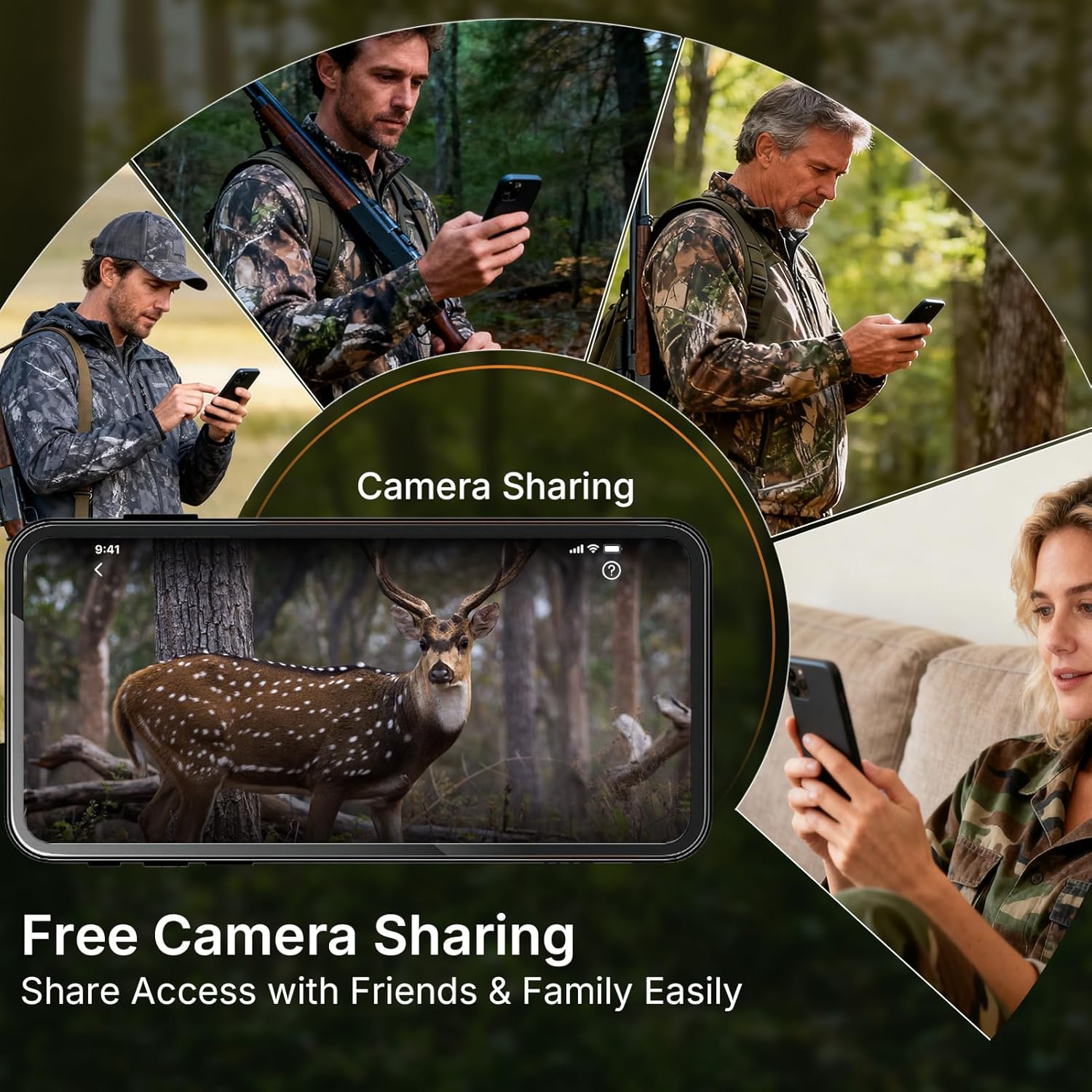
Image 4.3: The camera sharing feature allows multiple users to access the camera's feed.
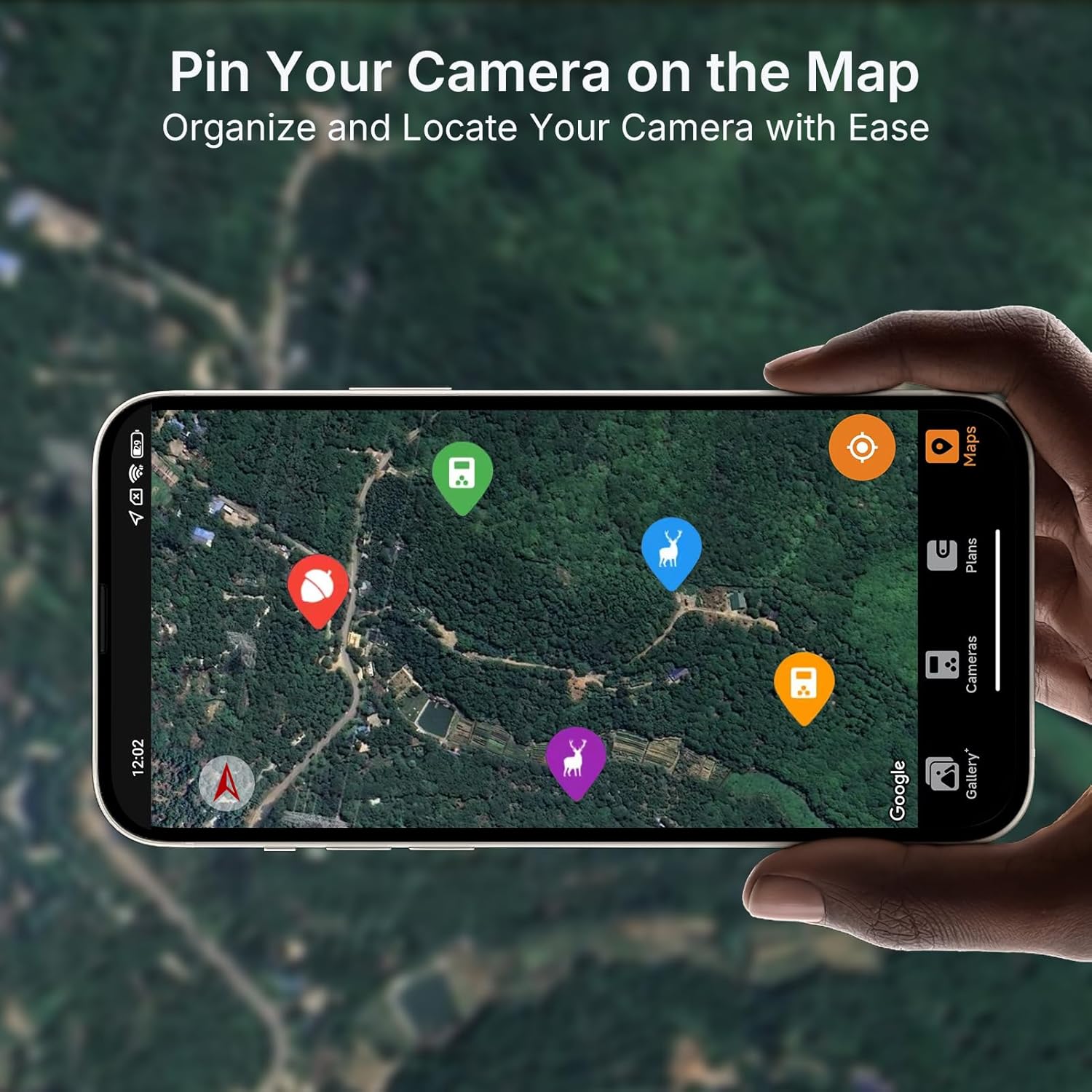
Image 4.4: Pin your camera on the map feature for easy organization and location tracking.

Image 4.5: The 110° ultra-wide view ensures comprehensive coverage of the monitored area.
4.4. Video Preview Démonstrasi
The following video demonstrates the full video preview capability of the GardePro Cellular Trail Camera, highlighting its advantage over other systems that offer only short burst GIFs.
Video 4.1: A demonstration comparing GardePro's full video preview feature with other trail cameras that offer limited burst GIFs.
5. Pangropéa
- beberesih: Gently clean the camera lens and IR sensors with a soft, dry cloth. Avoid abrasive materials.
- Pariksa batré: Regularly check battery levels via the app or on the camera's display. Replace all batteries simultaneously for optimal performance.
- Manajemén Kartu SD: Periodically format the SD card to prevent data corruption and ensure optimal recording. Back up important files saméméh pormat.
- Perlindungan Cuaca: Ensure the camera's latches are securely closed to maintain its IP66 waterproof rating. Avoid submerging the camera.
6. Cara ngungkulan
- Kaméra teu hurung:
- Check battery polarity and ensure batteries are fully charged.
- Verify that the power switch is in the "ON" position.
- Teu Aya Poto/Pidéo Anu Direkam:
- Pastikeun kartu SD diselapkeun leres sareng gaduh rohangan bébas anu cekap.
- Check motion sensor settings and sensitivity in the app.
- Verify that the camera is in an active recording mode.
- Kualitas Gambar/Video Lemah:
- Ngabersihan lénsa kaméra.
- Ensure adequate lighting for daytime shots; check IR settings for night vision.
- Teu Aya Sambungan Seluler:
- Confirm the camera is in an area with Verizon or AT&T network coverage.
- Check the SIM card status and data plan in the GardePro App.
- Balikan deui kaméra.
- Masalah Konektipitas Aplikasi:
- Pastikeun smartphone anjeun gaduh sambungan internét anu stabil.
- Update the GardePro App to the latest version.
- Balikan deui kaméra sareng smartphone anjeun.
7. Spésifikasi
| Fitur | Rincian |
|---|---|
| Ngaran modél | X20 |
| Resolusi Masih Éféktif | 48 MP |
| Resolusi Capture Video | 1296p, 1080p |
| Format Capture Video | MP4, MOV |
| Téhnologi konektipitas | Wireless, Cellular |
| Alat nu cocog | Android, ios |
| Sumber Daya | Battery Powered (8 AA), SP350 Solar Panel (sold separately) |
| Viewdina Angle | 110 darajat |
| Wengi Sawangan Sawangan | 75 Feet (940nm No-Glow IR) |
| Laju micu | 0.2 detik |
| Flash Mémori Dirojong Ukuran Maximum | 512 GB (SD card) |
| Tingkat Résistansi Cai | Waterproof (IP66) |
| Item Beurat | 1.28 pon |
| Ukuran Paket | 8.46 x 5.47 x 3.27 inci |
| Produsén | GardePro |
8. Garansi jeung Rojongan
For warranty information and technical support, please contact GardePro customer service. Refer to the official GardePro website or the GardePro Mobile App for contact details and the most up-to-date support resources.
Manufacturer: GardePro


