Bubuka
This manual provides essential information for the safe and efficient use of your Acer Aspire TC-1785-UA92 desktop computer. Please read these instructions carefully before operating your new system. Keep this manual for future reference.

Image: The Acer Aspire Desktop PC, showcasing desain na sleek.
Disetél
Follow these steps to set up your Acer Aspire desktop computer.
1. Ngabongkar bungkusan
- Sacara saksama miceun sadaya komponén tina bungkusan.
- Pariksa heula sadaya barang anu aya dina daptar barang bawaan.
- Simpen bahan bungkusna kanggo transportasi atanapi layanan ka hareup.
2. Nyambungkeun périferal
Connect your monitor, keyboard, and mouse to the appropriate ports on the desktop.
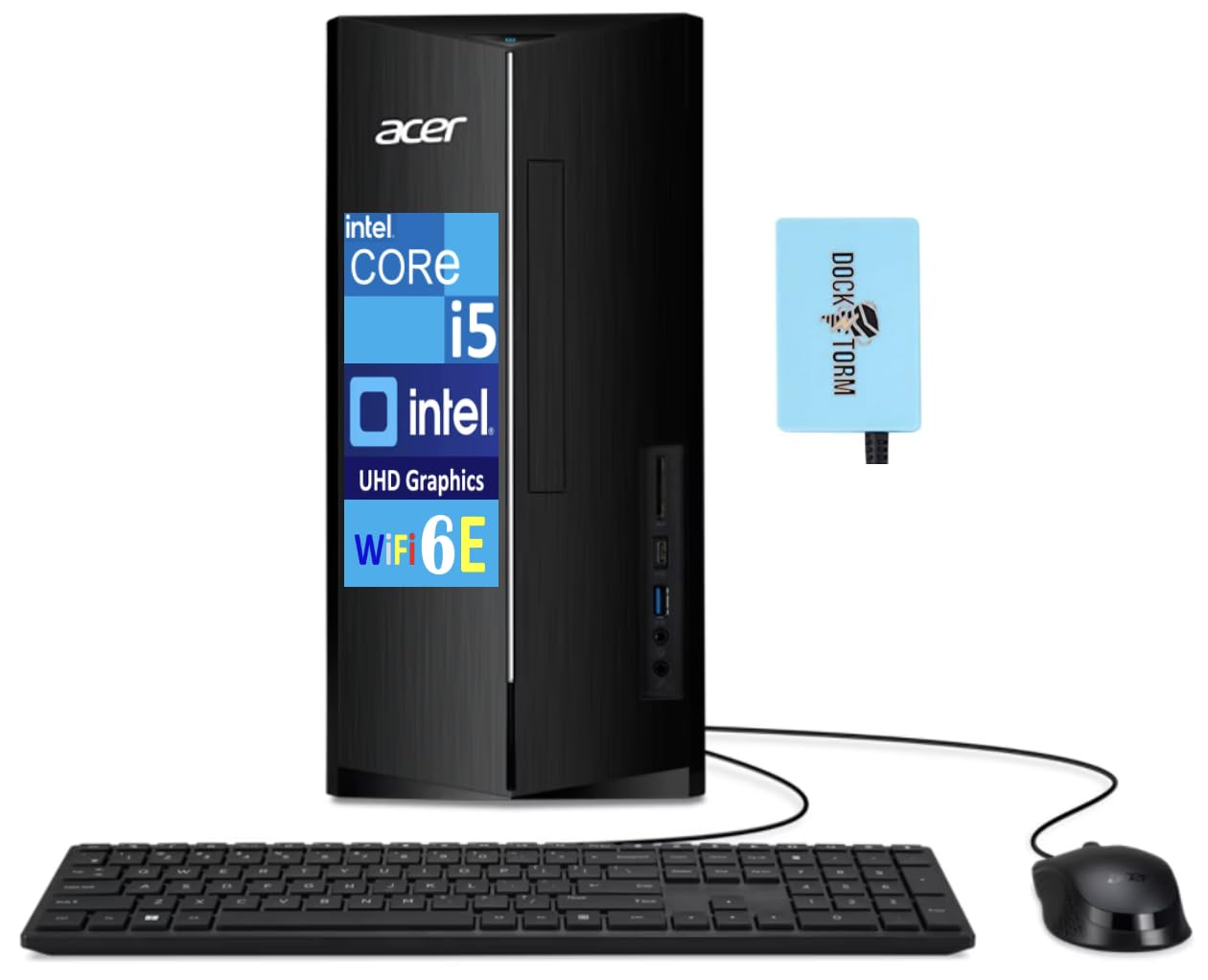
Image: The Acer Aspire desktop tower shown with the included USB keyboard and mouse.
- Monitor: Connect your monitor to one of the two HDMI ports on the rear of the desktop.
- Keyboard sareng Mouse: Connect the included USB keyboard and mouse to any available USB ports.
- Jaringan: For a wired connection, connect an Ethernet cable to the RJ-45 port. For wireless, ensure Wi-Fi 6E is enabled in Windows settings.
- Audio: Sambungkeun spiker atanapi headphone ka jack audio.
- USB Hub: The included Dockztorm portable USB hub can be connected to a USB port for additional connectivity.

Gambar: Tukangeun view of the desktop, highlighting the various connectivity ports including HDMI, USB, and Ethernet.

Image: The blue Dockztorm portable USB hub, designed for enhanced connectivity.
3. Ngahurungkeun
- Connect the power cord to the desktop and then to a power outlet.
- Pencét tombol daya anu aya di payun desktop.
4. Setelan Windows Mimiti
Upon first boot, Windows 11 Pro will guide you through the initial setup process. Follow the on-screen instructions to configure your language, region, network, and user account.
Ngoperasikeun Desktop Anjeun
Your Acer Aspire TC-1785-UA92 desktop runs on Windows 11 Pro, offering a robust and user-friendly operating environment.
Pamakéan Dasar
- Familiarize yourself with the Windows 11 Pro interface.
- Utilize the Intel Core i5-14400 processor and 8GB DDR5 RAM for efficient multitasking and application performance.
- Nyimpen anjeun files on the fast 1TB PCIe NVMe SSD.

Image: A user working productively at a desk with the Acer Aspire desktop and monitor.
Konektipitas
The desktop offers a variety of connectivity options:
- Nirkabel: Integrated Wi-Fi 6E AX211 for high-speed internet and Bluetooth 5.3 for connecting wireless peripherals.
- Maké kabel: RJ-45 Ethernet port for stable wired network connections.
- Port USB: Multiple USB 2.0 and USB 3.2 Type-C ports for connecting various devices.
- Kaluaran Video: Two HDMI ports for connecting multiple displays.
- Pamaca Kartu: An SD card reader for easy data transfer from memory cards.
Fitur Audio
Experience clear audio with the integrated HD Audio system, supporting 5.1-Channel Surround Sound for an immersive experience.

Image: The Acer Aspire desktop connected to a monitor displaying a vibrant concert scene, illustrating its audio capabilities.
Pangropéa
Pangropéa rutin ngabantosan mastikeun umur panjang sareng kinerja desktop anjeun anu optimal.
- beberesih: Keep the desktop clean and free of dust. Use a soft, dry cloth for exterior surfaces. Use compressed air to clear dust from vents periodically.
- Apdet parangkat lunak: Rutin pariksa sareng pasang apdet Windows sareng apdet supir pikeun mastikeun stabilitas sareng kaamanan sistem.
- Cadangan Data: Jieun cadangan data penting sacara périodik ka drive éksternal atanapi panyimpenan awan pikeun nyegah leungitna data.
- Ventilasi: Ensure the desktop has adequate ventilation and is not placed in an enclosed space to prevent overheating.
Pamérésan masalah
Bagian ieu ngabahas masalah umum anu anjeun tingali.
- Henteu aya kakuatan:
- Check if the power cord is securely connected to both the desktop and the power outlet.
- Pastikeun stop kontak listrik fungsina.
- Henteu aya tampilan:
- Verify that the monitor is powered on and the video cable (HDMI) is securely connected to both the desktop and the monitor.
- Pastikeun sumber input anu bener dipilih dina monitor anjeun.
- Performance Lambat:
- Tutup aplikasi anu teu perlu jalan di latar tukang.
- Pariksa sareng pasang apdet Windows anu ditangguhkeun.
- Run a disk cleanup and defragmentation (for HDDs, not typically needed for SSDs).
- Nyeken malware atawa virus.
- Masalah Konektipitas Jaringan:
- For Wi-Fi, ensure Wi-Fi is enabled and you are connected to the correct network. Restart your router/modem.
- For wired connection, check the Ethernet cable and ensure your router/modem is functioning.
If you continue to experience issues, please refer to the support section or contact Acer customer support.
spésifikasi
| Modél | TC-1785-UA92 |
| Prosesor | 14th Gen Intel Core i5-14400 (2.50GHz base, up to 4.7GHz, 10 Cores, 16 Threads) |
| Grafika | Intel UHD Integrated Graphics |
| Mémori | 8GB DDR5 DIMM RAM |
| Panyimpenan | SSD PCIe NVMe 1TB |
| Sistem operasi | Windows 11 Pro-64 |
| Konéktipitas Wireless | Wi-Fi 6E AX211, Bluetooth 5.3 |
| Palabuhan | 4x USB 2.0, 2x HDMI, 1x USB 3.2 Type-C, RJ-45 Ethernet, SD Card Reader, Headphone/Microphone Combo Jack |
| Sasayogian tanaga | 300W |
| Ukuran (L x W x H) | 14.25 x 14 x 10 inci |
| Beurat | 14 pon |
Garansi sareng Rojongan
Your Acer Aspire TC-1785-UA92 desktop comes with a warranty and support options.
- Garansi: This product includes a 1-year manufacturer warranty from GreatPriceTech, covering defects in materials and workmanship. Please retain your proof of purchase.
- Bantosan Téknis: For technical assistance, troubleshooting, or warranty claims, please contact GreatPriceTech or visit the official Acer support websitus pikeun inpormasi produk umum sareng supir.
- Sumberdaya Online: Nganjang ka Rojongan Acer Websitus for drivers, manuals, and FAQs.