Bubuka
This manual provides detailed instructions for the installation, operation, and maintenance of your Philips Hue Devote Smart LED Panel Light. Please read this manual thoroughly before installation and use, and retain it for future reference.
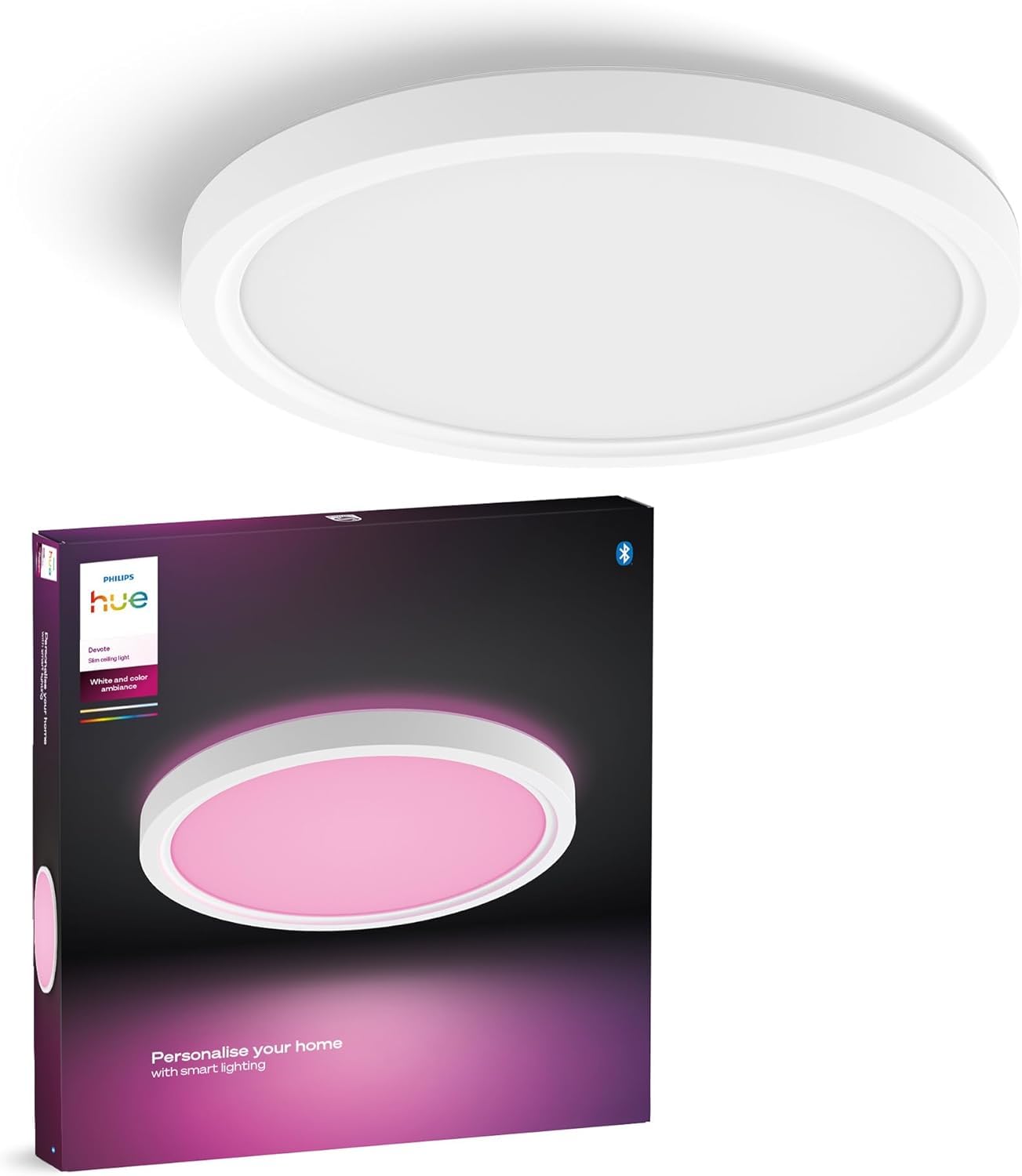
Image: Philips Hue Devote Smart LED Panel Light, showcasing its sleek, round design and white frame.
Émbaran Kasalametan
- Salawasna pegatkeun sambungan kakuatan saméméh instalasi atawa perawatan.
- Pastikeun grounding ditangtoskeun pikeun nyegah shock listrik.
- Entong nyobian ngarobih produk. Sakur modifikasi tiasa ngabatalkeun jaminan sareng nyababkeun résiko kaamanan.
- Produk ieu dirancang pikeun pamakéan jero rohangan wungkul.
- Jauhkeun tina jangkauan barudak.
Setup sareng Instalasi
The Philips Hue Devote Smart LED Panel Light is designed for semi-flush ceiling mounting. No additional equipment is needed for basic functionality; the product works out of the box.
Léngkah-léngkah pamasangan:
- Pegatkeun daya: Sateuacan ngamimitian, pastikeun catu daya ka area pamasangan dipareuman dina pemutus sirkuit utama.
- Pamasangan: Securely attach the mounting bracket to the ceiling using appropriate screws and anchors for your ceiling type.
- Wiring: Connect the electrical wires from your ceiling to the light fixture. Ensure all connections are secure and follow local electrical codes. This product features easy-to-use screwless connectors for quick wiring.
- Lampiran fixture: Attach the light fixture to the mounting bracket. Some models include a safety chain to temporarily hold the fixture while wiring.
- Pamulihan kakuatan: Sakali fixture geus aman dipasang na kabel, balikkeun kakuatan di circuit breaker.

Image: The Philips Hue Devote light seamlessly integrated into a home environment, providing ambient lighting.
Initial Connection to Philips Hue App:
- Unduh aplikasi Philips Hue tina toko aplikasi alat anjeun.
- Open the app and follow the on-screen instructions to search for new lights.
- Your Hue Devote light should be detected automatically. Follow prompts to add it to your Hue system.

Image: The Philips Hue app on a smartphone, demonstrating how to configure and personalize lighting settings.
Parentah Operasi
The Philips Hue Devote Smart LED Panel Light offers versatile control options and lighting features.
Color and White Ambiance Control:
- 16 Juta Warna: Use the Philips Hue app to select from 16 million colors to create any desired atmosphere.
- Lampu Bodas Tunable: Adjust between 50,000 shades of white light, from warm (2000K) to cool (6500K), to suit different activities or times of day.

Gambar: Example of different lighting scenes, showcasing the ability to choose from various predefined scenes or create custom ones within the Hue app.
Métode kontrol:
- Aplikasi Philips Hue: Control your light directly via Bluetooth using the Philips Hue app. This allows for basic control of up to 10 lights in one room.
- Kontrol sora: When paired with a Philips Hue Bridge (sold separately) and a compatible Amazon Echo or Google Nest device, you can control your lights using voice commands.
- Smart Accessories: Integrate with Philips Hue smart accessories like dimmer switches or motion sensors for additional control options (requires Hue Bridge for full functionality).

Image: Control options including the Hue app, smart accessories, and voice commands.
Enhancing Functionality with Philips Hue Bridge (Optional):
Adding a Philips Hue Bridge (sold separately) unlocks the full potential of your smart lighting system, enabling advanced features and whole-home control.
- Control up to 50 lights and accessories throughout your entire home.
- Create custom routines, timers, and automations.
- Synchronize your lights with movies, games, and music.
- Control your lights remotely, even when you are away from home.

Image: Feature comparison between Bluetooth control and Hue Bridge control, showing the expanded capabilities with the Bridge.

Image: The Philips Hue Bridge, demonstrating its role as the central hub for smart lighting control.
Pangropéa
- beberesih: Ensure the light is off and cool before cleaning. Wipe the surface with a soft, dry cloth. Do not use abrasive cleaners or solvents.
- Sumber cahaya: This luminaire contains a non-replaceable LED light source. Do not attempt to replace the LEDs yourself.
- Pembongkaran: This product is a 'continent product', meaning it can be disassembled for independent verification of its light sources by qualified personnel. User disassembly is not recommended.
Pamérésan masalah
| Masalah | Mungkin Cukang lantaranana | Solusi |
|---|---|---|
| Lampu henteu hurung. | No power, loose wiring, or faulty fixture. | Check circuit breaker. Ensure all wiring connections are secure. If problem persists, consult a qualified electrician. |
| Light is not detected by Hue app. | Bluetooth range issue, light not powered, or app issue. | Ensure light is powered on and within Bluetooth range. Restart the Hue app. Try resetting the light (refer to Philips Hue support for specific reset procedures). |
| Kontrol sora teu jalan. | Hue Bridge not connected, voice assistant device not linked, or internet connectivity issue. | Verify Hue Bridge is powered and connected to your network. Ensure your voice assistant (Alexa/Google Assistant) is linked to your Philips Hue account. Check internet connection. |
| Cahaya kedip-kedip atawa kalakuanana teu teratur. | Incompatible dimmer switch, unstable power supply, or internal fault. | Ensure you are not using an incompatible dimmer switch. Check power supply stability. If issues persist, contact Philips Hue support. |
spésifikasi

Image: Dimensional drawing of the Philips Hue Devote light.
| Fitur | Rincian |
|---|---|
| merek | Philips Hue |
| Jumlah modél produk | 929004297401 |
| ASIN | B0FH257NRL |
| Dimensi produk | 30 x 30 x 3.07 cm; 800 g |
| Warna | Bodas |
| Bahan | palastik |
| Gaya | S |
| Wangun Lampu | siling |
| Kagunaan Produk Husus | cahayaan |
| Jero rohangan / pamakéan outdoor | jero rohangan |
| Sumber Daya | DC |
| Tipe Pamasangan | Semi-flush Mount |
| Métode kontrol | Aplikasi, Kadali Jarak Jauh, Sora |
| Kaluaran cahaya | 2000 Lumén |
| Wattage | 16.6 W |
| Negara asal | Polandia |
| Tanggal Sadia munggaran | 14 Juli 2025 |
Émbaran jaminan
Philips Hue products typically come with a limited warranty. For specific warranty terms and conditions applicable to your region and product, please refer to the official Philips Hue websitus atawa kartu jaminan kaasup kalayan pameseran Anjeun. Simpen bukti pameseran anjeun pikeun klaim garansi.
Rojongan Palanggan
For technical assistance, troubleshooting beyond this manual, or product inquiries, please visit the official Philips Hue support websitus atanapi ngahubungan layanan palanggan maranéhna.
- Dukungan Online: www.philips-hue.com/support (Please replace with actual support link if available)
- Aplikasi Philips Hue: The app often includes a help section and FAQs.