Bubuka
The GOBOULT W60 True Wireless Earbuds provide a high-quality audio experience with advanced features designed for daily use, gaming, and communication. This manual provides instructions for setup, operation, maintenance, and troubleshooting to ensure optimal performance of your device.
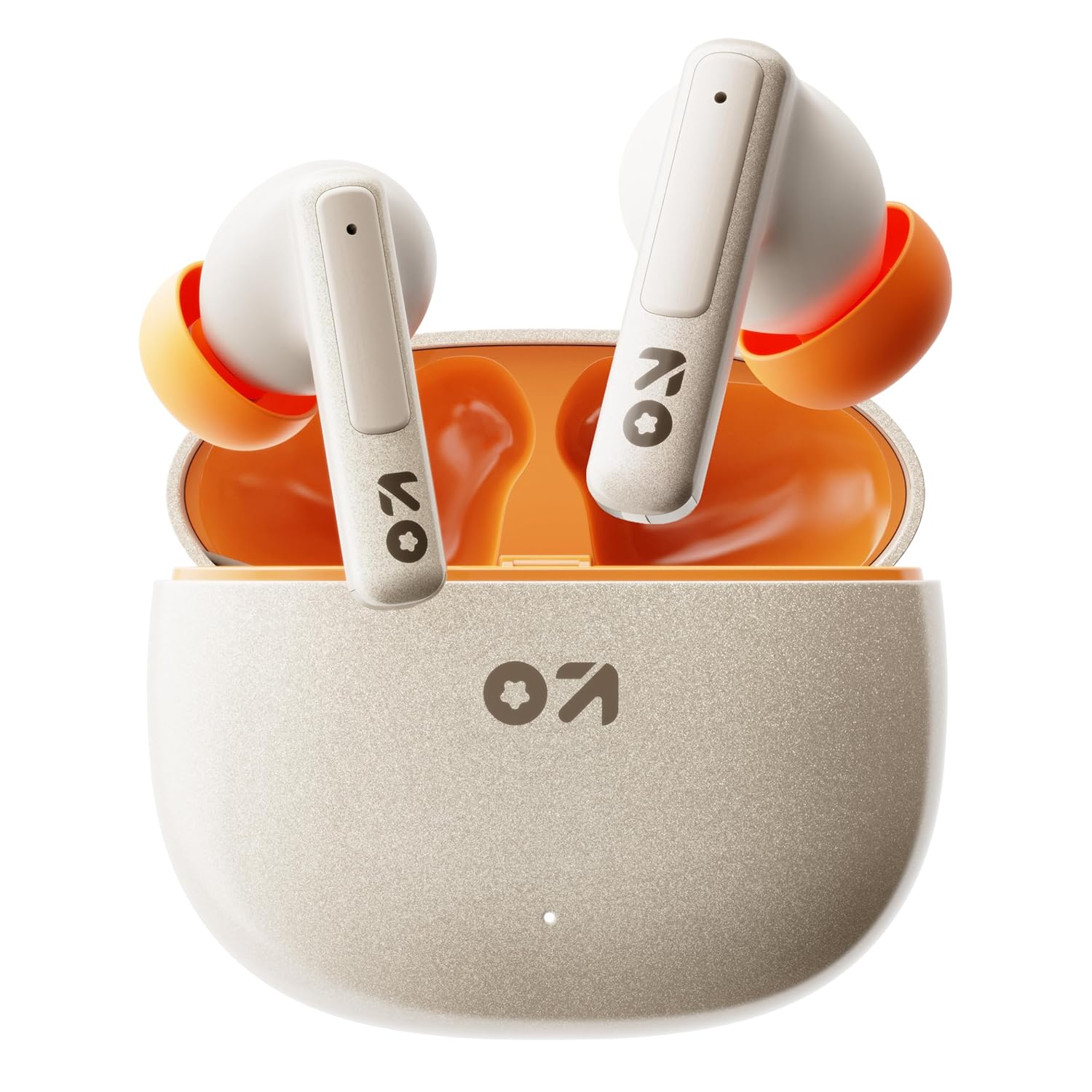
Image: GOBOULT W60 True Wireless Earbuds in their charging case.
Naon dina Box
- GOBOULT W60 True Wireless Earbuds
- Kasus Ngecas Nirkabel
- Pasangan tambahan tina Eartips
- Type-C Fast Charging Cable
- Manual pamaké
- Kartu Garansi
Disetél
1. Ngecas Earbuds jeung Case
Before first use, fully charge the GOBOULT W60 earbuds and their charging case.
- Sambungkeun kabel ngecas Tipe-C anu disayogikeun kana port ngecas dina casing sareng kana sumber daya USB anu cocog.
- Lampu indikator dina wadahna bakal némbongkeun status ngecas. Sakali dicas pinuh, indikator bakal robah atanapi pareum.
- Lebetkeun earbud kana wadah ngecas. Éta bakal mimiti ngecas sacara otomatis.
A 10-minute charge provides approximately 4 hours of playtime. The case offers up to 60 hours of total playtime for the earbuds.
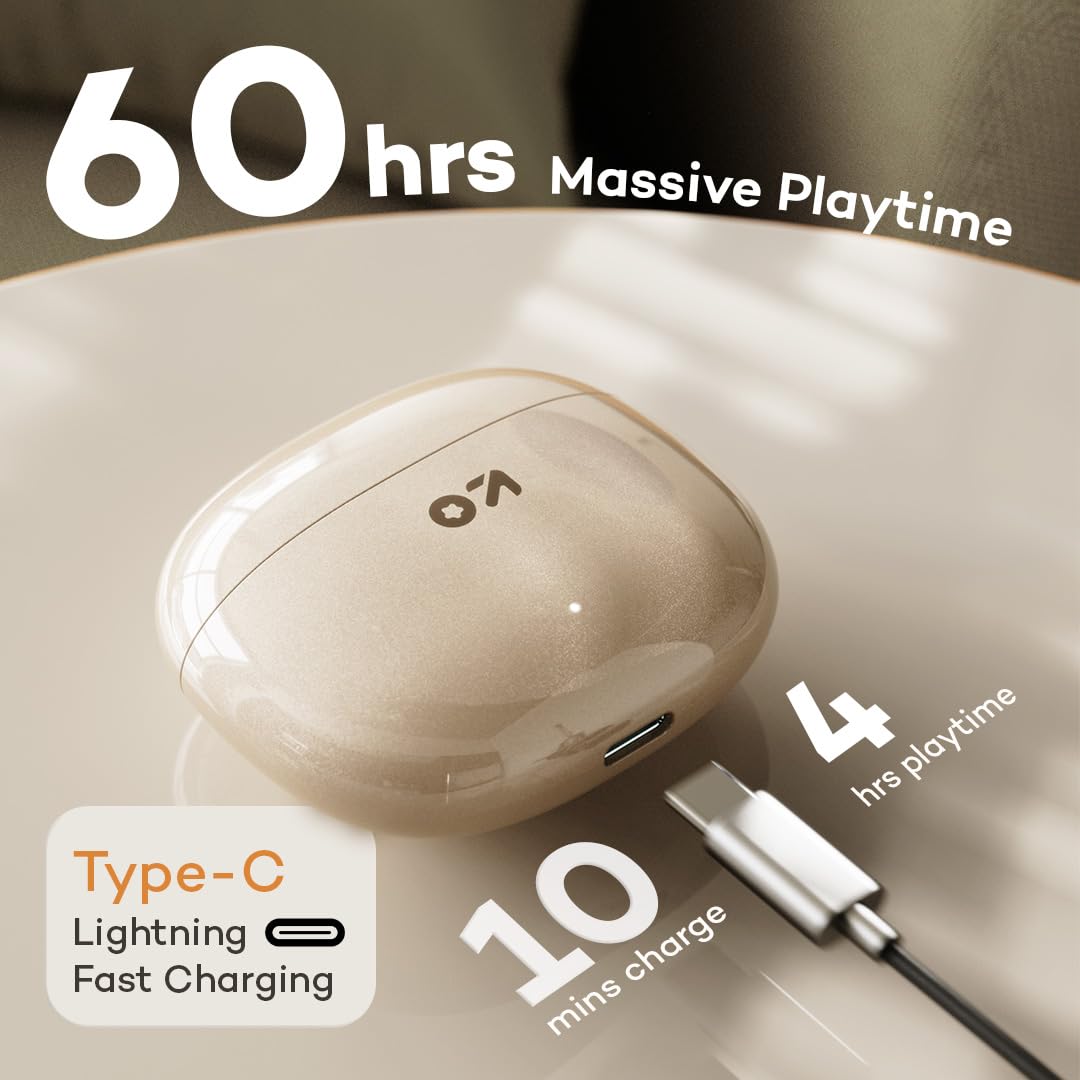
Image: GOBOULT W60 charging case with Type-C cable, highlighting fast charging capabilities.
2. Nyapasangkeun sareng Alat
The GOBOULT W60 earbuds utilize Bluetooth 5.4 for a fast and stable connection.
- Buka wadah ngecas. Earbuds bakal otomatis asup kana mode papasangan.
- Dina alat anjeun (smartphone, tablet, laptop), aktipkeun Bluetooth.
- Milarian pikeun available Bluetooth devices and select "GOBOULT W60" from the list.
- Sakali disambungkeun, anjeun bakal ngadéngé ajakan audio, sarta earbuds bakal siap dipaké.
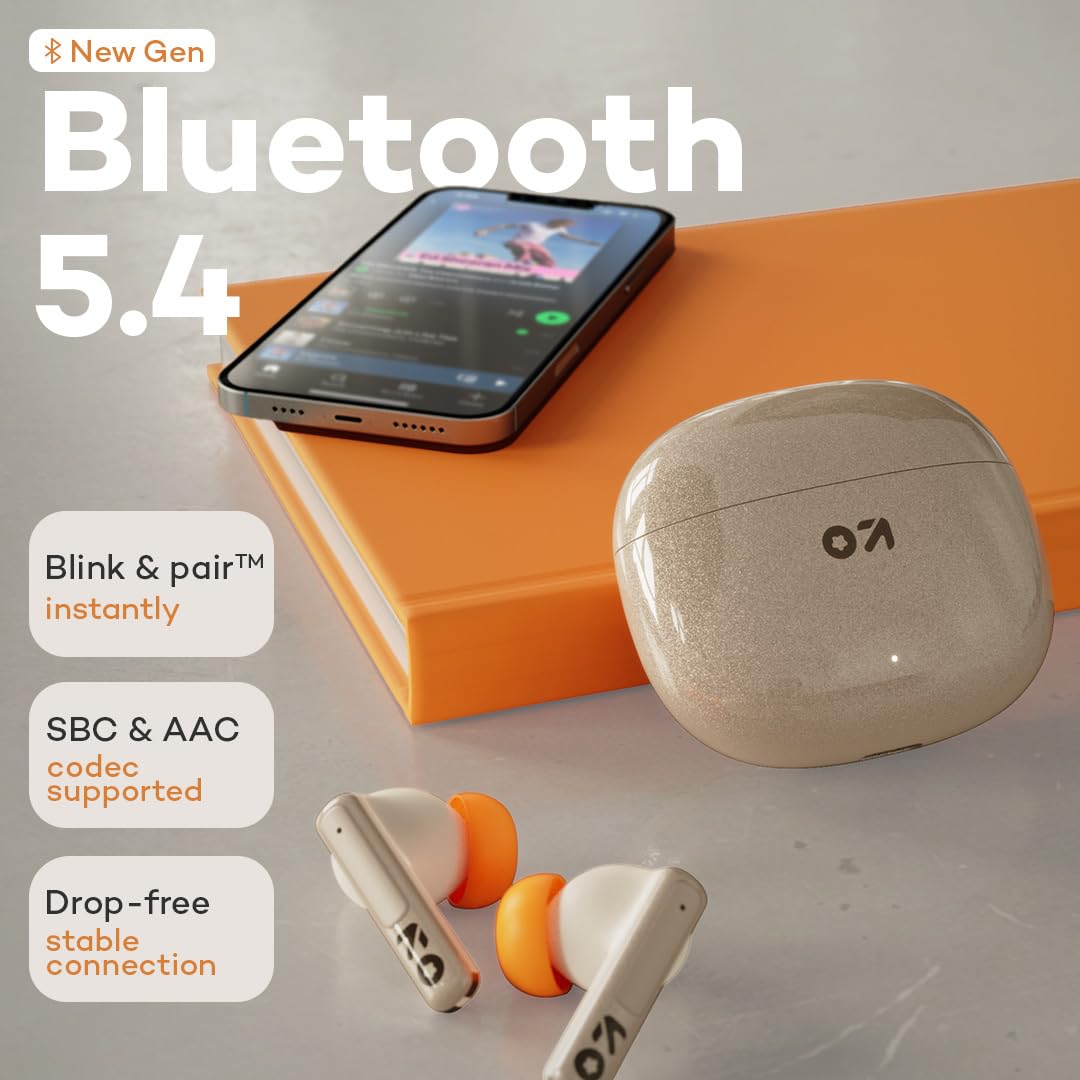
Image: GOBOULT W60 earbuds demonstrating Bluetooth 5.4 connectivity.
Parentah Operasi
Toél Kontrol
The GOBOULT W60 earbuds feature intuitive touch controls for managing audio playback, calls, and voice assistant activation.

Image: GOBOULT W60 earbuds highlighting touch control areas.
- Puter / Reureuh: Ketok tunggal dina boh earbud.
- Lagu salajengna: Ketok dua kali dina earbud katuhu.
- Lagu Sateuacanna: Ketok dua kali dina earbud kénca.
- Ngajawab / mungkas Telepon: Ketok tunggal dina boh earbud.
- Nolak Telepon: Pencét lila dina boh earbud.
- Aktipkeun Asisten Sora: Triple tap on either earbud (supports Google Assistant and Siri).
- Kontrol volume: Long press the right earbud to increase volume, long press the left earbud to decrease volume.
Calling Functionality
Equipped with ZEN Quad Mic ENC (Environmental Noise Cancellation), the W60 earbuds ensure clear communication by filtering out background noise during calls.
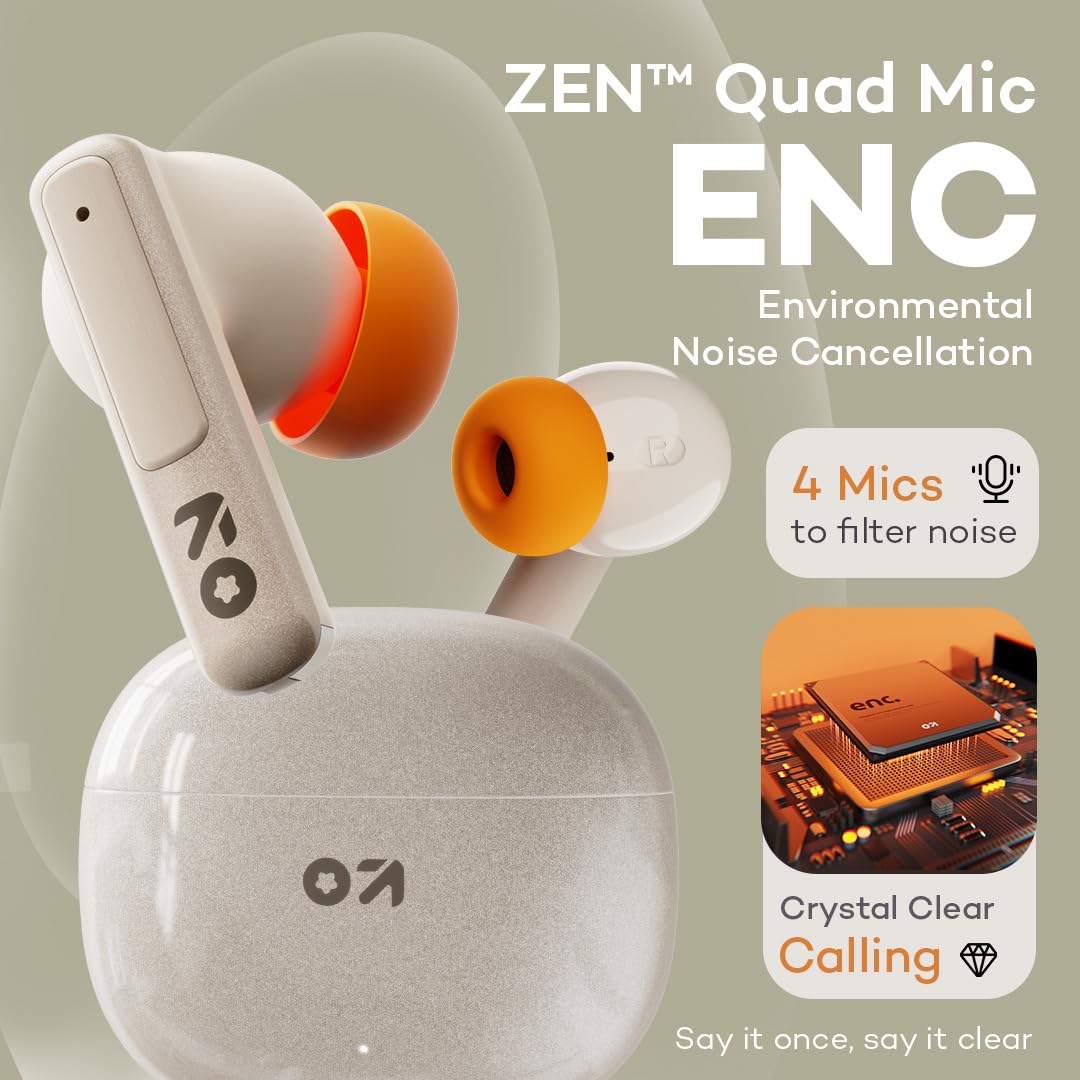
Image: GOBOULT W60 earbuds showcasing ZEN Quad Mic ENC for crystal-clear calls.
Modeu kaulinan
Activate the Combat Gaming mode for an ultra-low latency experience of 50ms, providing synchronized audio during gaming or video playback.
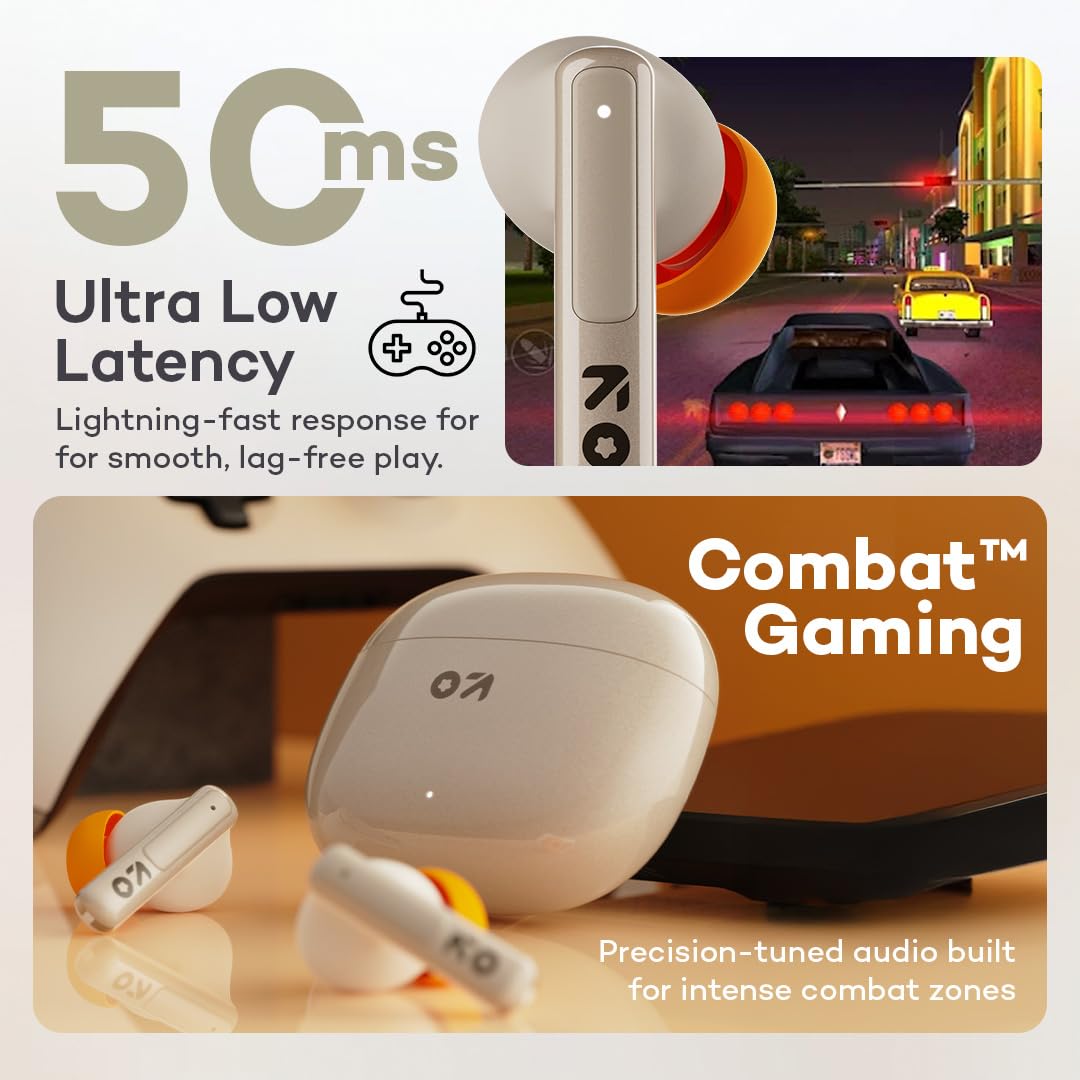
Image: GOBOULT W60 earbuds illustrating low latency for gaming.
Performance Audio
The W60 earbuds feature 13mm dynamic drivers with BoomX technology, delivering supreme bass and immersive sound for an enhanced listening experience.

Image: GOBOULT W60 earbuds highlighting 13mm punchy bass drivers.
Pangropéa
beberesih sarta perawatan
- Rutin ngabersihkeun earbuds sareng wadah ngecas ku lawon anu lemes, garing, teu aya lint.
- Ulah nganggo bahan abrasif, pangleyur, atanapi semprotan aerosol.
- Pastikeun ngecas kontak dina duanana earbuds jeung wadahna beresih jeung bébas tina lebu.
Tahan cai
The GOBOULT W60 earbuds are IPX5 water resistant, meaning they are protected against sweat and splashes. They are not designed for submersion in water.

Image: GOBOULT W60 earbuds demonstrating IPX5 water resistance.
Pamérésan masalah
If you encounter issues with your GOBOULT W60 earbuds, refer to the following common solutions:
- Henteu aya sora: Ensure earbuds are charged, properly paired, and volume is adjusted on both the earbuds and your connected device.
- Masalah pasangan: Turn off Bluetooth on your device, place earbuds back in the case, close and reopen the case, then try pairing again. Ensure no other devices are actively connected to the earbuds.
- Hiji Earbud Teu Gawé: Place both earbuds in the charging case, close the lid, wait a few seconds, then open the lid and try reconnecting. Check for debris on charging contacts.
- Masalah ngecas: Verify the Type-C cable and power adapter are working correctly. Ensure the charging contacts on the earbuds and case are clean.
- Kualitas Telepon goréng: Ensure the microphones are not obstructed. Check your network signal.
If problems persist, consult the support section or contact customer service.
spésifikasi
| Fitur | Rincian |
|---|---|
| Ngaran modél | W60 (AirBass) |
| Téhnologi konektipitas | Bluetooth 5.4, Nirkabel |
| Rentang Bluetooth | 10 Méter |
| Ukuran Supir Audio | 13mm Supir Dinamis |
| Kontrol bising | ZEN Quad Mic ENC (Environmental Noise Cancellation) |
| Latén Audio | 50 Milidetik (Modeu Kaulinan) |
| Waktu maén (Earbuds) | Nepi ka 60 Jam (kalayan wadah ngecas) |
| Waktu Ngecas | 10 Minutes for 4 Hours Playtime |
| Port ngecas | Tipe-C |
| Tingkat Résistansi Cai | IPX5 (Tahan Késang, Tahan Cipratan) |
| Tipe Kontrol | Touch Controls, Voice Assistant (Google Assistant, Siri) |
| Item Beurat | 51.6 gram |
| Negara asal | India |
Garansi sareng Rojongan
Your GOBOULT W60 True Wireless Earbuds come with a warranty. Please refer to the included Warranty Card for details regarding coverage and terms. For further assistance, technical support, or warranty claims, please visit the official GOBOULT store or contact customer service.
GOBOULT Store: Visit GOBOULT Store on Amazon.in