1. Bubuka
Thank you for choosing the TECKNET TK-MS024 Wireless Bluetooth Mouse. This manual provides detailed instructions for setting up, operating, and maintaining your new mouse. Please read this guide thoroughly to ensure optimal performance and longevity of your device.
2. Produk Langkungview
The TECKNET TK-MS024 is a versatile wireless mouse designed for comfort and efficiency. It features multiple connectivity options, adjustable DPI, and an ergonomic design suitable for various computing tasks.
Fitur konci:
- Three-Mode Wireless Connection: Supports Bluetooth 5.0, Bluetooth 3.0, and 2.4 GHz wireless via USB-A receiver.
- Roda Gulung 4 Arah: Enables both vertical and horizontal scrolling for enhanced navigation.
- DPI adjustable: Six sensitivity levels (800/1200/1600/2400/3200/4800 DPI) with an indicator light.
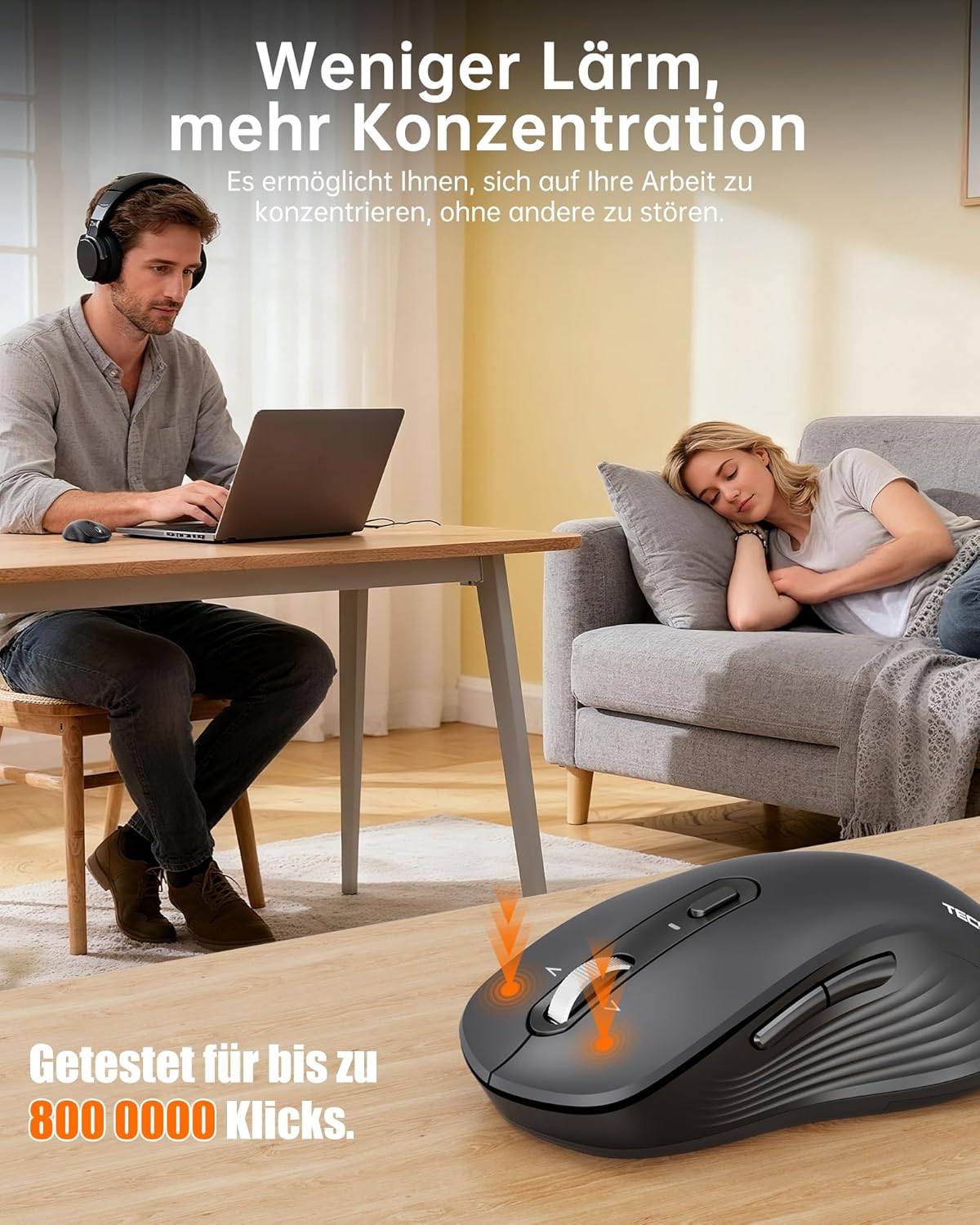
- Operasi sepi: Up to 90% quieter clicks compared to conventional mice.
- Desain ergonomis: Full-size shape with natural curvature for reduced wrist strain and comfort.
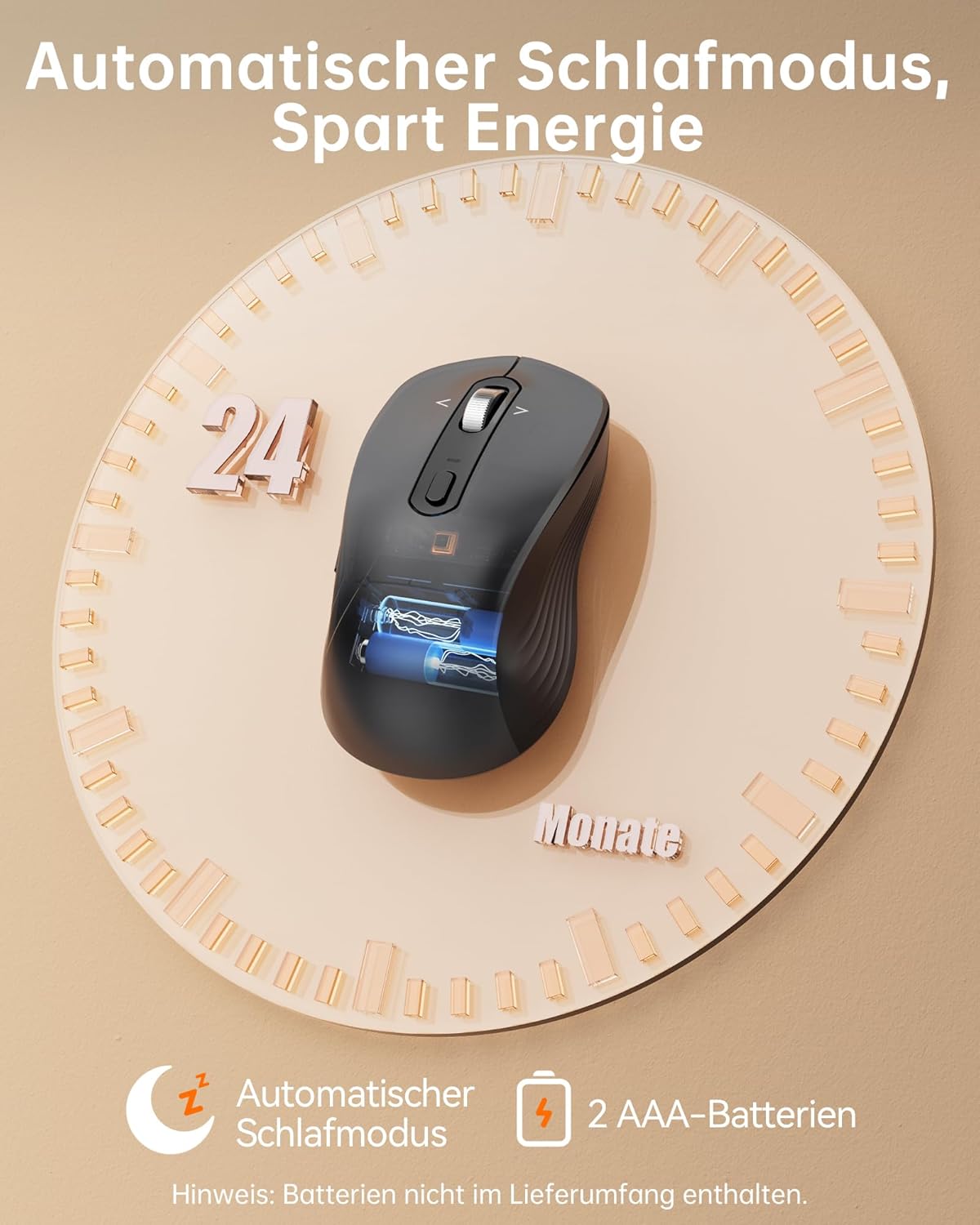
- Hirup batré anu panjang: Up to 24 months with intelligent auto-sleep mode.
The mouse features an ergonomic, full-size design with a natural curvature and integrated wrist rest, suitable for both left and right-handed users, ensuring comfort during long work sessions.

Designed for quiet operation, the mouse's silent clicks reduce noise by up to 90%, promoting better concentration in various environments.
3. Setélan
3.1 Pamasangan batré
- Open the battery compartment cover located on the underside of the mouse.
- Insert two AAA batteries (not included) according to the polarity indicators (+/-).
- Tutup panutup kompartemen batré aman.

This image shows the mouse's automatic sleep mode feature, which conserves battery life, and indicates that it requires 2 AAA batteries (not included).
3.2 Modeu Konéktipitas
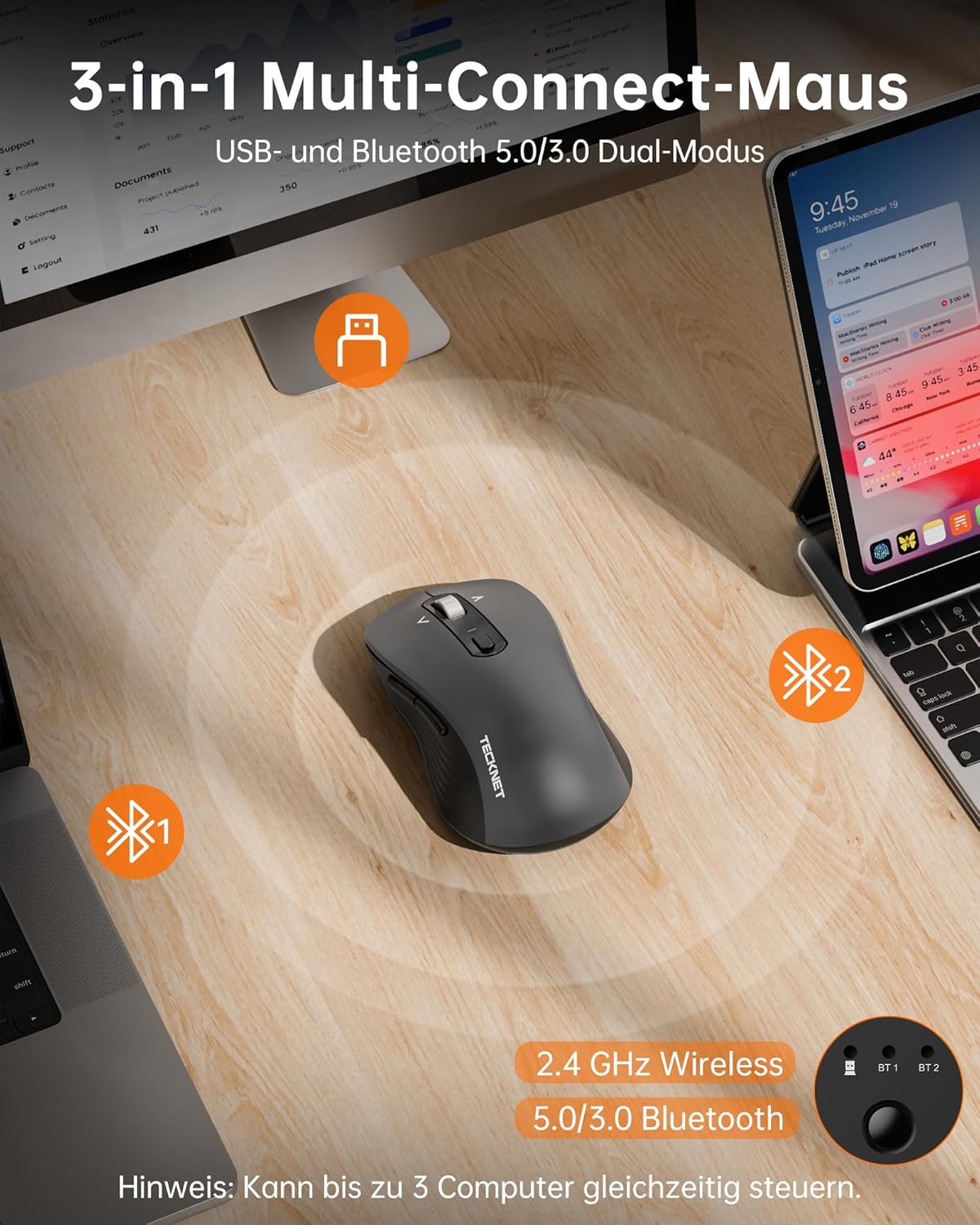
The mouse supports three connection modes: 2.4 GHz wireless (via USB receiver), Bluetooth 5.0, and Bluetooth 3.0. You can connect to up to three devices simultaneously and switch between them.
2.4 GHz Sambungan Nirkabel:
- Locate the USB-A receiver stored in the battery compartment of the mouse.
- Colokkeun panarima USB-A kana port USB anu sayogi dina komputer anjeun.
- Hurungkeun beurit. Mouse kuduna otomatis nyambung.
Bluetooth Connection (BT 5.0 / BT 3.0):
- Hurungkeun beurit.
- Press the mode switch button on the underside of the mouse to select either BT1 or BT2 mode. The corresponding indicator light will flash.
- On your device (laptop, PC, Mac, tablet), go to Bluetooth settings and search for new devices.
- Select "TECKNET Mouse" from the list of available devices to pair.
- Once paired, the indicator light will stop flashing and remain solid for a few seconds.
The mouse offers versatile connectivity with 2.4 GHz wireless, Bluetooth 5.0, and Bluetooth 3.0 modes, allowing connection to up to three devices simultaneously.
4. Parentah Operasi
4.1 DPI adjustment
The mouse features 6 adjustable DPI levels to suit various tasks and preferences. Press the DPI button, located behind the scroll wheel, to cycle through the settings:
- 800 DPI
- 1200 DPI
- 1600 DPI
- 2400 DPI
- 3200 DPI
- 4800 DPI
An indicator light will signal the current DPI level. The mouse includes a memory function that saves your last DPI setting.
This image illustrates the mouse's intelligent sensitivity with 6 adjustable DPI levels (800, 1200, 1600, 2400, 3200, 4800) for precise control, indicated by an LED.
4.2 4-Way Scrolling
The intelligent metal scroll wheel allows for both vertical and horizontal scrolling. Tilt the scroll wheel left or right to perform horizontal scrolling, which is particularly useful for navigating wide spreadsheets or large artboards.

The mouse features an intelligent metal scroll wheel that supports both vertical and horizontal scrolling, enhancing navigation in wide documents and spreadsheets.
4.3 Ngalihkeun Multi-Alat
To switch between connected devices (2.4G, BT1, BT2), simply press the mode switch button on the underside of the mouse. The corresponding indicator light will illuminate to show the active connection.
5. Pangropéa
- beberesih: Anggo kaén anu garing sareng lemes pikeun ngabersihan beurit. Pikeun kokotor nekad, a rada damp lawon bisa dipaké, tapi mastikeun euweuh Uap asup ka alat.
- Ngagantian batré: Replace AAA batteries when the mouse's performance degrades or the low battery indicator (if present) illuminates.
- Panyimpenan: When not in use for extended periods, remove the batteries to prevent leakage. Store the mouse in a cool, dry place.
6. Cara ngungkulan
Beurit Teu Ngabales:
- Pastikeun beurit diaktipkeun.
- Pariksa tingkat batré jeung ngaganti lamun perlu.
- For 2.4 GHz connection, ensure the USB receiver is securely plugged into a working USB port. Try a different USB port.
- For Bluetooth connection, ensure Bluetooth is enabled on your device and the mouse is correctly paired. Try re-pairing the mouse.
- Pastikeun beurit aya dina jangkauan operasi anu efektif (dugi ka 15 meter).
Sambungan Intermittent:
- Pindahkeun beurit leuwih deukeut ka alat anjeun.
- Avoid using the mouse on metallic surfaces, which can interfere with wireless signals.
- Minimize interference from other wireless devices operating on the same frequency.
Gerakan Kursor Teu Teratur:
- Ngabersihan sensor optik dina underside beurit.
- Anggo beurit dina permukaan anu bersih, henteu reflektif atanapi alas beurit.
- Adjust the DPI setting to a lower level if the cursor is too sensitive.
7. Spésifikasi
| merek | TAKEUN |
| Nomer modél | TK-MS024 |
| Téhnologi konektipitas | Bluetooth 5.0, Bluetooth 3.0, 2.4 GHz Wireless (USB-A) |
| Tingkat DPI | 800, 1200, 1600, 2400, 3200, 4800 |
| Jumlah Kancing | 6 |
| Téhnologi Deteksi Gerakan | Optik |
| Fitur husus | 4-Way Scrolling, Ergonomic Design, LED Lights, Soundless Clicks, Wireless |
| Alat nu cocog | Desktop, Laptop, Mac, Tablet |
| Kasaluyuan System Operasi | Windows XP/7/8/10/11, macOS 10.4+, Linux, Android, Chrome OS |
| Sumber Daya | 2 x Batré AAA (teu kalebet) |
| Rata Kahirupan Batré | Nepi ka 24 bulan |
| Dimensi produk | 11.8 x 6.6 x 0.1 cm |
| Item Beurat | 100 g |
8. Garansi jeung Rojongan
TECKNET nawiskeun 36-garansi sasih for registered users of this product. If you encounter any issues or have questions regarding your TECKNET TK-MS024 Wireless Bluetooth Mouse, please contact TECKNET customer service for assistance. Please refer to the official TECKNET website or your purchase documentation for specific contact details and warranty registration information.


