1. Introduction to the Leica Q2
The Leica Q2 is a full-frame compact digital camera renowned for its exceptional image quality, robust build, and intuitive operation. This manual provides detailed instructions to help you maximize your camera's potential, from basic setup to advanced photographic techniques.
2. Setélan kaméra
2.1 Unboxing sareng Inspeksi Awal
Carefully remove all components from the packaging. Verify that all items listed in the packing contents are present and inspect the camera for any signs of damage.
2.2 Pamasangan Batré sareng Ngecas
- Buka panutup kompartemen batré anu aya di handapeun kaméra.
- Insert the supplied BP-SCL4 battery, ensuring the contacts align correctly.
- Tutup panutup kompartemen batré.
- Connect the battery charger to a power outlet and insert the battery. The charging indicator will illuminate. A full charge typically takes approximately 3 hours.
2.3 Selapkeun Card Mémori
The Leica Q2 supports SD, SDHC, and SDXC memory cards. For optimal performance, use UHS-II compatible cards.
- Buka panutup slot kartu memori di sisi kaméra.
- Selapkeun kartu memori kalayan labélna ngadep ka hareup kaméra dugi ka ngaklik kana tempatna.
- Tutup panutup slot kartu memori.
2.4 Setélan Mimiti Hurung jeung Basa
Press the ON/OFF switch to power on the camera. Follow the on-screen prompts to set the date, time, and preferred language.
3. Operating the Leica Q2
3.1 Kontrol Dasar Leuwih tiview
Biasakeun diri anjeun sareng kontrol utama:
- Dial gancang jepret: Located on the top plate, controls shutter speed.
- Cincin aperture: Located on the lens, controls aperture.
- Dial ISO: Integrated into the shutter speed dial, controls ISO sensitivity.
- Rear Dial: Used for menu navigation and exposure compensation.
- Layar rampa: For menu navigation, touch focus, and image review.
3.2 Modeu shooting
The Leica Q2 offers various shooting modes to suit different photographic needs:
- Program (P): Camera automatically sets both aperture and shutter speed.
- Prioritas aperture (A): Anjeun nyetel aperture, kaméra nyetél speed jepret. Idéal pikeun ngadalikeun jero lapangan.
- Prioritas jepret (S): Anjeun nyetél laju jepret, kaméra nyetél aperture. Idéal pikeun ngadalikeun blur gerak.
- Manual (M): You set both aperture and shutter speed for full creative control. This mode is essential for achieving the 'Leica Look' and precise exposure.
3.3 Pokus
The Q2 features both autofocus and manual focus capabilities.
- Modeu Fokus Otomatis: Selectable via the menu (AF-S for single shot, AF-C for continuous, Multi-field, Spot, Face Detection).
- Fokus Manual: Rotate the focus ring on the lens. Use Fokus Puncak (highlighting in-focus areas) or Magnification for precise manual focusing.
3.4 Setélan Paparan
- Sensitipitas ISO: Adjust via the ISO dial. Lower ISO for cleaner images in good light, higher ISO for low-light conditions.
- Laju jepret: Set via the top dial. Fast speeds freeze action, slow speeds create motion blur.
- Aperture: Set via the lens ring. Wider apertures (smaller f-numbers) create shallow depth of field; narrower apertures (larger f-numbers) create greater depth of field.
- Kompensasi Paparan: Use the rear dial in P, A, or S modes to lighten or darken the image.
3.5 Kasaimbangan Bodas
Ensure accurate color reproduction by setting the correct white balance. Options include Auto, Daylight, Cloudy, Shade, Tungsten, Fluorescent, Flash, and Manual (Custom).
3.6 Image Quality and File Formulir
The Q2 can record images in DNG (RAW) format, JPEG, or both simultaneously. DNG files offer maximum flexibility for post-processing, while JPEGs are ready for immediate use.
3.7 Creative Features and 'Leica Look'
To achieve the distinctive 'Leica Look' and optimize for specific scenarios:
- Warna Profiles: Experiment with various film modes and color profiles available in the camera settings to influence the final image aesthetic.
- Street Photography Settings: For quick, discreet capture, consider setting the camera to a pre-focused zone (e.g., hyperfocal distance) and using a fast shutter speed with a moderate aperture. Customize a user profile for instant recall of these settings.
- Customizing User Profiles: Save your preferred settings (exposure, focus, color, etc.) to user profiles for quick access in different shooting situations.
3.8 Rékam pidéo
The Leica Q2 supports 4K video recording. To start recording, press the dedicated video button. Adjust video settings (resolution, frame rate) in the camera menu.
3.9 Playback jeung Review
Press the PLAY button to review captured images and videos. Use the rear dial or touchscreen to navigate through files. Press the DELETE button to remove unwanted files.
4. Konektipitas
4.1 Connecting to Leica FOTOS App
The Leica Q2 can connect to the Leica FOTOS app via Wi-Fi or Bluetooth for remote control and image transfer.
- Download and install the Leica FOTOS app on your smartphone or tablet.
- Enable Wi-Fi/Bluetooth on your camera via the menu.
- Follow the app's instructions to pair your device with the camera.
4.2 Mindahkeun Gambar
Images can be transferred wirelessly via the Leica FOTOS app or by connecting the camera directly to a computer using a USB-C cable. Alternatively, remove the memory card and insert it into a card reader.
5. Pangropéa
5.1 Cleaning the Camera Body and Lens
- Anggo lawon anu lemes sareng henteu lint pikeun ngabersihan awak kaméra.
- For the lens, use a lens brush to remove dust, followed by a lens cleaning solution and a microfiber cloth. Avoid touching the lens surface directly.
5.2 Perawatan Batré
Store batteries in a cool, dry place. Avoid fully discharging batteries frequently to prolong their lifespan. Remove the battery if the camera will not be used for an extended period.
5.3 Apdet firmware
Periodically check the official Leica website for firmware updates. Updates can improve performance, add new features, and fix bugs. Follow the instructions provided by Leica carefully when performing an update.
5.4 Rekomendasi gudang
Upami teu dianggo, simpen kaméra di tempat anu garing sareng bébas lebu, langkung saé dina kantong atanapi wadah kaméra pikeun ngajagi tina tabrakan sareng unsur lingkungan.
6. Cara ngungkulan
| Masalah | Mungkin Cukang lantaranana | Solusi |
|---|---|---|
| Kaméra teu hurung | Dead battery, improperly inserted battery | Charge battery, reinsert battery correctly |
| Gambar blur | Incorrect focus, slow shutter speed, camera shake | Check focus mode, increase shutter speed, use a tripod |
| Batré gancang boros | Frequent Wi-Fi/Bluetooth use, old battery | Disable wireless features when not in use, consider replacing battery |
| Kasalahan kartu mémori | Card not inserted correctly, corrupted card | Reinsert card, try a different card, format card (will erase data) |
7. Specifications (Leica Q2)
- Tipe sénsor: 47.3 MP Full-Frame CMOS Sensor
- Lensa: Leica Summilux 28mm f/1.7 ASPH.
- Rentang ISO: 50 - 50,000
- Rentang Speed Shutter: 1/2000s (mechanical), 1/40000s (electronic) to 60s
- Kamampuhan pidéo: 4K (3840 x 2160) at 30/24 fps, C4K (4096 x 2160) at 24 fps, Full HD (1920 x 1080) at 120/60/30/24 fps
- Ukuran (L x W x H): Kira-kira. 130 x 80 x 91.9 mm (5.1 x 3.1 x 3.6 inci)
- beurat: Approx. 718 g / 1.58 lbs (with battery)
- Jenis Batré: Leica BP-SCL4 Lithium-Ion
8. Émbaran penting
8.1 Pancegahan Kasalametan
Always handle your camera with care. Avoid exposing it to extreme temperatures, moisture, or strong magnetic fields. Do not attempt to disassemble the camera, as this will void any potential warranty and may cause damage.
8.2 minuhan pangaturan
This device complies with relevant international and national regulations for electronic devices. Refer to the official Leica documentation for specific compliance details.
9. Inpormasi Produk anu Patali
This manual is inspired by the comprehensive guide available for the Leica Q2. The following images show the front and back covers of a related user guide book, which provides further detailed insights into mastering your Leica Q2 camera.
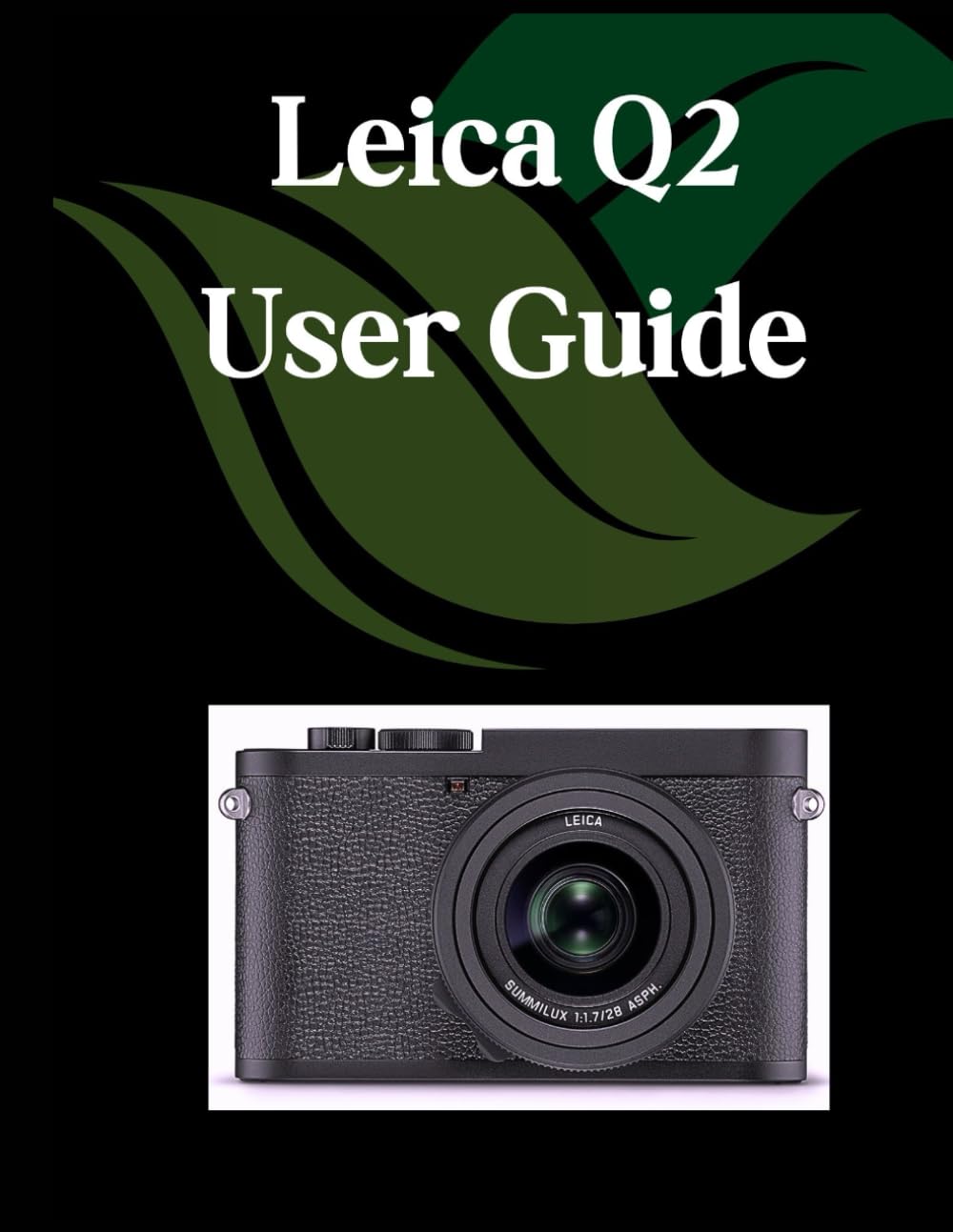
Front cover of the Leica Q2 User Guide book, featuring the title and author information.

Back cover of the Leica Q2 User Guide book, displaying the ISBN barcode and publisher information.


