Bubuka
Thank you for choosing the VGN Dragonfly F1 Pro Wireless Gaming Mouse. This manual provides detailed instructions to help you set up, operate, maintain, and troubleshoot your new gaming mouse. Designed for competitive gamers, the F1 Pro combines an ultra-lightweight build with a high-precision optical sensor and long-lasting battery life to deliver an exceptional gaming experience.
Naon dina Box
Punten parios yén sadaya barang aya dina pakét anjeun:
- 1 x VGN Dragonfly F1 Pro Wireless Gaming Mouse
- 1 x Panarima USB
- 1 x Kabel Ngecas Tipe-C
- 1 x Set of PTFE Feet
- 1 x Manual Pamaké (dokumén ieu)
Produk Leuwihview
Komponén

Puncak View: Illustrates the primary left and right click buttons, and the scroll wheel with its LED indicator.
Samping View: Shows the ergonomic design and the two accessible side buttons.

Handapeun View: Displays the high-precision optical sensor, power switch, and the storage slot for the USB receiver.
Fitur konci
- Ultra-Lightweight 49g Build: Designed for rapid movements and reduced fatigue during extended use.
- Pro-Level Performance: Engineered for responsiveness and precision in competitive gaming environments.
- True 4000Hz Wireless Polling (with optional 4K receiver): Provides near-zero latency and superior tracking accuracy.
- Next-Gen Optical Sensor & Smooth PTFE Feet: Ensures flawless tracking and smooth gliding across various surfaces.
- Dual-Mode Connection: Offers both ultra-fast 2.4GHz wireless and reliable wired USB-C connectivity.
- Long-Lasting Battery & Smart Power Saving: Up to 85 hours of continuous gameplay with intelligent energy conservation.

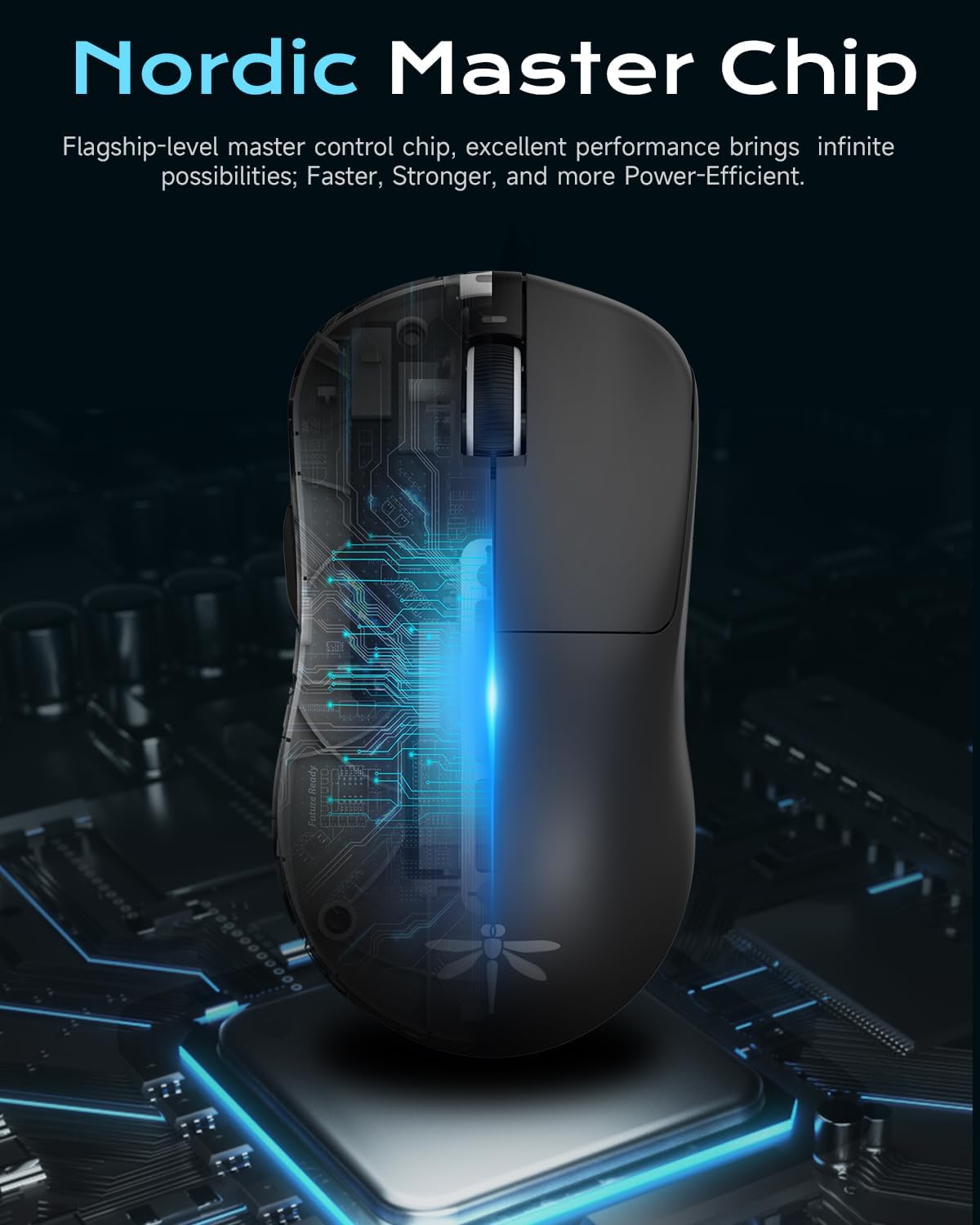
Nordic Master Chip: Flagship-level control chip for excellent performance and power efficiency.

Manjangkeun Umur Batré: Enjoy prolonged gaming sessions with up to 65 hours of battery life.
Disetél
Ngecas Awal
Before first use, it is recommended to fully charge your VGN Dragonfly F1 Pro mouse. Connect the included Type-C charging cable to the mouse's front port and the other end to a USB power source (e.g., computer USB port, wall adapter). The LED indicator on the scroll wheel will show charging status and turn solid green when fully charged.
Nyambungkeun Beurit
The VGN Dragonfly F1 Pro supports two connection modes: 2.4GHz wireless and wired USB-C.
- Sambungan Wireless 2.4GHz:
- Panggihan panarima USB anu disimpen dina kompartemen di handapeun beurit.
- Colokkeun panarima USB ka port USB nu sadia dina komputer Anjeun.
- Hurungkeun beurit nganggo saklar kakuatan anu aya di handap. Beurit kedah otomatis nyambung ka panarima.
- Wired USB-C Connection:
- Connect the Type-C charging cable to the mouse's front port and the other end to a USB port on your computer.
- Mouse bakal langsung fungsina dina mode kabel sareng bakal ngecas sakaligus.
Driver Installation (Optional)
For advanced customization and optimal performance, download and install the VGN HUB self-developed driver from the official VGN websitus. Parangkat lunak ieu ngamungkinkeun anjeun pikeun:
- Adjust DPI settings and create custom profiles.
- Configure polling rate (up to 4000Hz with optional 4K receiver).
- Program the 6 customizable buttons with macros and specific functions.
- Manage power saving settings.

VGN HUB Driver: Customize your mouse settings for a personalized experience.
Parentah Operasi
Fungsi Dasar
- Klik Kénca: Peta primér.
- Klik katuhu: Menu tindakan/kontéks sekundér.
- Gulung kabayang: Gulung ka luhur/ka handap, klik tengah.
- Kancing samping: Default to Forward/Backward in web browsers. Customizable via VGN HUB.
Adjustment DPI
The VGN Dragonfly F1 Pro features a dedicated DPI button (often located behind the scroll wheel or programmable via software) to cycle through preset DPI levels. Refer to the VGN HUB software for precise DPI customization and to set your preferred sensitivity stages.
Tombol Programmable
Utilize the VGN HUB software to assign custom functions, macros, or key combinations to the 6 programmable buttons. This allows for optimized control in various applications and games.
Manajemén kakuatan
To conserve battery life, turn off the mouse using the power switch on the bottom when not in use. The mouse also features an advanced sleep mode (configurable via driver settings) that automatically conserves energy during inactivity.
Pangropéa
beberesih
Pikeun ngajaga kinerja sareng kabersihan anu optimal, bersihkeun beurit anjeun sacara rutin:
- Make kaen nu lemes, teu aya lint rada dampdikumbah ku cai atanapi larutan pembersih anu hampang pikeun ngusap permukaanana.
- Pikeun sénsor optik, paké sapuan kapas anu hampang dampDieusian ku isopropil alkohol pikeun ngabersihan lénsa. Pastikeun teu aya cairan anu asup kana bukaan sensor.
- Hindarkeun ngagunakeun bahan kimia anu kasar, pembersih abrasive, atanapi lembab anu kaleuleuwihan.
Panyimpenan
When not in use for extended periods, store the mouse in a cool, dry place away from direct sunlight and extreme temperatures. Ensure the mouse is turned off to preserve battery life.
PTFE Feet Replacement
The VGN Dragonfly F1 Pro comes with high-precision PTFE feet for smooth gliding. Over time, these may wear down. Replace them with the included spare PTFE feet or genuine VGN replacement feet to maintain optimal glide performance.
Pamérésan masalah
If you encounter any issues with your VGN Dragonfly F1 Pro mouse, please refer to the following common solutions:
| Masalah | Solusi anu mungkin |
|---|---|
| Beurit teu ngaréspon / Teu aya sambungan |
|
| Erratic or inaccurate movement |
|
| Battery not holding charge / Short battery life |
|
| Tombol teu ngaréspon atanapi ngaklik dua kali |
|
spésifikasi
Key technical specifications for the VGN Dragonfly F1 Pro Wireless Gaming Mouse:
| Fitur | Rincian |
|---|---|
| Nomer modél | F1 Pro |
| Dimensi produk | 4.77 x 2.5 x 0.1 inci (kira-kira 121.2 x 63.5 x 37.6 mm) |
| Item Beurat | 49 gram (1.73 ons) |
| Téhnologi konektipitas | 2.4GHz Nirkabel, USB-C Kabel |
| Téhnologi Deteksi Gerakan | Optik |
| DPI (Max) | 26,000 DPI |
| Polling Rate (Max) | 4000Hz (with optional 4K receiver) |
| Kahirupan batré | Up to 65-85 hours (depending on usage and settings) |
| Tombol Programmable | 6 |

Dimensi jeung beurat: Compact and ultra-light for superior handling.
Garansi sareng Rojongan
VGN products are manufactured to the highest quality standards. For information regarding warranty coverage, technical support, or replacement parts, please visit the official VGN website or contact VGN customer service through the contact information provided on your product packaging or purchase receipt.
Punten tahan bukti pameseran anjeun pikeun klaim garansi.


