
Bubuka
This manual provides detailed instructions for the Edifier W820NB Plus Gen 2 Wireless Over-Ear Noise Cancelling Headphones. Please read this manual thoroughly before using the product to ensure proper operation and to maximize your listening experience.
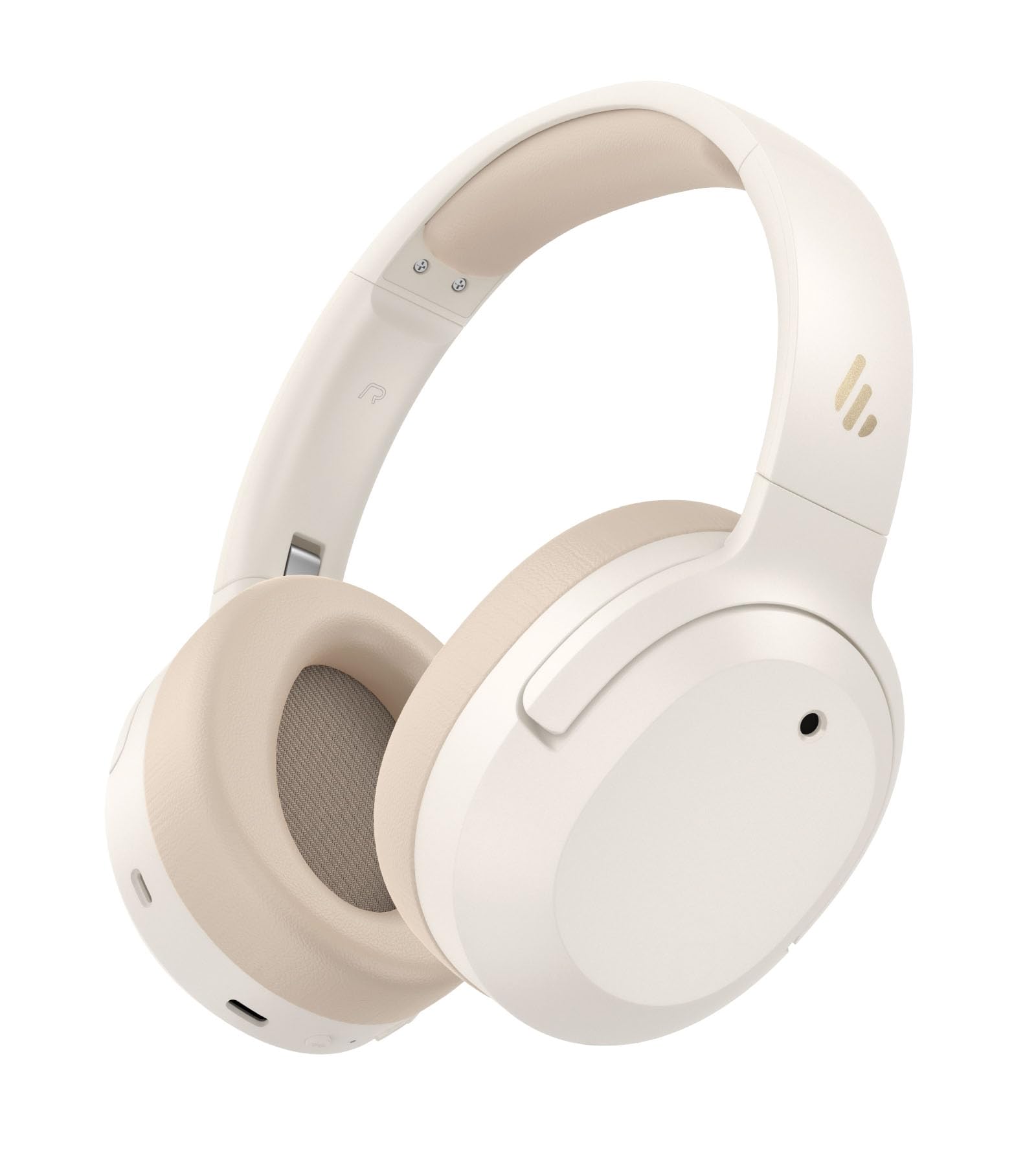
Image: Edifier W820NB Plus Gen 2 Headphones in Ivory.
Naon dina Box
Upon opening your Edifier W820NB Plus Gen 2 package, you should find the following items:
- Edifier W820NB Plus Gen 2 Headphones
- USB-C Charging Cable (1.2 meters)
- Manual pamaké
- Émbaran Kasalametan penting
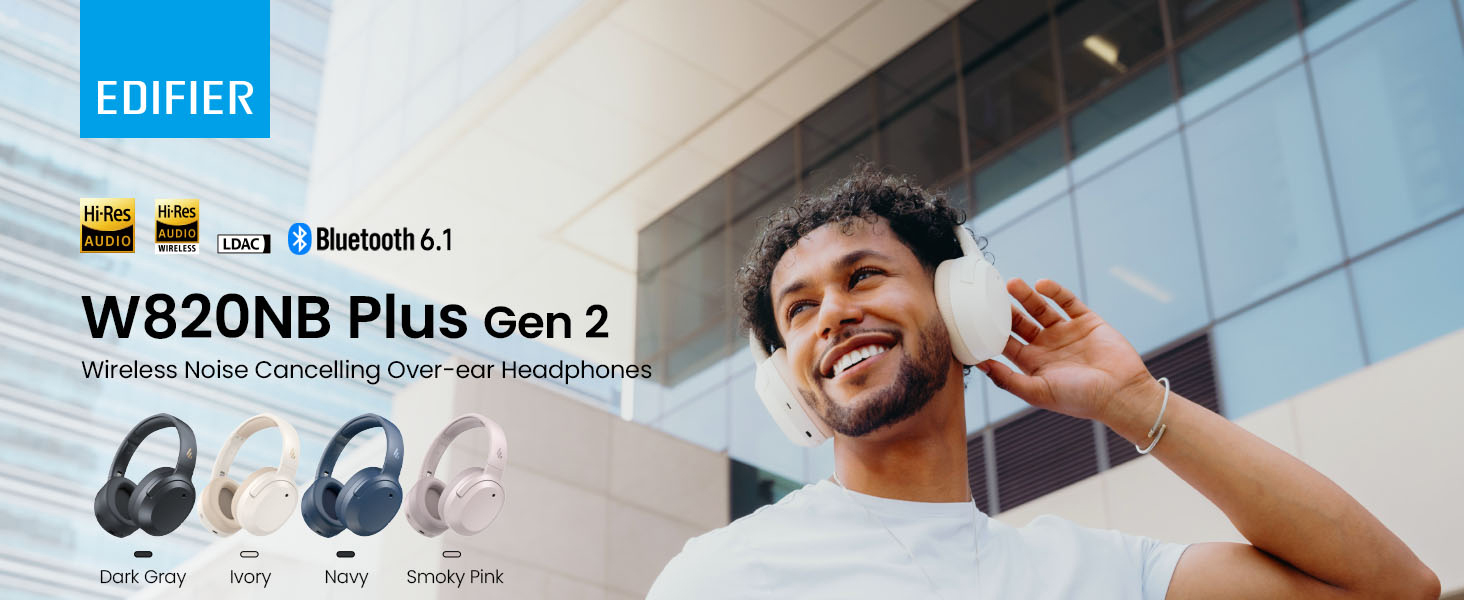
Image: Box contents showing the headphones, charging cable, and documentation.
Disetél
Daya Hurung/Pareuman
- Daya Hurung: Press and hold the power button for approximately 2 seconds. The blue LED will blink once.
- Pareum listrik: Press and hold the power button for approximately 2 seconds. The red LED will blink once.
Papasangan Bluetooth
Kahiji-Time papasangan
- Power on the headphones. They will automatically enter Bluetooth pairing mode.
- The LED will blink blue and green alternately.
- On your phone or device, select "EDIFIER W820NB Plus" from the Bluetooth list.
- Once connected, the blue LED will blink twice.
Pairing a New Device (Multipoint)
- Hurungkeun headphone.
- Press and hold the multi-function button for about 3 seconds to re-enter Bluetooth pairing mode. The voice prompt will say "Pairing," and the LED will blink blue and green alternately.
- Select "EDIFIER W820NB Plus" on your new device to pair.
- To complete multipoint connection, go back to the first paired device and reconnect to "EDIFIER W820NB Plus".
Download the EDIFIER ConneX App
Enhance your experience by downloading the EDIFIER ConneX App. Milarian pikeun "EDIFIER ConneX" in your device's app store or scan the QR code provided in the packaging or user manual. The app allows you to switch ANC modes, customize EQ, adjust sound effects, set maximum volume levels, and access other settings.
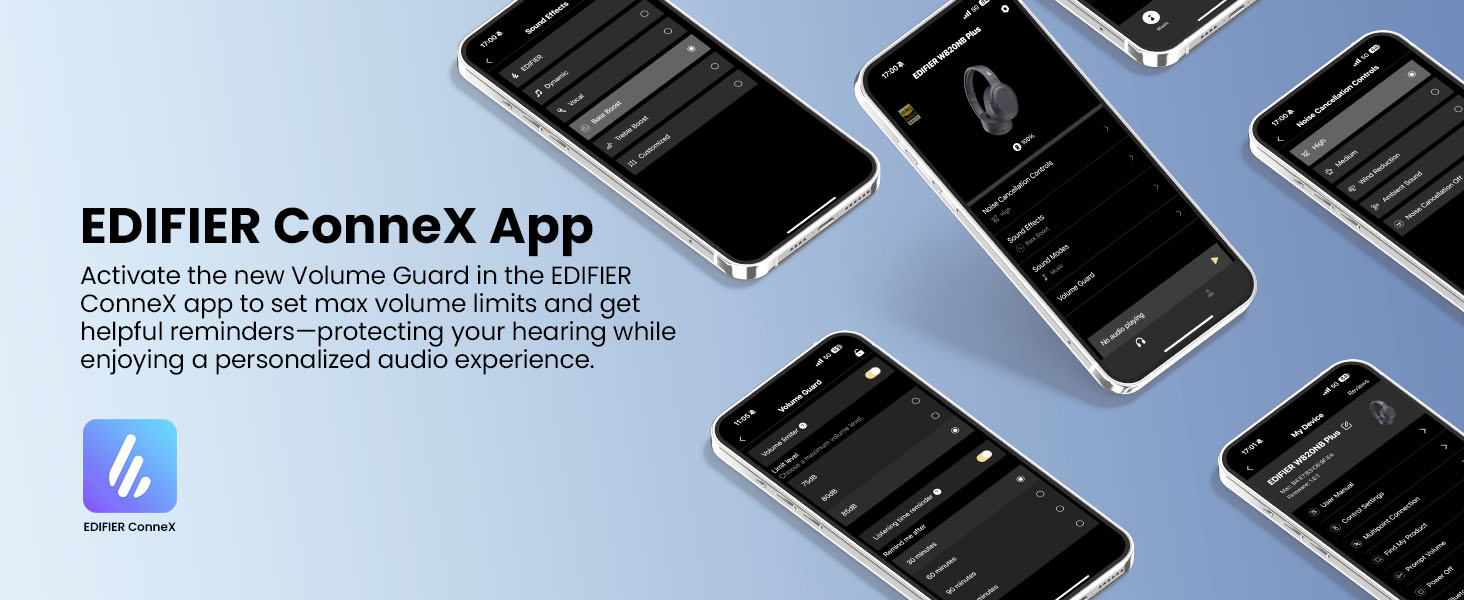
Image: The EDIFIER ConneX App provides extensive customization options.
Official User Guide Video
Video: A detailed user guide video demonstrating various features and setup processes for the Edifier W820NB Plus Gen 2 headphones.
Parentah Operasi
Kadali
The headphones feature intuitive physical buttons for easy control:
| Tombol | Aksi | Fungsi |
|---|---|---|
| Tombol Daya (Multi-fungsi) | Pencét Tunggal | Play / Reureuh, Jawab / Tungtung Telepon |
| Tombol Daya (Multi-fungsi) | Pencét Ganda | Reject Call, Voice Assistant |
| Tombol Daya (Multi-fungsi) | Pencét jeung tahan | Daya Hurung/Pareuman |
| Volume Naik (+) | Pencét Tunggal | Ningkatkeun Jilid |
| Volume Naik (+) | Pencét jeung tahan | Lagu salajengna |
| Volume Turun (-) | Pencét Tunggal | Ngurangan Volume |
| Volume Turun (-) | Pencét jeung tahan | Lagu saméméhna |
| Tombol ANC | Pencét Tunggal | Switch ANC Modes (High Noise Cancellation / Ambient Sound / Noise Cancellation Off) |
| Tombol ANC | Pencét Ganda | Switch Sound Effects (Music Mode / Game Mode / Spatial Sound) |
| Tombol ANC | Pencét jeung tahan | Pasangan Bluetooth |
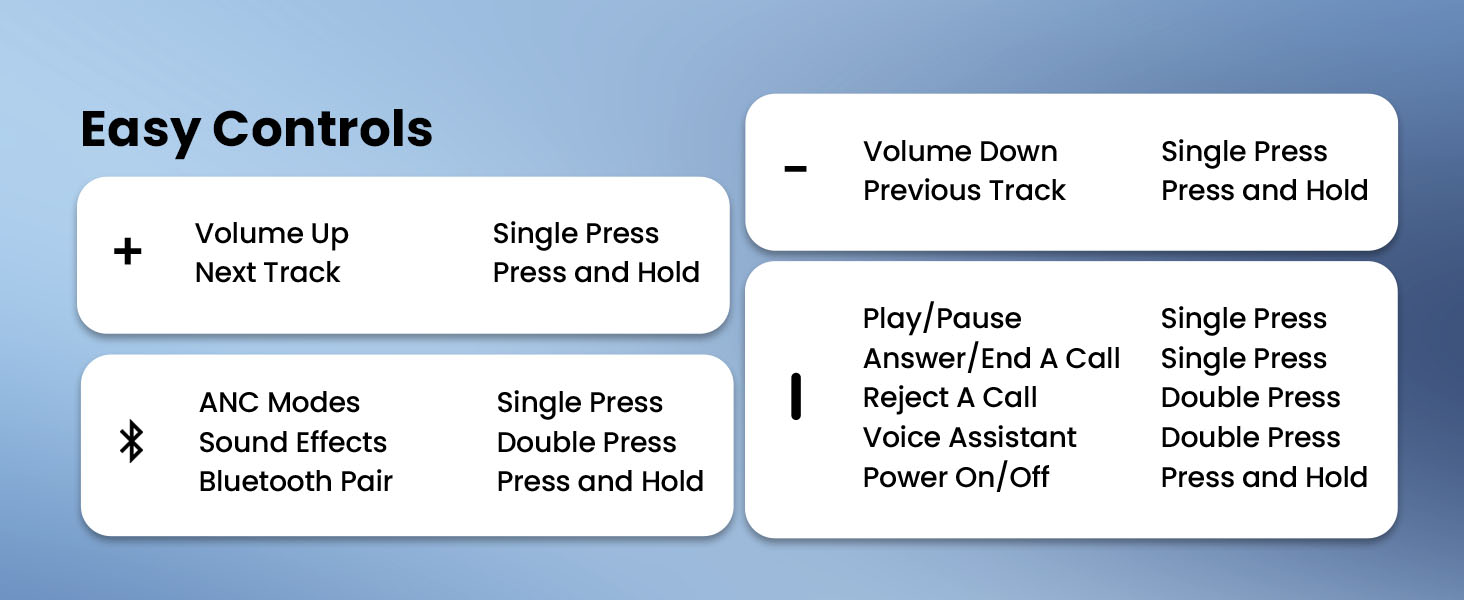
Image: Easy controls for managing audio and calls.
Aktif Noise pembatalan (ANC)
The headphones feature advanced -49dB hybrid ANC with multiple modes:
- Pembatalan Noise Tinggi: For maximum noise reduction in loud environments.
- Medium Noise Cancellation: A balanced mode for moderate noise.
- Sora Ambient: Ngidinan anjeun ngadangu sakuliling anjeun bari ngadangukeun audio.
- Ngurangan Angin: Dirancang khusus pikeun ngaminimalkeun sora angin.
- Noise Cancellation Off: Nonaktipkeun ANC.
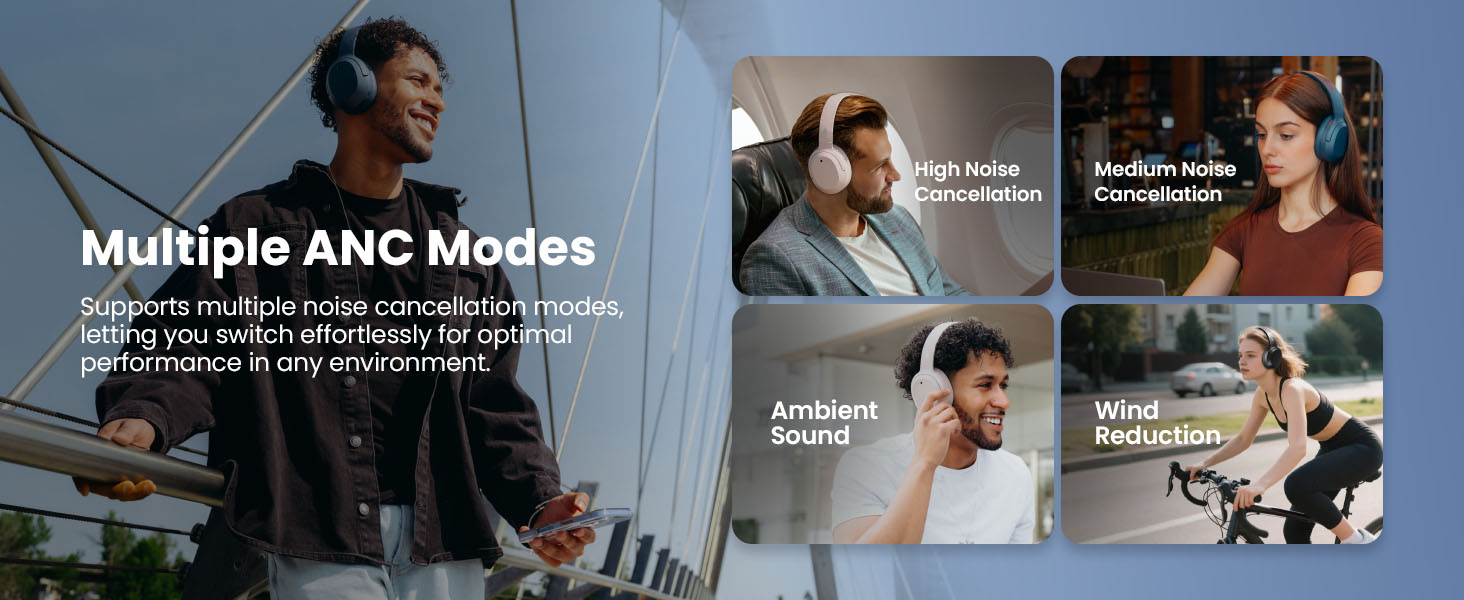
Image: Multiple ANC modes for various environments.
Sora spasial
Immerse yourself in a dynamic 360° surround sound experience with lifelike depth and clarity. Activate Spatial Sound via the EDIFIER ConneX App or by double-pressing the ANC button until the Spatial Sound effect is selected.
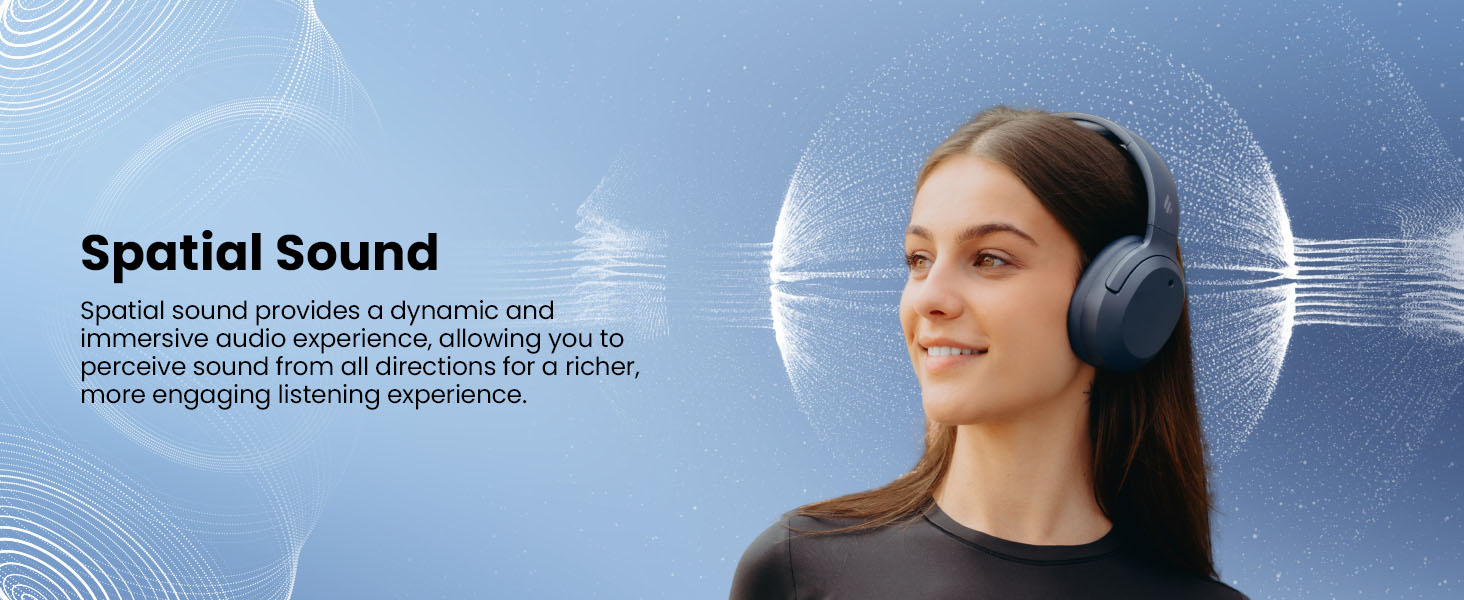
Image: Experience immersive spatial audio for 3D sound.
Modeu kaulinan
For a smoother, more immersive gameplay experience, activate Gaming Mode. This mode reduces audio latency for responsive sound. Access Gaming Mode via the EDIFIER ConneX App or by double-pressing the ANC button until the Game Mode effect is selected.
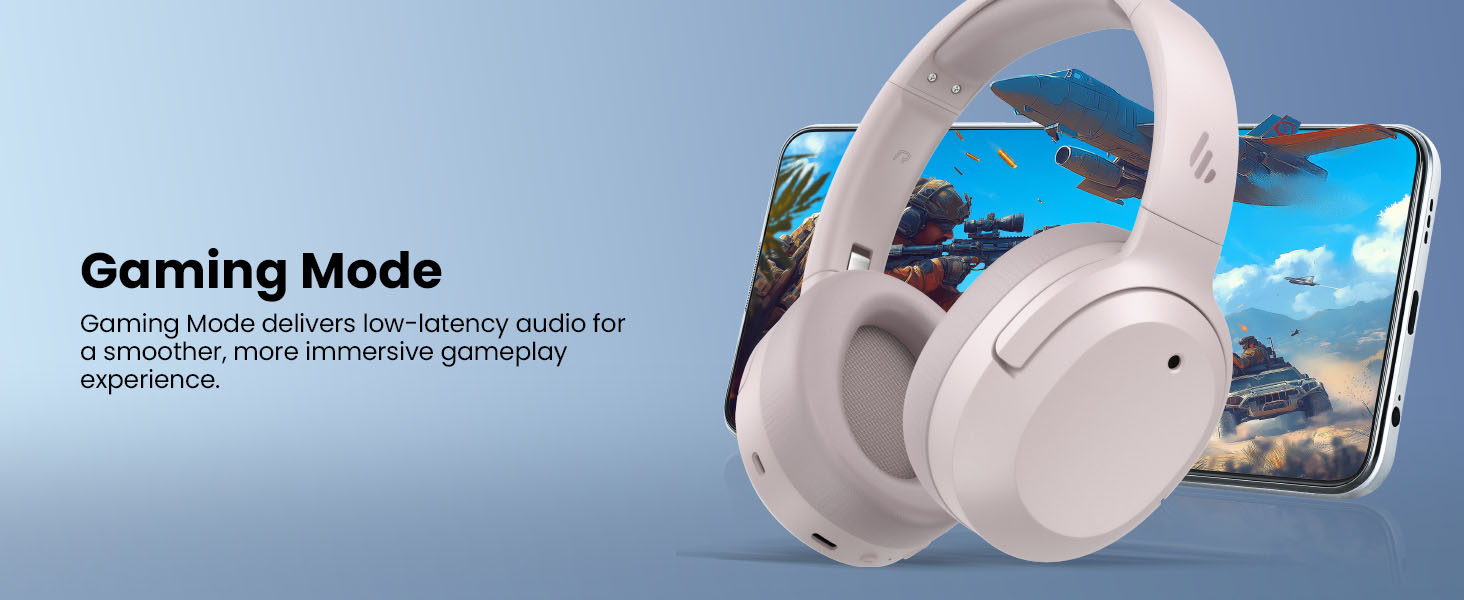
Image: Gaming Mode provides low-latency audio for an enhanced experience.
Volume Guard
The Volume Guard feature, accessible through the EDIFIER ConneX App, helps protect your hearing by allowing you to set a preferred maximum volume level and receive listening time reminders.
Sambungan kabel
To use the headphones in wired mode, plug the included USB-C cable into the headphone's USB-C port and connect the other end to a computer or another device with a USB port. The wired connection will automatically disable Bluetooth mode.
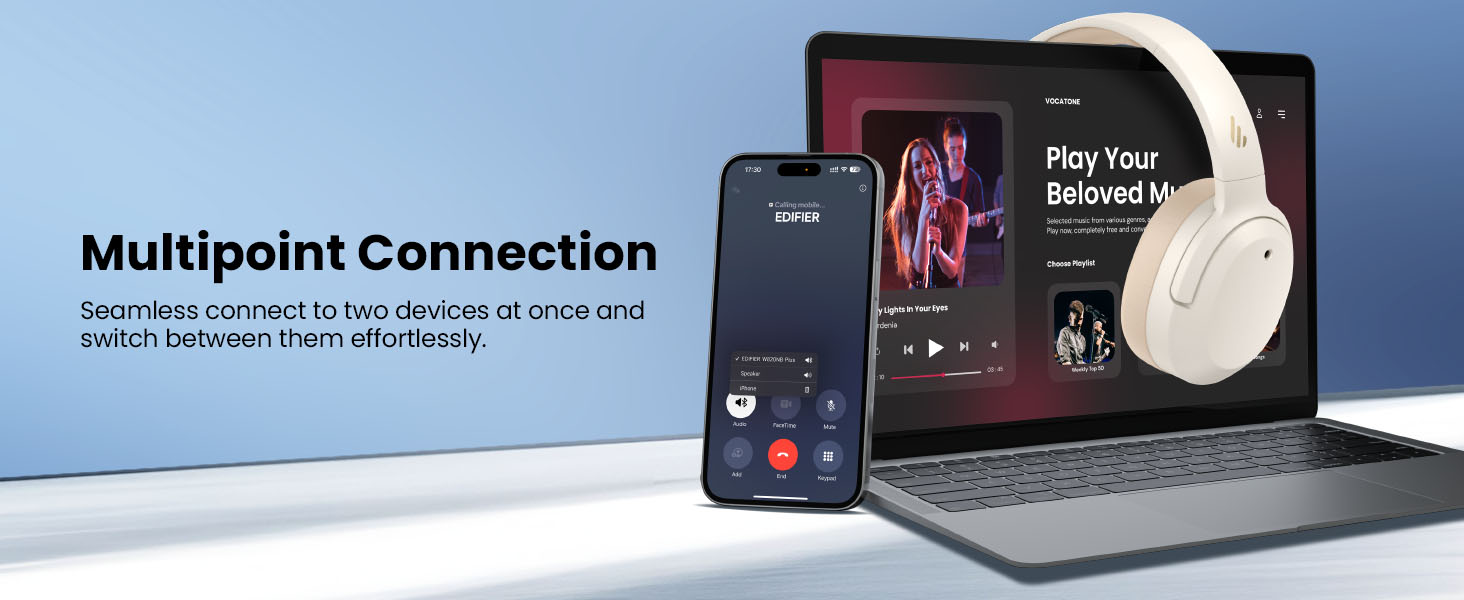
Image: Wired connection for continuous playback and charging.
Pangropéa
Ngecas
The headphones offer up to 88 hours of continuous use (49 hours with ANC enabled). When the battery is low (less than 2%), a voice prompt will notify you: "Low battery, please charge," and the red LED will flash every 5 seconds.
To charge your headphones, plug the USB-C charging cable into the headphone's USB-C port and connect the other end to a computer or a wall charger. The LED will stay solid red while charging. It will turn green when fully charged if connected to a computer, or it will turn off when connected to a wall charger.
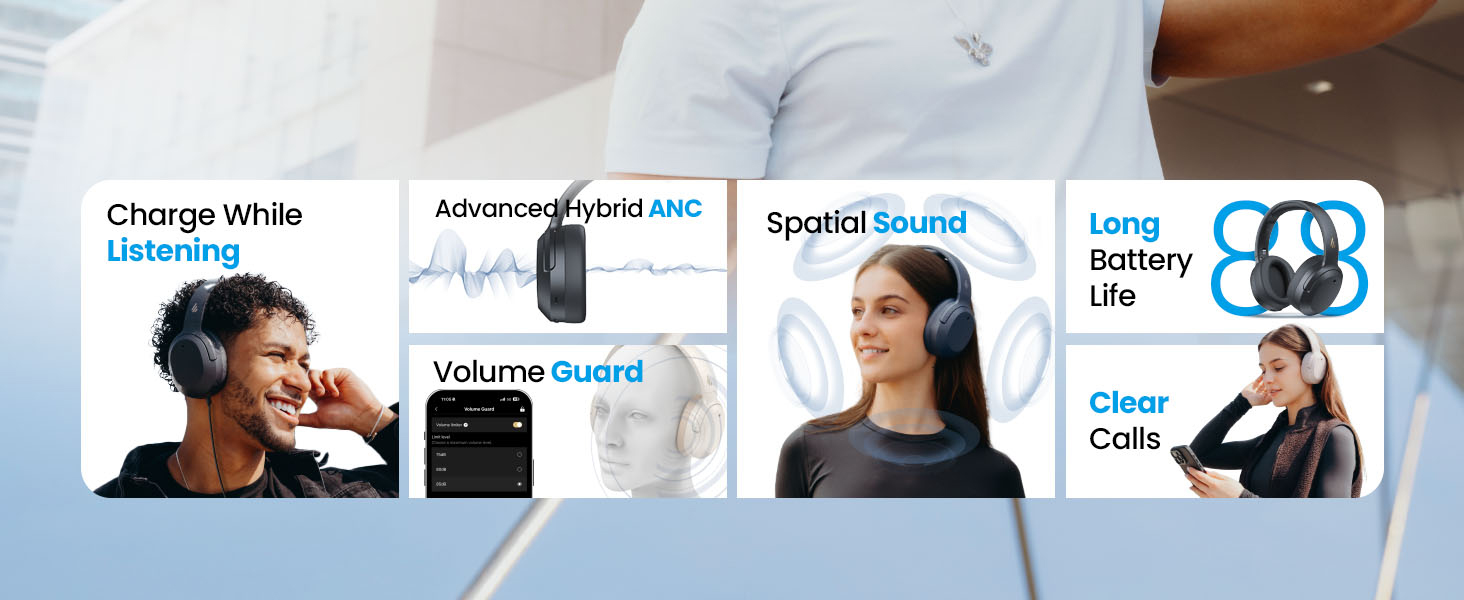
Image: Battery life and fast charging capabilities.
beberesih sarta Panyimpenan
- Anggo lawon anu lemes sareng garing pikeun ngabersihkeun headphone. Hindarkeun nganggo pembersih atanapi pelarut anu abrasif.
- Store the headphones in a cool, dry place away from extreme temperatures and humidity.
- The headphones feature a compact and foldable design for easy storage and portability.
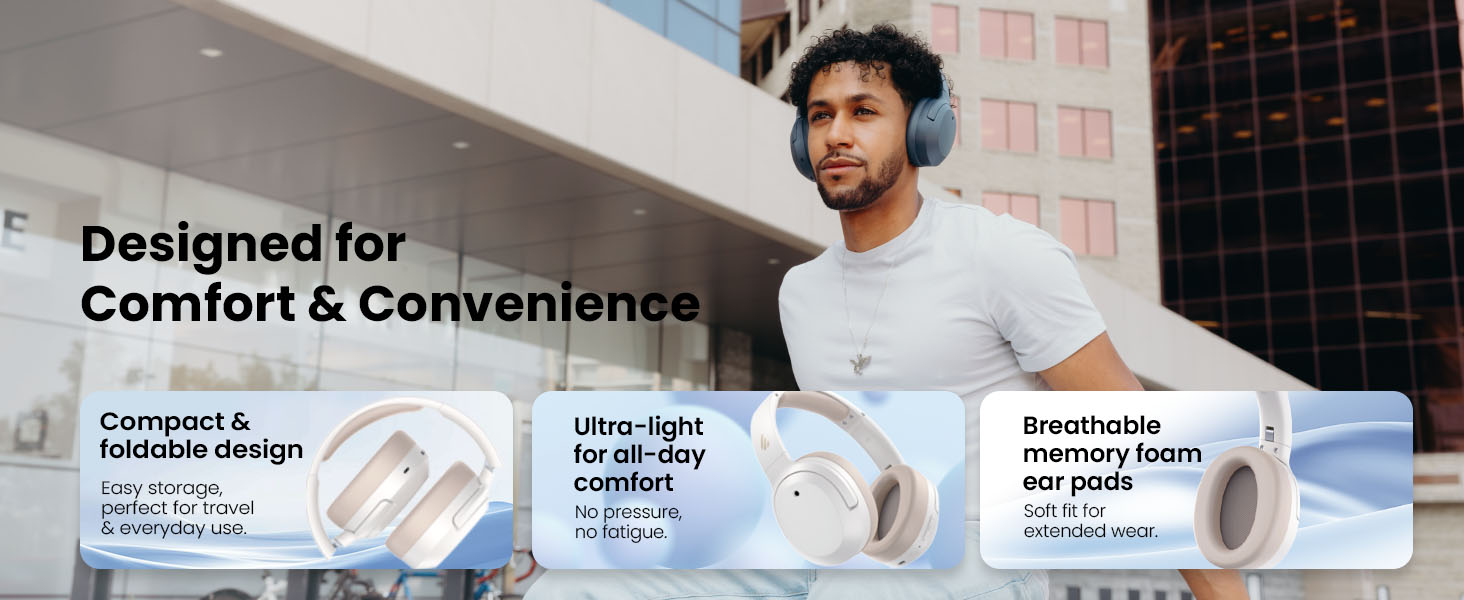
Image: Foldable design for comfort and convenience.
Pamérésan masalah
Ngareset Headphone
If you encounter any issues during use, you can reset the headphones to restore factory settings:
- Press and hold the top (+) and bottom (-) buttons simultaneously for 5 seconds.
- The blue LED will blink six times until the reset is complete.
- A voice prompt will say "Disconnected."
- The headphones will then enter Bluetooth pairing mode, with the LED blinking blue and green alternately, and a voice prompt will say "Pairing."
- Follow the pairing instructions to reconnect your device.
Masalah umum
- Henteu tiasa ngahurungkeun: Pastikeun headphone dicas. Sambungkeunana ka sumber listrik nganggo kabel USB-C.
- Teu tiasa dipasangkeun via Bluetooth: Ensure the headphones are in pairing mode (LED blinking blue and green). Check your device's Bluetooth settings and try re-pairing. If issues persist, perform a factory reset.
- Teu aya sora: Check the volume levels on both the headphones and your connected device. Ensure the headphones are properly paired or connected via wired mode.
- ANC henteu jalan sacara efektif: Ensure ANC is enabled. Adjust the ANC mode via the multi-function button or the EDIFIER ConneX App to suit your environment.
- Kualitas telepon goréng: Ensure the headphones are close to your device. Check for any obstructions between the headphones and your device.
spésifikasi
| Fitur | Rincian |
|---|---|
| merek | Edifier |
| Nomer modél | W820NBPLUS 2025 |
| Ngaran modél | W820NB Plus Gen 2nd |
| Warna | gading |
| Panempatan Ceuli | Leuwih Ceuli |
| Impedansi | 40 ohm |
| Métode kontrol | Pencét Tombol |
| Waktu Ngeusi batre | 2 Jam |
| Batré Rata Kahirupan | 88 Jam (49 jam sareng ANC) |
| Kontrol bising | Aktif Noise Cancelling (-49dB) |
| Réspon Frékuénsi | 40 KHz |
| Tipe Supir Audio | Supir dinamis |
| Ukuran Supir Audio | 40 milimeter |
| Rentang Frékuénsi | 20Hz - 20,000Hz |
| Bahan Kandang | Plastic, Foam, Fabric |
| Alat nu cocog | Smartphones, Laptops, Desktops, Tablets, Televisions, Gaming Consoles |
| Jack headphone | USB-C |
| Téhnologi konektipitas | Nirkabel (Bluetooth) |
| Vérsi Bluetooth | 6.1 |
| Item Beurat | 247 gram |
| GTIN / UPC | 875674008313 |
Garansi sareng Rojongan
Émbaran jaminan
The Edifier W820NB Plus Gen 2 headphones come with a 1-Taun Garansi Produsén. Punten tahan bukti pameseran anjeun pikeun klaim garansi.
Rojongan Palanggan
For further assistance, technical support, or warranty inquiries, please visit the official Edifier website or contact their customer service. You can also find additional resources and FAQs within the EDIFIER ConneX App.


