1. Bubuka
Welcome to the user manual for your realme Buds T200 Lite Bluetooth in-ear earbuds. These earbuds are designed to provide a high-quality audio experience with advanced features for calls, music, and gaming. Please read this manual carefully to ensure proper use and maintenance of your device.
2. Naon dina Box
- realme Buds T200 Lite Earbuds (Left and Right)
- Ngecas Case
- Manual pamaké
3. Produk Langkungview
The realme Buds T200 Lite feature a sleek design and are equipped with powerful audio technology. The compact charging case not only protects your earbuds but also provides extended battery life.
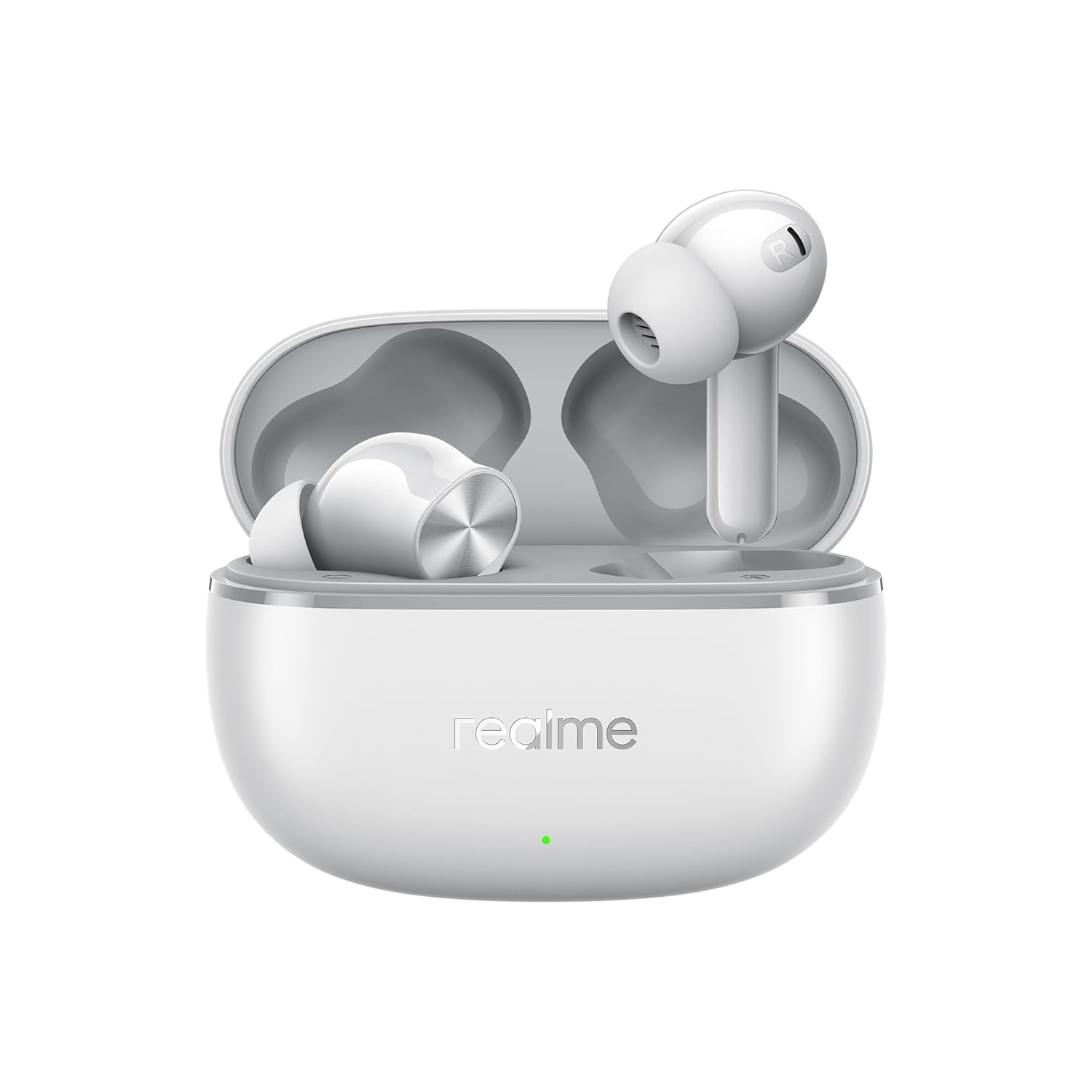
Figure 1: realme Buds T200 Lite Earbuds in their charging case.

Figure 2: realme Buds T200 Lite Earbuds removed from their charging case, showcasing desain maranéhanana.
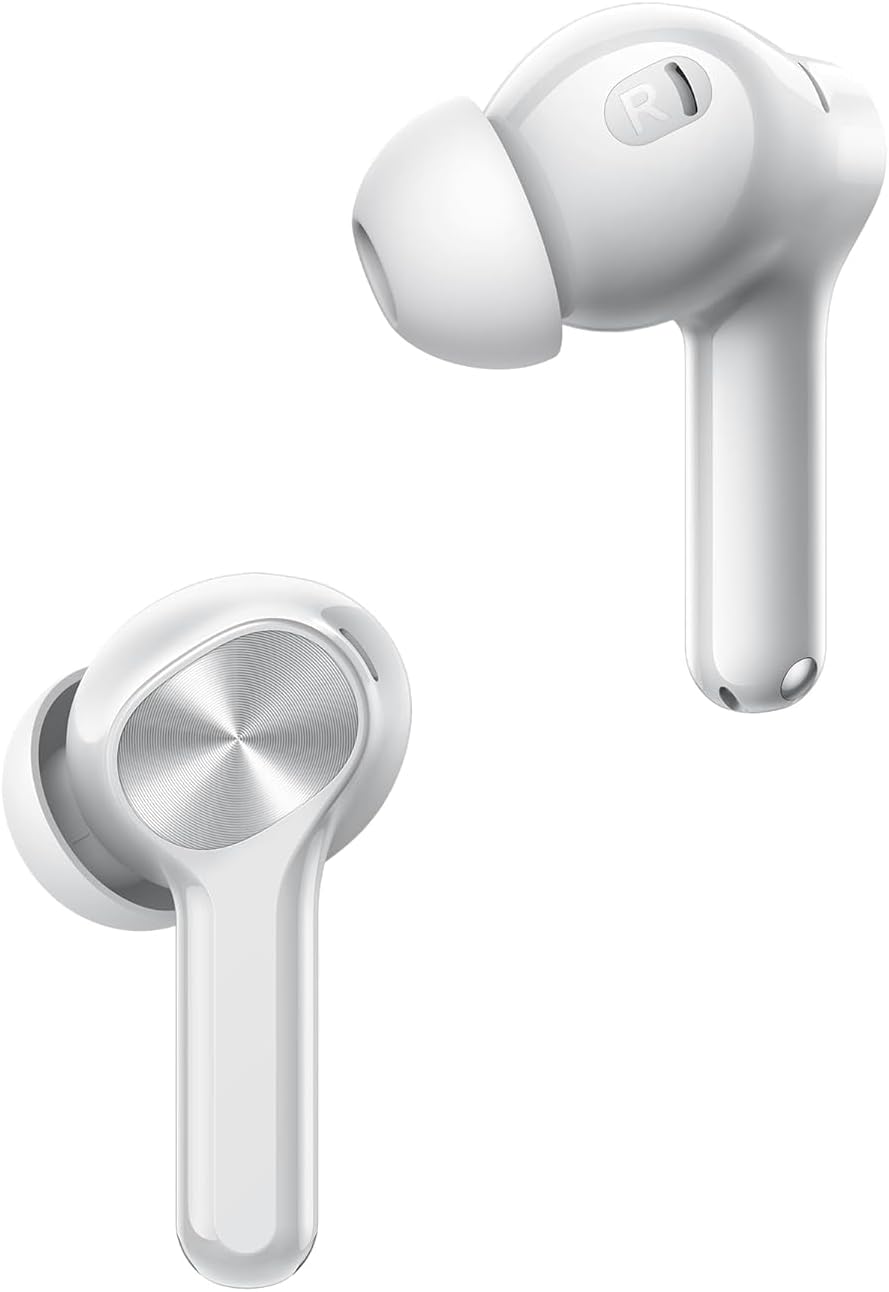
Gambar 3: A close-up view of a single realme Buds T200 Lite earbud, highlighting the in-ear design and touch control area.
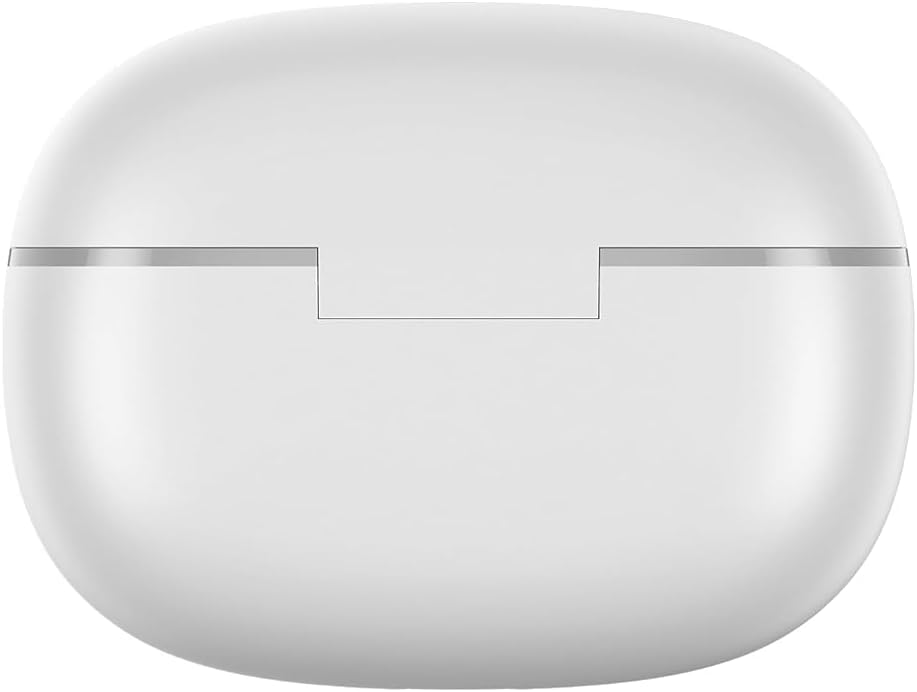
Gambar 4: Top view of the realme Buds T200 Lite charging case, showing its smooth, rounded contours.
4. Setélan
4.1 Papasangan awal
- Buka wadah ngecas. Earbuds bakal otomatis asup kana mode papasangan.
- Dina telepon pinter atanapi tablet anjeun, aktipkeun Bluetooth.
- Milarian pikeun "realme Buds T200 Lite" in the list of available devices and select it to connect.
- For Android devices, Google Fast Pair will automatically detect the earbuds when the case is opened near your device, prompting a quick connection.
4.2 realme Link App Installation
For enhanced control and customization, download the realme Link app from your device's app store (Google Play Store or Apple App Store). The app allows you to:
- Pariksa tingkat batré unggal earbud sareng wadah ngecas.
- Sesuaikeun kadali touch.
- Saluyukeun épék sora sareng setélan equalizer.
- Enable/disable features like Low Latency Gaming Mode and AI ENC.

Figure 5: Screenshot of the realme Link app interface, displaying earbud battery status and various control options.
5. Parentah Operasi
5.1 Kontrol Toél
The earbuds feature intuitive touch controls. Default actions can be customized via the realme Link app.
| Aksi | Fungsi standar |
|---|---|
| Ketok dua kali | Puter/Reureuh musik, Jawab/Tungtung telepon |
| Ketok Triple | lagu salajengna |
| Tap & Hold (Left Earbud) | Volume Turun |
| Tap & Hold (Right Earbud) | Volume Up |
5.2 Manajemén Telepon
The earbuds are equipped with 4 microphones and AI Environmental Noise Cancellation (AI ENC) for clear calls, even in noisy environments.

Figure 6: Illustration of Dual-Mic AI Noise Cancellation technology in realme Buds T200 Lite, ensuring clear communication.
5.3 Puterkeun Musik
Experience powerful audio with 12.4mm Dynamic Bass Drivers, delivering rich and immersive sound.

Gambar 7: Leuwihview of key features, including the 12.4mm Dynamic Bass Driver for enhanced audio quality.
5.4 Low Latency Kaulinan Mode
Activate Low Latency Gaming Mode via the realme Link app for a synchronized audio-visual experience during gaming.
5.5 Sambungan Alat Ganda
The earbuds support dual device connection, allowing seamless switching between two paired devices (e.g., smartphone and tablet) without needing to disconnect and reconnect.

Figure 8: Visual representation of the dual-device connection feature, showing earbuds simultaneously linked to a smartphone and a tablet.
6. Ngecas
The realme Buds T200 Lite offer up to 48 hours of total playback time with the charging case. A quick 10-minute charge provides up to 5 hours of playback.
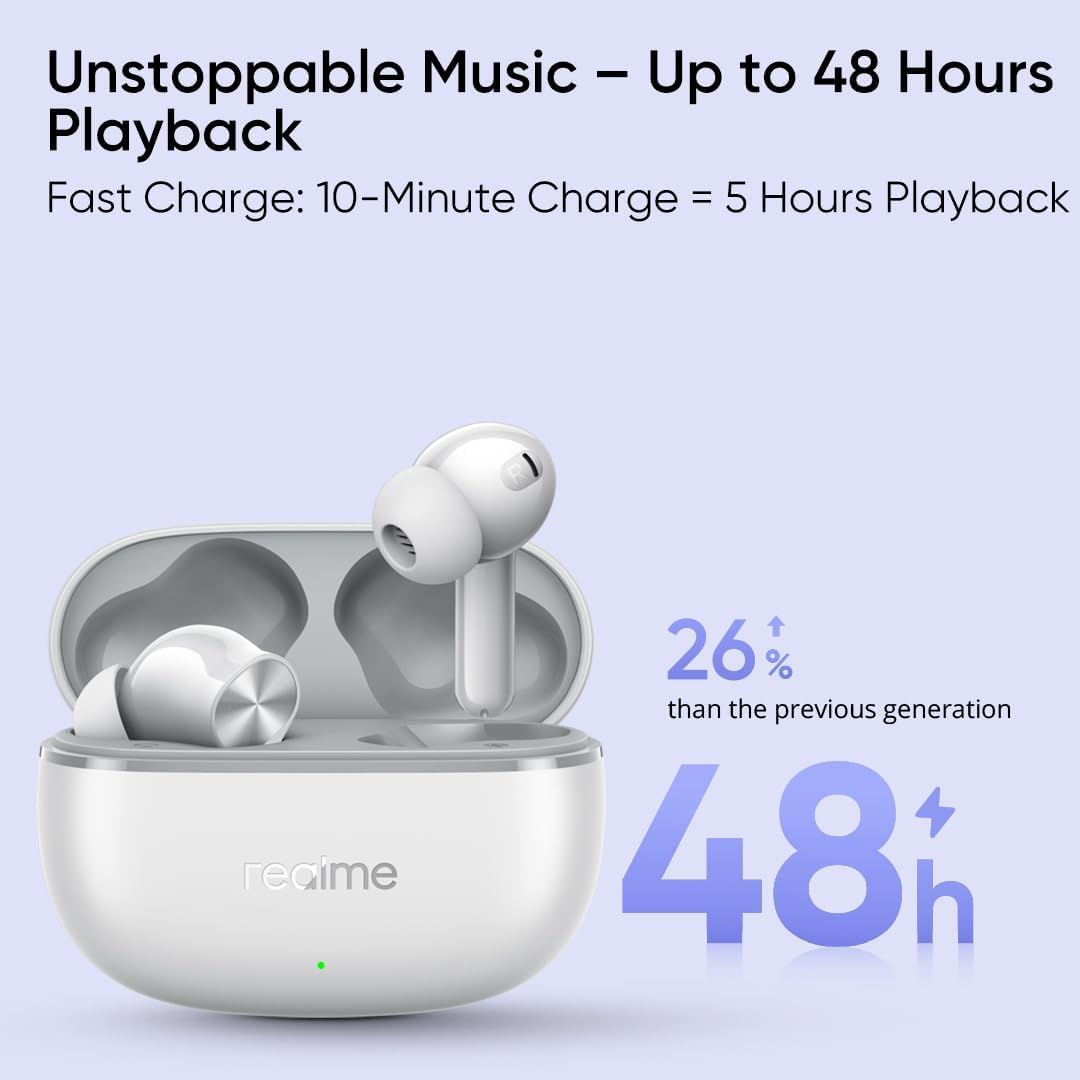
Figure 9: Graphic illustrating the impressive 48-hour total playback time and the fast charging capability of the realme Buds T200 Lite.
6.1 Ngecas Earbuds
Lebetkeun earbud kana wadah ngecas. Éta bakal otomatis mimiti ngecas.
6.2 Ngecas Casing
Connect the charging case to a power source using a USB-C cable. The indicator light on the case will show the charging status.
7. Pangropéa & Perawatan
7.1 Tahan cai
The earbuds are IPX4 water resistant, meaning they are protected against splashing water from any direction. This makes them suitable for workouts and light rain. However, they are not designed for swimming or showering.
7.2 beberesih
Rutin ngabersihkeun earbuds sareng wadah ngecas ku kaén anu lembut sareng garing. Ulah make bahan kimia kasar atawa bahan abrasive.
8. Cara ngungkulan
8.1 Earbuds Teu Nyapasangkeun
- Pastikeun duanana earbud aya dina wadah ngecas sareng wadahna gaduh batré anu cekap.
- Open the case and check if the indicator light is blinking, indicating pairing mode.
- Pareuman sareng aktipkeun deui Bluetooth dina alat anjeun.
- Coba setel ulang earbud (tingali aplikasi realme Link atanapi dukungan produk pikeun pitunjuk setel ulang khusus).
8.2 Volume Leutik atanapi Kualitas Sora Goréng
- Check the volume levels on both your device and through the earbud touch controls.
- Pastikeun earbud dipasang kalawan bener dina ceuli anjeun pikeun segel anu optimal.
- Ngabersihan sagala lebu tina nozzles earbud.
- Adjust equalizer settings in the realme Link app.
9. Spésifikasi
| Fitur | Rincian |
|---|---|
| Ngaran modél | T200 Lite |
| Tipe Supir Audio | 12.4mm Supir Dinamis |
| Vérsi Bluetooth | 5.0 |
| Kahirupan Batré (Earbuds) | Nepi ka 10 jam (sakali muatan) |
| Total Playback (with Case) | Nepi ka 48 jam |
| Ngecas Gancang | 10 menit ngecas pikeun 5 jam playback |
| Fitur Control Noise | AI ENC for Calls, 4 Mics |
| Tahan cai | IPX4 |
| Téhnologi konektipitas | Nirkabel (Bluetooth) |
| Métode kontrol | Aplikasi, Toél |
| Alat nu cocog | Cell Phones, Tablets |
| Item Beurat | 10 Gram (0.353 ons) |
| Bahan | Plastik, Silikon |
10. Garansi jeung Rojongan
For warranty information and technical support, please refer to the warranty card included in your product packaging or visit the official realme websitus. Simpen bukti pameseran anjeun pikeun klaim garansi.


