
1. Bubuka
This manual provides detailed instructions for the proper use and maintenance of your iFLYTEK USB-C to 3.5mm Audio Jack Adapter. This adapter is specifically designed to enhance the audio capabilities of your iFLYTEK Smart Recorder, ensuring high-fidelity sound for recording, playback, and communication.
2. Produk Langkungview
The iFLYTEK USB-C to 3.5mm Audio Jack Adapter serves as a bridge between your iFLYTEK Smart Recorder (or other compatible USB-C devices) and standard 3.5mm audio peripherals such as headphones or external microphones. It features a high-performance Digital-to-Analog Converter (DAC) chip for superior audio quality and is built with durable materials for extended lifespan.
3. Fitur
- Tailored for iFLYTEK Smart Recorder: Ensures seamless integration and optimized audio performance for professional recording workflows.
- Kualitas Sora Hi-Fi: Equipped with a high-performance DAC chip, this adapter delivers high-quality audio and effectively minimizes background noise for clear voice recordings.
- Effortless Plug-and-Play: No drivers or setup required; simply plug in for instant zero-latency audio.
- Daya tahan tinggi: Reinforced with a SUS 316 Shell and TPE material, designed to resist daily wear, bends, and tugs, successfully passing 10,000 bend tests.
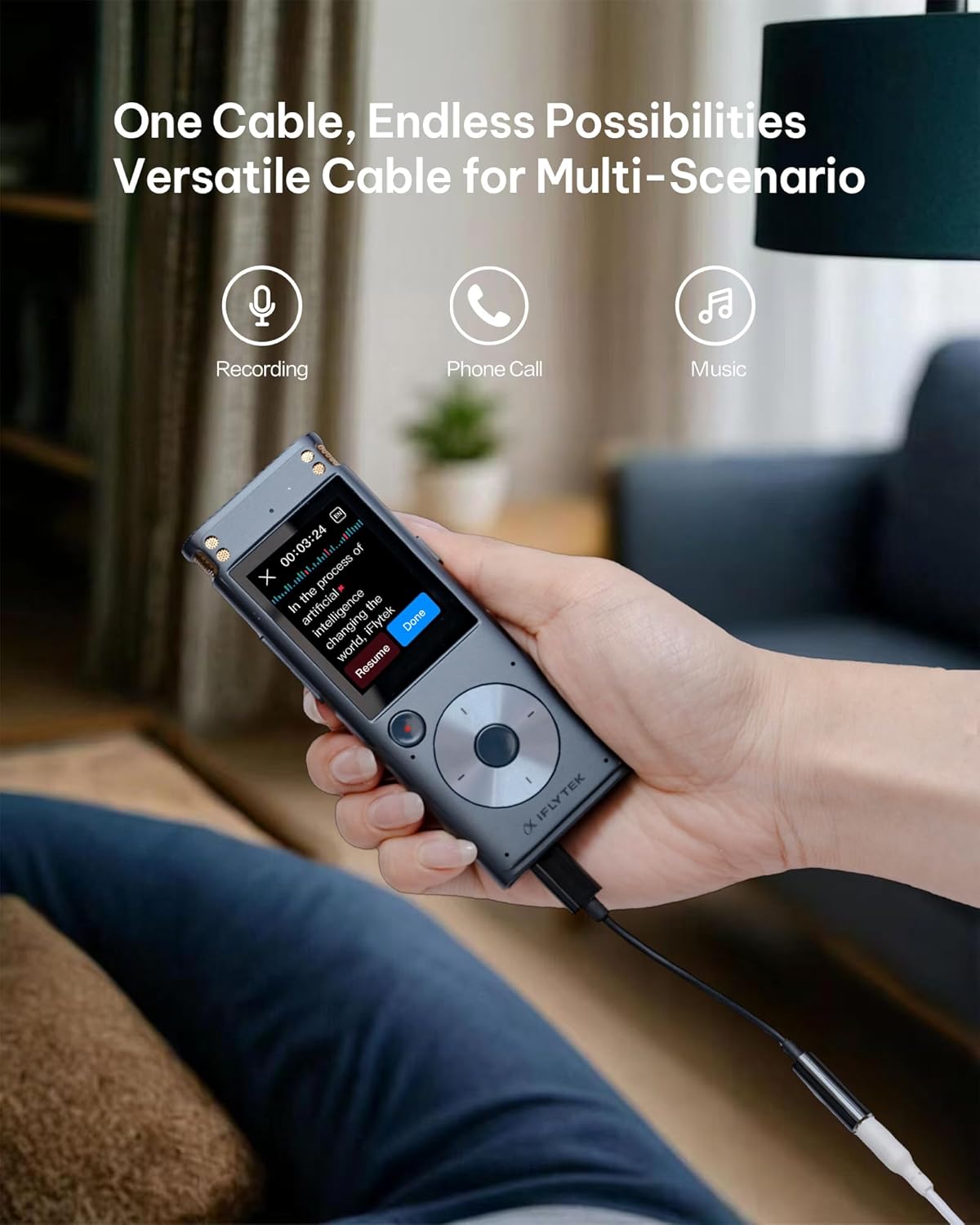
- Pamakéan Multi-Skenario: Versatile for recording, phone calls, and music playback.
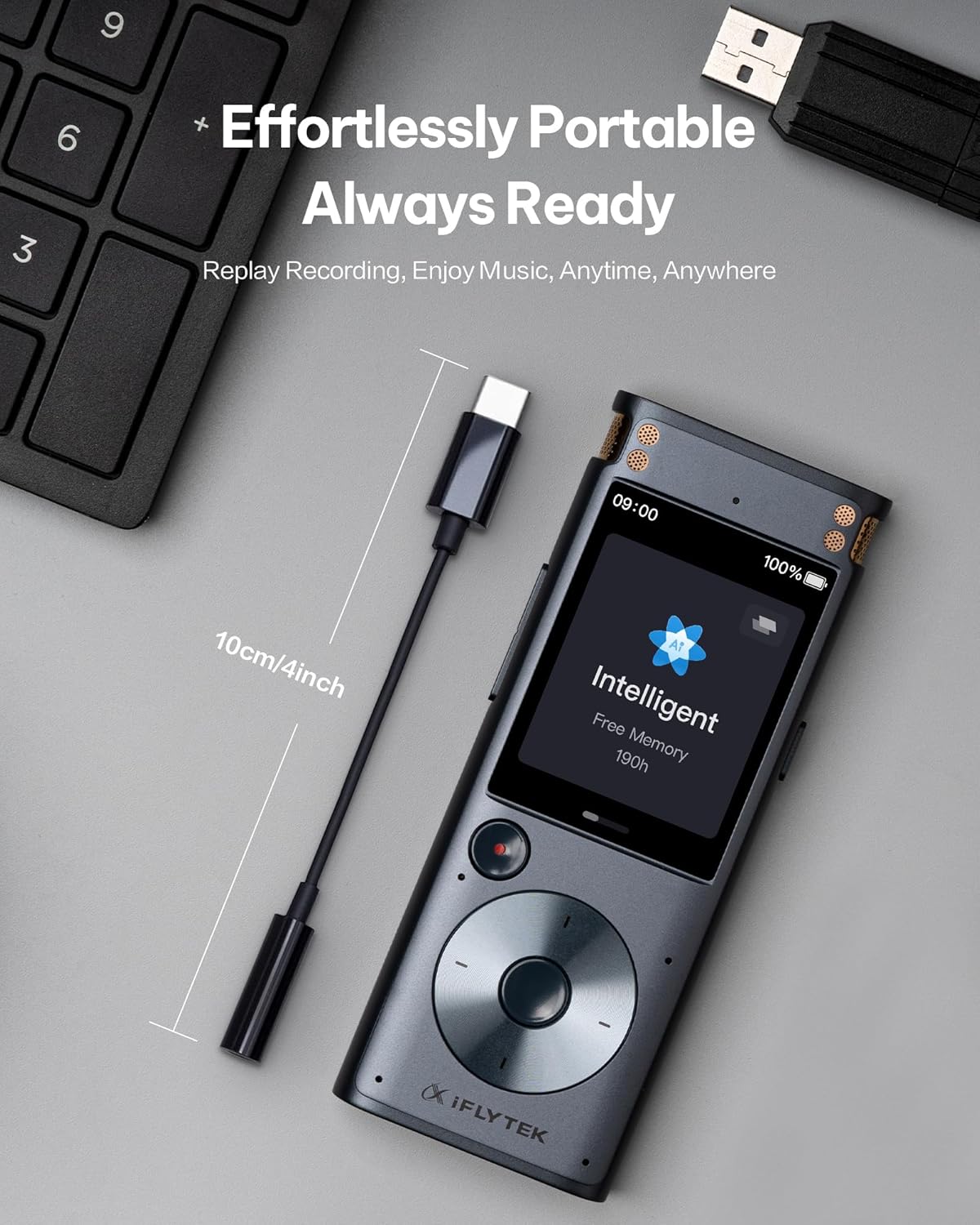
- Desain portabel: Compact and lightweight for on-the-go convenience.
4. Setélan
Follow these steps to set up your iFLYTEK USB-C to 3.5mm Audio Jack Adapter:
- Nyambung ka Alat: Insert the USB-C end of the adapter into the USB-C port of your iFLYTEK Smart Recorder or other compatible USB-C device.
- Connect Audio Peripheral: Plug your 3.5mm headphones, earphones, or external microphone into the 3.5mm audio jack of the adapter.
- Pariksa sambungan: Ensure both connections are secure. The adapter is plug-and-play, so no additional drivers or software installation should be required.

5. Parentah Operasi
Once connected, the adapter operates automatically. Audio from your iFLYTEK Smart Recorder will be routed through the 3.5mm port, allowing you to listen via headphones or record via an external microphone. The high-performance DAC chip ensures minimal background noise and clear audio transmission.
6. Pangropéa
Pikeun mastikeun umur panjang sareng kinerja optimal adaptor anjeun, turutan pedoman perawatan ieu:
- beberesih: Use a soft, dry cloth to gently wipe the adapter. Avoid using harsh chemicals or abrasive materials.
- Panyimpenan: Simpen adaptor di tempat anu tiis sareng garing jauh tina sinar panonpoé langsung sareng suhu anu ekstrim.
- Penanganan: Avoid excessive bending or tugging on the cable. Despite its durable design, proper handling will extend its lifespan.


7. Cara ngungkulan
If you encounter any issues with your adapter, please refer to the following common solutions:
- Henteu aya Kaluaran Audio:
- Ensure the adapter is fully inserted into both the USB-C device and the 3.5mm audio peripheral.
- Check the volume settings on your iFLYTEK Smart Recorder or connected device.
- Test with different headphones or microphones to rule out peripheral issues.
- Kualitas Audio goréng:
- Pastikeun sadaya sambungan aman sareng bebas tina lebu.
- Verify the audio source quality.
- Avoid using the adapter in environments with excessive electromagnetic interference.
- Masalah kasaluyuan:
- This adapter is specifically designed for the iFLYTEK Smart Recorder. While it may work with other USB-C devices, full functionality is guaranteed with iFLYTEK products.
8. Spésifikasi
| Spésifikasi | Rincian |
|---|---|
| Tipe Panyambung | USB Type C to 3.5mm Audio Jack |
| Alat nu cocog | iFLYTEK Smart Recorder, Headphones |
| Warna | Hideung |
| Bahan | SUS 316 Shell, TPE |
| Daya tahan | 10,000 bend tests passed |
| Item Beurat | 0.317 ons |
| Ukuran Paket | 4.37 x 2.91 x 0.75 inci |
9. Garansi jeung Rojongan
Your iFLYTEK USB-C to 3.5mm Audio Jack Adapter comes with a garansi 1 taun. We also offer a 30-day return/exchange policy for your peace of mind. For any technical assistance or inquiries, our dedicated support team provides Dukungan online 24/7 jeung rojongan teknis hirupna.
For more information or to contact support, please visit the official iFLYTEK Official Store.